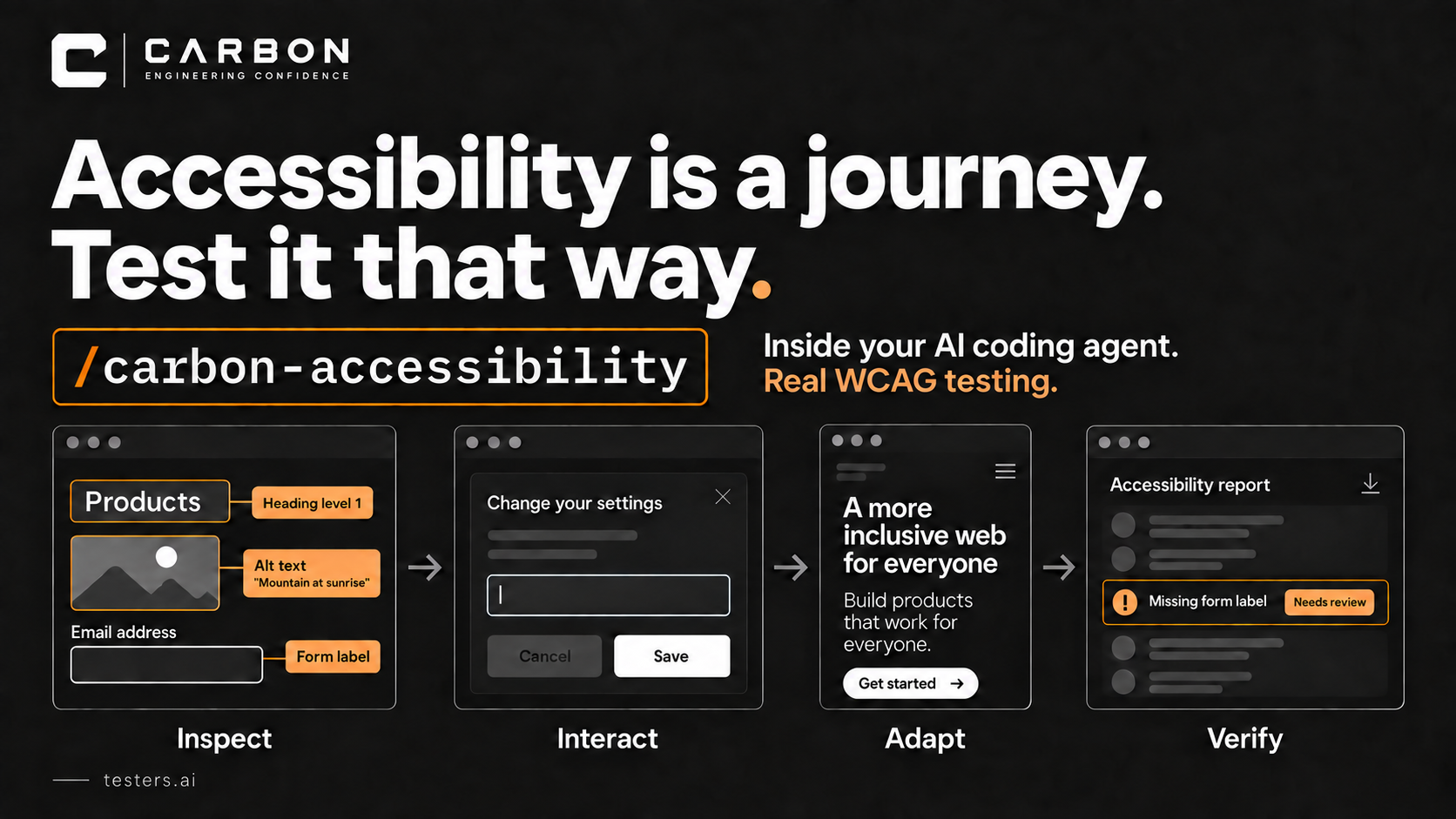
WCAG specialist focused on criterion-level evidence across perceivable, operable, understandable, and robust behavior, without overstating automated scan results as conformance.
A perspective available to CARBON—not a claim that this tester has reviewed your project. Findings require execution evidence.
Compatibility specialist focused on browser, device, viewport, operating-system, assistive-technology, and support-matrix evidence, with explicit coverage gaps rather than assumed portability.
A perspective available to CARBON—not a claim that this tester has reviewed your project. Findings require execution evidence.
Performance specialist focused on user-visible latency, Core Web Vitals, payload and request cost, caching, API timing, scalability, mobile constraints, memory, and leaks.
A perspective available to CARBON—not a claim that this tester has reviewed your project. Findings require execution evidence.
Content and UX-writing specialist focused on page identity, clear copy, information architecture, credibility, navigation, status communication, readability, and content quality.
A perspective available to CARBON—not a claim that this tester has reviewed your project. Findings require execution evidence.
Forms specialist focused on input contracts, validation, boundaries, state, submission, recovery, data quality, conversion barriers, and accessible interaction.
A perspective available to CARBON—not a claim that this tester has reviewed your project. Findings require execution evidence.
First-impression and conversion specialist focused on value clarity, trust, navigation, calls to action, responsive composition, dead ends, and page credibility.
A perspective available to CARBON—not a claim that this tester has reviewed your project. Findings require execution evidence.
Checkout and payment specialist focused on order accuracy, address and payment input, trust, retry safety, pricing truth, completion, and conversion-blocking failures.
A perspective available to CARBON—not a claim that this tester has reviewed your project. Findings require execution evidence.
AI
Virtual AI tester
Shopping cart sub-agent
Shopping Cart Tester
Shopping-cart specialist focused on line-item state, quantities, promotions, totals, inventory changes, persistence, accessibility, and safe transition to checkout.
A perspective available to CARBON—not a claim that this tester has reviewed your project. Findings require execution evidence.
AI
Virtual AI tester
Pricing sub-agent
Pricing Page Tester
Pricing and subscription specialist focused on plan clarity, comparison, currency and locale, hidden conditions, billing cadence, conversion paths, and truthful claims.
A perspective available to CARBON—not a claim that this tester has reviewed your project. Findings require execution evidence.
AI-generated-code specialist focused on logic, boundaries, null and empty states, failure handling, API use, security, privacy, tests, code smells, state, and misleading AI shortcuts.
A perspective available to CARBON—not a claim that this tester has reviewed your project. Findings require execution evidence.
Your coding agent built the login page. It can also help find out
whether the login actually protects anything.
That is a better use of AI than asking it to reassure you that the
code looks secure.
AI-guided security testing can read the implementation, operate the
application, follow requests, and investigate how permissions behave
across several steps. It can connect a suspicious line of code to
something a user can actually do. That gives it a much broader role than
scanning for a list of known patterns.
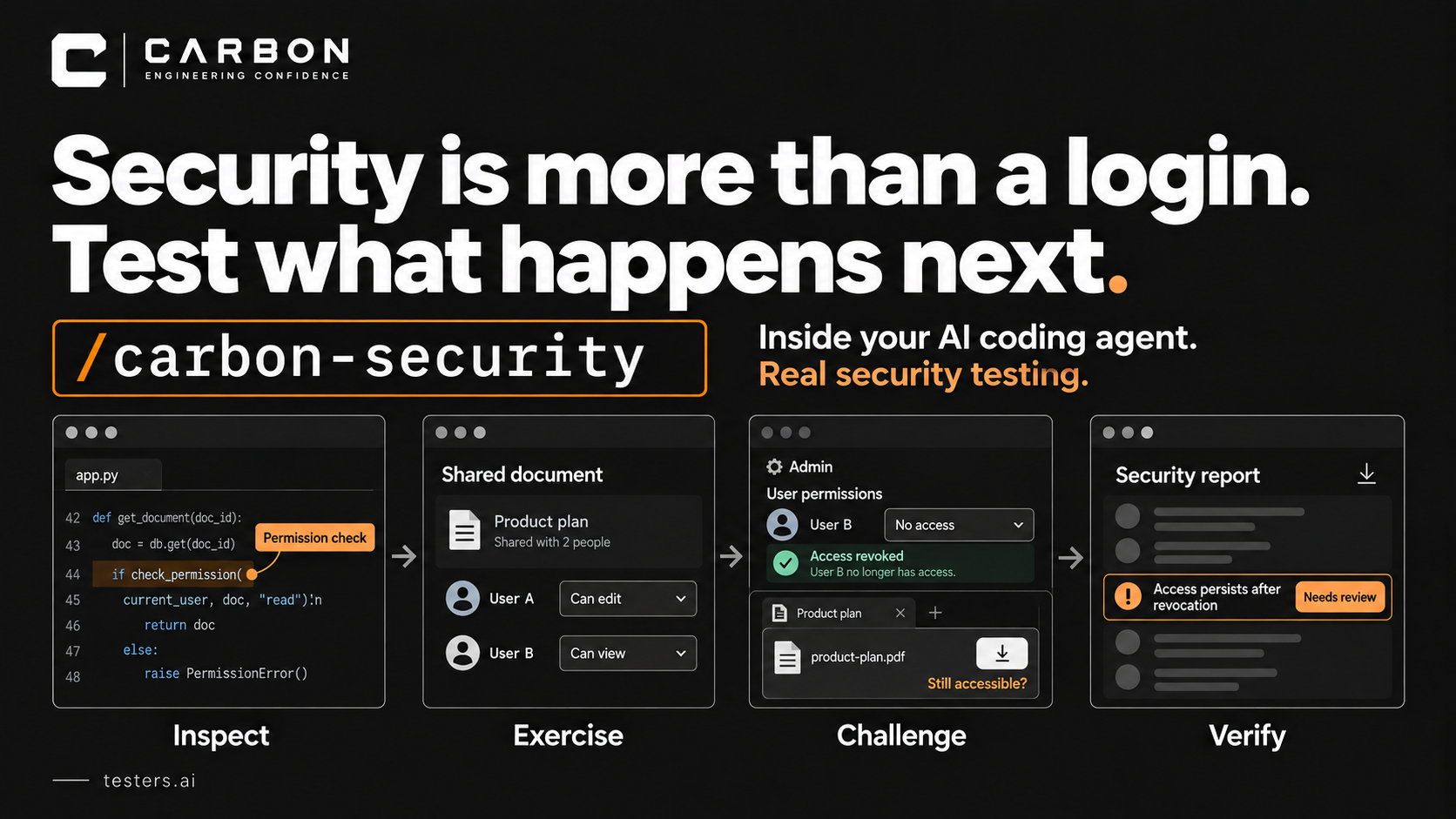
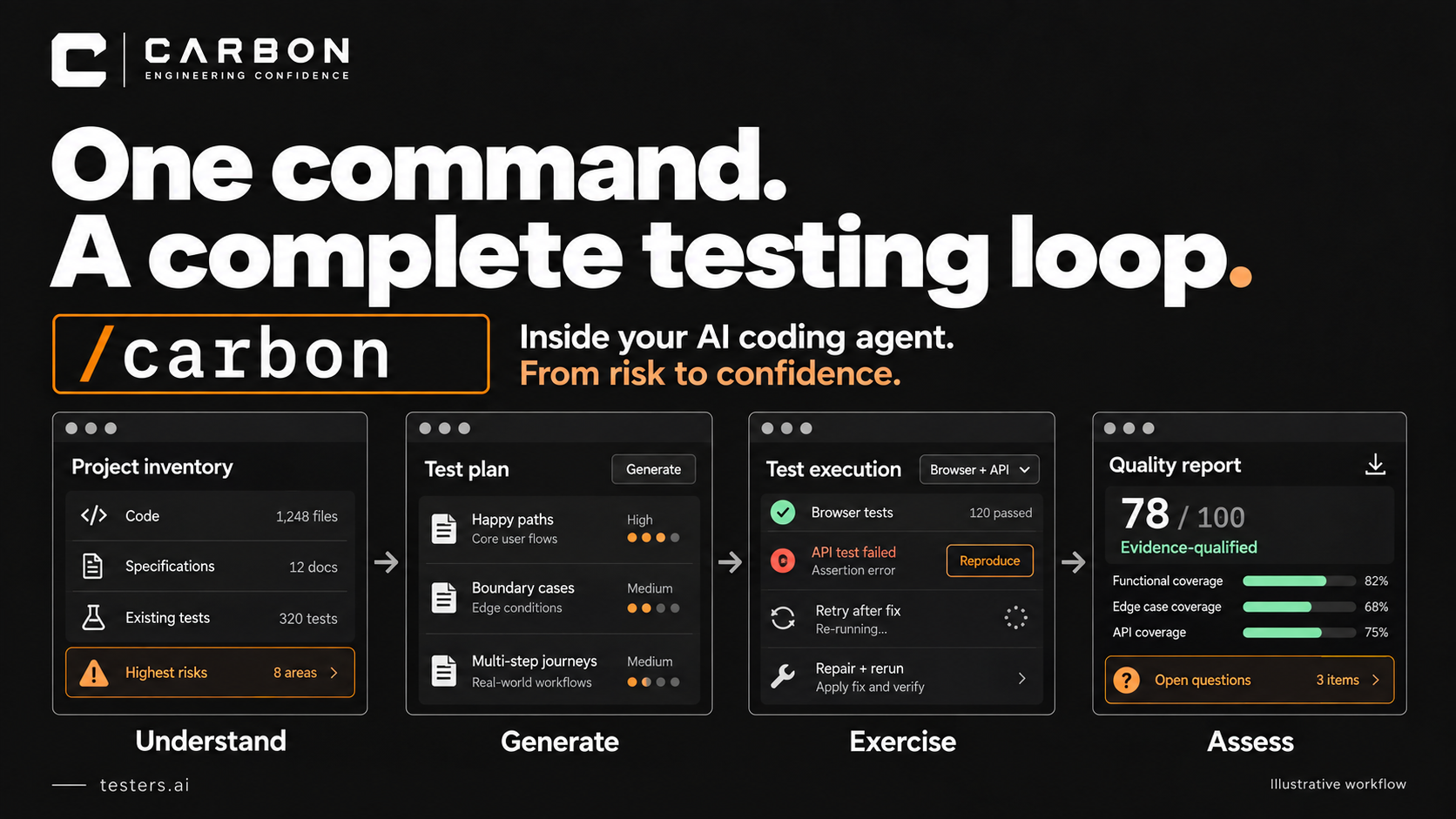
CARBON puts that investigation inside your coding agent. You can set
it up in Claude, Codex, or Cursor from testers.ai/carbon, then start
with:
/carbon-security
You still need judgment. You no longer need to postpone the first
serious questions.
The button
disappeared. Did the permission?
Consider a document-sharing app. An administrator removes someone's
access. The document disappears from that person's dashboard. The
happy-path test passes.
But what happens in the browser tab they already had open? Can they
still download the file? Does the export endpoint check the new
permission? What happens if they submit an edit that started before
access was revoked?
Those are security questions about the application over time. Looking
at the current screen is not enough.
This is where an AI-guided investigation gets interesting. The agent
can inspect the permission checks, form a hypothesis, and try the
relevant sequence using authorized test accounts. If it finds a failure,
it can follow the same boundary through search, exports, and other
routes.
What to ask CARBON to
investigate
The useful work goes well beyond whether a password field hides its
characters:
Account and tenant boundaries. With controlled test
accounts, check whether one user can reach another user's records
through a direct request, search, export, or shared link. A hidden UI
control is not proof of server-side authorization.
Permissions that change mid-task. Revoke access,
expire a session, or change a role in a safe test environment. Then
inspect what an existing tab or pending action can still do.
Secrets taking the wrong route. Look for tokens and
credentials in client code, URLs, logs, errors, storage, and other
places the application exposes. Findings should redact the secret rather
than reproduce it in the report.
Input that becomes something else. Trace how user
input moves into markup, templates, file paths, or exports. Start with
harmless markers and inspect how the application interprets them.
Retries and repeated actions. Examine whether
replaying a request can bypass a check, repeat a sensitive operation, or
leave an inconsistent state. Active tests need an isolated target and
clear limits.
The code gives the agent clues about where to look. Browser and API
observations help establish whether the suspected problem is real.
Combining those perspectives is the point.
Especially useful for
AI-generated code
A feature can look complete while its security assumptions remain
unfinished. The interface checks a role but the endpoint does not. A
demo credential survives in the source. A fallback path skips
validation. One route enforces a restriction while the newly generated
export route forgets it.
These are not uniquely AI mistakes. They are exactly the kinds of
omissions worth investigating when a large amount of plausible-looking
code arrives quickly.
CARBON gives the coding agent a structured way to challenge its own
work. It should not accept “I added authentication” as evidence that
every relevant action is authorized.
A finding you can actually
fix
CARBON produces a security report from the available evidence. A
useful finding explains the affected boundary, the conditions needed to
reproduce it, the observed result, and what to check after
remediation.
It should also distinguish “this code looks vulnerable” from “this
controlled test demonstrated unauthorized access.” Both matter, but they
are different claims.
Security testing does not grant permission to attack arbitrary
systems. CARBON defaults to read-only inspection and benign authorized
probes. Destructive, intrusive, or production-impacting tests require
explicit scope and permission. Use synthetic data and controlled
accounts.
Nor does a clean run prove the product is secure. It tells you what
was examined, what was demonstrated, and where more investigation is
needed. Specialist review still has a role.
Start with the feature
you just changed
Try this against your own isolated test project:
/carbon-security inspect document sharing and access revocation; use synthetic accounts and read-only or benign probes; ask before intrusive testing
The agent is already looking at your code. It already has the change
in context. This is a good time to investigate its security
consequences.
If you use a subscription coding agent, local runs can draw on that
existing allowance. That can keep the incremental cost low, though
subscription limits and any external service costs still apply.
Easy to start does not mean security itself is easy. It means the
setup is less of an excuse.
Before asking the agent to build the next feature, ask it to
investigate whether someone can misuse the last one.