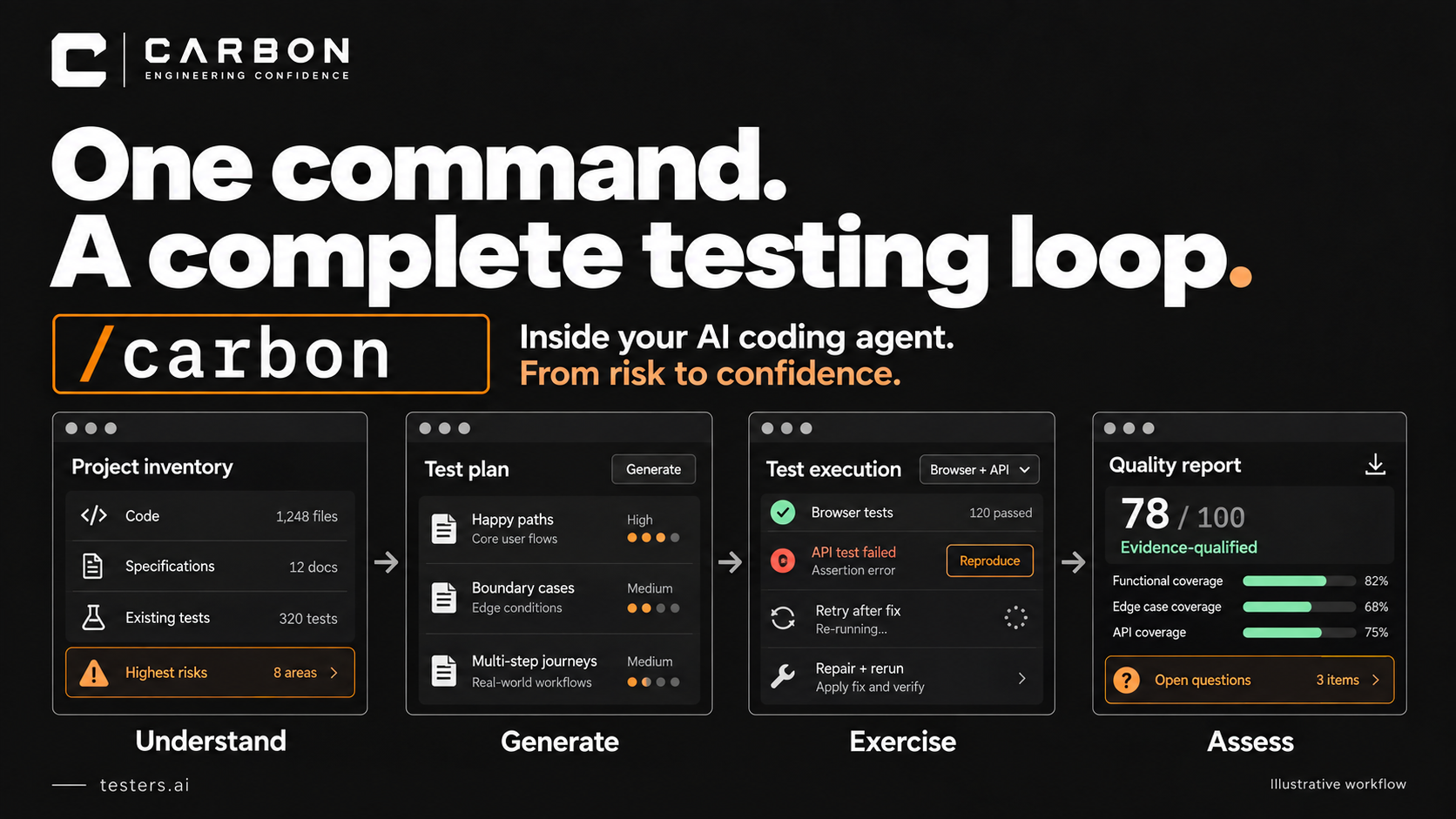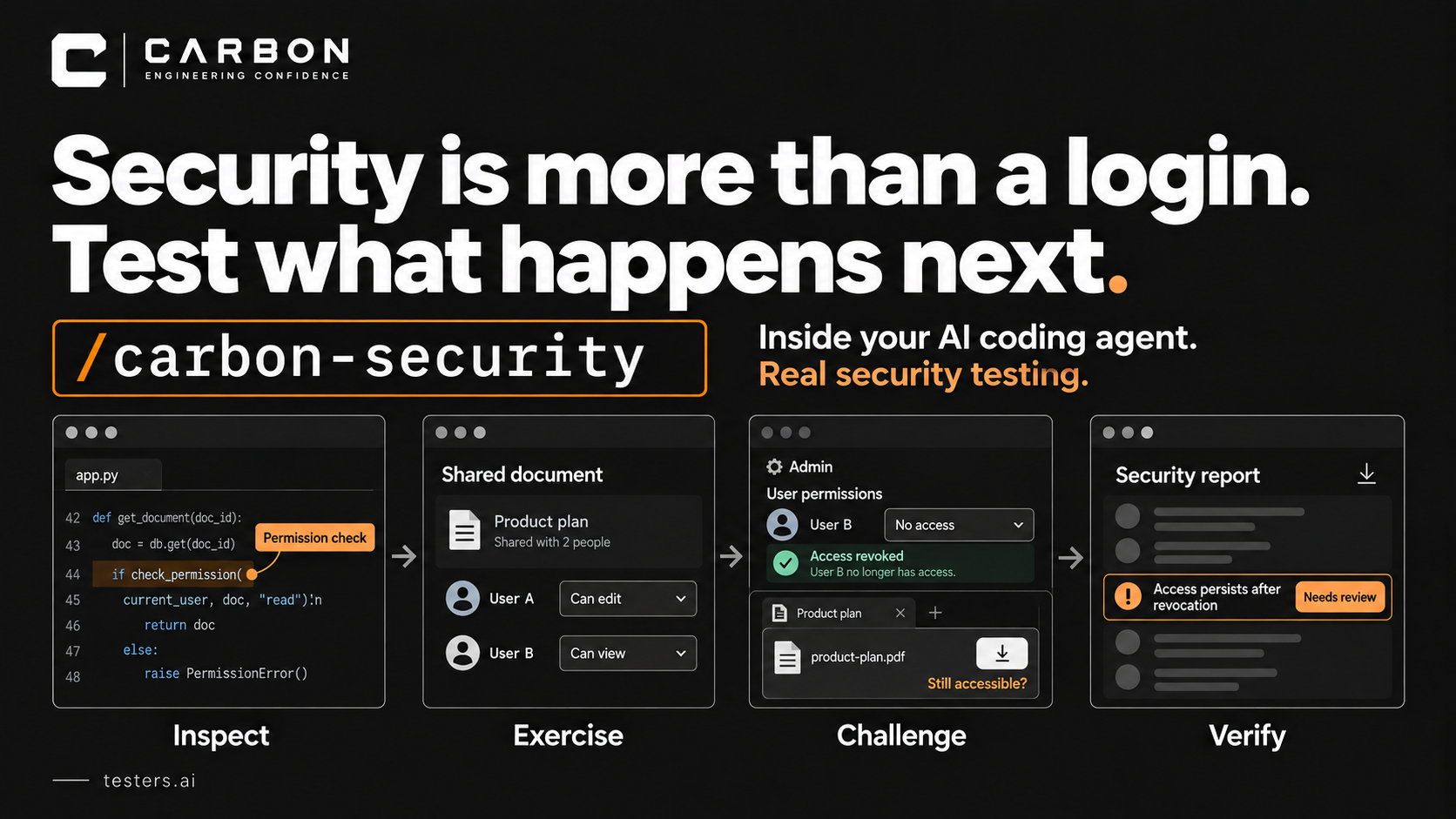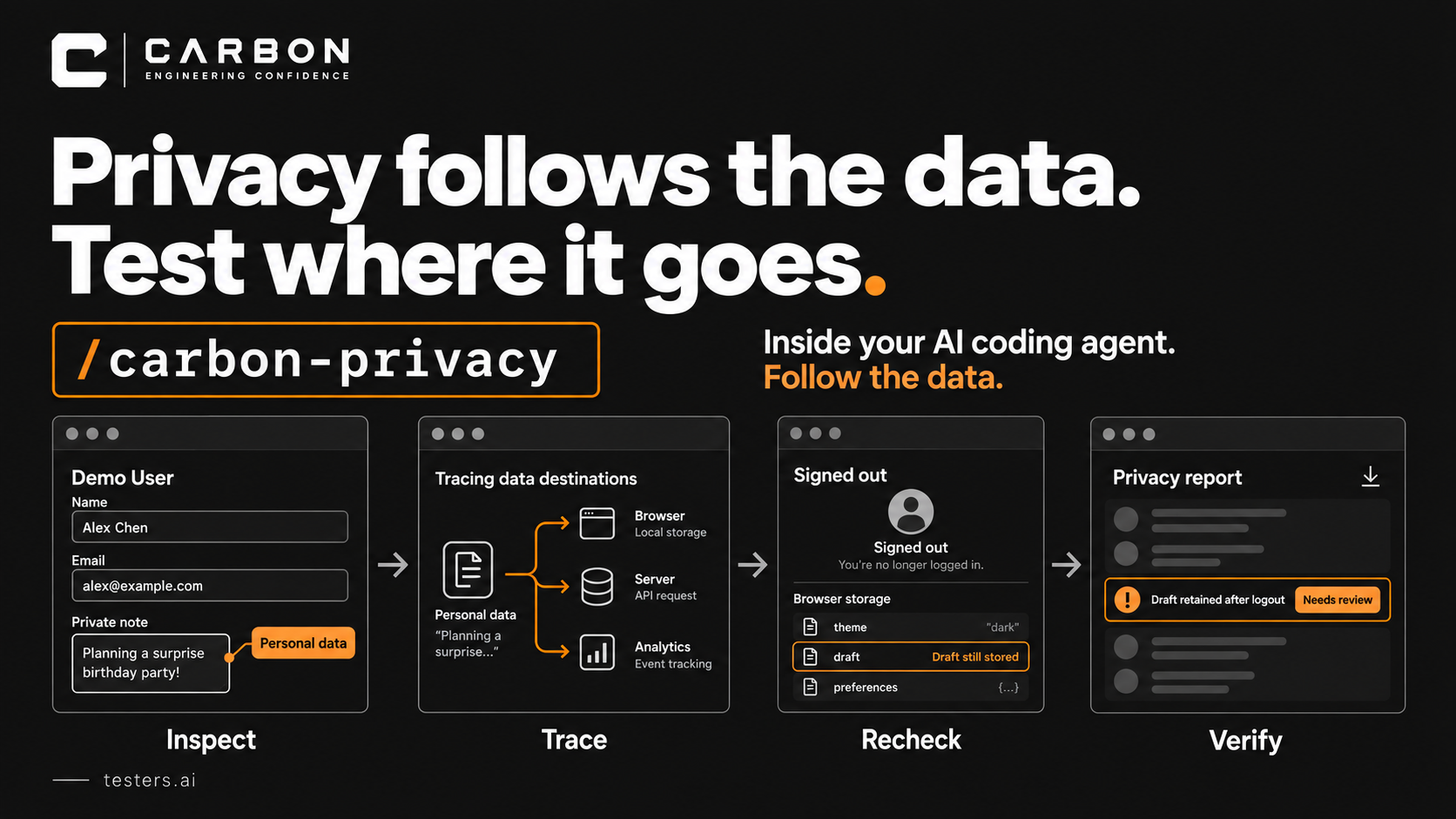























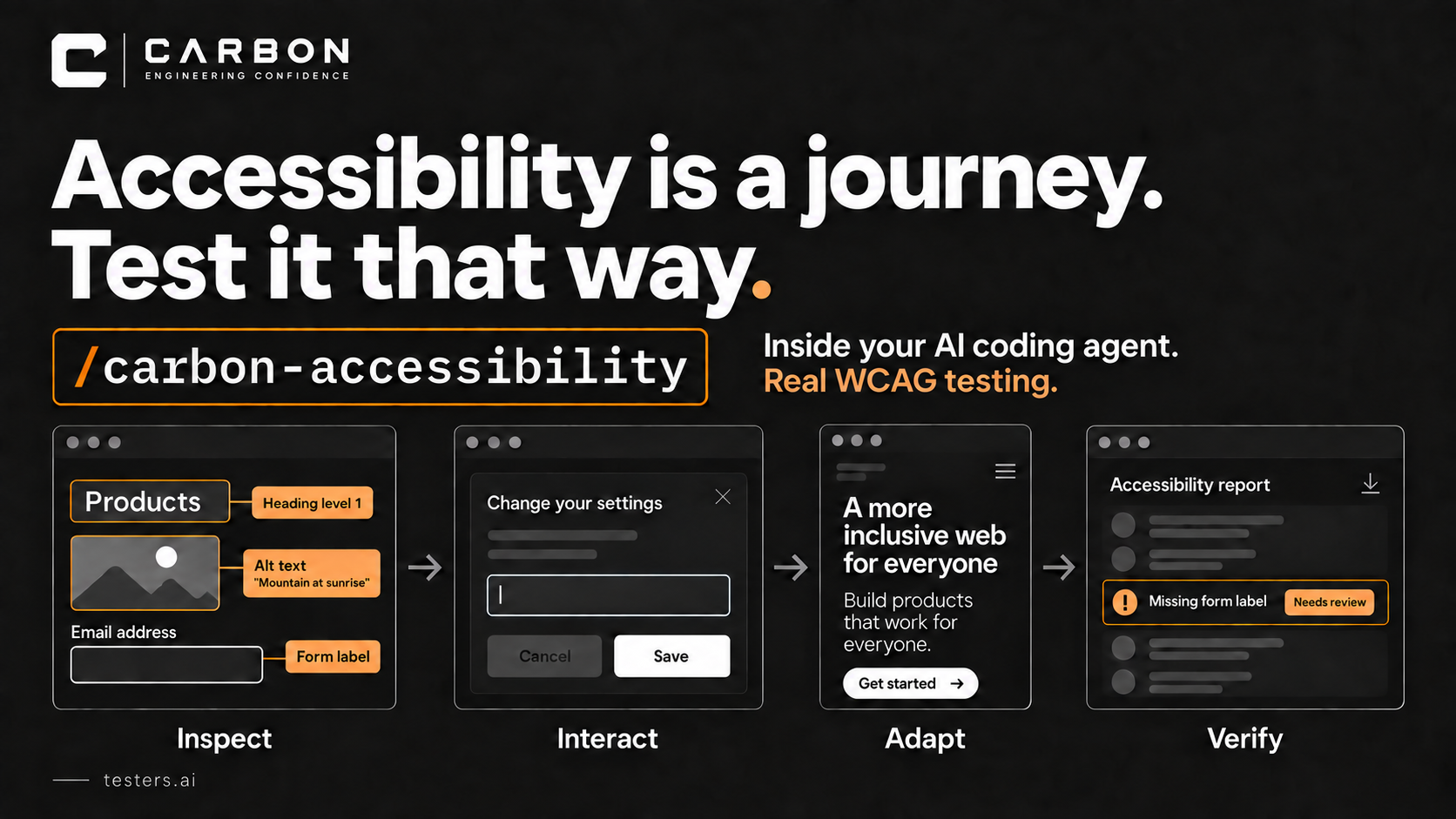
I think AI-guided WCAG testing is a much better approach than stopping at a rules-based scan. The reason is fairly practical: an agent can read the code, use the application, look at the screen, and investigate a problem. It can then explain what it found in a report your team can act on.
You can set up CARBON in your AI coding agent, including Claude, Codex, or Cursor. Install it from testers.ai/carbon, then run the accessibility command in the same place you are building your product.
That matters because a lot of accessibility work has been expensive and slow. Someone has to work through the interface, change settings, inspect the results, follow up on failures, and document what happened. Catching a missing attribute is only a small part of it.
CARBON brings that work into the development process with one command:
/carbon-accessibility
It is an AI agentic verification harness: the workflow and testing knowledge around the agent that help it investigate accessibility and retain evidence. It does not make the agent infallible. It does make a deeper investigation easier to start.
What the scan missed
Imagine a form that passes its initial accessibility scan. Its controls have names, its dialog has a role, and its images have alt text.
Now enlarge the text. Open the dialog using the keyboard. Enter something invalid and try to recover.
The instructions might overlap the input. The error might appear somewhere you never reach. Closing the dialog might leave focus in the wrong place. A customer can be stuck even though the first screen looked fine to the scanner.
AI-guided testing can follow that customer through the task, investigate where they get stuck, and give the developer evidence to work from.
The work AI adds
It would be silly to claim that only AI can change a font size or produce a PDF. We have automated those things for years. What changes is the ability to examine an unfamiliar interface and decide what to test without first hand-coding every interaction and expected result.
A few examples:
- Enlarge the text and inspect the result. Change text size or spacing, test reflow, and look for clipped instructions, overlapping controls, hidden errors, or a button that can no longer be reached. Then try to finish the task. A screenshot of the page before the change cannot answer those questions.
- Read the alt text in context. Having a description is one thing; having a useful description is another. AI can compare the words with the image and what it is doing on that page. The same kind of review applies to vague links, confusing instructions, and error messages that offer no way forward.
- Work through several states. Open an editor, navigate it by keyboard, trigger an error, close it, and reopen it. Check focus and state along the way. The opening screen is rarely where all the interesting problems are.
- Follow up on what breaks. Use the code, the browser, and the purpose of the feature to choose the next check. If an error is confusing, investigate recovery. Don't just record the warning and move on.
- Write up the investigation. Explain who may be blocked, how to reproduce the problem, what evidence supports it, what might fix it, and how to verify the fix. Produce a summary for the people who will not read every individual finding.
A lot of this has traditionally meant human inspection followed by human report-writing. AI can take on substantial portions of that work. How much time it saves depends on the application, the available tools, and how much review the results need.
There are also things it cannot establish from the evidence at hand. A screenshot does not tell you what a screen reader announced. That requires assistive-technology evidence. An AI's visual interpretation can be wrong, so a suspected problem needs to stay distinct from a demonstrated failure.
The report should save work, too
CARBON generates an accessibility report, a WCAG report, and a VPAT-aligned Accessibility Conformance Report, or ACR. AI can draft the analysis, summaries, and criterion-level explanations that are usually tedious to assemble.
Those explanations should be grounded in the actual run. What was checked? What failed? What needs human review? A polished document is not permission to mark an untested criterion as supported.
An incomplete ACR remains a working draft. Expert review and testing with people with disabilities still matter. W3C makes the limit clear: no tool alone can determine whether a site meets accessibility standards.
What about legal exposure?
This is another useful question to bring into the conversation with the AI, provided you give it the business context and require current sources.
Where do you operate? Where are your customers? What kind of product are you selling? Which accessibility obligations might apply?
Your office address is not enough to answer that. U.S. obligations and the European Accessibility Act have different scopes, and product categories and exceptions matter. The U.S. Department of Justice's web guidance and the European Commission's EAA guidance are useful starting points.
AI can help assemble a preliminary risk brief and questions for counsel from that context. That is legal-risk triage, not an automatic CARBON liability calculation. It cannot reliably turn a screenshot into a lawsuit probability or a dollar estimate. Legal conclusions need qualified review.
Still, a brief that connects the technical findings to the relevant business questions is more useful than treating every failed check as the same risk.
Run it while you are building
You have the code open. The coding agent knows what just changed. Why wait until the end of the sprint to find out that the new editor is unusable by keyboard?
If you already pay for a subscription coding agent, local testing can use that allowance instead of adding a separate per-run model API bill. The incremental cost can be very low. Subscription limits still apply, as do any hosting costs or optional external services you choose to use.
Start with a real task:
/carbon-accessibility test the signup journey, including keyboard navigation, enlarged text, validation errors, and recovery
Read the evidence, fix the problems, and run it again.
You should do this because people need to use your product. Where accessibility obligations apply, you have to meet them too; generating an AI report does not fulfill that responsibility.
AI does not remove the need for judgment or specialist help. It removes a lot of the friction that has kept teams from doing even the initial work.
With the testing available in the same agent you are already using to build the product, “we didn't have time to start” is getting difficult to defend.
There is no excuse not to start.
Install CARBON: testers.ai/carbon. Choose the
instructions for your coding agent, then start with
/carbon-accessibility.