
/carbon-settings
Manage CARBON's private local test-execution profile and preferences.
 Jay · Your AI test managerTesting operations
When to use it
You need to inspect or change local execution defaults.
Before you start
Review scope, browser permissions, credentials and limits in the protected local interface. Secrets belong in protected storage, not examples, screenshots or exported reports.
Try this in your coding agent.
/carbon-settings Show this project’s saved testing defaults and execution limits.Replace sample paths with your project. Slash names are shorthand; your host may use a plugin prefix or a skill picker. Invocation help →
ILLUSTRATIVE WALKTHROUGH
Testing defaults and limits
An expanded teaching example, not a recorded or live execution. The report stays visible while the replay explains how to read it.
- 01Read context
- 02Analyze
- 03Show evidence
- 04Report
Coding-agent conversation

Example report
Illustration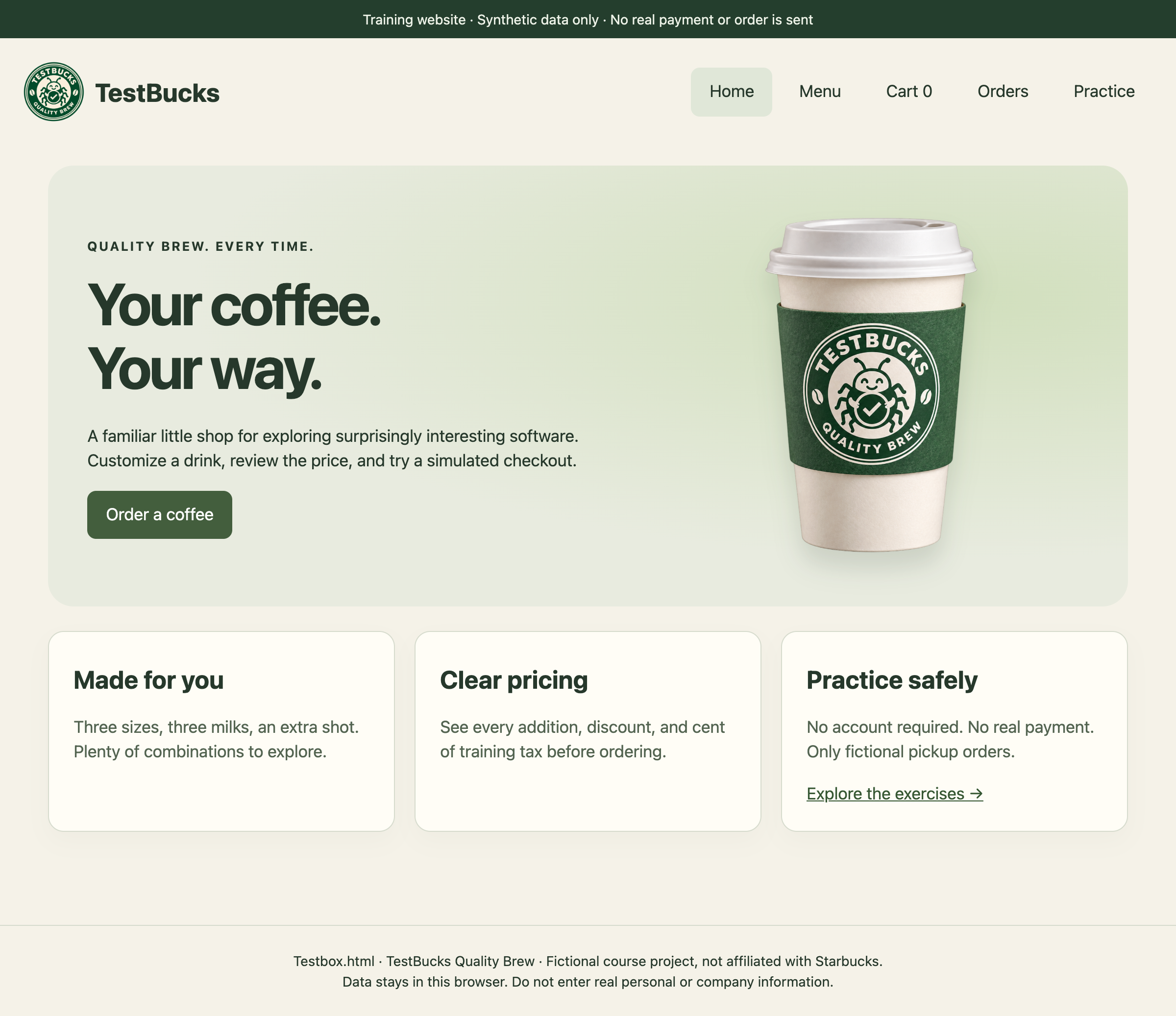
TestBucks course screen with illustrative analysis. The screenshot supplies context; the demo does not establish a newly observed bug.
- TestBucks project
- Command action
- Reviewable output
Illustrated outcome
The settings summary makes scope, budgets and pause state explicit.
Evidence to inspect
Read saved profile → display mode, allowed targets, budget and stop control.
Still untested / not established
No settings are changed in this walkthrough.
Ready. Read the full example or play its steps.
What a useful result contains
A bounded claim
For testing defaults and limits, state the target, revision, environment and actual work performed. Keep planned, executed, blocked and untested work separate.
An inspectable trail
Read saved profile → display mode, allowed targets, budget and stop control. In a real run, retain the source, trace, screenshot or fixture behind the conclusion.
The qualification
No settings are changed in this walkthrough.
The next decision
Decide whether the evidence calls for a focused check, a reviewed fix or more context. Do not convert a plausible example into a verified finding.
Adapt the example to your project
- Replace testing defaults and limits with a real feature, path or decision in your project.
- State the expected rule and its source. Include safe fixtures, constraints and a budget where appropriate.
- Ask for exact evidence and remaining gaps. Approve consequential actions separately.
/jay Review the /carbon-settings result. Separate observed evidence, assumptions and untested scope, then recommend the next useful check.Where to go next
/carbon-help →/carbon-background →Content checked against the local command definition: skills/carbon-settings/SKILL.md. Examples adapted from the homepage’s TestBucks walkthroughs. Availability is edition- and host-dependent.