
/carbon-performance
Run focused CARBON Performance testing and generate a branded performance report.
 Tariq · PerformanceSecurity & resilience
When to use it
An interaction is slow and you need attributable measurements.
Before you start
Record environment, dataset, cold/warm state and repeated measurements. Tie a trace to the slow interaction, then rerun the same scenario after a proposed change instead of claiming improvement from code alone.
Try this in your coding agent.
/carbon-performance Investigate slow rendering and interactions on the product listing page.Replace sample paths with your project. Slash names are shorthand; your host may use a plugin prefix or a skill picker. Invocation help →
ILLUSTRATIVE WALKTHROUGH
Product-list interaction
An expanded teaching example, not a recorded or live execution. The report stays visible while the replay explains how to read it.
- 01Read context
- 02Investigate
- 03Show evidence
- 04Report
Coding-agent conversation

Example report
Illustration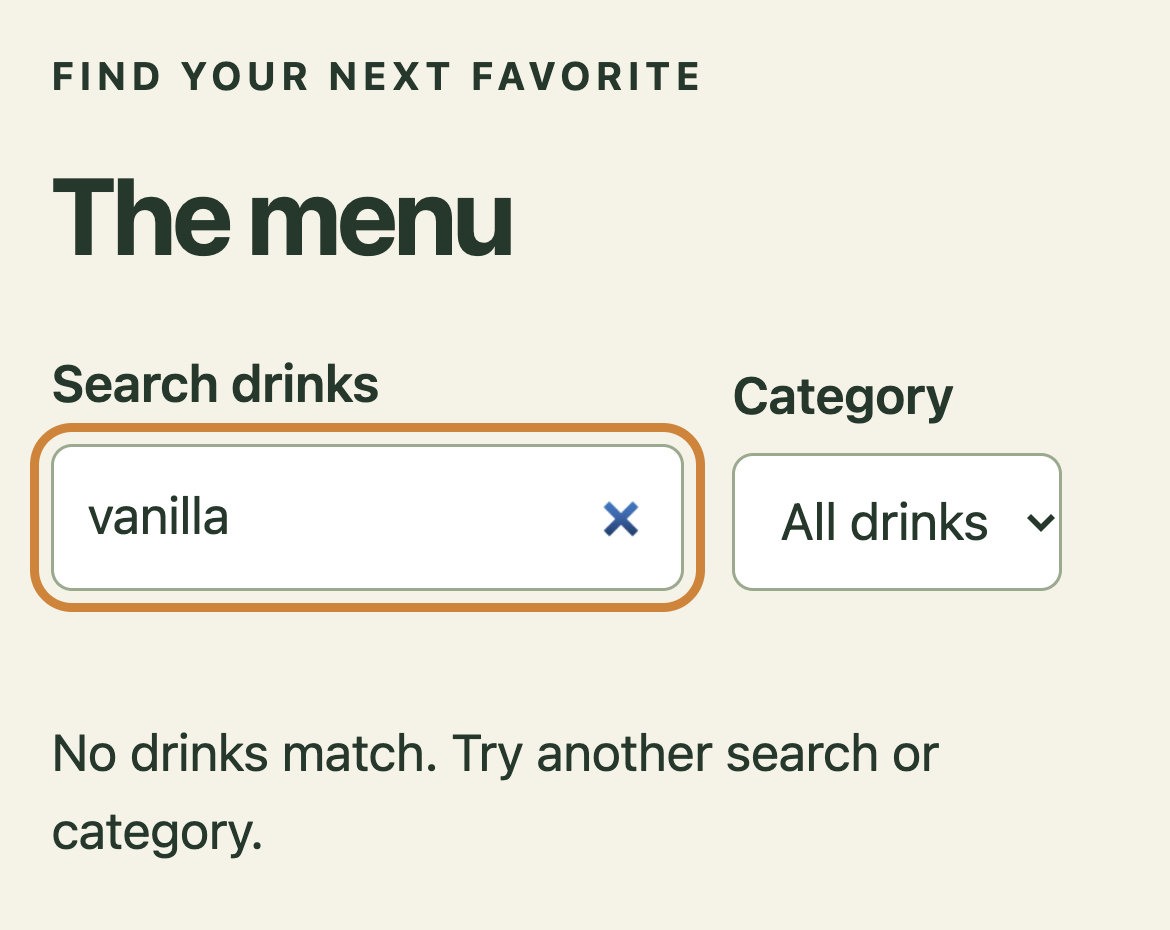
TestBucks course screen with illustrative analysis. The screenshot supplies context; the demo does not establish a newly observed bug.
- Query intent
- Catalog / processing
- Visible result
Illustrated outcome
A repeated full-list recalculation blocks filtering.
Evidence to inspect
Profile local filter input → trace recalculation → propose memoization and a repeat measurement.
Still untested / not established
No production latency or device-speed claim.
Ready. Read the full example or play its steps.
What a useful result contains
A bounded claim
For product-list interaction, state the target, revision, environment and actual work performed. Keep planned, executed, blocked and untested work separate.
An inspectable trail
Profile local filter input → trace recalculation → propose memoization and a repeat measurement. In a real run, retain the source, trace, screenshot or fixture behind the conclusion.
The qualification
No production latency or device-speed claim.
The next decision
Decide whether the evidence calls for a focused check, a reviewed fix or more context. Do not convert a plausible example into a verified finding.
Adapt the example to your project
- Replace product-list interaction with a real feature, path or decision in your project.
- State the expected rule and its source. Include safe fixtures, constraints and a budget where appropriate.
- Ask for exact evidence and remaining gaps. Approve consequential actions separately.
/jay Review the /carbon-performance result. Separate observed evidence, assumptions and untested scope, then recommend the next useful check.Where to go next
/carbon-load →/carbon-ui →Content checked against the local command definition: skills/carbon-performance/SKILL.md. Examples adapted from the homepage’s TestBucks walkthroughs. Availability is edition- and host-dependent.