Superdrug
App Quality Report
Powered by Testers.AI
B-80%
Quality Score
6
Pages
122
Issues
7.5
Avg Confidence
7.7
Avg Priority
33 Critical70 High19 Medium
Testers.AI
>_ Testers.AI AI Analysis

Superdrug scored B (85%) with 122 issues across 6 tested pages, ranking #12 of 22 UK retail sites. That's 2 fewer than the 123.7 category average (45th percentile).

Top issues to fix immediately: "Multiple Resource Load Failures - DNS Resolution Error" โ€” 1) Verify all resource URLs in the application are correctly configured and using valid domain names; "Resource loading failures affecting product display and functionality" โ€” Investigate and resolve the DNS resolution errors for the failed resources; "Missing alt text on informative images throughout the page" โ€” Add descriptive alt text to all informative images on the page.

Weakest area โ€” accessibility (5/10): Low contrast in some areas, small text on product cards, and limited alt text visibility for images.

Quick wins: Improve color contrast ratios to meet WCAG AA standards, especially for text over backgrounds. Add skip navigation links and improve keyboard navigation for users with mobility issues.
Qualitative Quality
Superdrug
Category Avg
Best in Category
Issue Count by Type
A11y
33
Content
22
UX
7
Visual
3
Security
1
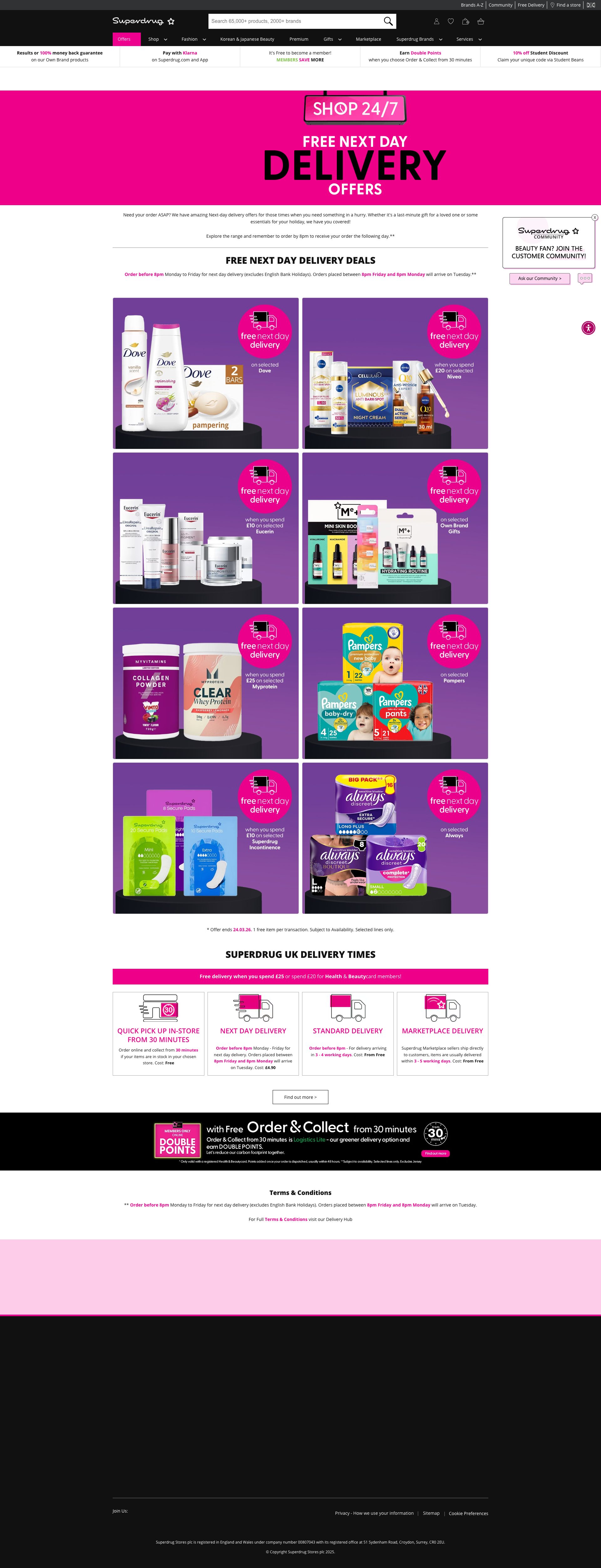
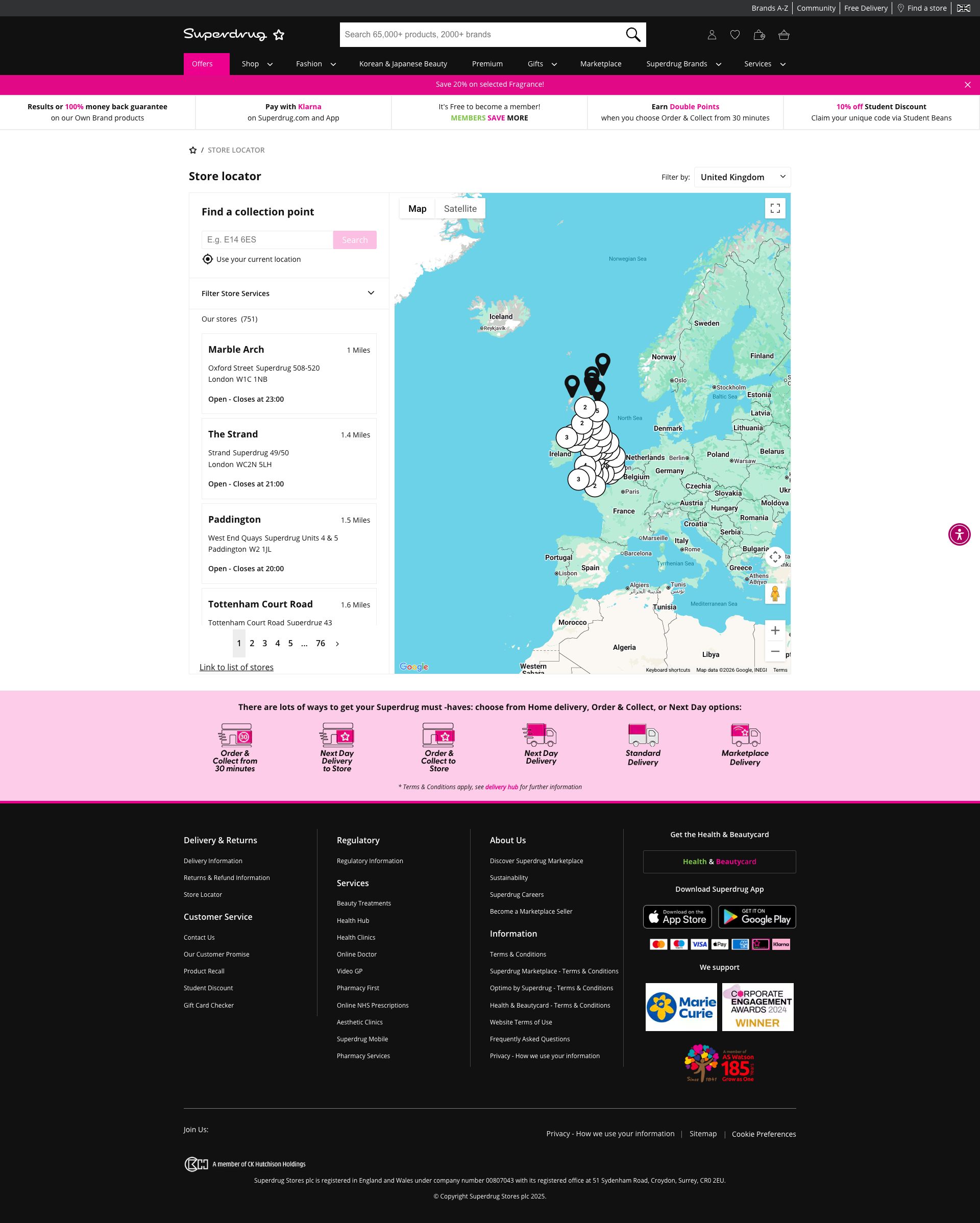
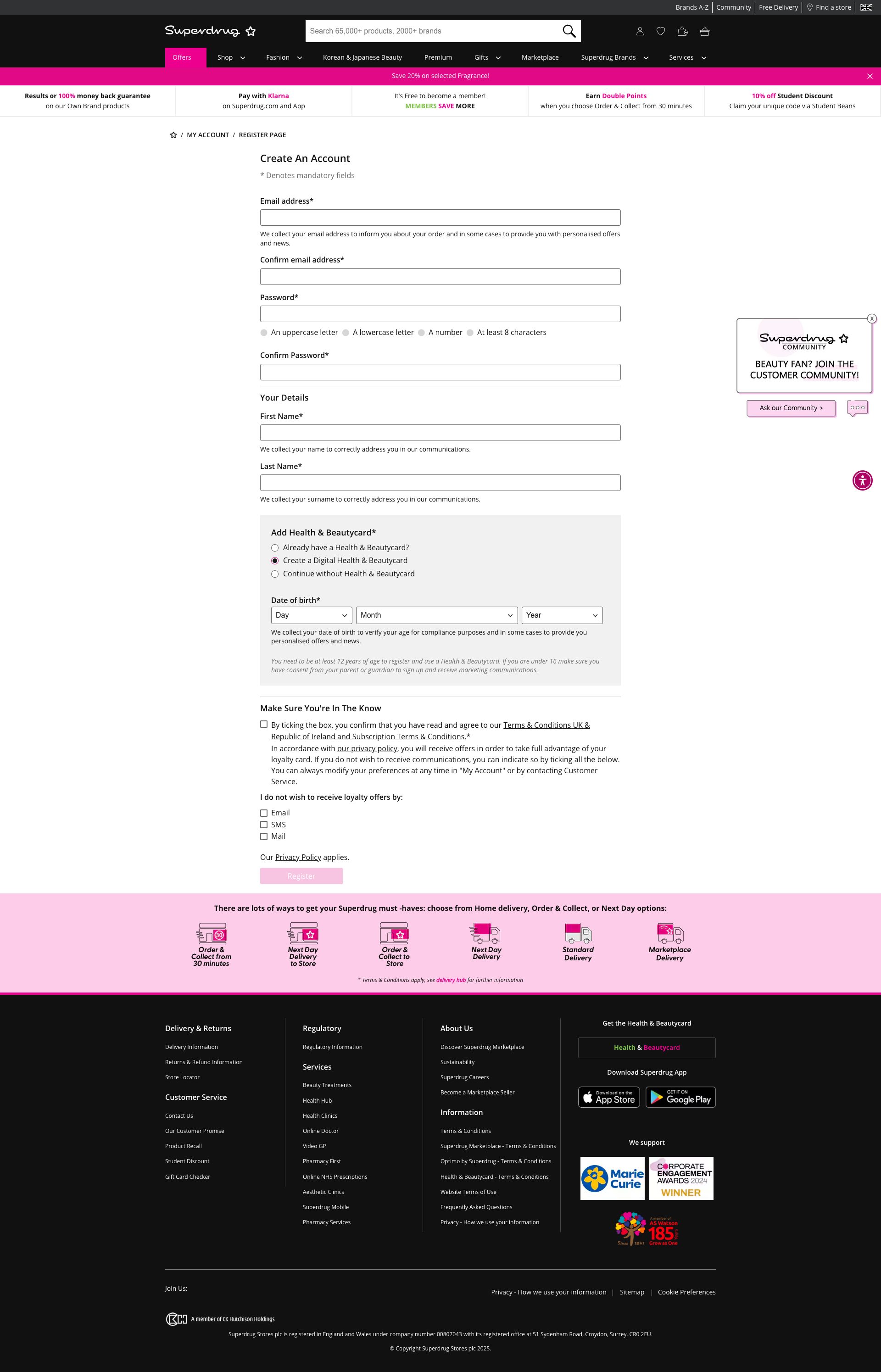
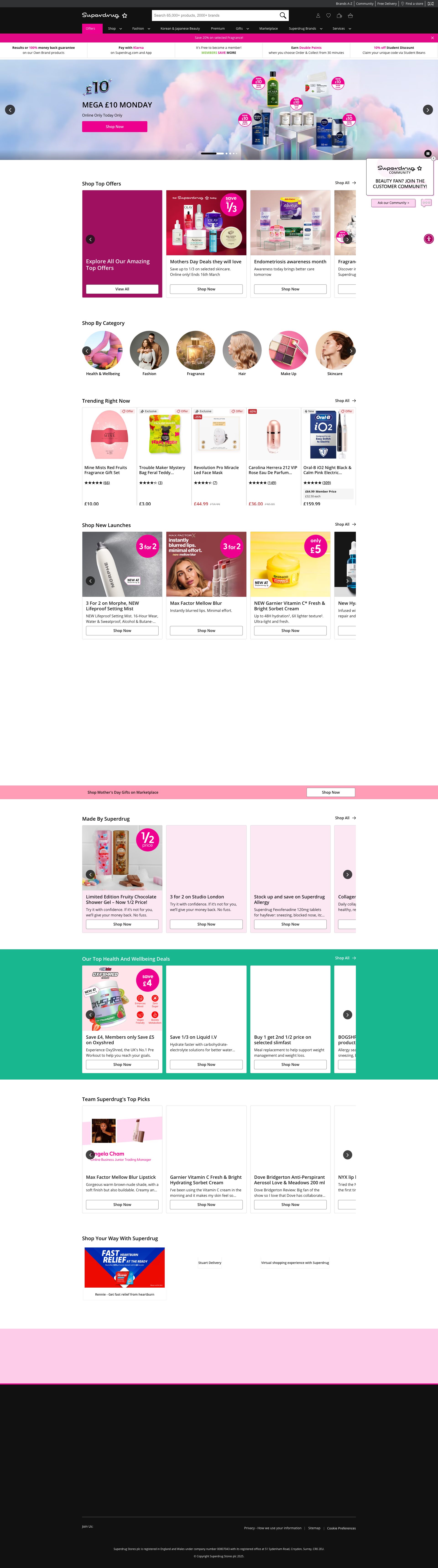
Pages Tested ยท 6 screenshots
Detected Issues ยท 122 total
1
Multiple Resource Load Failures - DNS Resolution Error
CRIT P9
Conf 9/10 Other
Prompt to Fix
I'm seeing multiple 'Failed to load resource: net::ERR_NAME_NOT_RESOLVED' errors in the browser console. This indicates DNS resolution failures for resources being loaded by the application. Please: 1) Identify which resources are failing to load by checking the network tab. 2) Verify all resource URLs use valid, resolvable domain names. 3) Check that any CDN or external service endpoints are correctly configured. 4) Ensure DNS records are set up correctly for all referenced domains. 5) Add error handling to gracefully handle failed resource loads instead of breaking the page.
Why it's a bug
Multiple resources are failing to load with net::ERR_NAME_NOT_RESOLVED errors (4 occurrences). This indicates DNS resolution failures that prevent critical resources from loading. Users will experience broken functionality, missing images, stylesheets, scripts, or API calls. This directly impacts user experience and feature availability.
Why it might not be a bug
Could potentially be a temporary network issue on the user's end or local DNS misconfiguration, but the repeated pattern suggests a systematic problem with the application's resource URLs or server configuration.
Suggested Fix
1) Verify all resource URLs in the application are correctly configured and using valid domain names. 2) Check DNS records for any referenced domains. 3) Review network requests in browser DevTools to identify which specific resources are failing. 4) Ensure CDN or external service endpoints are correctly configured and accessible. 5) Add error handling and fallback mechanisms for failed resource loads.
Why Fix
Resource load failures degrade the user experience significantly. Users may see broken layouts, missing images, or non-functional features. This could lead to task failures and user abandonment.
Route To
Backend/DevOps Engineer or Full Stack Engineer
Page
Tester
Sharon ยท Security Tester
Technical Evidence
Console: [ERROR] Failed to load resource: net::ERR_NAME_NOT_RESOLVED (appears 4 times)
Network: net::ERR_NAME_NOT_RESOLVED
2
Resource loading failures affecting product display and functionality
CRIT P9
Conf 8/10 OtherUX
Prompt to Fix
The application is showing multiple 'Failed to load resource: net::ERR_NAME_NOT_RESOLVED' errors in the browser console. This indicates that external resources (images, stylesheets, or API endpoints) cannot be resolved via DNS. Investigate the resource URLs being requested, verify they are correctly configured in your application, check that all DNS records are properly set up for your CDN and API endpoints, and implement proper error handling and fallback mechanisms so users can still access the site even if some resources temporarily fail to load.
Why it's a bug
The browser console shows multiple 'Failed to load resource: net::ERR_NAME_NOT_RESOLVED' errors, indicating that critical resources (likely product images, stylesheets, or API calls) are failing to load. This directly impacts the user's ability to see products, browse the catalog, and interact with the site. When users cannot see product images or the page fails to load properly, they cannot complete their primary task of browsing or purchasing products.
Why it might not be a bug
Network errors could be temporary or environment-specific, but they are visibly impacting the page and appear in the console logs provided, suggesting a real issue affecting users.
Suggested Fix
Investigate and resolve the DNS resolution errors for the failed resources. Ensure all external resource URLs are correctly configured, CDN endpoints are accessible, and API endpoints are properly DNS-resolvable. Add error handling and fallback mechanisms for failed resource loads.
Why Fix
Users cannot effectively use the product if critical resources fail to load. This directly prevents task completion and damages user trust in the platform. Failed resource loads can cause blank product images, missing styling, or broken functionality.
Route To
Backend/DevOps Engineer, Frontend Engineer
Page
Tester
Mia ยท Usability Tester
Technical Evidence
Elements: <img>, <picture>, CSS and API resource references
Console: [error] Failed to load resource: net::ERR_NAME_NOT_RESOLVED (appears 4 times)
Network: Multiple net::ERR_NAME_NOT_RESOLVED errors indicating DNS resolution failures
Page Text: Various product listings visible but potentially incomplete due to missing resources
3
Missing alt text on informative images throughout the page
CRIT P9
Conf 9/10 A11yOther
Prompt to Fix
Add descriptive alt text to all informative images on the Superdrug homepage. Locate each <img> tag and add an alt attribute with meaningful description. For product images with names in filenames (e.g., 'premium-fragrance.jpg'), use alt text like 'Premium Fragrance Collection'. For promotional banners, describe the promotion clearly (e.g., 'Easter Sale - Up to 50% Off'). Only use empty alt="" for truly decorative images. This fixes WCAG 2.1 criterion 1.1.1 Non-text Content at Level A compliance.
Why it's a bug
Multiple images on the page have empty alt attributes (alt="") or missing alt text, including the Superdrug logo, product images, and promotional banners. These are informative images that convey important content to users. Screen reader users cannot understand what these images represent, violating WCAG 2.1 Level A criterion 1.1.1 (Non-text Content). The page content analysis shows several images marked with hasAlt:false, indicating missing alt text on content images.
Why it might not be a bug
Some decorative images may legitimately have empty alt text, but the prevalence of missing alt text on what appear to be product and promotional images (based on the filenames like 'premium-fragrance.jpg', 'e0326_GS_homepage_EID.jpg') suggests these are informative images that require descriptive alt text.
Suggested Fix
Add descriptive alt text to all informative images on the page. For product images, include the product name and key characteristics. For promotional banners, describe the promotion or sale being advertised. Ensure decorative images that truly add no information use empty alt text (alt="") but properly mark them as decorative. Follow the pattern: alt="[Product name] - [Brief description]" for product images and alt="[Promotion description]" for promotional content.
Why Fix
Screen reader users depend on alt text to understand images. Without proper alt text, they cannot see product offerings, understand promotions, or navigate the shopping experience. This is a critical barrier for users with visual disabilities who rely on assistive technology to access e-commerce sites.
Route To
Frontend Developer / Content Strategist
Page
Tester
Alejandro ยท Accessibility Specialist
Technical Evidence
Console: Images marked with hasAlt:false in the page content array indicate missing or empty alt attributes on informative images
Network: Multiple images with truncated URLs (https://media.superdrug.com//medias/sys_master/ima) and missing alt attributes
+119
119 more issues detected  View all →
Multiple Failed Resource Loads with DNS Resolution Errors
Multiple Unhandled Network Requests with Pending Status
Incomplete image URLs truncated in page data
and 116 more...
Unlock All 122 Issues
You're viewing the top 3 issues for Superdrug.
Sign up at Testers.AI to access the full report with all 122 detected issues, detailed fixes, and continuous monitoring.
Sign Up at Testers.AI or let us run the tests for you