Next
App Quality Report
Powered by Testers.AI
C+78%
Quality Score
6
Pages
141
Issues
7.3
Avg Confidence
7.5
Avg Priority
31 Critical77 High32 Medium1 Low
Testers.AI
>_ Testers.AI AI Analysis

Next scored B (85%) with 141 issues across 7 tested pages, ranking #15 of 22 UK retail sites. That's 17 more than the 123.7 category average (32nd percentile).

Top issues to fix immediately: "Multiple DNS Resolution Failures - Critical Network Issues" 1) Identify which exact URLs are failing to resolve by adding more specific logging to the network requests; "Exposed Google Maps API Key in Client-Side Request" Implement a server-side proxy endpoint that accepts map requests from the client and forwards them to Google Maps API...; "Exposed Google Maps API Key in Network Request" 1) Immediately rotate and revoke the exposed API key in Google Cloud Console.

Weakest area accessibility (5/10): Images lack visible alt text indicators, color contrast in some sections may be insufficient, and interactive elements lack cle...

Quick wins: Enhance accessibility by adding clear alt text to all images, improving color contrast ratios, and implementing visible.... Improve navigation hierarchy by making main category links more prominent in the header or adding a persistent....


Qualitative Quality
Next
Category Avg
Best in Category
Issue Count by Type
A11y
34
Content
27
UX
6
Security
2
Visual
1
Legal
1
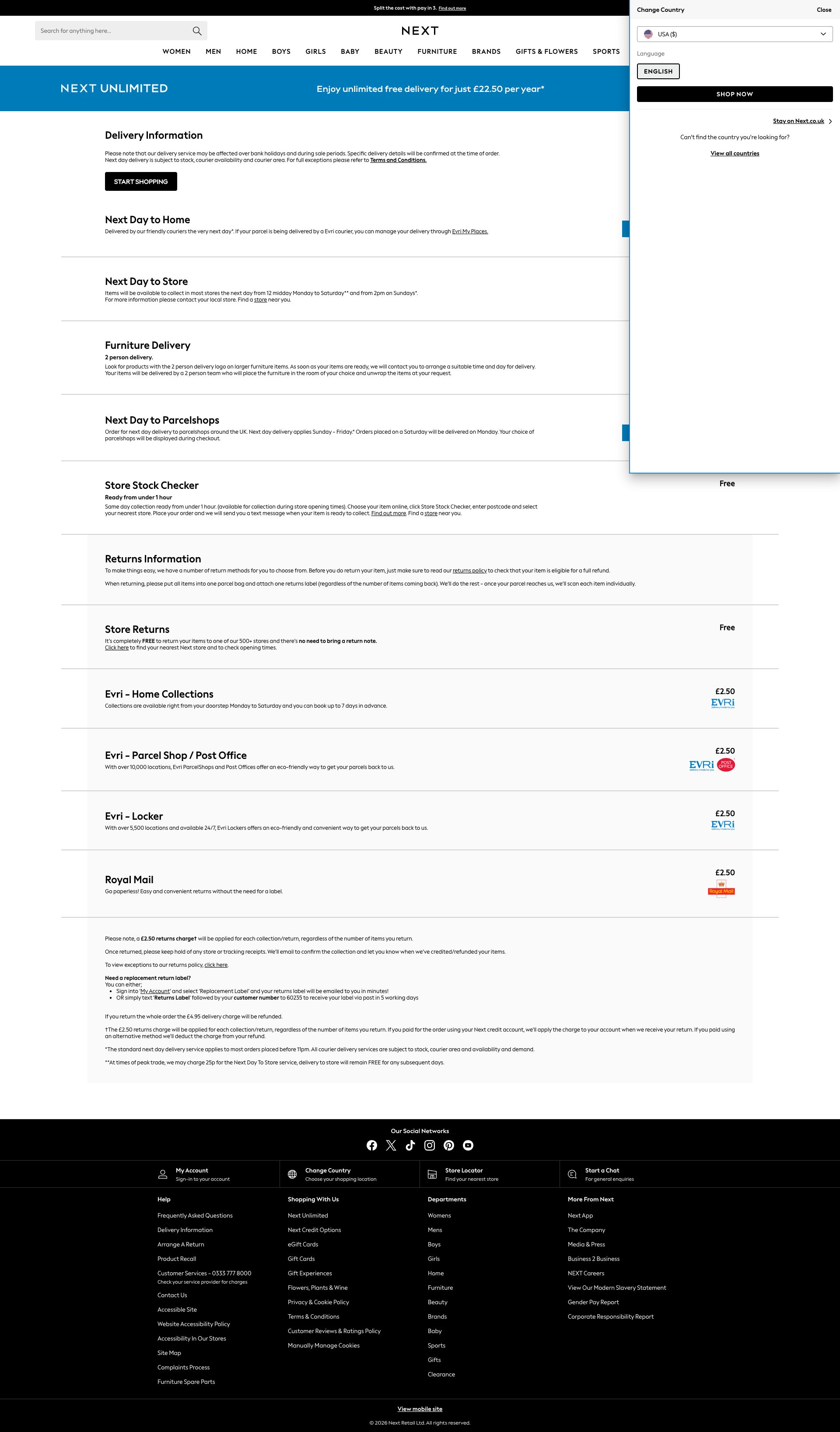
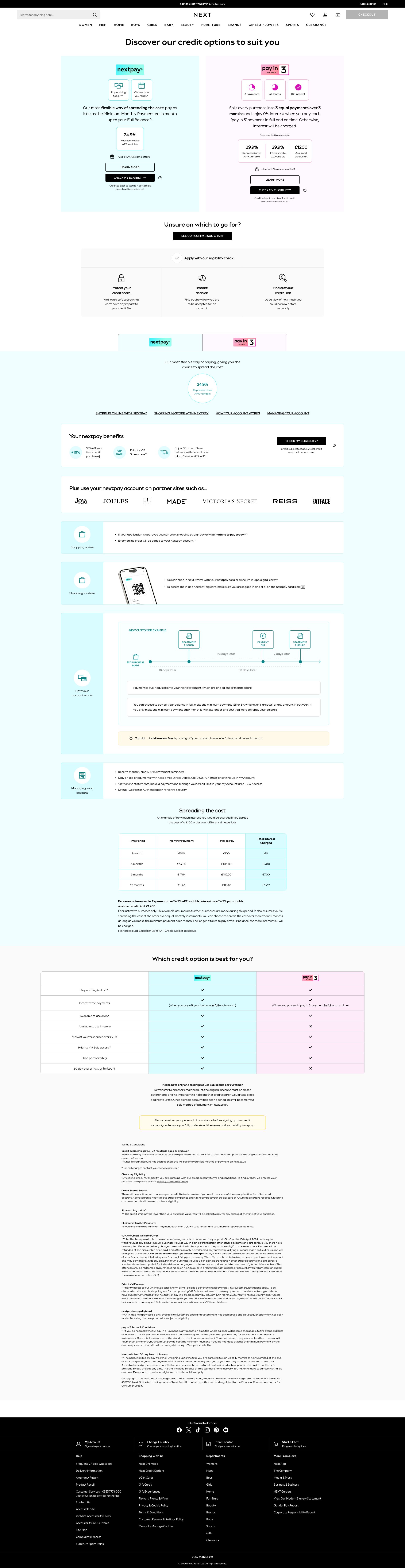
Pages Tested · 6 screenshots
Detected Issues · 141 total
1
Multiple DNS Resolution Failures - Critical Network Issues
CRIT P10
Conf 9/10 Other
Prompt to Fix
We have 5 'Failed to load resource: net::ERR_NAME_NOT_RESOLVED' errors in production. This indicates DNS resolution is failing for external resources. Create a diagnostic script that: 1) Logs the specific URLs that are failing to resolve, 2) Implements retry logic with exponential backoff for failed resource loads, 3) Adds fallback URLs or cached versions for critical resources, and 4) Sets up error boundary handling so failures don't break the entire page. Include monitoring to alert when this occurs.
Why it's a bug
Five instances of 'Failed to load resource: net::ERR_NAME_NOT_RESOLVED' indicate that critical resources are failing to load due to DNS resolution failures. This means external dependencies (likely third-party services or APIs) cannot be reached, which will break functionality dependent on those resources. Users will experience broken features, missing analytics, or incomplete page functionality.
Why it might not be a bug
These could be temporary DNS outages or network issues on the user's connection, but recurring errors across sessions suggest a persistent infrastructure problem that needs investigation.
Suggested Fix
1) Identify which exact URLs are failing to resolve by adding more specific logging to the network requests. 2) Verify DNS records for the failing domains are correctly configured. 3) Check if the domains still exist and are active. 4) Implement fallback mechanisms or graceful degradation for failed resource loads. 5) Set up monitoring and alerting for DNS resolution failures.
Why Fix
DNS resolution failures prevent critical resources from loading, which directly impacts user experience and core functionality. This is a blocking infrastructure issue that must be resolved to maintain service availability.
Route To
Backend/Infrastructure Engineer, DevOps Engineer
Page
Tester
Sharon · Security Tester
Technical Evidence
Console: [ERROR] Failed to load resource: net::ERR_NAME_NOT_RESOLVED (appears 5 times)
Network: net::ERR_NAME_NOT_RESOLVED
2
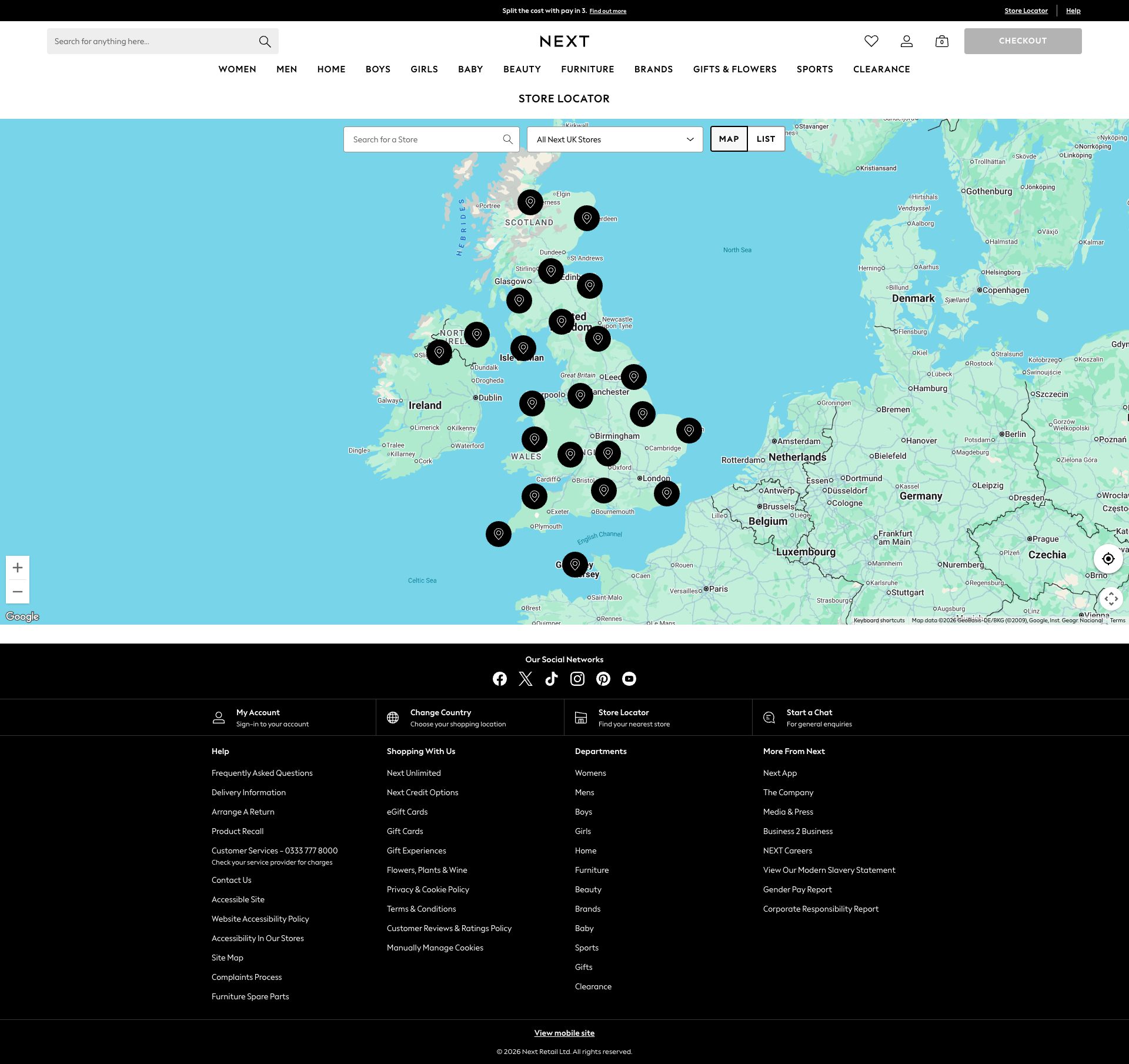
Exposed Google Maps API Key in Client-Side Request
CRIT P10
Conf 9/10 SecurityOther
Prompt to Fix
Create a server-side endpoint '/api/maps-proxy' that accepts map initialization requests. Instead of exposing the Google Maps API key in client-side code, have the client call this endpoint which internally uses a server-restricted API key to load Google Maps. Apply API key restrictions in Google Cloud Console to only allow requests from your backend server IP and referrer next.co.uk domain. Remove the exposed API key from the client-side maps initialization and route all requests through the server proxy.
Why it's a bug
The Google Maps API key 'AIzaSyBp7ukJ04Ku2k9OjqRQP0aw2S1uzW-JqTM' is exposed in a client-side GET request URL parameter. This allows anyone to extract the key from network traffic or browser DevTools, enabling unauthorized use of the Maps API under Next's account, potential quota exhaustion attacks, and billing fraud. Google Maps API keys exposed in production are high-priority security issues.
Why it might not be a bug
Google Maps API keys are sometimes intentionally exposed in client-side code as they are browser keys, but best practice is to use server-side key proxy requests or implement API key restrictions (HTTP referrer restrictions, IP restrictions) to minimize exposure risk.
Suggested Fix
Implement a server-side proxy endpoint that accepts map requests from the client and forwards them to Google Maps API using a restricted server-side API key. Alternatively, restrict the exposed key to specific HTTP referrers (next.co.uk domain only), enable Maps JavaScript API restrictions, and monitor API usage regularly.
Why Fix
Protecting API keys prevents unauthorized API usage, quota exhaustion, and unexpected billing charges. It also prevents attackers from using the key to enumerate store locations or scrape geographic data.
Route To
Backend/Infrastructure Engineer, Security Engineer
Page
Tester
Sharon · Security Networking Analyzer
Technical Evidence
Console: Google Maps API Key visible in Network tab
Network: GET https://maps.googleapis.com/maps/api/js?v=3&key=AIzaSyBp7ukJ04Ku2k9OjqRQP0aw2S1uzW-JqTM&callback=googleMapsApiLoadCallback

3
Exposed Google Maps API Key in Network Request
CRIT P10
Conf 9/10 SecurityOther
Prompt to Fix
Your Next.co.uk codebase exposes a Google Maps API key in plaintext in the client-side JavaScript request. The key 'AIzaSyBp7ukJ04Ku2k9OjqRQP0aw2S1uzW-JqTM' appears in the network request URL. Fix this critical security vulnerability by: (1) Creating a backend API endpoint that proxies Google Maps requests without exposing the key to the client, (2) Moving the API key from client-side code to a server-side environment variable, (3) Updating the client-side code to call your backend proxy instead of calling Google Maps directly with the exposed key. Provide the corrected server-side proxy code and client-side fetch call that securely accesses Google Maps through your backend.
Why it's a bug
The Google Maps API key 'AIzaSyBp7ukJ04Ku2k9OjqRQP0aw2S1uzW-JqTM' is visible in plaintext in the network request URL: 'https://maps.googleapis.com/maps/api/js?v=3&key=AIzaSyBp7ukJ04Ku2k9OjqRQP0aw2S1uzW-JqTM&callback=googleMapsApiLoadCallback'. This is a critical security vulnerability because: (1) the key is exposed in browser network traffic, (2) it can be harvested by attackers monitoring network requests, (3) it enables unauthorized usage of Google Maps APIs at the company's expense, (4) it violates Google's security best practices for API key management. This is a common GenAI mistake where developers hardcode credentials without implementing proper server-side proxying or environment-based key management.
Why it might not be a bug
Google Maps API keys with IP restrictions or usage limits may have reduced risk, and the key might be intended for public web use with browser restrictions enabled. However, this does not justify exposing the key in source or network traffic—proper practices still require server-side proxying or OAuth.
Suggested Fix
1) Immediately rotate and revoke the exposed API key in Google Cloud Console. 2) Implement a server-side proxy endpoint that handles Google Maps API requests without exposing the key to the client. 3) Use environment variables or a secure configuration service (AWS Secrets Manager, HashiCorp Vault) to store the key. 4) If using the key client-side, restrict it in Google Cloud Console to specific domains, HTTP referrers, and Maps API products only. 5) Consider using Google Maps Platform's web service APIs through a backend instead of the JavaScript API.
Why Fix
Exposed API keys are a critical security risk that directly enables unauthorized access to billable services and data. This can result in financial fraud, data breach, and compliance violations (GDPR, PCI-DSS). Fixing this prevents attackers from abusing the Maps API quota and protects the organization from unexpected charges.
Route To
Security Engineer / DevOps Engineer / Backend Engineer
Page
Tester
Jason · GenAI Code Analyzer
Technical Evidence
Console: N/A - visible in network request
Network: GET https://maps.googleapis.com/maps/api/js?v=3&key=AIzaSyBp7ukJ04Ku2k9OjqRQP0aw2S1uzW-JqTM&callback=googleMapsApiLoadCallback - Status: N/A

+138
138 more issues detected  View all →
Critical: Multiple DNS Resolution Failures (ERR_NAME_NOT_RES...
Missing skip navigation link for keyboard users
Multiple critical network resources fail to load, impacting ...
and 135 more...
Unlock All 141 Issues
You're viewing the top 3 issues for Next.
Sign up at Testers.AI to access the full report with all 141 detected issues, detailed fixes, and continuous monitoring.
Sign Up at Testers.AI or let us run the tests for you