Waitrose
App Quality Report
Powered by Testers.AI
B-82%
Quality Score
6
Pages
110
Issues
7.4
Avg Confidence
7.5
Avg Priority
25 Critical60 High24 Medium1 Low
Testers.AI
>_ Testers.AI AI Analysis

Waitrose scored B (85%) with 110 issues across 6 tested pages, ranking #8 of 22 UK retail sites. That's 14 fewer than the 123.7 category average (64th percentile).

Top issues to fix immediately: "Missing cache headers on all static assets causing repeated re-downloa" โ€” Add proper Cache-Control headers to all static assets: 1) Set long cache durations (1 year) for content-hashed assets...; "Missing Cache Headers on All Static Assets" โ€” 1) Configure server/CDN to set aggressive caching headers for all versioned assets: Cache-Control: public, max-age=31...; "Multiple Obfuscated Endpoints Making Unidentified POST/GET Requests on" โ€” 1) Document all internal API endpoints with clear, meaningful names that reflect their purpose.

Weakest area โ€” accessibility (6/10): Limited visible accessibility indicators. No obvious alt-text descriptions, color contrast in some areas may be insufficient, a...


Qualitative Quality
Waitrose
Category Avg
Best in Category
Issue Count by Type
A11y
39
Content
23
UX
10
Security
3
Visual
1
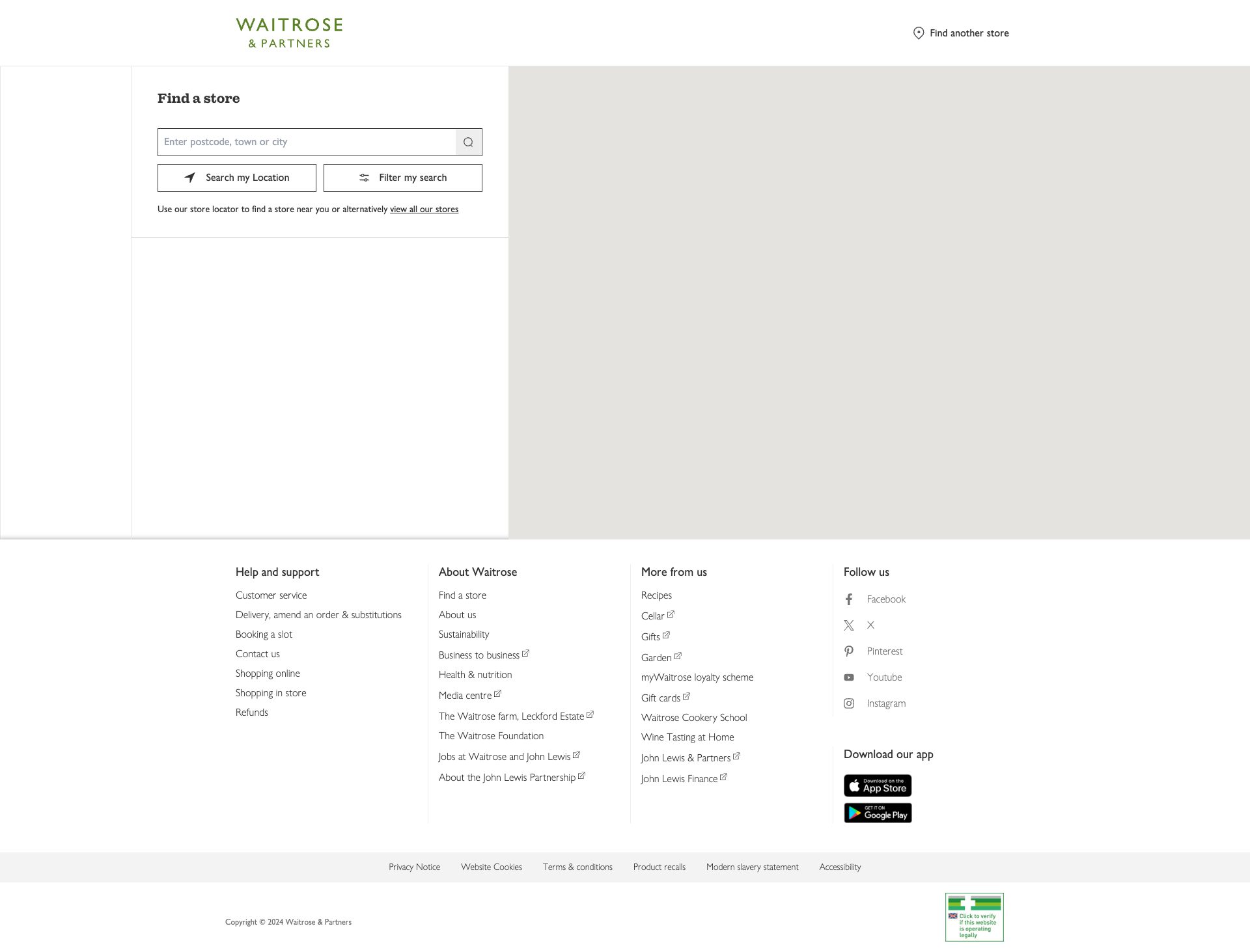
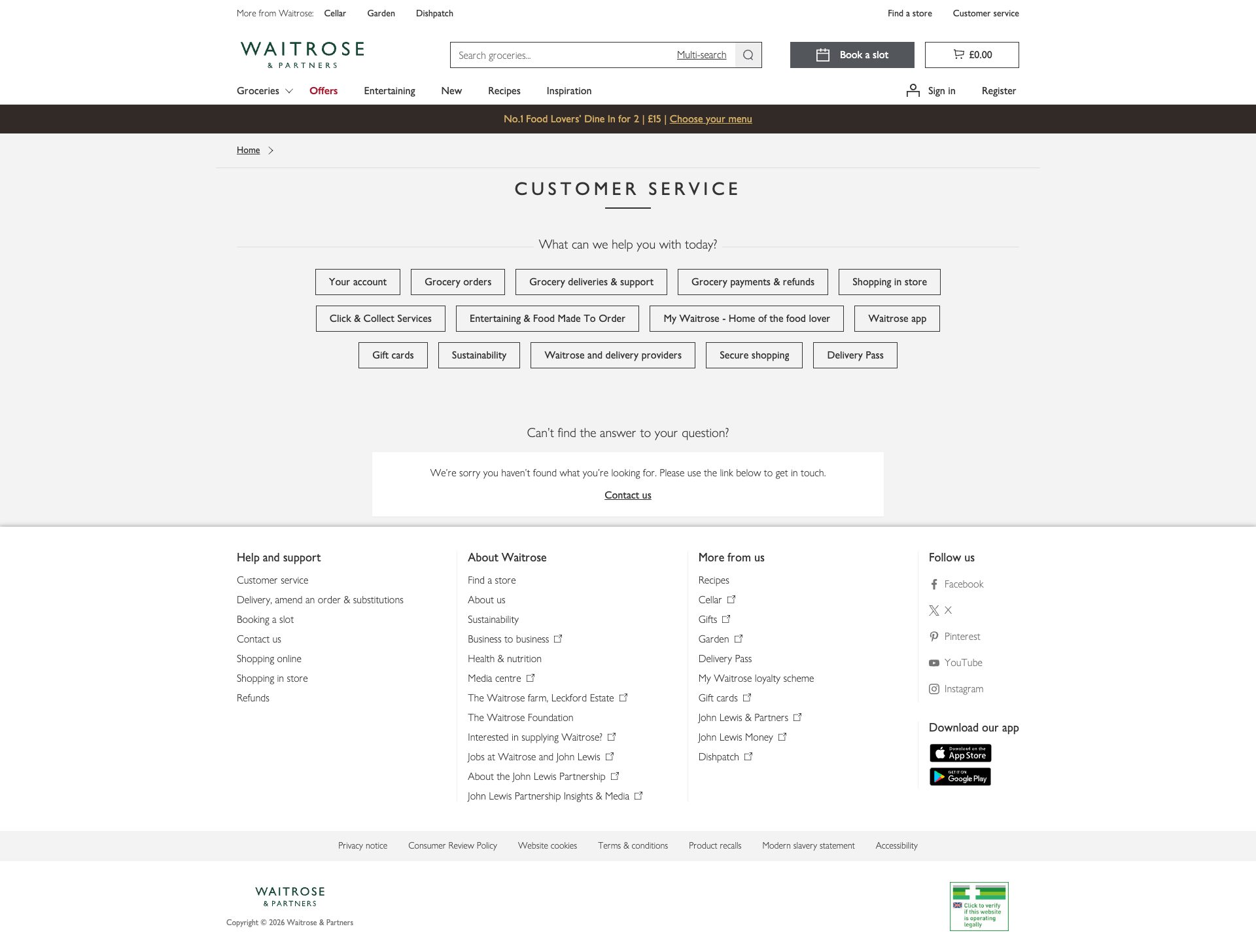
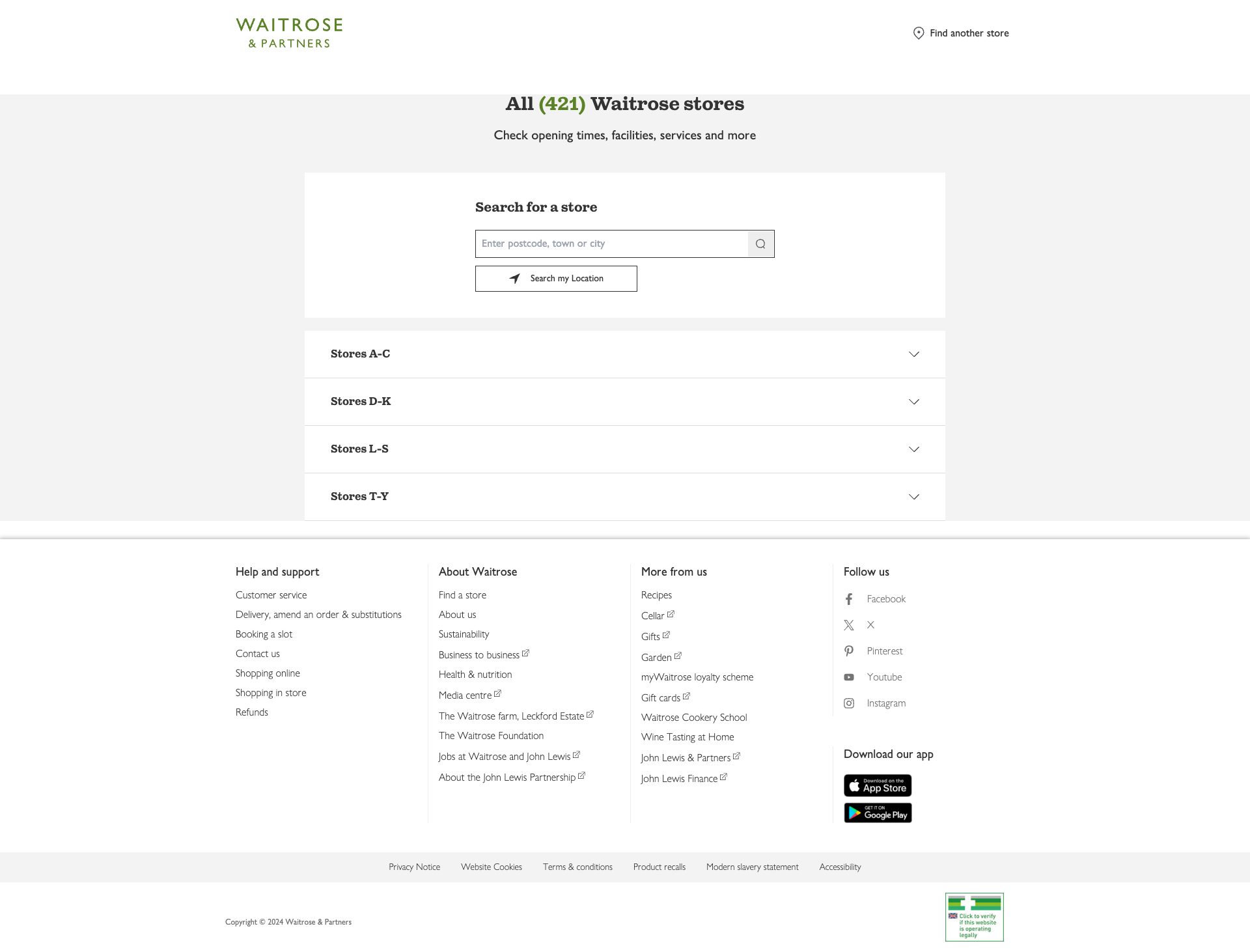
Pages Tested ยท 6 screenshots
Detected Issues ยท 110 total
1
Missing cache headers on all static assets causing repeated re-downloads
CRIT P10
Conf 10/10 Other
Prompt to Fix
Configure HTTP caching headers for all static assets: 1) For hashed/versioned assets (CSS/JS with hash in filename), set 'Cache-Control: public, max-age=31536000, immutable' (1 year). 2) For unhashed assets, set 'Cache-Control: public, max-age=3600' (1 hour) with ETag. 3) For images from scene7.com CDN, verify cache headers are set to 'Cache-Control: public, max-age=2592000' (30 days minimum). 4) For fonts from /ecom/assets/fonts/, use 'Cache-Control: public, max-age=31536000' with content hashing. 5) Verify all responses include ETag or Last-Modified headers. 6) Test caching with browser DevTools to confirm cache hits on repeat visits.
Why it's a bug
The network analysis shows that 73+ resources across CSS, JavaScript, fonts, and images are all missing Cache-Control or ETag headers (marked with โš ๏ธ MISSING CACHE HEADERS). This means every single page visit re-downloads these unchanged static assets, including CSS files (69-9680ea366584efd6fff8.css, bundle-1b69d3c1127f5375d038.css, all chunk files), fonts (GillSansNovaJL variants), and all images from scene7.com. This dramatically increases bandwidth consumption, slows repeat visits, and wastes server resources.
Why it might not be a bug
Technically, serving resources without cache headers is valid HTTP. However, it's a significant anti-pattern for production sites and represents poor performance practice.
Suggested Fix
Add proper Cache-Control headers to all static assets: 1) Set long cache durations (1 year) for content-hashed assets (files with hash in filename like 69-9680ea366584efd6fff8.css). 2) Set moderate cache (1 hour to 1 day) for unhashed assets that may update. 3) Add ETag headers for validation. 4) For images from scene7.com, ensure the CDN is configured with proper cache headers. 5) Implement cache-busting through content hashing in filenames for assets that need long-term caching.
Why Fix
Proper caching dramatically improves repeat visit performance, reducing bandwidth costs and server load. Users return to the site with cached assets loading instantly instead of re-downloading. This improves user experience, reduces infrastructure costs, and improves SEO as page speed metrics improve on repeat visits.
Route To
Backend/DevOps Engineer / CDN Configuration Specialist
Page
Tester
Tariq ยท Performance Specialist
Technical Evidence
Console: N/A - Issue visible in network headers
Network: GET https://www.waitrose.com/ecom/assets/69-9680ea366584efd6fff8.css - Status: 200 โš ๏ธ MISSING CACHE HEADERS
2
Missing Cache Headers on All Static Assets
CRIT P10
Conf 10/10 Other
Prompt to Fix
Configure cache headers for all Waitrose static assets. Currently, zero cache headers are set on any CSS, JavaScript, font, or image files, causing unnecessary re-downloads on every page visit despite content hashing in filenames. 1) Add Cache-Control headers to nginx/Apache configuration for /ecom/assets/ directory: Cache-Control: public, max-age=31536000, immutable for all versioned JS/CSS/fonts/images. 2) Set Cache-Control: public, max-age=3600, must-revalidate for main HTML document at /ecom/help-information/customer-service. 3) Ensure ETag headers are generated automatically. 4) Configure CDN (if applicable) with same caching rules. 5) Test using curl to verify headers: curl -I https://www.waitrose.com/ecom/assets/bundle-1b69d3c1127f5375d038.css. Expected output should include 'Cache-Control: public, max-age=31536000, immutable'. Verify repeat visits load from browser cache (0 bytes network transfer).
Why it's a bug
Every single static asset (CSS, JavaScript, fonts, images) lacks proper cache headers. All resources show 'โš ๏ธ MISSING CACHE HEADERS' including: CSS bundles (69-9680ea366584efd6fff8.css, bundle-1b69d3c1127f5375d038.css, multiple chunk files), JavaScript files, font files (GillSansNovaJL-Medium.woff2, GillSansNovaJL-SemiBold.woff2, GillSansNovaJL-Light.woff2), Google Tag Manager, and third-party scripts. This means browsers re-download unchanged assets on every visit, causing unnecessary bandwidth waste and slower repeat visits. Even with content hashing in filenames, cache headers are not being set.
Why it might not be a bug
Content hashing in filenames (e.g., bundle-30d82c056c8d62f9c567.js) provides cache busting, so technically browsers could cache aggressively if headers were set, but without headers they won't.
Suggested Fix
1) Configure server/CDN to set aggressive caching headers for all versioned assets: Cache-Control: public, max-age=31536000, immutable (1 year for files with content hash). 2) Set shorter cache for HTML files: Cache-Control: public, max-age=3600, must-revalidate. 3) Set appropriate cache headers for fonts: Cache-Control: public, max-age=31536000, immutable. 4) Ensure ETag or Last-Modified headers are present for validation. 5) Configure via .htaccess (Apache), nginx config, or CDN settings. Example nginx: add_header Cache-Control 'public, max-age=31536000, immutable';
Why Fix
Proper caching dramatically reduces bandwidth costs and improves repeat visit performance (users see pages load in <500ms on cached assets). This improves user experience for returning visitors, reduces server load, and lowers CDN/bandwidth costs. Mobile users benefit especially from cached resources.
Route To
DevOps / Infrastructure Engineer / CDN Configuration Specialist
Page
Tester
Tariq ยท Performance Specialist
Technical Evidence
Console: [ERROR] Failed to load resource: net::ERR_NAME_NOT_RESOLVED
Network: GET https://www.waitrose.com/ecom/assets/bundle-1b69d3c1127f5375d038.css - Status: 200 โš ๏ธ MISSING CACHE HEADERS โš ๏ธ POTENTIALLY RENDER-BLOCKING
3
Multiple Obfuscated Endpoints Making Unidentified POST/GET Requests on Page Load
CRIT P10
Conf 9/10 SecurityOther
Prompt to Fix
I've discovered that our Waitrose store locator page is making POST/GET requests to obfuscated, non-descriptive endpoints like '/bdi6IkvF/F0ns0fD/bMfhPEF/ND/...' immediately on page load. These endpoints lack clear naming and documentation. Please help me: 1) Audit all internal API endpoints used on this page and list their actual purposes (data collection, analytics, tracking, etc.). 2) Rename any obfuscated endpoints to use clear, descriptive names that reflect their function (e.g., '/api/v1/analytics/page-view' instead of obfuscated hashes). 3) Identify which requests fire on page load vs. after user interaction, and defer non-critical requests until interaction. 4) Create clear documentation of what data each endpoint collects and transmits. 5) Implement privacy consent checks before sending any personally identifiable or tracking data. Show me the complete refactored code with proper endpoint naming and conditional request logic.
Why it's a bug
The network activity shows repeated requests to obfuscated endpoints like 'https://www.waitrose.com/bdi6IkvF/F0ns0fD/bMfhPEF/ND/3fk1mGzmbXwfcfiG/O0lncRp8PRA/XS4/6SUQZb04B' with status codes 201 and 200. These endpoints have cryptic names that suggest either: (1) auto-generated code from an AI tool without proper naming, (2) intentionally obfuscated tracking/telemetry that violates privacy expectations, or (3) undocumented API calls. Multiple POST requests fire immediately on page load without user interaction. This pattern is characteristic of AI-generated tracking code that wasn't properly reviewed for privacy and security implications.
Why it might not be a bug
These could be legitimate internal Waitrose APIs with intentional obfuscation for security through obscurity, or the obfuscation could be a standard build process artifact. However, the lack of transparency around these endpoints and the multiple unsolicited requests on page load suggest a genuine issue.
Suggested Fix
1) Document all internal API endpoints with clear, meaningful names that reflect their purpose. 2) Implement a privacy audit to understand what data these endpoints collect and transmit. 3) Defer all non-critical API calls until after user interaction or implement explicit opt-in consent. 4) Add request/response logging to understand what data is being sent. 5) Replace obfuscated endpoint names with descriptive ones or move them to a separate, documented API namespace.
Why Fix
Undocumented obfuscated endpoints making unsolicited requests on page load violate user privacy expectations, complicate debugging, and suggest the code was generated or modified without proper security review. This could expose Waitrose to privacy regulation violations (GDPR, CCPA) and user trust issues.
Route To
Security Engineer / Privacy Officer / Backend API Architect
Page
Tester
Jason ยท GenAI Code Analyzer
Technical Evidence
Console: [LOG] %c[YextAnalytics]%c- Tracked Pages event: PAGE_VIEW
Network: POST https://www.waitrose.com/bdi6IkvF/F0ns0fD/bMfhPEF/ND/3fk1mGzmbXwfcfiG/O0lncRp8PRA/XS4/6SUQZb04B - Status: N/A and Status: 201, GET https://www.waitrose.com/bdi6IkvF/F0ns0fD/bMfhPEF/ND/3fk1/EC5AcRp8PRA/Jxl/gXWNNAzUq - Status: 200

+107
107 more issues detected  View all →
Multiple Failed Resource Loads - DNS Resolution Errors
Missing skip navigation link to main content
Multiple Failed Resource Loads Affecting Page Functionality
and 104 more...
Unlock All 110 Issues
You're viewing the top 3 issues for Waitrose.
Sign up at Testers.AI to access the full report with all 110 detected issues, detailed fixes, and continuous monitoring.
Sign Up at Testers.AI or let us run the tests for you