Sports Direct
App Quality Report
Powered by Testers.AI
B-81%
Quality Score
6
Pages
114
Issues
7.6
Avg Confidence
7.8
Avg Priority
41 Critical54 High19 Medium
Testers.AI
>_ Testers.AI AI Analysis

Sports Direct scored B (85%) with 114 issues across 6 tested pages, ranking #10 of 22 UK retail sites. That's 10 fewer than the 123.7 category average (55th percentile).

Top issues to fix immediately: "Massive Network Resource Loading Failures - ERR_NAME_NOT_RESOLVED" โ€” Audit all hardcoded URLs and resource paths in the generated code; "Multiple Failed Resource Loads - DNS Resolution Errors" โ€” 1) Enable detailed network logging to capture the full URL of each failed resource; "Multiple missing images throughout page causing visual breaks and inco" โ€” Investigate and resolve the failed resource loading issues.

Weakest area โ€” accessibility (4/10): Multiple color-dependent design elements and small text in promotional banners create accessibility barriers.

Quick wins: Implement clearer visual hierarchy to reduce cognitive load and prioritize key user actions. Enhance color contrast ratios throughout the site and ensure text meets WCAG AA standards.
Qualitative Quality
Sports Direct
Category Avg
Best in Category
Issue Count by Type
A11y
50
Content
25
UX
6
Visual
2
Security
1
Pages Tested ยท 6 screenshots
Detected Issues ยท 114 total
1
Massive Network Resource Loading Failures - ERR_NAME_NOT_RESOLVED
CRIT P10
Conf 9/10 Other
Prompt to Fix
You generated code that loads external resources but many are failing with ERR_NAME_NOT_RESOLVED errors. Review all hardcoded URLs in your code for: 1) Typos in domain names, 2) Missing domain configuration, 3) Incorrect CDN paths. For every resource URL (stylesheets, fonts, scripts, images), verify it resolves correctly. Add try-catch blocks and console logging around all resource fetch operations to identify which specific URLs are failing. Implement a configuration system to manage resource URLs as environment variables instead of hardcoded values.
Why it's a bug
The console logs show 40+ consecutive ERR_NAME_NOT_RESOLVED errors for critical resources. This indicates DNS resolution failures for external dependencies, likely caused by AI-generated code attempting to load resources from non-existent or misconfigured domains. This pattern suggests hallucinated or incorrectly configured API endpoints/resource URLs that were generated without proper validation.
Why it might not be a bug
Could be a temporary network issue or DNS misconfiguration at the infrastructure level rather than a code issue. However, the sheer volume and consistency of failures across many resources suggests systematic misconfiguration in the generated code.
Suggested Fix
Audit all hardcoded URLs and resource paths in the generated code. Verify that all external resource URLs are correctly configured and point to valid, resolvable domains. Implement proper error handling with fallback mechanisms for failed resource loads. Add DNS validation tests to CI/CD pipeline to catch these issues before deployment.
Why Fix
These loading failures likely break critical functionality including stylesheets, fonts, analytics scripts, and consent management systems. The page may render incorrectly or be missing essential features. This severely impacts user experience and functionality.
Route To
Backend/DevOps Engineer
Page
Tester
Jason ยท GenAI Code Analyzer
Technical Evidence
Console: [ERROR] Failed to load resource: net::ERR_NAME_NOT_RESOLVED (appears 40+ times)
Network: Multiple GET requests with Status: N/A to cdn-ukwest.onetrust.com, www.sportsdirect.com resources, and font files
2
Multiple Failed Resource Loads - DNS Resolution Errors
CRIT P9
Conf 8/10 Other
Prompt to Fix
We're seeing 19 'net::ERR_NAME_NOT_RESOLVED' errors in production console logs. This means external resources are failing to load due to DNS resolution failures. Please: 1) Add detailed logging that captures the full URL of each failed resource load attempt, 2) Review all external domain references in configuration files and API endpoints for typos or incorrect URLs, 3) Verify all third-party service endpoints are correct and operational, 4) Add fallback/retry logic for critical resources, 5) Implement alerting for DNS failures. Provide the code changes needed to log full URLs and add error handling.
Why it's a bug
The console shows 19 instances of 'Failed to load resource: net::ERR_NAME_NOT_RESOLVED' errors. This indicates that the application is attempting to load resources from domains that cannot be resolved by DNS. This suggests either: (1) external dependencies or APIs are misconfigured with invalid domain names, (2) third-party service endpoints are down or unreachable, or (3) critical assets are being requested from non-existent domains. This will cause functional degradation and poor user experience as page features, styling, or data may fail to load properly.
Why it might not be a bug
The specific resource URLs are not shown in the logs, so it's possible these are non-critical resources like analytics, tracking pixels, or optional third-party scripts that don't affect core functionality. However, the sheer volume (19 errors) suggests at least some critical resources are failing.
Suggested Fix
1) Enable detailed network logging to capture the full URL of each failed resource. 2) Identify which domains are being resolved and verify they are correct and operational. 3) Check configuration files, API endpoints, and external service references for typos or incorrect domain names. 4) Implement fallback logic or graceful degradation for non-critical external resources. 5) Set up monitoring/alerting for DNS resolution failures.
Why Fix
Unresolved resource loading errors directly impact user experience by potentially breaking page functionality, styling, data display, and interactive features. This is a critical issue that would prevent users from accessing key features and needs immediate investigation.
Route To
Backend/Infrastructure Engineer, DevOps Engineer
Page
Tester
Sharon ยท Security Tester
Technical Evidence
Console: [ERROR] Failed to load resource: net::ERR_NAME_NOT_RESOLVED (appears 19 times)
Network: Unknown - full URLs not logged
3
Multiple missing images throughout page causing visual breaks and incomplete product presentation
CRIT P9
Conf 9/10 ContentUX
Prompt to Fix
Multiple product images and promotional images are failing to load with ERR_NAME_NOT_RESOLVED errors. Investigate the image CDN/asset server configuration and DNS settings. Verify that all image URLs are correctly formed and that the asset delivery infrastructure is operational. Consider implementing an error boundary or fallback image placeholder so users see content rather than broken image icons. Ensure all image paths are properly resolved before rendering to the page.
Why it's a bug
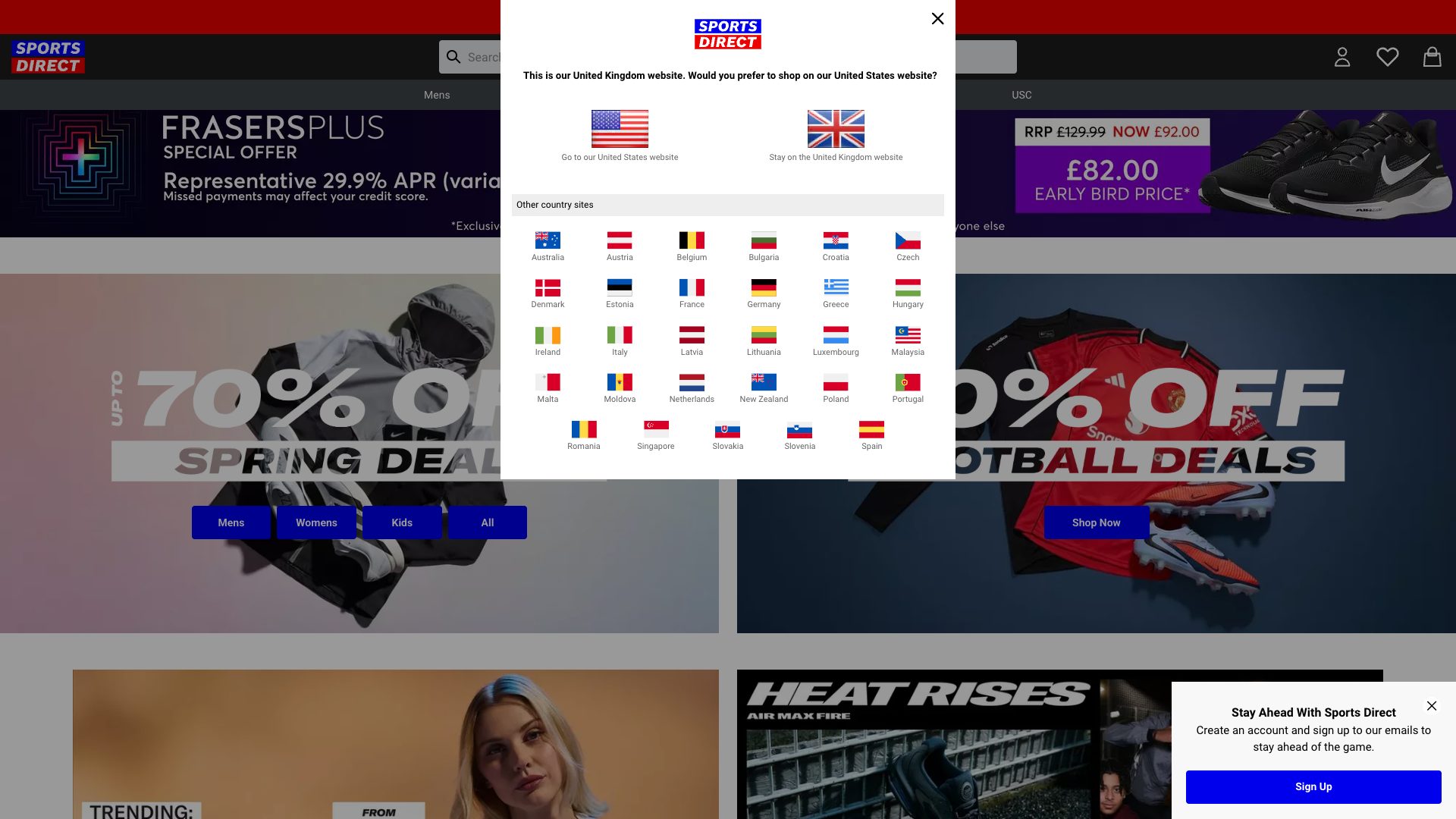
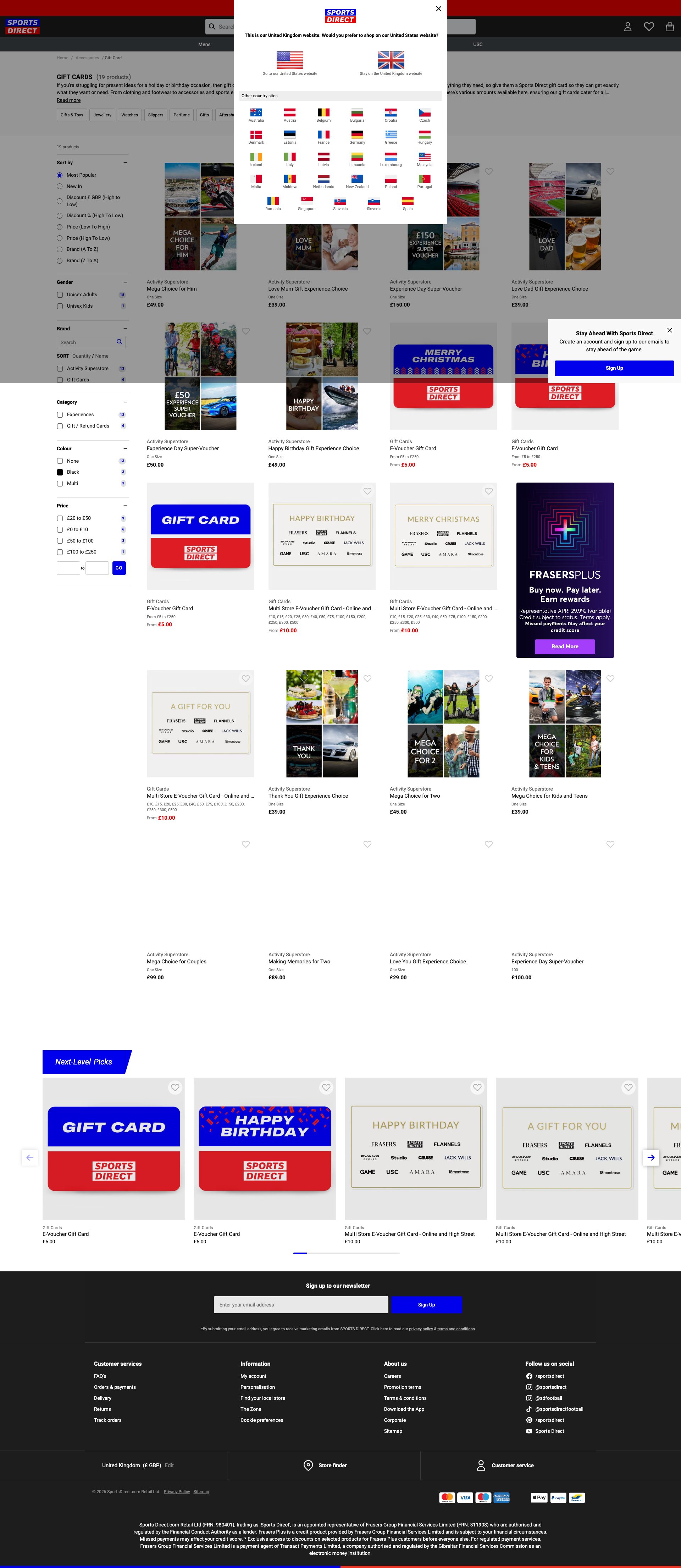
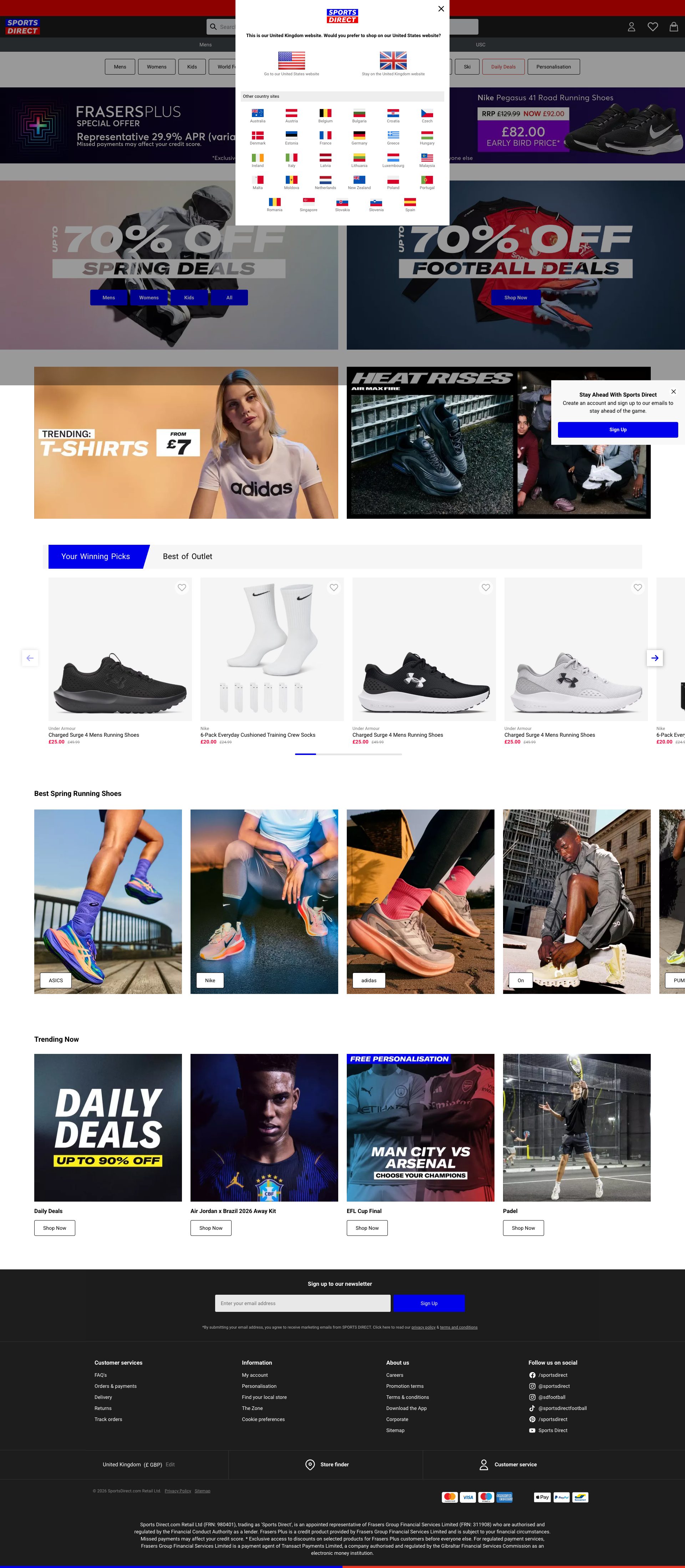
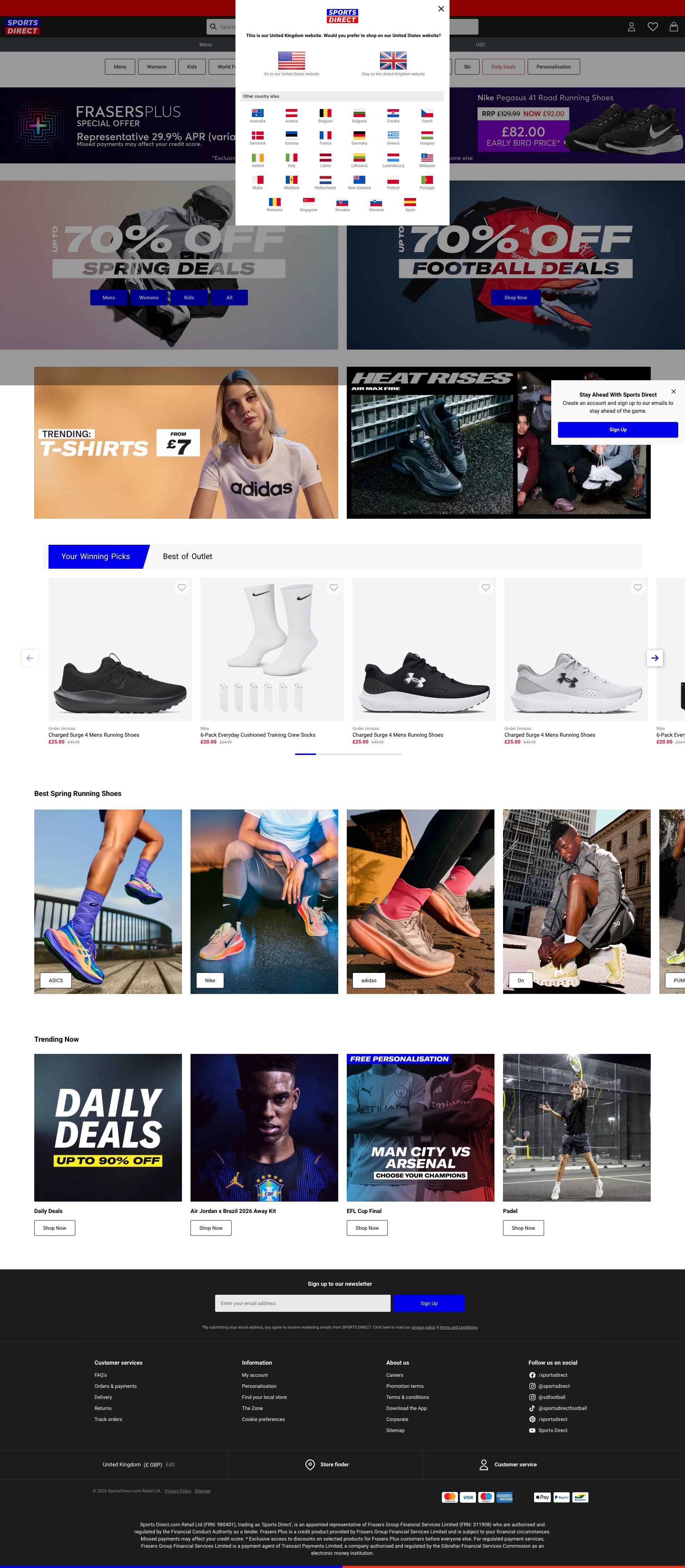
The console shows multiple ERR_NAME_NOT_RESOLVED errors indicating failed resource loading. This is visibly manifested in the screenshot where numerous product images, banner images, and promotional content are either missing or broken. For an e-commerce site, product images are critical to user decision-making. Missing images directly prevent users from seeing what they're buying, which severely impacts the ability to browse and purchase products. This is a fundamental failure of the site's core functionality.
Why it might not be a bug
Network errors could be temporary DNS/connectivity issues on the test environment, but the fact that multiple images are visibly broken in the screenshot confirms this is a real, observable problem affecting the user experience right now.
Suggested Fix
Investigate and resolve the failed resource loading issues. Verify all image CDN URLs are correctly configured, ensure DNS resolution is working properly, and validate that all image assets are properly deployed. Implement fallback images or error states for broken images so users see placeholder content rather than broken image icons.
Why Fix
Product images are essential for e-commerce conversion. Users cannot make informed purchasing decisions without seeing product visuals. Broken images erode trust, reduce conversion rates, and create a poor user experience that directly impacts business metrics.
Route To
DevOps/Infrastructure Engineer, Frontend Engineer
Page
Tester
Mia ยท Usability Tester
Technical Evidence
Elements: <img>, <picture>, image elements throughout the page layout
Console: Failed to load resource: net::ERR_NAME_NOT_RESOLVED (repeated 18+ times)
Network: Multiple failed resource requests with ERR_NAME_NOT_RESOLVED indicating DNS resolution failures
Page Text: Product listings, promotional banners, deals sections all visible but missing associated imagery
+111
111 more issues detected  View all →
Multiple Resource Loading Failures - 13 ERR_NAME_NOT_RESOLVE...
Multiple Resource Loading Failures - Potential Missing Navig...
Incomplete Page Content - Missing Alt Text and Semantic Stru...
and 108 more...
Unlock All 114 Issues
You're viewing the top 3 issues for Sports Direct.
Sign up at Testers.AI to access the full report with all 114 detected issues, detailed fixes, and continuous monitoring.
Sign Up at Testers.AI or let us run the tests for you