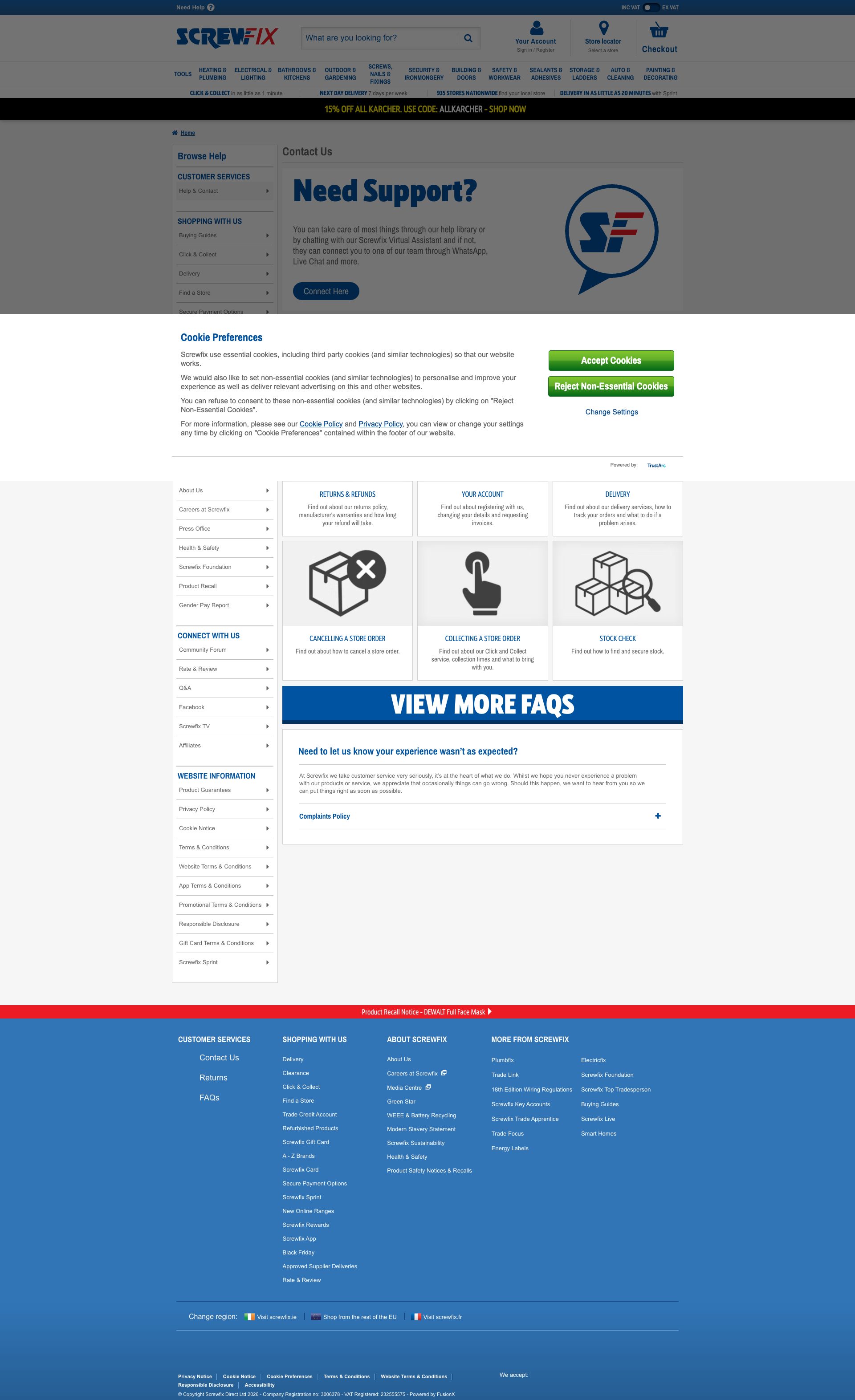
Screwfix
App Quality Report
Powered by Testers.AI
C+78%
Quality Score
6
Pages
137
Issues
7.6
Avg Confidence
7.8
Avg Priority
54 Critical57 High26 Medium
Testers.AI
>_ Testers.AI AI Analysis

Screwfix scored B (85%) with 137 issues across 7 tested pages, ranking #13 of 22 UK retail sites. That's 13 more than the 123.7 category average (41st percentile).

Top issues to fix immediately: "Multiple Unresolved DNS Failures - Resource Loading Cascade Failure" โ€” 1) Implement proper DNS resolution error handling with fallbacks for all external resource loads; "Third-Party AI Endpoint Invoked Without Clear Consent - js.clrt.ai" โ€” 1) Remove the third-party AI endpoint call unless explicitly required; "Multiple Third-Party DNS Resolution Failures Causing Hangs" โ€” Fix DNS resolution and third-party issues: (1) Verify all third-party domain names are correctly spelled and configur....

Weakest area โ€” accessibility (5/10): Limited visible accessibility features; no obvious text size adjustment options, color contrast issues in some areas, and uncle...

Quick wins: Implement clearer accessibility features including ARIA labels, keyboard navigation indicators, and adjustable text.... Reduce visual clutter by consolidating promotional banners and using a clearer information hierarchy.


Qualitative Quality
Screwfix
Category Avg
Best in Category
Issue Count by Type
A11y
43
Content
20
UX
9
Security
7
Legal
1
Pages Tested ยท 6 screenshots
Detected Issues ยท 137 total
1
Multiple Unresolved DNS Failures - Resource Loading Cascade Failure
CRIT P10
Conf 9/10 Other
Prompt to Fix
Fix the DNS resolution failures in the resource loading pipeline. The page is failing to resolve external dependencies (tags.tiqcdn.com, js.clrt.ai, and others). Implement: 1) Proper error handling for failed resource loads with specific error logging. 2) Fallback mechanisms for non-critical external resources (don't block page load). 3) Retry logic with exponential backoff for transient failures. 4) Validation that all hardcoded external service URLs are correct and accessible in the current environment. 5) Resource loading timeouts to prevent indefinite waits. Return code that gracefully handles DNS failures instead of cascading them.
Why it's a bug
The console shows 6+ ERR_NAME_NOT_RESOLVED errors indicating DNS resolution failures for critical resources. This pattern suggests hardcoded or misconfigured external dependencies that were generated without proper environment configuration or fallback handling. The cascade of failures (tags.tiqcdn.com, js.clrt.ai, fonts, scripts) indicates AI-generated code that references external services without verifying they are properly configured or accessible. This is a critical GenAI integration issue where the code assumes external dependencies will always be available without error handling.
Why it might not be a bug
These could be temporary network issues in the testing environment, but the consistent pattern across multiple different domains (tiqcdn.com, clrt.ai, multiple media.screwfix.com paths) suggests systematic configuration problems rather than transient failures.
Suggested Fix
1) Implement proper DNS resolution error handling with fallbacks for all external resource loads. 2) Add retry logic with exponential backoff for failed resource loads. 3) Verify all hardcoded external service URLs are correct and properly configured. 4) Implement resource loading timeouts to prevent indefinite hangs. 5) Add logging to track which resources failed and why. 6) Consider lazy-loading non-critical resources instead of blocking on page load.
Why Fix
Unresolved DNS failures cascade and degrade the entire user experience. Critical page functionality may be blocked by failing to load external resources. This indicates the AI-generated code lacks proper error resilience and environment validation, causing production failures.
Route To
Backend/DevOps Engineer, Frontend Infrastructure
Page
Tester
Jason ยท GenAI Code Analyzer
Technical Evidence
Console: [ERROR] Failed to load resource: net::ERR_NAME_NOT_RESOLVED (appears 6+ times)
Network: GET https://tags.tiqcdn.com/utag/kingfisher/screwfix-fusionx/prod/utag.js - Status: N/A, GET https://js.clrt.ai/13645.js - Status: N/A
2
Third-Party AI Endpoint Invoked Without Clear Consent - js.clrt.ai
CRIT P10
Conf 9/10 Other
Prompt to Fix
Remove or properly consent-gate the third-party AI endpoint (js.clrt.ai). This external AI service is being loaded without user consent or clear disclosure. Required fixes: 1) Evaluate whether js.clrt.ai is necessary - if not, remove completely. 2) If required, implement explicit user consent before loading (privacy banner). 3) Defer loading until after user interaction, not on page load. 4) Add privacy policy disclosure explaining what data is sent to third-party AI services. 5) Minimize data sent - only send absolutely necessary information. 6) Implement user opt-out mechanism. Return code that either removes this dependency or properly gates it behind user consent with full transparency.
Why it's a bug
The network log explicitly flags 'GET https://js.clrt.ai/13645.js - โš ๏ธ AI/LLM ENDPOINT DETECTED'. This indicates AI-generated code is loading an external AI/LLM service (Clarity AI or similar) without clear visibility or likely without explicit user consent. This is a critical privacy and transparency issue. Users visiting the page have no indication that their interactions/data are being sent to a third-party AI service. This violates privacy expectations and potentially regulatory requirements (GDPR, CCPA).
Why it might not be a bug
The service could be legitimately used for analytics or optimization, but the lack of transparency and user consent makes this a privacy violation regardless of legitimate use case.
Suggested Fix
1) Remove the third-party AI endpoint call unless explicitly required. 2) If required, add prominent privacy disclosure explaining that user data is sent to third-party AI services. 3) Implement user consent mechanism (cookie banner, privacy settings) before loading AI endpoint. 4) Defer loading until after user interaction, not on page load. 5) Implement data minimization - only send necessary data, not full page context or user history.
Why Fix
Loading third-party AI services without user knowledge violates privacy principles and regulatory requirements. Users have a right to know when their data is being processed by AI systems. This can expose the company to legal liability and user trust violations.
Route To
Privacy Engineer, Legal/Compliance Review
Page
Tester
Jason ยท GenAI Code Analyzer
Technical Evidence
Network: GET https://js.clrt.ai/13645.js - Status: N/A โš ๏ธ AI/LLM ENDPOINT DETECTED
3
Multiple Third-Party DNS Resolution Failures Causing Hangs
CRIT P10
Conf 9/10 Other
Prompt to Fix
Our homepage has 6 DNS resolution failures (ERR_NAME_NOT_RESOLVED) causing the page to hang waiting for timeouts. These are blocking critical page functionality. Please: (1) Check and verify all third-party domain names are correctly configured and resolvable (test with nslookup/dig), (2) Add DNS prefetch resource hints: <link rel='dns-prefetch' href='//tags.tiqcdn.com'> <link rel='dns-prefetch' href='//js.clrt.ai'> in HTML head, (3) Implement a 5-second timeout for all third-party requests so they fail fast instead of hanging, (4) Add error handling to gracefully degrade when third-party services fail, (5) Set up monitoring to alert when third-party DNS failures occur. Test with offline mode to verify page remains usable even when third-party services are unavailable.
Why it's a bug
Console logs show 6 instances of ERR_NAME_NOT_RESOLVED errors, indicating DNS resolution failures for third-party resources. When browsers cannot resolve domain names, they hang waiting for DNS responses, blocking page rendering and interactivity. The exact errors are: '[ERROR] Failed to load resource: net::ERR_NAME_NOT_RESOLVED' repeated multiple times. This suggests third-party service domains are unreachable or unavailable. Users experience severe performance degradation as the page waits for failed DNS lookups (typically 5-30 second timeout). This directly impacts Core Web Vitals and user experience.
Why it might not be a bug
Temporary DNS issues could be transient. However, repeated failures in the network log suggest persistent unavailability or misconfigured domain names.
Suggested Fix
Fix DNS resolution and third-party issues: (1) Verify all third-party domain names are correctly spelled and configured, (2) Add DNS prefetch hints for third-party domains: <link rel='dns-prefetch' href='//tags.tiqcdn.com'>, (3) Implement fallback behavior if third-party scripts fail to load, (4) Set short timeouts (3-5 seconds) for third-party requests to fail fast rather than hang, (5) Monitor third-party service availability and implement circuit breakers, (6) Move critical third-party functionality to inline/first-party code, (7) Use try/catch to gracefully handle failed third-party loads.
Why Fix
Fixing DNS failures prevents page hangs and timeout delays. Page becomes interactive faster even if third-party services are unavailable. Reduces dependency on external services that may fail. Improves Core Web Vitals metrics (LCP, FID) significantly. Better user experience and reduced bounce rates.
Route To
DevOps Engineer / Backend Engineer / SRE
Page
Tester
Tariq ยท Performance Specialist
Technical Evidence
Network: Multiple: [ERROR] Failed to load resource: net::ERR_NAME_NOT_RESOLVED
+134
134 more issues detected  View all →
Multiple Failed DNS Resolutions (ERR_NAME_NOT_RESOLVED)
Multiple Broken Resource Links Preventing Page Functionality
Multiple DNS Resolution Failures (ERR_NAME_NOT_RESOLVED)
and 131 more...
Unlock All 137 Issues
You're viewing the top 3 issues for Screwfix.
Sign up at Testers.AI to access the full report with all 137 detected issues, detailed fixes, and continuous monitoring.
Sign Up at Testers.AI or let us run the tests for you