Jacamo
App Quality Report
Powered by Testers.AI
B-81%
Quality Score
6
Pages
117
Issues
7.6
Avg Confidence
7.6
Avg Priority
31 Critical63 High21 Medium2 Low
Testers.AI
>_ Testers.AI AI Analysis

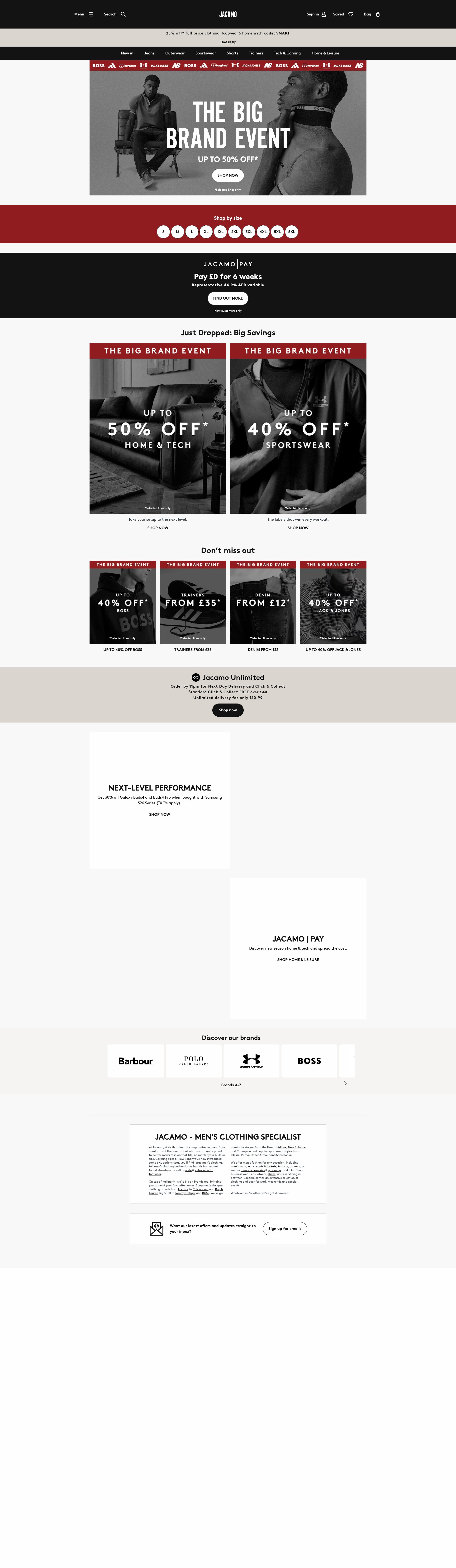
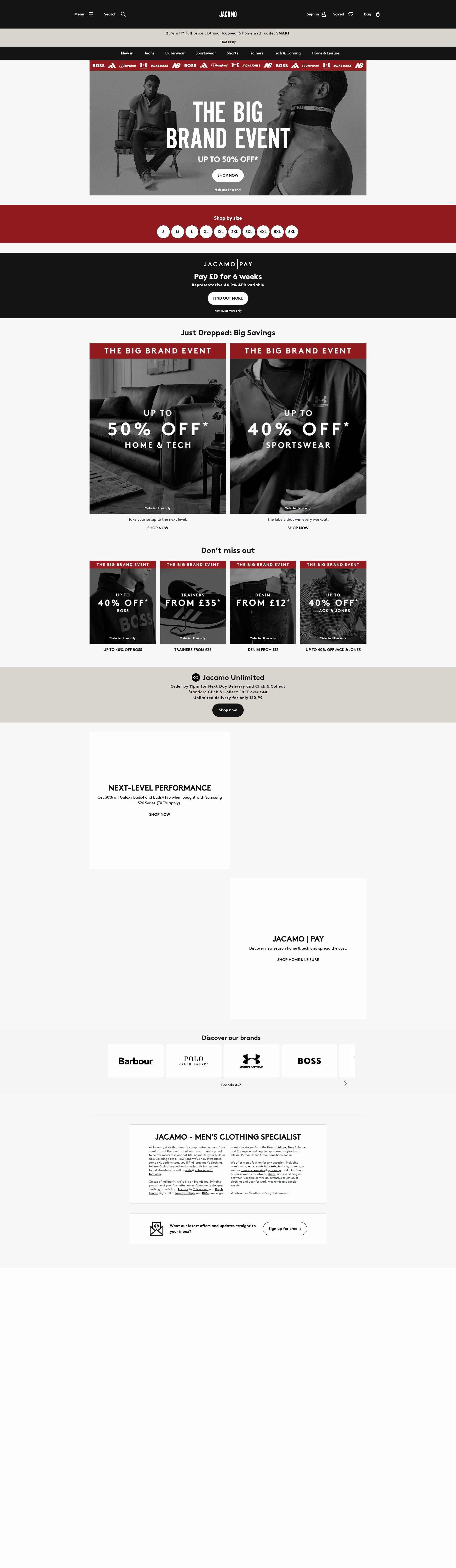
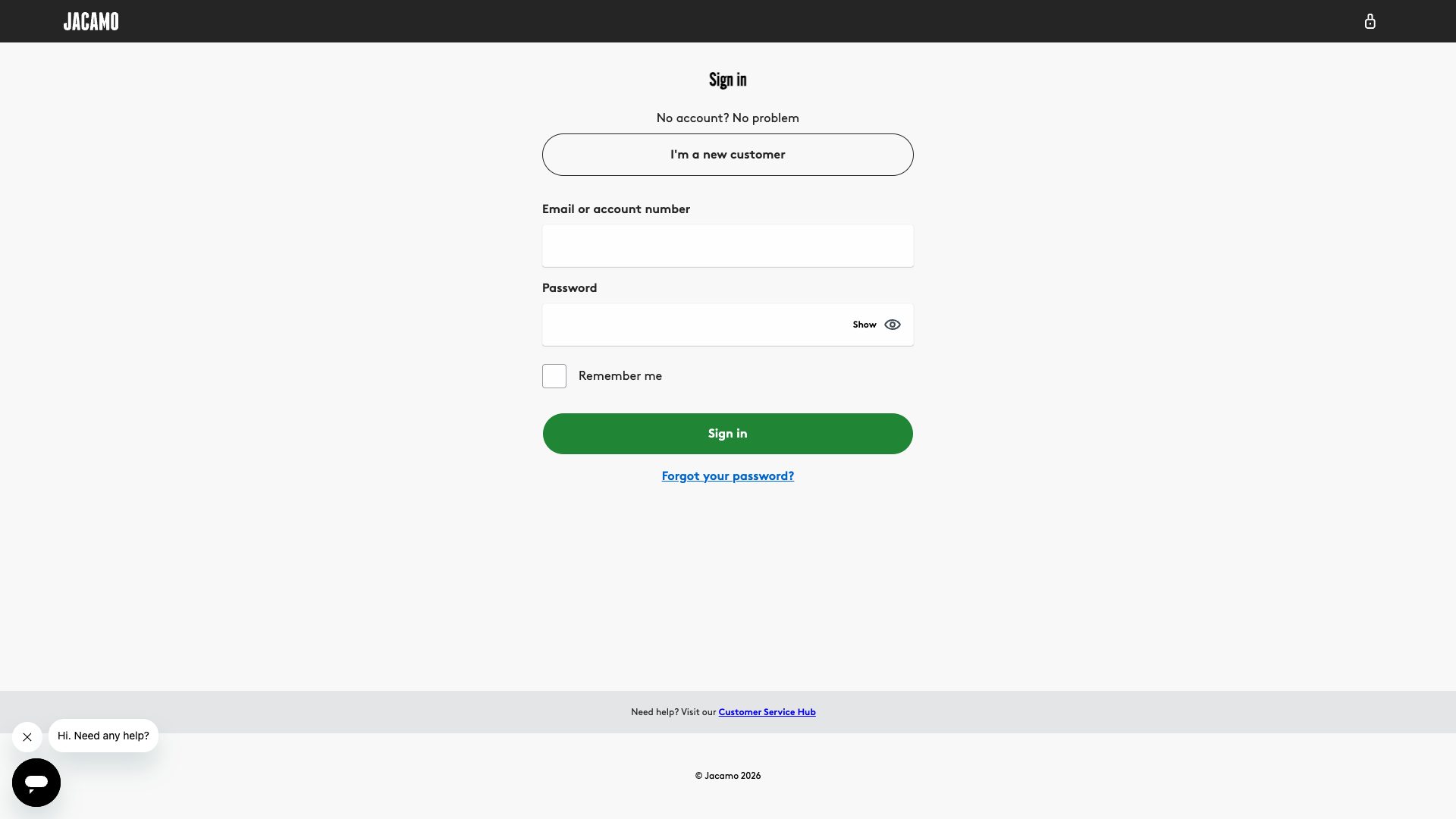
Jacamo scored B (85%) with 117 issues across 7 tested pages, ranking #11 of 22 UK retail sites. That's 7 fewer than the 123.7 category average (50th percentile).

Top issues to fix immediately: "Access Denied Error Blocks User from Completing Primary Task" โ€” Immediately investigate and resolve the 403 Forbidden error on the /shop/new-in endpoint; "HTTP 403 Access Denied - Missing Authorization or Permission Configura" โ€” 1) Verify authentication tokens/credentials are being sent with the request; "Complete Page Inaccessibility - Access Denied Error Page" โ€” 1.

Weakest area โ€” accessibility (6/10): Limited visible accessibility features. Need better alt text for images, higher contrast ratios, and ARIA labels for navigation...

Quick wins: Enhance accessibility by adding descriptive alt text to all product images and improving color contrast ratios for text.... Implement a more prominent search functionality and filter options for easier product discovery.

Qualitative Quality
Jacamo
Category Avg
Best in Category
Issue Count by Type
A11y
31
Content
15
Security
11
UX
4
Legal
1
Pages Tested ยท 6 screenshots
Detected Issues ยท 117 total
1
Access Denied Error Blocks User from Completing Primary Task
CRIT P10
Conf 9/10 OtherUX
Prompt to Fix
The /shop/new-in page is returning a 403 Forbidden error, preventing users from accessing the new products section. Investigate the server configuration, permissions, and routing to identify why this endpoint is being blocked. Check the web server logs, access control lists, and deployment configuration. Once the root cause is identified, fix the permissions or routing issue so the page loads successfully for all users. If access restrictions are intentional, implement a proper error page with explanation and alternative navigation options.
Why it's a bug
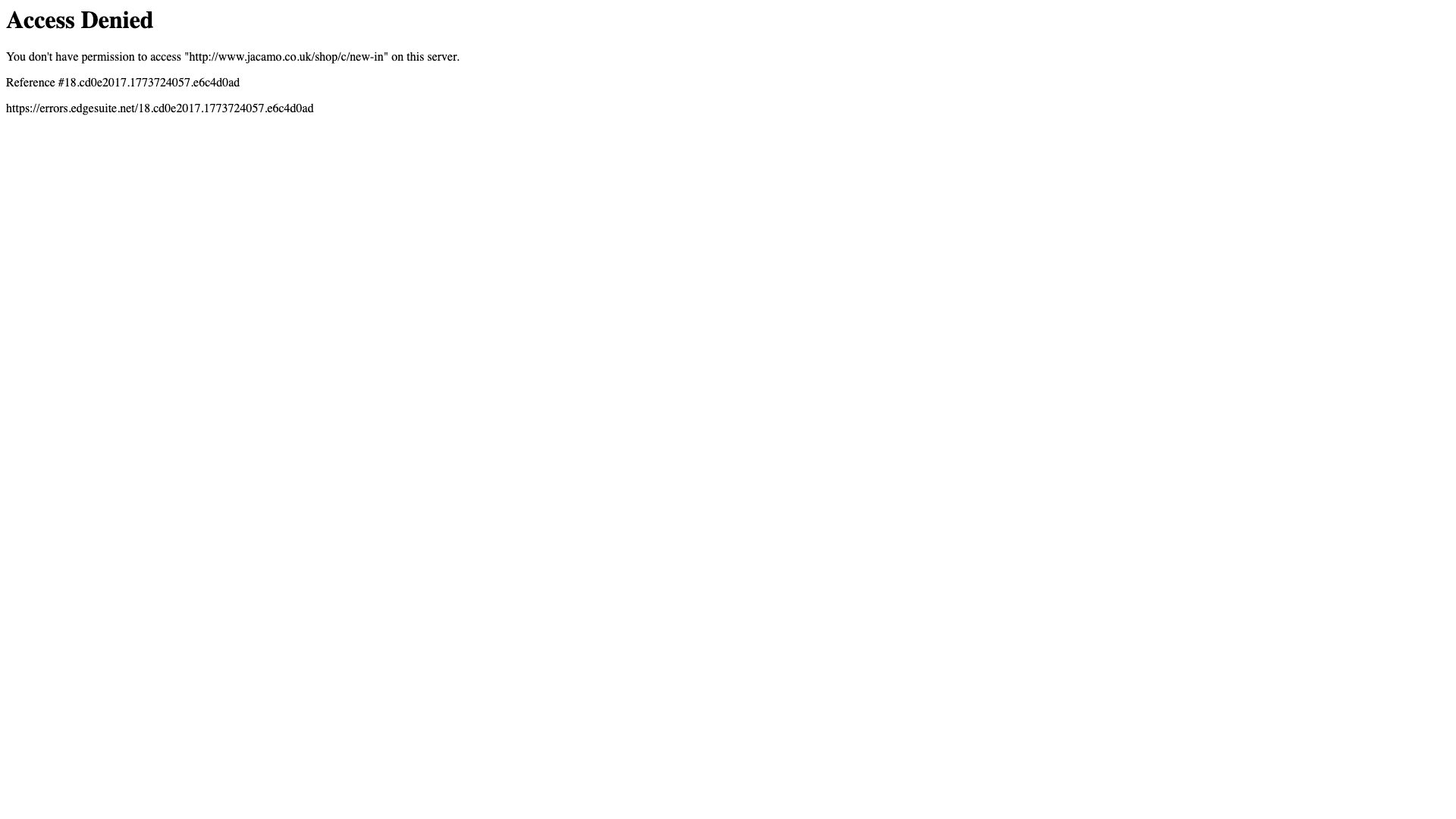
The user is attempting to access a product page (/shop/new-in) on the Jacamo website but receives an 'Access Denied' error message. This is a critical usability failure because: (1) The user cannot accomplish their goal of viewing or shopping for new items, (2) No explanation is provided for why access is denied, (3) No alternatives or next steps are offered to help the user recover from this error, (4) The error appears to be unintended (likely a permissions/configuration issue) rather than a deliberate restriction, (5) This completely blocks the user's primary task and represents a total failure of the service.
Why it might not be a bug
This could be intentional if the shop/new-in section is deliberately restricted to certain users, but the lack of any explanation or help content suggests this is an unintended technical failure rather than a designed access control.
Suggested Fix
Immediately investigate and resolve the 403 Forbidden error on the /shop/new-in endpoint. Once fixed, implement a user-friendly error recovery page that explains access restrictions (if intentional) or guides users to alternative sections of the site. Include clear CTAs to navigate to working areas of the store.
Why Fix
Without access to the new-in section, users cannot browse new products, which is likely a key conversion funnel for the e-commerce site. This error completely prevents users from accomplishing their shopping goals and will result in lost sales and frustrated users.
Route To
Backend Engineer / DevOps / Site Reliability Engineer
Page
Tester
Mia ยท Usability Tester
Technical Evidence
Elements: <h1>Access Denied</h1>, error message text, Reference #18.cd0c2017.1773674876.d65229fc5
Console: [error] Failed to load resource: the server responded with a status of 403 ()
Network: GET https://www.jacamo.co.uk/shop/new-in returned 403 Forbidden
Page Text: You don't have permission to access "http://www.jacamo.co.uk/shop/new-in" on this server.
2
HTTP 403 Access Denied - Missing Authorization or Permission Configuration
CRIT P10
Conf 9/10 Other
Prompt to Fix
The API endpoint 'https://www.jacamo.co.uk/shop/c/new-in' is returning HTTP 403 Forbidden status. This indicates missing or invalid authentication credentials being sent with the request. Please: 1) Verify that authentication tokens or API keys are being properly retrieved and included in the Authorization header of the GET request. 2) Check that any credentials are being sent before the HTTP request is made. 3) Add proper error handling that catches 403 responses specifically and logs the reason. 4) Ensure the code validates that authentication succeeded before making the main API call. 5) Return a user-friendly error message that explains what went wrong and how to resolve it (e.g., 'Please log in again' or 'Your session has expired').
Why it's a bug
The page returns HTTP 403 Forbidden when accessing the main content URL 'https://www.jacamo.co.uk/shop/c/new-in'. This indicates a critical failure in the application's authorization or access control logic. The error page is being displayed instead of the intended content. This is a blocking issue that prevents users from accessing the primary functionality. AI-generated code often lacks proper authentication/authorization checks or misses configuration requirements for API calls.
Why it might not be a bug
This could be intentional if the user account lacks permissions, but the lack of any helpful error message or recovery instructions suggests this is a configuration or code error rather than proper permission-based access control.
Suggested Fix
1) Verify authentication tokens/credentials are being sent with the request. 2) Check that the Authorization header is properly configured with valid credentials. 3) Review server-side authorization logic to ensure it properly validates user permissions. 4) Implement proper error handling that returns meaningful error messages and recovery steps when access is denied. 5) Add logging to diagnose why authorization is failing.
Why Fix
A 403 error completely blocks users from accessing content. Without proper error handling and recovery instructions, users cannot use the application. This represents a critical failure in the core user experience.
Route To
Backend Engineer / API Integration Specialist
Page
Tester
Jason ยท GenAI Code Analyzer
Technical Evidence
Console: [ERROR] Failed to load resource: the server responded with a status of 403 ()
Network: GET https://www.jacamo.co.uk/shop/c/new-in - Status: 403
3
Complete Page Inaccessibility - Access Denied Error Page
CRIT P10
Conf 10/10 A11yOther
Prompt to Fix
Fix the accessibility of the Access Denied error page for WCAG 2.1 AA compliance. The page currently has no semantic HTML structure, headings, or proper content hierarchy. Add: 1) A <main> landmark element wrapping the primary content. 2) An <h1> heading stating 'Access Denied'. 3) Semantic <p> elements for the error message explaining why access was denied (e.g., 'You do not have permission to access this page'). 4) A reference number clearly labeled with <strong> or <label> (e.g., 'Reference number: 18 cde2017.1773674876.d65229fc5'). 5) At least one accessible link (e.g., <a href='/'>Return to Homepage</a>) with descriptive link text. 6) Ensure proper heading hierarchy with no skipped levels. 7) Verify all text has sufficient color contrast (4.5:1 for normal text per WCAG AA). Test with a screen reader to ensure the page structure and error message are properly announced.
Why it's a bug
The page displays an 'Access Denied' error message with no semantic HTML structure, no headings, no interactive elements, no forms, no links, and no images detected. The page content analysis shows empty arrays for all critical accessibility elements (images, buttons, links, forms, headings). This represents a complete barrier to accessibility for all users, particularly those relying on assistive technologies. Screen reader users cannot navigate the page, understand its structure, or take corrective action. The error message itself appears to be plain text without proper semantic markup or ARIA labels.
Why it might not be a bug
This is an error page, which may be expected to have minimal content. However, even error pages must be accessible and provide clear, semantically structured information about why access was denied and what users can do next.
Suggested Fix
1. Add a proper page heading (h1) that clearly states 'Access Denied' or 'Page Not Available'. 2. Wrap the error message in semantic HTML (e.g., <main> landmark, <article> or <section> with proper structure). 3. Add descriptive text explaining why access was denied and what the user can do next. 4. Include a link back to the homepage or a contact/support page with proper link text ('Return to homepage' or 'Contact support'). 5. Use proper ARIA labels (role='main' on main content area if not using semantic <main> element). 6. Ensure the reference number is clearly labeled as such for screen reader users.
Why Fix
Users with disabilities (blind, low vision, motor disabilities, cognitive disabilities) need to understand why they cannot access the page and what their options are. A properly structured error page with clear semantic HTML and ARIA labels ensures screen reader users can navigate the page, understand the error, and take appropriate action. This is essential for equal access.
Route To
Frontend/Full Stack Engineer, Accessibility Specialist
Page
Tester
Alejandro ยท Accessibility Specialist
Technical Evidence
Console: [ERROR] Failed to load resource: the server responded with a status of 403 () and [ERROR] Failed to load resource: the server responded with a status of 404 ()
Network: HTTP 403 Forbidden error on the requested resource https://www.jacamo.co.uk/shop/new-in/
+114
114 more issues detected  View all →
403 Forbidden Error on Main Page Request
Multiple Failed Resource Loads - DNS Resolution Failures
Multiple Failed Resource Loads - Net::ERR_NAME_NOT_RESOLVED
and 111 more...
Unlock All 117 Issues
You're viewing the top 3 issues for Jacamo.
Sign up at Testers.AI to access the full report with all 117 detected issues, detailed fixes, and continuous monitoring.
Sign Up at Testers.AI or let us run the tests for you