GAME
App Quality Report
Powered by Testers.AI
B84%
Quality Score
5
Pages
97
Issues
7.6
Avg Confidence
7.7
Avg Priority
28 Critical54 High15 Medium
Testers.AI
>_ Testers.AI AI Analysis

GAME scored B (85%) with 97 issues across 7 tested pages, ranking #4 of 22 UK retail sites. That's 27 fewer than the 123.7 category average (82nd percentile).

Top issues to fix immediately: "Missing product images causing broken visual layout in game grid" โ€” Ensure all product image URLs are properly configured and pointing to valid, accessible resources; "Multiple images with empty or missing alt text" โ€” Add descriptive alt text to all informative images; "Multiple failed resource loads prevent essential page functionality" โ€” Investigate and resolve DNS resolution issues causing net::ERR_NAME_NOT_RESOLVED errors.

Weakest area โ€” accessibility (5/10): Contrast ratios may be problematic with purple/magenta backgrounds. Missing clear alt text indicators, heading hierarchy unclear.

Quick wins: Improve color contrast ratios to meet WCAG AA standards, particularly for text on colored backgrounds. Add clear alt text to all product images and implement proper heading hierarchy (H1, H2, H3).
Qualitative Quality
GAME
Category Avg
Best in Category
Issue Count by Type
A11y
28
Content
24
UX
5
Visual
1
Security
1
Pages Tested ยท 5 screenshots
Detected Issues ยท 97 total
1
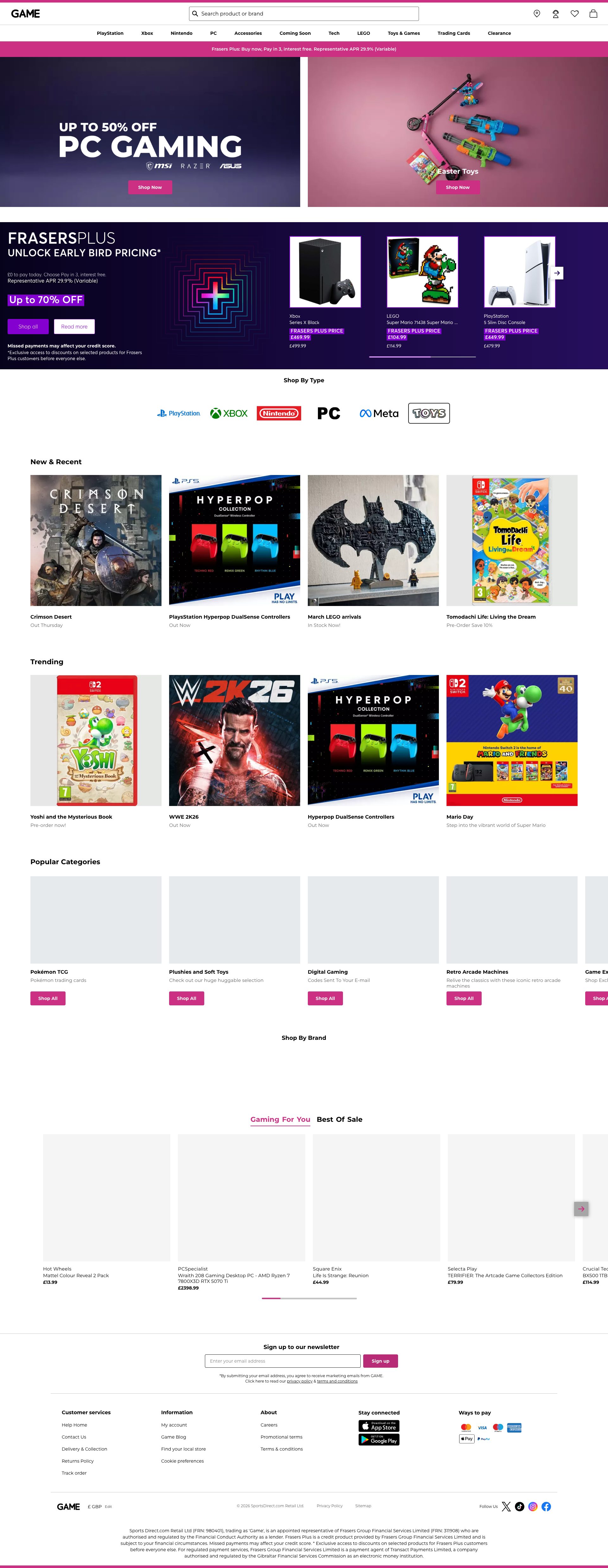
Missing product images causing broken visual layout in game grid
CRIT P9
Conf 9/10 VisualUX
Prompt to Fix
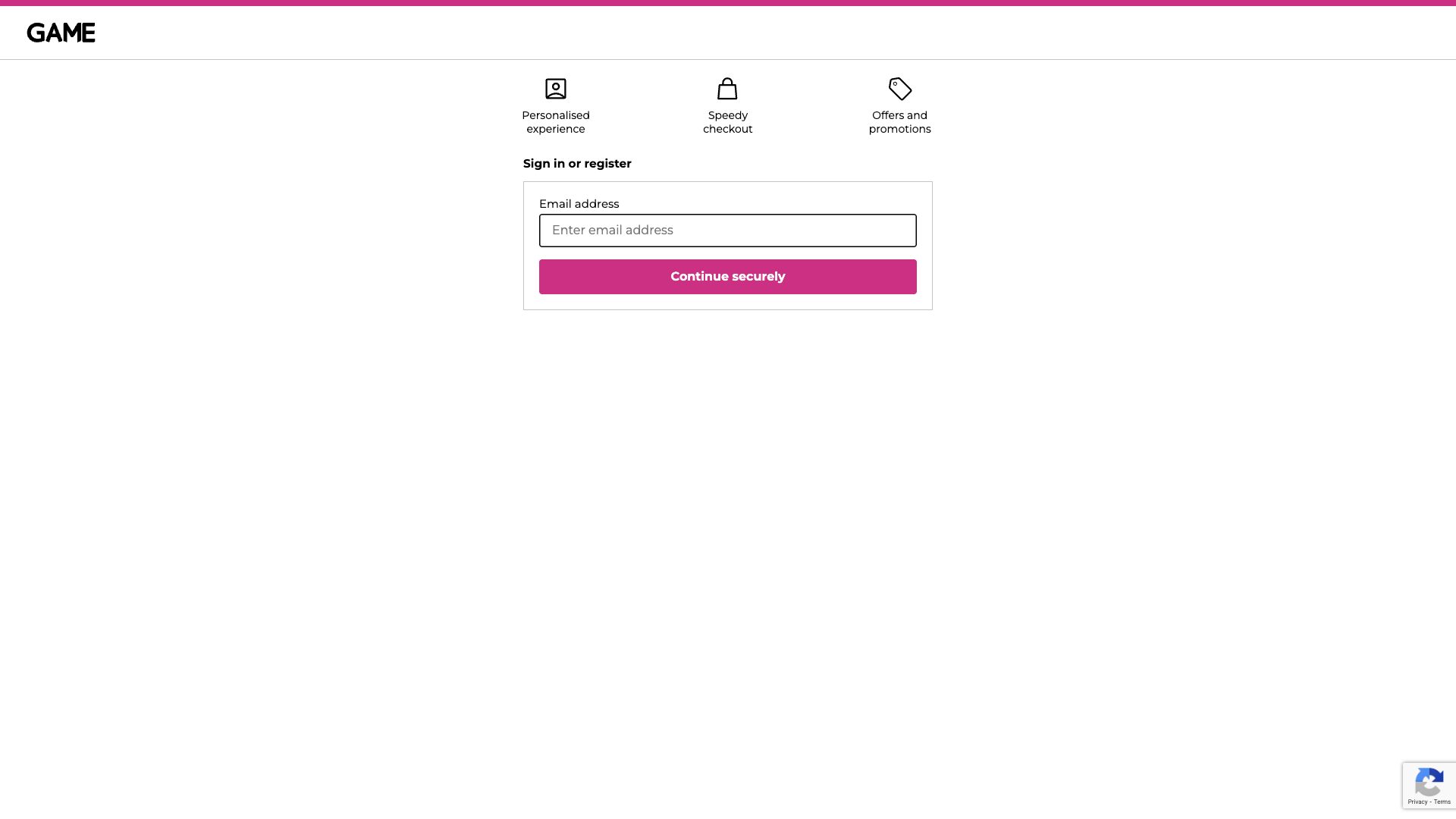
The game product grid is displaying empty image containers instead of game cover images. Multiple console errors show 'net::ERR_NAME_NOT_RESOLVED' for image resources. Review and fix the image URL configuration - verify the domain/CDN is accessible and properly configured. Ensure all image src attributes point to valid, resolvable URLs. Test that images load successfully before deploying to production. Implement a loading state or placeholder image to improve UX while images are loading.
Why it's a bug
The game product grid displays placeholder/blank spaces instead of game cover images. This severely impacts the browsing experience as users cannot visually identify games at a glance. The console shows multiple failed resource loads (ERR_NAME_NOT_RESOLVED), and the visible grid shows empty image containers where game artwork should appear. This directly prevents users from accomplishing their goal of browsing and discovering games through visual recognition.
Why it might not be a bug
This could be a temporary development/staging environment issue, but it's still a critical user-facing problem that needs resolution before production.
Suggested Fix
Ensure all product image URLs are properly configured and pointing to valid, accessible resources. Verify the image CDN or hosting is properly configured and the domain resolution is working. Implement fallback placeholder images with clear visual hierarchy while real images load.
Why Fix
Game discovery relies heavily on visual appeal and cover art recognition. Without images, users cannot effectively browse the catalog, leading to abandonment of the shopping experience and inability to make purchasing decisions.
Route To
Backend/Infrastructure Engineer, Frontend Engineer
Page
Tester
Mia ยท Usability Tester
Technical Evidence
Elements: <div class='game-grid'>, <img> elements with broken src attributes
Console: Failed to load resource: net::ERR_NAME_NOT_RESOLVED (multiple instances)
Network: Image resource loading failures - domain resolution failures
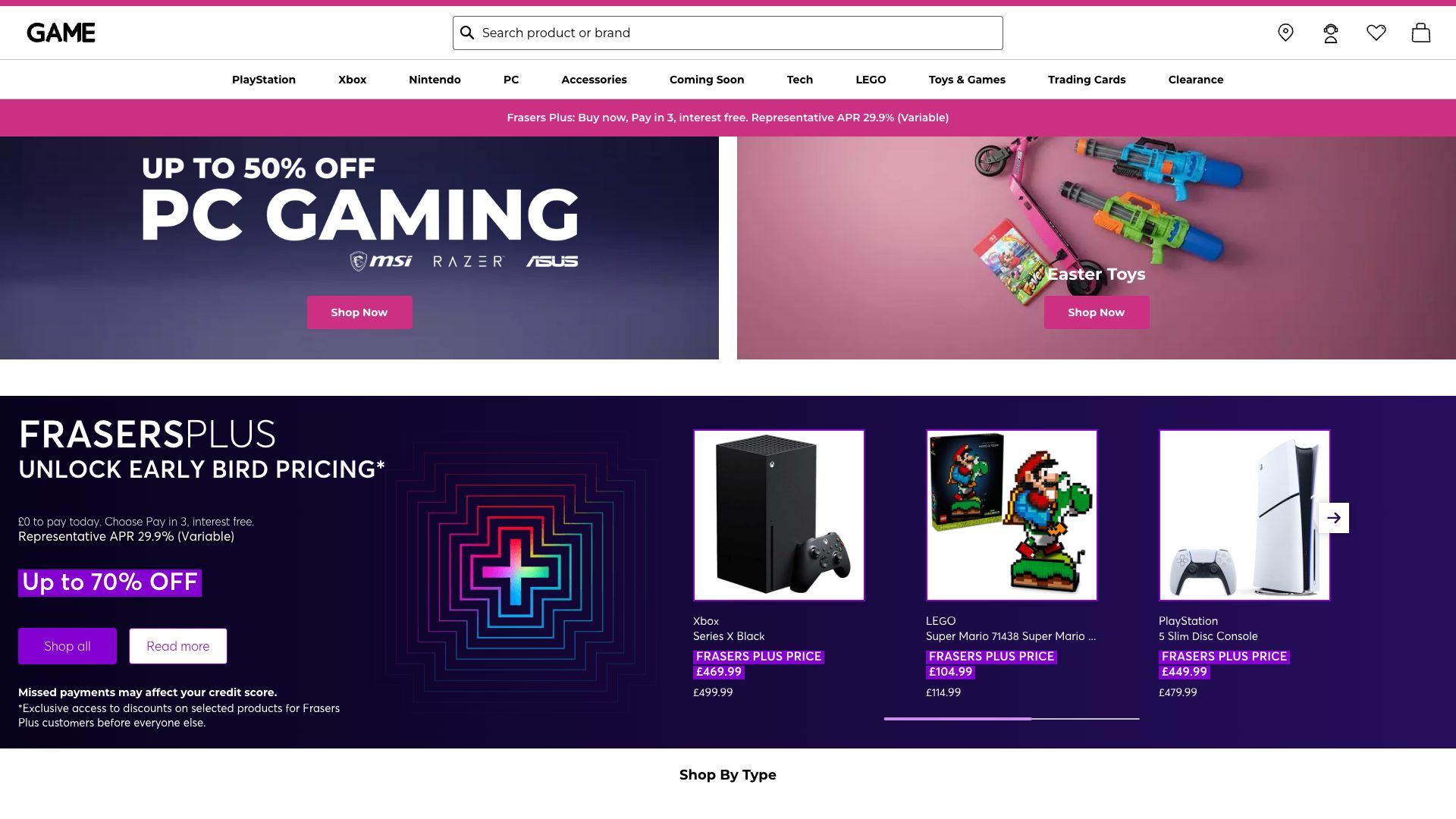
Page Text: Game titles visible but images missing in grid layout
2
Multiple images with empty or missing alt text
CRIT P9
Conf 9/10 A11yOther
Prompt to Fix
Fix WCAG 2.1 Level A compliance for missing alt text on images. For each informative image on the page, add descriptive alt text that conveys the purpose and content. For product images, include the product name and relevant details. For category navigation images (PlayStation, Xbox, Nintendo, PC, Accessories, Coming Soon, Tech, LEGO, Toys & Games, Trading Cards), use clear category names. For the loader image, use alt="Loading...". Only use empty alt text (alt="") for purely decorative images with role="presentation". Implement this across all img elements to meet WCAG 2.1 1.1.1 Non-text Content (Level A) requirements.
Why it's a bug
The page content analysis shows multiple images with empty alt text (alt="") or hasAlt:false, which violates WCAG 2.1 Level A (1.1.1 Non-text Content). This prevents screen reader users from understanding image content and context, making the page inaccessible to blind and low-vision users.
Why it might not be a bug
Some images marked as decorative (isDecorative:true) are correctly empty, but the data shows informative images like product images and category navigation images lack proper alt text descriptions.
Suggested Fix
Add descriptive alt text to all informative images. For product images, include product name and key details. For category images (PlayStation, Xbox, Nintendo, PC, Accessories, etc.), use clear descriptive text. Ensure decorative images use empty alt text (alt="") with role="presentation" or are marked as decorative only when truly non-informative.
Why Fix
Screen reader users rely on alt text to understand images. Without it, they cannot access product information, navigate categories, or understand page content. This is a critical barrier preventing disabled users from using the shopping site.
Route To
Frontend/Content Developer
Page
Tester
Alejandro ยท Accessibility Specialist
Technical Evidence
Console: Multiple images in the page content have empty alt attributes or missing alt text
Network: Failed to load resource: net::ERR_NAME_NOT_RESOLVED (multiple occurrences affecting image loading)
3
Multiple failed resource loads prevent essential page functionality
CRIT P9
Conf 8/10 A11yOther
Prompt to Fix
Resolve the systematic net::ERR_NAME_NOT_RESOLVED errors preventing resource loading across the page. Audit all external resource URLs (images, stylesheets, scripts, CDN assets) and verify DNS resolution and accessibility. Check CDN configuration, domain ownership, and network routing. Ensure all accessibility-critical resources (CSS for focus indicators, ARIA JavaScript libraries, semantic HTML resources) are loading correctly. Implement proper error handling and fallback mechanisms for failed resource loads. This is critical for WCAG 2.1 compliance as failed resources can break focus indicators, screen reader support, and page structure.
Why it's a bug
The console shows 23+ net::ERR_NAME_NOT_RESOLVED errors indicating critical resources failed to load. This affects images, stylesheets, or scripts that may be essential for accessibility features (focus indicators, ARIA attributes, proper semantic structure). Failed resources can break screen reader compatibility, CSS-based focus indicators, and interactive elements.
Why it might not be a bug
Some resource failures might be non-critical (tracking pixels, optional enhancements), but the volume and pattern suggests systematic infrastructure issues affecting core functionality.
Suggested Fix
Investigate and resolve DNS resolution issues causing net::ERR_NAME_NOT_RESOLVED errors. Verify all CDN URLs, external resource domains, and asset paths are correctly configured and accessible. Ensure critical accessibility-related resources (CSS for focus styles, ARIA-supporting JavaScript) are loaded from reliable sources. Implement resource loading error handling and fallbacks.
Why Fix
Failed resource loads can break accessibility features that rely on CSS (focus indicators), JavaScript (dynamic ARIA updates, keyboard handlers), and images (alt text conveyed through missing visual context). Users with disabilities depend on these resources to access the site effectively.
Route To
DevOps/Infrastructure/Backend Engineer
Page
Tester
Alejandro ยท Accessibility Specialist
Technical Evidence
Console: [ERROR] Failed to load resource: net::ERR_NAME_NOT_RESOLVED (appears 23+ times)
Network: net::ERR_NAME_NOT_RESOLVED
+94
94 more issues detected  View all →
Multiple Resource Load Failures - DNS Resolution Errors
AI/LLM Endpoints Invoked on Page Load Without User Consent
Multiple images failing to load due to broken URLs and DNS r...
and 91 more...
Unlock All 97 Issues
You're viewing the top 3 issues for GAME.
Sign up at Testers.AI to access the full report with all 97 detected issues, detailed fixes, and continuous monitoring.
Sign Up at Testers.AI or let us run the tests for you