Kleiner Perkins
App Quality Report
Powered by Testers.AI
B86%
Quality Score
12
Pages
14
Issues
7.7
Avg Confidence
6.5
Avg Priority
1 Critical5 High8 Medium
Testers.AI
>_ Testers.AI AI Analysis

Kleiner Perkins scored B (86%) with 14 issues, ranking #39 of 47 VC sites. That's 9 fewer than the 22.7 category average (79th percentile).

Top issues to fix immediately: "Text Overlap and Illegibility in Main Content Area" โ€” Review the CSS layout system (likely flexbox or grid) that is causing the text overlap; "Poor contrast between text and background in policy document" โ€” Ensure all text meets WCAG AA standards for contrast ratio (4; "Policy document text is too small and difficult to read" โ€” Increase the default font size of the policy document to at least 14px minimum, or provide a zoom/text size adjustmen....

Weakest area โ€” accessibility (2/10): Severe accessibility failures including poor contrast, overlapping text making screen reader navigation problematic, and no cle...

Quick wins: Implement clear information hierarchy with distinct sections separated by white space to improve readability. Redesign the market history visualization to be interactive rather than static overlapping text.

Qualitative Quality
Kleiner Perkins
Category Avg
Best in Category
Issue Count by Type
UX
12
Visual
9
Content
5
A11y
4
Pages Tested ยท 12 screenshots
Detected Issues ยท 14 total
1
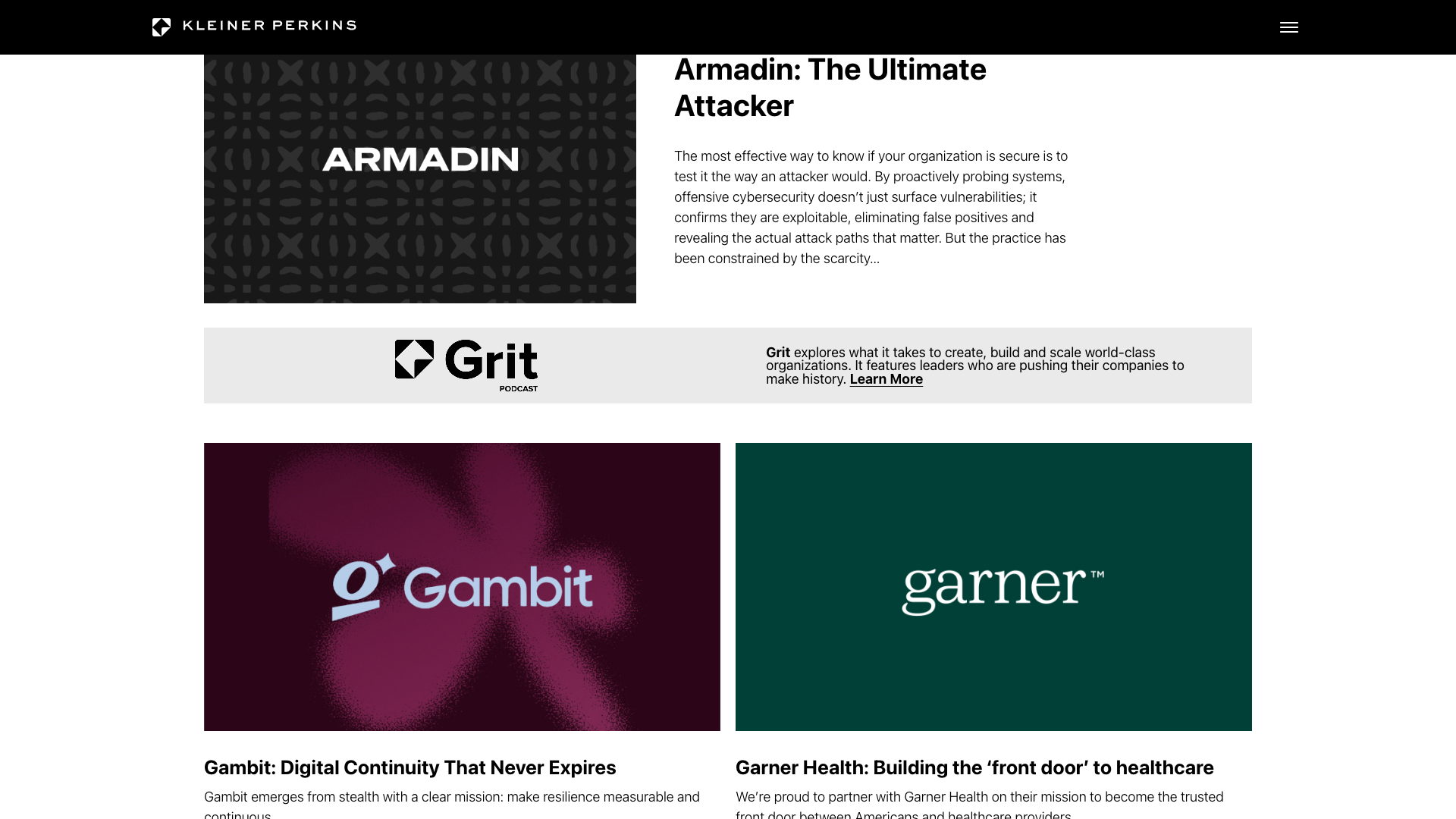
Text Overlap and Illegibility in Main Content Area
CRIT P9
Conf 9/10 VisualUX
Prompt to Fix
The issue is that text elements in the main content area are heavily overlapping and creating illegible content throughout the page. Fix it by reviewing and correcting the CSS layout system, adjusting z-index values, repositioning elements with proper spacing, and ensuring all text has adequate container dimensions to prevent collision and overlap.
Why it's a bug
The main content area displays heavily overlapping text where multiple words and phrases are layered on top of each other, making the majority of the text unreadable. This includes company names (Amazon, Google, Loom), descriptive phrases, and other content that cannot be clearly distinguished due to overlapping. This is a critical rendering issue that prevents users from consuming the intended content.
Why it might not be a bug
This could theoretically be intentional artistic design, but it severely compromises usability and accessibility, which would still constitute a bug in any production environment.
Suggested Fix
Review the CSS layout system (likely flexbox or grid) that is causing the text overlap. Adjust spacing, positioning, line-height, or container dimensions to ensure text elements are properly separated and all content is legible. Consider using overflow properties or wrapping mechanisms to prevent text collision.
Why Fix
Users cannot read or understand the content on the page, which defeats the purpose of the 'Make History' marketing page. This directly impacts user experience and the ability to communicate the value proposition.
Route To
Frontend Engineer / UI Developer
Page
Tester
Sharon ยท Security Tester
Technical Evidence
Elements: <div> or <section> containing overlapped text elements, likely with absolute positioning or negative margins causing collision
Console: No console errors visible, but layout calculation issues may be present
Page Text: MAKE HISTORY, loom, SHIPPING, DYNAMIC COMES TOGETHER, WORK SYSTEMS, amazon, UNLEASHING, tech, ecommerce, CREATIVE DESIGN, WORK FOR ALL, ORGANIZING THE WORLD'S, BRINGING IT, AND MAKING IT, CYBER ATTACK, MANAGE NEEDLE INEQUALITY, MEDICAL IMAGES, GUIDING, NEW COURSE, FOR ACCESS TO EDUCATION, THE WORLD'S BEST WAY, LANGUAGE POSSIBILITIES, HEALTH, OF ON-DEMAND FOOD DELIVERY, BRINGING MENTAL HEALTH, EXPANDING UTILI WITH, BENEFITS TO THE FOREFRONT
2
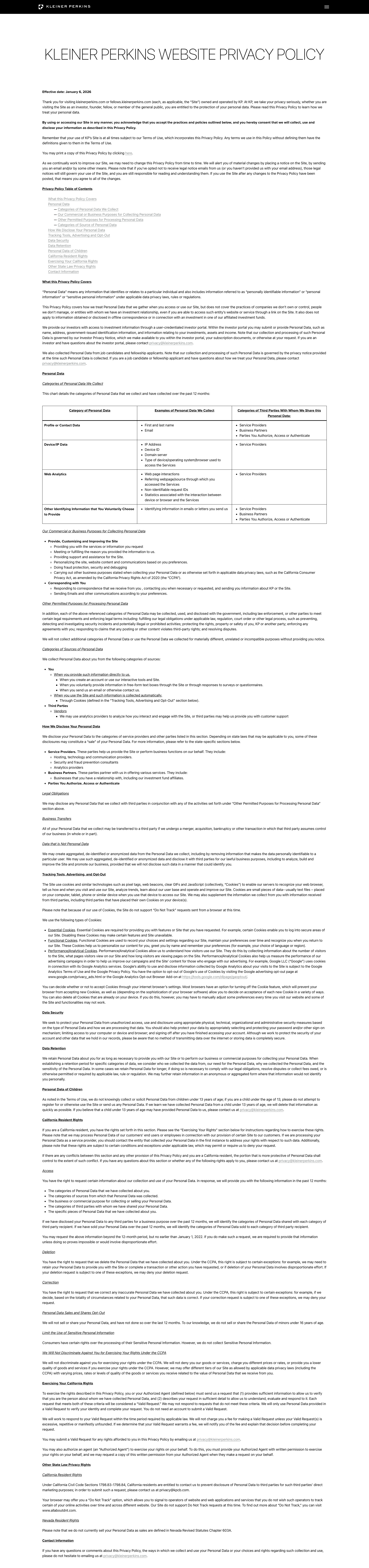
Poor contrast between text and background in policy document
HIGH P8
Conf 7/10 A11yUX
Prompt to Fix
The issue is that text contrast is insufficient for accessibility compliance. Fix it by ensuring all text elements meet WCAG AA contrast ratio standards of 4.5:1 for normal text.
Why it's a bug
The policy document appears to have text with insufficient contrast against its background. Combined with the small font size, this creates a significant accessibility violation. Users with color blindness or low vision will struggle to read the content.
Why it might not be a bug
The contrast may appear adequate on different monitor calibrations, though the screenshot shows readability concerns.
Suggested Fix
Ensure all text meets WCAG AA standards for contrast ratio (4.5:1 for normal text, 3:1 for large text). Use higher contrast colors for text and background.
Why Fix
Proper contrast ratios are essential for accessibility and ensure the policy is readable for all users including those with visual impairments.
Route To
Frontend Engineer / Accessibility Specialist
Page
Tester
Sharon ยท Security Tester
Technical Evidence
Elements: body text, paragraphs, policy content sections
Console: No console errors visible
Page Text: Data Processing & Internet Privacy Policy document content
3
Policy document text is too small and difficult to read
HIGH P7
Conf 8/10 A11yUX
Prompt to Fix
The issue is that the policy document text is too small and difficult to read, violating accessibility standards. Fix it by increasing the minimum font size to 14px and implementing responsive typography.
Why it's a bug
The entire policy document content is displayed in very small text that is clearly difficult to read in the screenshot. This violates WCAG 2.1 Level AA standards for text legibility and creates accessibility issues for users with low vision. The small font size is visible throughout the entire page.
Why it might not be a bug
The text may be intentionally small to fit the entire policy on one page view, though this sacrifices readability.
Suggested Fix
Increase the default font size of the policy document to at least 14px minimum, or provide a zoom/text size adjustment feature. Use responsive typography that scales appropriately.
Why Fix
Improved readability ensures the policy is accessible to all users including those with visual impairments, and complies with WCAG accessibility standards.
Route To
Frontend Engineer / Accessibility Specialist
Page
Tester
Sharon ยท Security Tester
Technical Evidence
Elements: body text, paragraphs, section content
Console: No console errors visible
Page Text: Data Processing & Internet Privacy Policy - content text throughout document
+11
11 more issues detected  View all →
Hyperlink 'here' lacks descriptive link text
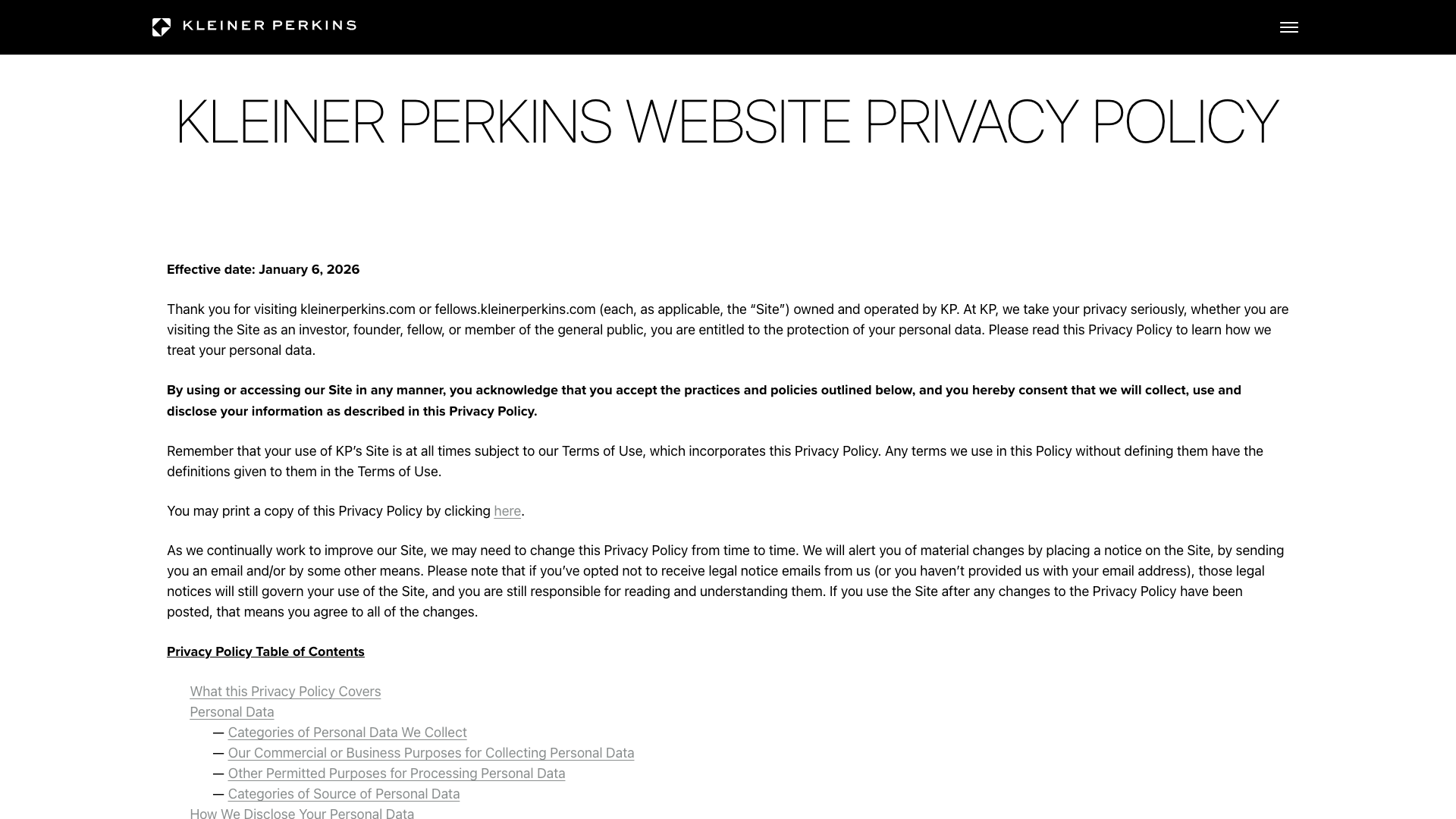
Incomplete team member profile grid layout
Multiple logo images failing to load or render
and 8 more...
Unlock All 14 Issues
You're viewing the top 3 issues for Kleiner Perkins.
Sign up at Testers.AI to access the full report with all 14 detected issues, detailed fixes, and continuous monitoring.
Sign Up at Testers.AI or let us run the tests for you