Flying Fish Ventures
App Quality Report
Powered by Testers.AI
A-90%
Quality Score
11
Pages
16
Issues
7.5
Avg Confidence
6.6
Avg Priority
8 High8 Medium
Testers.AI
>_ Testers.AI AI Analysis

Flying Fish Ventures scored A- (90%) with 16 issues, ranking #13 of 47 VC sites. That's 7 fewer than the 22.7 category average (72nd percentile).

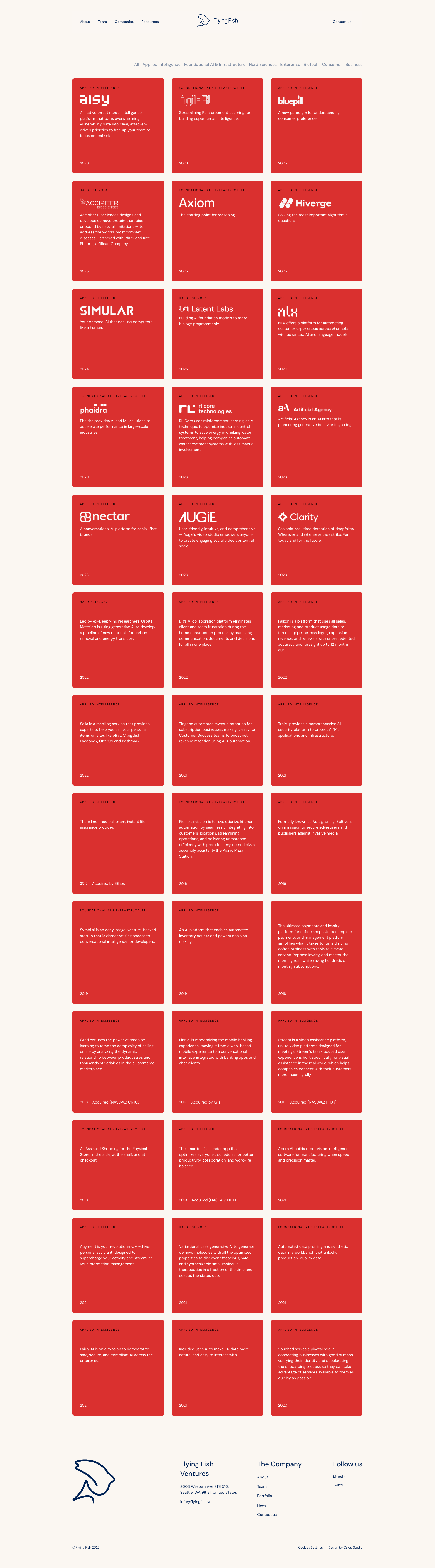
Top issues to fix immediately: "Low contrast or unclear text in footer section" โ€” Increase the contrast of footer text by either lightening the text color (using white or very light gray) or darkenin...; "Text Readability - White Text on Red Background Contrast" โ€” Adjust either the red background color to be darker (e; "Yellow highlight boxes lack sufficient contrast with text" โ€” Verify the contrast ratio of text on yellow boxes meets WCAG AA standards (4.

Weakest area โ€” accessibility (5/10): Red text on red backgrounds creates contrast issues; no visible alt text for images; navigation structure is unclear for screen...

Quick wins: Improve color contrast ratios throughout the site, especially for text on colored backgrounds. Add descriptive headings and content to sections like 'Companies' and 'Our team' to provide context.


Qualitative Quality
Flying Fish Ventures
Category Avg
Best in Category
Issue Count by Type
UX
11
A11y
10
Content
7
Visual
4
Pages Tested ยท 11 screenshots
Detected Issues ยท 16 total
1
Low contrast or unclear text in footer section
HIGH P8
Conf 7/10 A11yUX
Prompt to Fix
The issue is that footer text has low contrast against the red background, violating WCAG accessibility standards. Fix it by increasing text contrast to at least 4.5:1 ratio by changing the text color to white or light gray.
Why it's a bug
The footer section at the bottom of the page contains text that appears to have very low contrast against the red background, making it difficult to read. This is an accessibility violation per WCAG 2.1 AA standards which require a minimum contrast ratio of 4.5:1 for normal text.
Why it might not be a bug
The footer text may be intentionally subtle for aesthetic reasons, though this would still violate accessibility standards.
Suggested Fix
Increase the contrast of footer text by either lightening the text color (using white or very light gray) or darkening the background, ensuring a minimum contrast ratio of 4.5:1 for all text.
Why Fix
Low contrast text is inaccessible to users with visual impairments and violates WCAG guidelines. Improving contrast ensures all users can read the footer information.
Route To
Frontend Engineer / Accessibility Specialist
Page
Tester
Sharon ยท Security Tester
Technical Evidence
Elements: <footer>, <p style='color: ...'>
Page Text: We'd love to hear
2
Email address displayed as plain text without mailto link
HIGH P7
Conf 8/10 A11yUX
Prompt to Fix
The issue is that email addresses are displayed as plain text without mailto links, reducing usability and accessibility. Fix it by converting all email address instances to proper HTML mailto links with href='mailto:email@domain.com'
Why it's a bug
The email address 'info@flyingfish.vc' is displayed prominently in the main content area and repeated in the footer, but appears to be plain text without a clickable mailto: link. This prevents users from easily initiating an email by clicking, which is standard UX practice for contact pages.
Why it might not be a bug
The email address is clearly visible and readable, so users can manually copy and paste it. However, this is poor UX compared to standard mailto link functionality.
Suggested Fix
Convert the email address text to a proper HTML mailto link: <a href='mailto:info@flyingfish.vc'>info@flyingfish.vc</a>
Why Fix
Mailto links provide better user experience by allowing one-click email composition and are accessible to users with assistive technologies. This is a standard best practice for contact information.
Route To
Frontend Developer
Page
Tester
Sharon ยท Security Tester
Technical Evidence
Elements: <h1>Contact Us</h1> <p>info@flyingfish.vc</p> <p>info@flyingfish.vc</p>
Page Text: Contact Us info@flyingfish.vc
3
Low contrast text in biography section
HIGH P7
Conf 7/10 A11yUX
Prompt to Fix
The issue is that the biography text has low contrast against the dark background, making it hard to read and violating WCAG accessibility standards. Fix it by increasing the text color brightness to white or near-white to achieve at least 4.5:1 contrast ratio.
Why it's a bug
The biography text in the Managing Partner section appears to be light gray or low-contrast text on a dark background, making it difficult to read. This violates WCAG 2.1 AA standards for color contrast ratio (minimum 4.5:1 for normal text).
Why it might not be a bug
The contrast may be intentional for design aesthetic, though accessibility standards should still be met.
Suggested Fix
Increase the contrast of the biography text by either lightening the text color to white or near-white, or adjusting the background color. Ensure a minimum contrast ratio of 4.5:1 for normal text per WCAG AA standards.
Why Fix
Proper contrast is essential for accessibility and usability. Users with vision impairments and users in various lighting conditions need to be able to read the content easily.
Route To
Frontend Developer / Accessibility Specialist
Page
Tester
Sharon ยท Security Tester
Technical Evidence
Elements: <p> or <div> containing biography text with CSS color property
Page Text: Biography text in Managing Partner section
+13
13 more issues detected  View all →
Missing or unclear current investments list
Grid Layout Misalignment - Inconsistent Column Widths
Incomplete biography text in Managing Partner section
and 10 more...
Unlock All 16 Issues
You're viewing the top 3 issues for Flying Fish Ventures.
Sign up at Testers.AI to access the full report with all 16 detected issues, detailed fixes, and continuous monitoring.
Sign Up at Testers.AI or let us run the tests for you