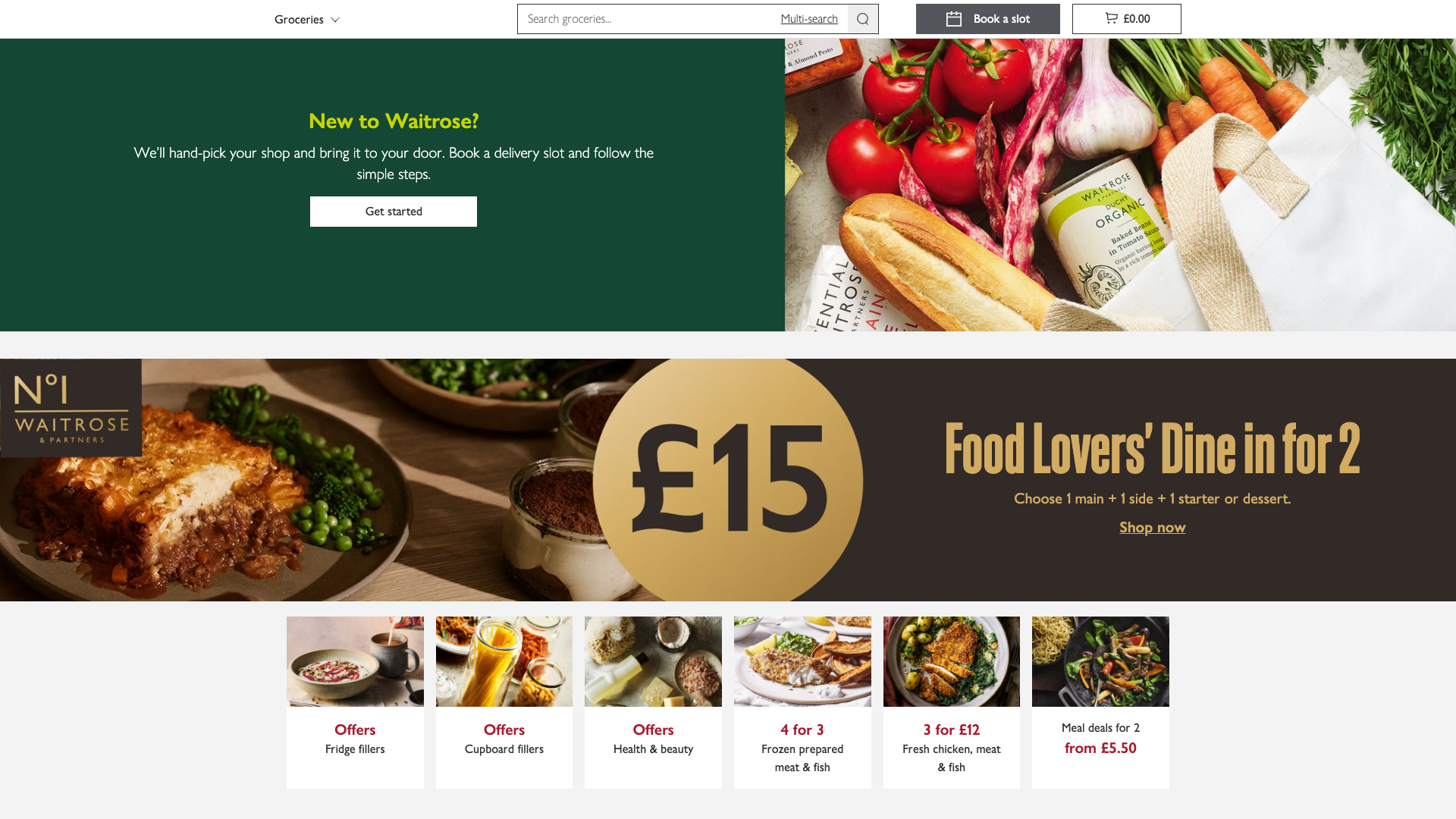
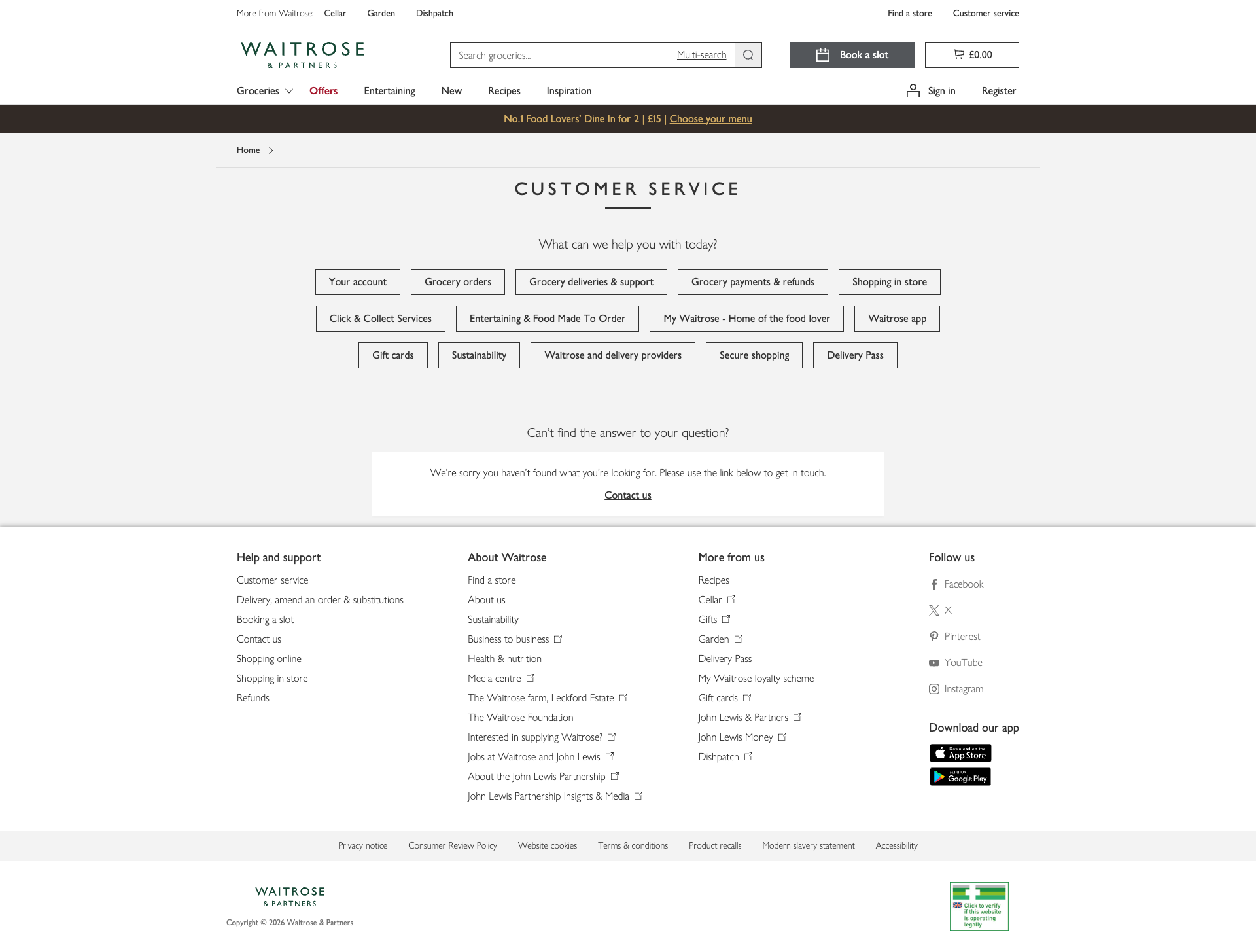
Waitrose
App Quality Report
Powered by Testers.AI
B+87%
Quality Score
6
Pages
110
Issues
7.4
Avg Confidence
7.5
Avg Priority
25 Critical60 High24 Medium1 Low
Testers.AI
>_ Testers.AI AI Analysis

Waitrose scored B+ (87%) with 110 issues across 6 tested pages, ranking #3 of 20 UK retail sites. That's 20 fewer than the 130.2 category average (70th percentile).

Top issues to fix immediately: "Missing cache headers on all static assets causing repeated re-downloa" โ€” Add proper Cache-Control headers to all static assets: 1) Set long cache durations (1 year) for content-hashed assets...; "Missing Cache Headers on All Static Assets" โ€” 1) Configure server/CDN to set aggressive caching headers for all versioned assets: Cache-Control: public, max-age=31...; "Multiple Obfuscated Endpoints Making Unidentified POST/GET Requests on" โ€” 1) Document all internal API endpoints with clear, meaningful names that reflect their purpose.

Weakest area โ€” accessibility (6/10): Limited visible accessibility indicators. No obvious alt-text descriptions, color contrast in some areas may be insufficient, a...


Qualitative Quality
Waitrose
Category Avg
Best in Category
Issue Count by Type
A11y
39
Content
23
UX
10
Security
3
Visual
1
Pages Tested ยท 6 screenshots
Detected Issues ยท 110 total
1
Multiple Obfuscated Endpoints Making Unidentified POST/GET Requests on Page Load
CRIT P10
Conf 9/10 SecurityOther
Prompt to Fix
I've discovered that our Waitrose store locator page is making POST/GET requests to obfuscated, non-descriptive endpoints like '/bdi6IkvF/F0ns0fD/bMfhPEF/ND/...' immediately on page load. These endpoints lack clear naming and documentation. Please help me: 1) Audit all internal API endpoints used on this page and list their actual purposes (data collection, analytics, tracking, etc.). 2) Rename any obfuscated endpoints to use clear, descriptive names that reflect their function (e.g., '/api/v1/analytics/page-view' instead of obfuscated hashes). 3) Identify which requests fire on page load vs. after user interaction, and defer non-critical requests until interaction. 4) Create clear documentation of what data each endpoint collects and transmits. 5) Implement privacy consent checks before sending any personally identifiable or tracking data. Show me the complete refactored code with proper endpoint naming and conditional request logic.
Why it's a bug
The network activity shows repeated requests to obfuscated endpoints like 'https://www.waitrose.com/bdi6IkvF/F0ns0fD/bMfhPEF/ND/3fk1mGzmbXwfcfiG/O0lncRp8PRA/XS4/6SUQZb04B' with status codes 201 and 200. These endpoints have cryptic names that suggest either: (1) auto-generated code from an AI tool without proper naming, (2) intentionally obfuscated tracking/telemetry that violates privacy expectations, or (3) undocumented API calls. Multiple POST requests fire immediately on page load without user interaction. This pattern is characteristic of AI-generated tracking code that wasn't properly reviewed for privacy and security implications.
Why it might not be a bug
These could be legitimate internal Waitrose APIs with intentional obfuscation for security through obscurity, or the obfuscation could be a standard build process artifact. However, the lack of transparency around these endpoints and the multiple unsolicited requests on page load suggest a genuine issue.
Suggested Fix
1) Document all internal API endpoints with clear, meaningful names that reflect their purpose. 2) Implement a privacy audit to understand what data these endpoints collect and transmit. 3) Defer all non-critical API calls until after user interaction or implement explicit opt-in consent. 4) Add request/response logging to understand what data is being sent. 5) Replace obfuscated endpoint names with descriptive ones or move them to a separate, documented API namespace.
Why Fix
Undocumented obfuscated endpoints making unsolicited requests on page load violate user privacy expectations, complicate debugging, and suggest the code was generated or modified without proper security review. This could expose Waitrose to privacy regulation violations (GDPR, CCPA) and user trust issues.
Route To
Security Engineer / Privacy Officer / Backend API Architect
Page
Tester
Jason ยท GenAI Code Analyzer
Technical Evidence
Console: [LOG] %c[YextAnalytics]%c- Tracked Pages event: PAGE_VIEW
Network: POST https://www.waitrose.com/bdi6IkvF/F0ns0fD/bMfhPEF/ND/3fk1mGzmbXwfcfiG/O0lncRp8PRA/XS4/6SUQZb04B - Status: N/A and Status: 201, GET https://www.waitrose.com/bdi6IkvF/F0ns0fD/bMfhPEF/ND/3fk1/EC5AcRp8PRA/Jxl/gXWNNAzUq - Status: 200

2
Google Maps API Key Exposed in Production Network Request
CRIT P9
Conf 9/10 SecurityOther
Prompt to Fix
Create a backend API endpoint that proxies Google Maps API requests. Remove the Google Maps API key from the frontend code and client-side JavaScript. Instead, have the frontend call your backend endpoint (e.g., /api/maps/geocode) which authenticates the user session, validates the request, and then makes the actual call to Google Maps API using the key stored securely on the backend (in environment variables, not in code). Update all frontend code that directly calls maps.googleapis.com to instead call your backend proxy. Immediately rotate the exposed API key AIzaSyAXRoNCSc36h4pv0za0aaw4Z4988meQoYA and configure the old key with IP address restrictions to your server IPs only as a temporary measure.
Why it's a bug
The Google Maps API key 'AIzaSyAXRoNCSc36h4pv0za0aaw4Z4988meQoYA' is exposed in plain text within the URL of a production network request. API keys are sensitive credentials that can be abused by attackers to make unauthorized API calls, incur charges, and access location data. Once exposed in network traffic, the key is visible to anyone monitoring network activity and can be extracted from browser history, server logs, and cached data. This is a critical security vulnerability that enables unauthorized use of the Maps API.
Why it might not be a bug
Google Maps API keys have built-in restrictions that can limit usage by referrer, IP address, and application type, which may mitigate some abuse. However, this does not eliminate the risk of unauthorized access and should not be relied upon as primary protection.
Suggested Fix
Implement server-side proxy for Google Maps API calls. Instead of exposing the API key in client-side requests, create a backend endpoint that proxies requests to Google Maps API. The backend should authenticate the request, validate the user session, and forward only the API key in server-to-server communication. Implement API key rotation immediately and configure the compromised key with IP whitelisting restrictions to the Waitrose servers only until rotation is complete.
Why Fix
Protecting API keys prevents unauthorized access, protects user location data privacy, prevents abuse that could lead to unexpected charges, and maintains the integrity of the Maps integration. This is a standard security best practice for sensitive credentials.
Route To
Backend/Infrastructure Security Engineer, Frontend Engineer
Page
Tester
Sharon ยท Security Networking Analyzer
Technical Evidence
Console: Maps API initialization with exposed key
Network: GET https://maps.googleapis.com/maps/api/js?callback=GoogleMapsCallback_b7d77ff2&channel=www.waitrose.com&libraries=&key=AIzaSyAXRoNCSc36h4pv0za0aaw4Z4988meQoYA
3
Third-Party Analytics and Tracking Services Invoked Without Clear User Consent
CRIT P9
Conf 8/10 Other
Prompt to Fix
Our Waitrose store locator page is loading third-party analytics and tracking services (Google Analytics, Google Tag Manager, Yext Analytics, Dotomi, eDigital surveys) immediately on page load without any visible user consent mechanism. This violates GDPR and CCPA compliance. I see network requests firing to these services before any user interaction. Please help me: 1) Implement a consent management system that displays a clear cookie/tracking consent banner BEFORE any tracking requests fire. 2) Modify the analytics initialization code to defer all non-essential tracking (Google Analytics, Yext, Dotomi, surveys) until the user explicitly consents. 3) Create a consent state check function that blocks tracking requests if consent hasn't been obtained. 4) Document which third-party services are essential vs. optional. 5) Show me the complete refactored code with proper consent flow: banner -> user choice -> conditional tracking initialization. Ensure the page is fully functional without tracking enabled.
Why it's a bug
Network activity shows multiple third-party tracking and analytics services are initialized immediately on page load without visible user consent mechanisms: Google Tag Manager (gtm.js), Google Analytics (gtag.js), Yext Analytics (realtimeanalytics.yext.com), Dotomi (login-ds.dotomi.com), eDigital Research surveys, and ContentSquare. The page does not display a visible cookie consent banner or privacy notice before making these requests. This violates GDPR and CCPA requirements for explicit opt-in consent before tracking. This pattern is common in AI-generated analytics implementations that copy standard tracking code without implementing consent logic.
Why it might not be a bug
Waitrose may have consent already collected from a previous page visit via persistent cookies, or there may be a consent banner that loads asynchronously. However, the screenshot shows no visible consent UI, and best practice requires consent to be obtained BEFORE tracking requests fire.
Suggested Fix
1) Implement a consent management platform (CMP) that displays a clear consent banner before any tracking requests fire. 2) Defer all non-essential third-party scripts and tracking pixels until explicit user consent is obtained. 3) Only load Google Tag Manager, Analytics, and other tracking services AFTER user clicks 'Accept' in the consent banner. 4) Implement a consent state check before each tracking request. 5) Add documentation of all third-party services and what data they collect. 6) Consider using a cookie consent library (e.g., OneTrust, Cookiebot, CookieYes) that provides legal compliance.
Why Fix
Tracking without consent violates GDPR Article 7 and CCPA requirements, exposing Waitrose to significant regulatory fines and user trust damage. Users have a legal right to know what data is collected and to opt out.
Route To
Privacy Officer / Legal / Frontend Engineer / Compliance Officer
Page
Tester
Jason ยท GenAI Code Analyzer
Technical Evidence
Console: [LOG] %c[YextAnalytics]%c- Tracked Pages event: PAGE_VIEW
Network: GET https://www.googletagmanager.com/gtm.js?id=GTM-53TGWS - Status: 200, GET https://www.googletagmanager.com/gtag/js?id=G-8YN3DG5SKT - Status: 200, GET https://login-ds.dotomi.com/profile/visit/script/ust/ws - Status: 200, GET https://realtimeanalytics.yext.com/store_pagespixel - Status: 200
+107
107 more issues detected  View all →
Missing cache headers on all static assets causing repeated ...
Missing Cache Headers on All Static Assets
Suspicious Obfuscated Endpoint URLs in Network Traffic
and 104 more...
Unlock All 110 Issues
You're viewing the top 3 issues for Waitrose.
Sign up at Testers.AI to access the full report with all 110 detected issues, detailed fixes, and continuous monitoring.
Sign Up at Testers.AI or let us run the tests for you