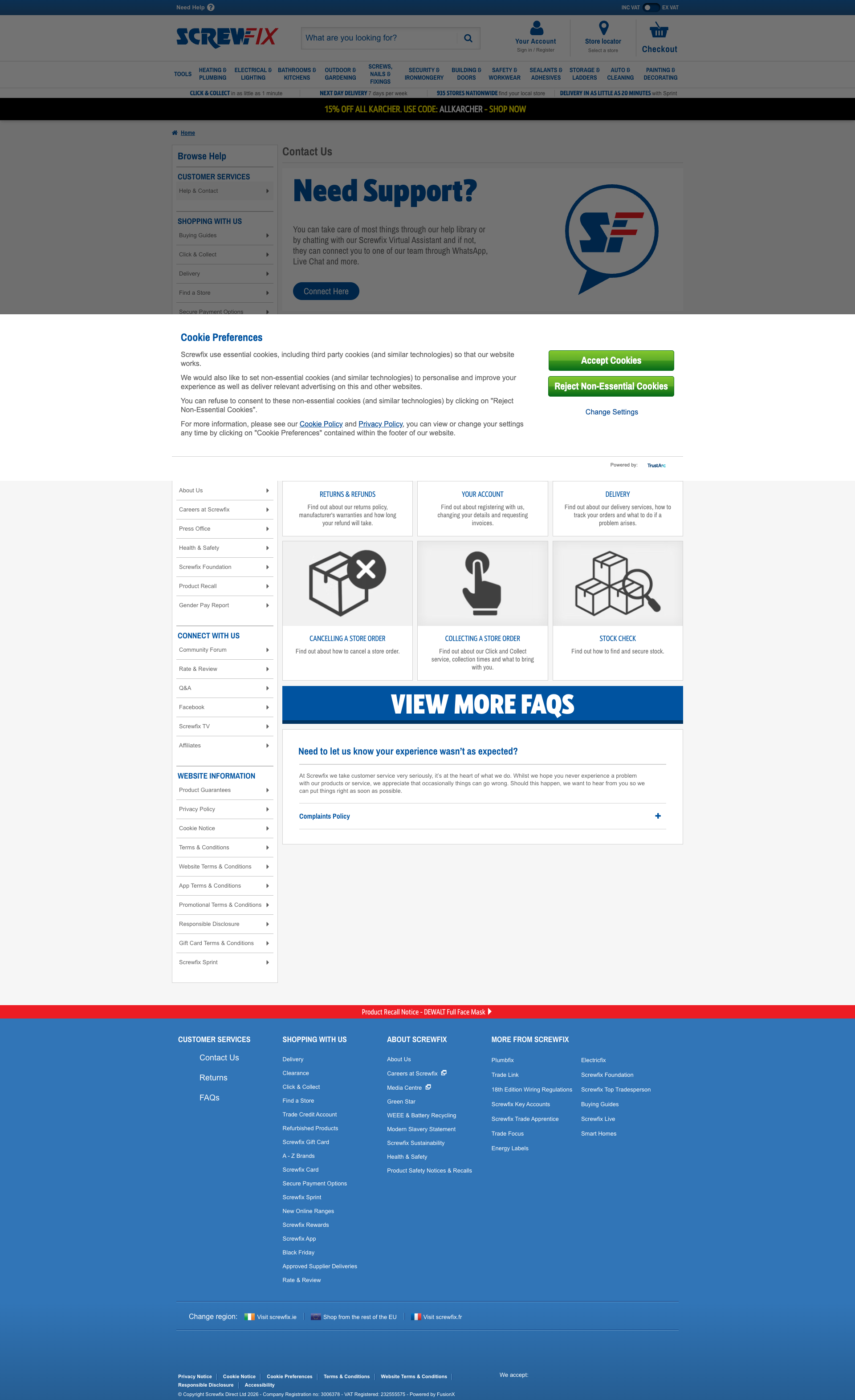
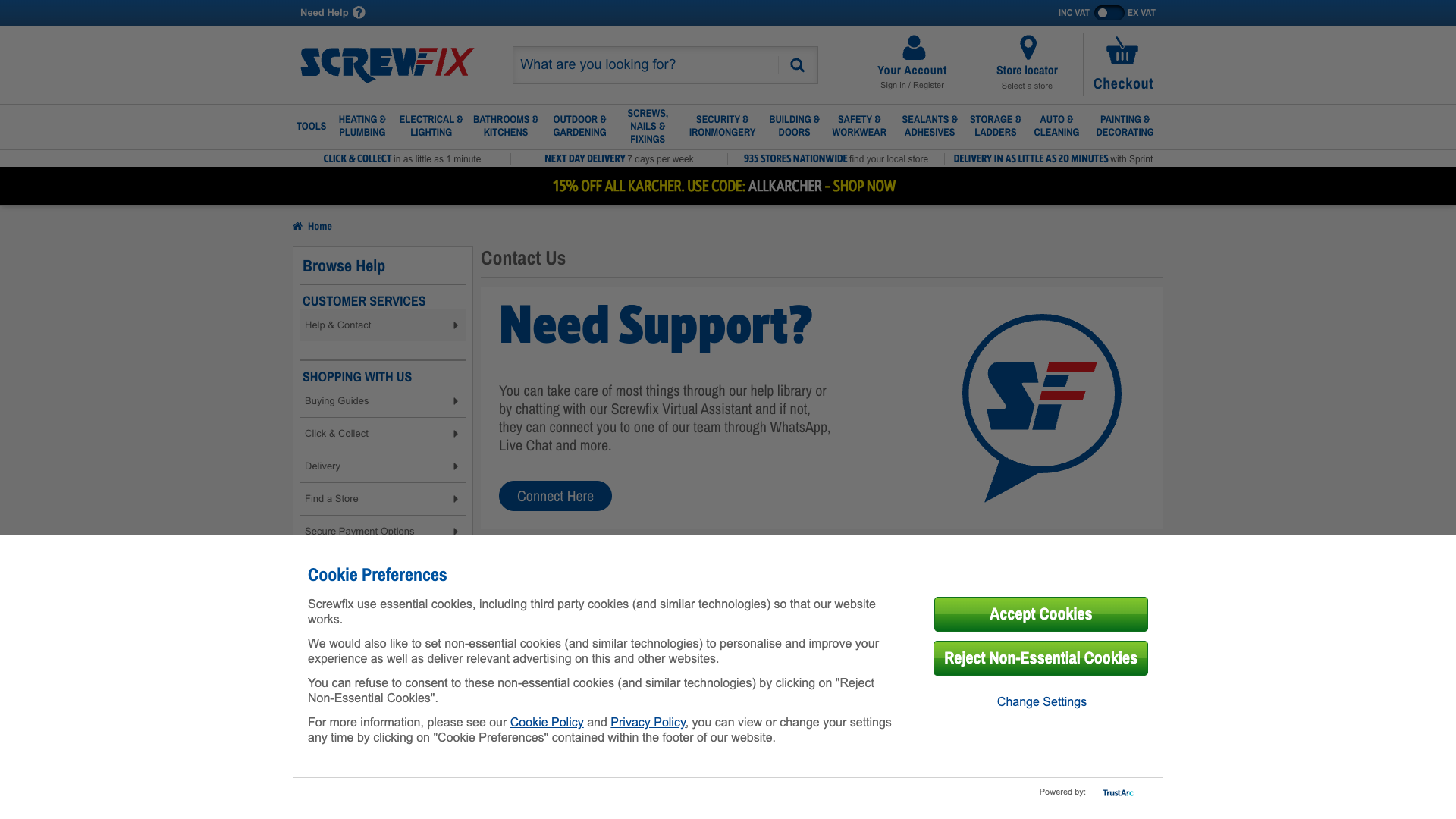
Screwfix
App Quality Report
Powered by Testers.AI
B85%
Quality Score
6
Pages
137
Issues
7.6
Avg Confidence
7.8
Avg Priority
54 Critical57 High26 Medium
Testers.AI
>_ Testers.AI AI Analysis

Screwfix scored B (85%) with 137 issues across 7 tested pages, ranking #12 of 20 UK retail sites. That's 7 more than the 130.2 category average (45th percentile).

Top issues to fix immediately: "Multiple Unresolved DNS Failures - Resource Loading Cascade Failure" โ€” 1) Implement proper DNS resolution error handling with fallbacks for all external resource loads; "Third-Party AI Endpoint Invoked Without Clear Consent - js.clrt.ai" โ€” 1) Remove the third-party AI endpoint call unless explicitly required; "Multiple Third-Party DNS Resolution Failures Causing Hangs" โ€” Fix DNS resolution and third-party issues: (1) Verify all third-party domain names are correctly spelled and configur....

Weakest area โ€” accessibility (5/10): Limited visible accessibility features; no obvious text size adjustment options, color contrast issues in some areas, and uncle...

Quick wins: Implement clearer accessibility features including ARIA labels, keyboard navigation indicators, and adjustable text.... Reduce visual clutter by consolidating promotional banners and using a clearer information hierarchy.


Qualitative Quality
Screwfix
Category Avg
Best in Category
Issue Count by Type
A11y
43
Content
20
UX
9
Security
7
Legal
1
Pages Tested ยท 6 screenshots
Detected Issues ยท 137 total
1
Third-Party AI Endpoint Invoked Without Clear Consent - js.clrt.ai
CRIT P10
Conf 9/10 Other
Prompt to Fix
Remove or properly consent-gate the third-party AI endpoint (js.clrt.ai). This external AI service is being loaded without user consent or clear disclosure. Required fixes: 1) Evaluate whether js.clrt.ai is necessary - if not, remove completely. 2) If required, implement explicit user consent before loading (privacy banner). 3) Defer loading until after user interaction, not on page load. 4) Add privacy policy disclosure explaining what data is sent to third-party AI services. 5) Minimize data sent - only send absolutely necessary information. 6) Implement user opt-out mechanism. Return code that either removes this dependency or properly gates it behind user consent with full transparency.
Why it's a bug
The network log explicitly flags 'GET https://js.clrt.ai/13645.js - โš ๏ธ AI/LLM ENDPOINT DETECTED'. This indicates AI-generated code is loading an external AI/LLM service (Clarity AI or similar) without clear visibility or likely without explicit user consent. This is a critical privacy and transparency issue. Users visiting the page have no indication that their interactions/data are being sent to a third-party AI service. This violates privacy expectations and potentially regulatory requirements (GDPR, CCPA).
Why it might not be a bug
The service could be legitimately used for analytics or optimization, but the lack of transparency and user consent makes this a privacy violation regardless of legitimate use case.
Suggested Fix
1) Remove the third-party AI endpoint call unless explicitly required. 2) If required, add prominent privacy disclosure explaining that user data is sent to third-party AI services. 3) Implement user consent mechanism (cookie banner, privacy settings) before loading AI endpoint. 4) Defer loading until after user interaction, not on page load. 5) Implement data minimization - only send necessary data, not full page context or user history.
Why Fix
Loading third-party AI services without user knowledge violates privacy principles and regulatory requirements. Users have a right to know when their data is being processed by AI systems. This can expose the company to legal liability and user trust violations.
Route To
Privacy Engineer, Legal/Compliance Review
Page
Tester
Jason ยท GenAI Code Analyzer
Technical Evidence
Network: GET https://js.clrt.ai/13645.js - Status: N/A โš ๏ธ AI/LLM ENDPOINT DETECTED
2
Early LLM API Call on Page Load Without User Interaction
CRIT P9
Conf 9/10 Other
Prompt to Fix
We have a third-party AI service (js.clrt.ai) being loaded on initial page load, which is causing performance issues and privacy concerns. Please refactor the initialization code to defer loading this AI endpoint until the user explicitly interacts with chat or support features. Use lazy loading with IntersectionObserver or click event handlers to trigger the AI service only when needed. Ensure the main page render is not blocked by this AI dependency.
Why it's a bug
The network activity shows 'GET https://js.clrt.ai/13645.js' flagged as an AI/LLM ENDPOINT being loaded on initial page load. This third-party AI service is invoked immediately without any user interaction, causing unnecessary performance overhead and potential privacy concerns. The page loads multiple static resources successfully but makes an eager call to an external AI domain that should be deferred until user engagement (e.g., clicking 'Need Support?' or chat interactions).
Why it might not be a bug
If this endpoint is for analytics or essential site functionality (like chat initialization), it may be intentional. However, the 'N/A' status suggests it failed to load, indicating it wasn't critical to page render.
Suggested Fix
Move the AI endpoint initialization to a deferred load handler that triggers only when users interact with support/chat features. Implement lazy loading for js.clrt.ai and similar third-party AI services. Use Intersection Observer or user interaction events (click, focus) to defer these calls until necessary.
Why Fix
Early LLM calls waste bandwidth, increase initial page load time, expose AI dependencies unnecessarily, and may violate privacy expectations if users aren't aware AI services are being invoked. Deferring these calls improves Core Web Vitals and user trust.
Route To
Frontend Engineer / Performance Engineer
Page
Tester
Jason ยท GenAI Code Analyzer
Technical Evidence
Console: [ERROR] A bad HTTP response code (403) was received when fetching the script.
Network: GET https://js.clrt.ai/13645.js - Status: N/A โš ๏ธ AI/LLM ENDPOINT DETECTED
3
User Tracking Identifier Exposed in Console Logs
CRIT P9
Conf 9/10 Other
Prompt to Fix
We have a critical privacy vulnerability in our Optimizely logging where user VUIDs (vuid_0497c310e4b9498e88206f4d362) are being logged to the browser console in plain text. This exposes user tracking identifiers that could be harvested by malicious scripts or extensions. In our Optimizely SDK integration, implement conditional console logging that: (1) Completely disables INFO level console output in production builds, (2) If debugging is needed, redacts or hashes user identifiers before logging them to console while only logging full identifiers to secure server-side logs, (3) Adds environment-based feature flags to control console verbosity. Ensure that user identifiers are never exposed in console output visible to end users. Apply this fix to all Optimizely log statements that currently include user identification data.
Why it's a bug
A persistent user identifier 'vuid_0497c310e4b9498e88206f4d362' is logged multiple times to the browser console in plain text. This unique identifier can be captured by browser extensions, screen recordings, or unauthorized access to developer tools, enabling user tracking across sessions and potentially across different websites if this VUID is used elsewhere. Exposing tracking identifiers in console logs violates privacy best practices and may violate GDPR, CCPA, and other data protection regulations. This is particularly critical for a CIAM (Customer Identity and Access Management) system handling sensitive authentication features.
Why it might not be a bug
The VUID might be considered necessary for debugging purposes during development. However, this logging persists in production console output visible to end users and any scripts running on the page, far exceeding legitimate debugging needs.
Suggested Fix
Remove user identifiers from all INFO and DEBUG level console logs. If debugging is necessary in production, implement: (1) Conditional logging that only activates with secure server-side flags or admin authentication, (2) Redaction/hashing of user identifiers in console output while logging full identifiers only to secure server-side logs, (3) Environment-based logging where console logging is completely disabled in production builds.
Why Fix
User tracking identifiers in console logs create a serious privacy vulnerability. This data can be harvested by malicious scripts, browser extensions, or anyone with console access. For a CIAM authentication system, exposure of user identifiers linked to authentication features (OTP, ping_protect, login_challenge) represents a significant security and privacy risk. Fixing this prevents unauthorized user tracking and demonstrates compliance with privacy regulations.
Route To
Security Engineer / Privacy Engineer / Backend Engineer
Page
Tester
Pete ยท Privacy Console Log Analyzer
Technical Evidence
Console: [INFO] [OPTIMIZELY] - INFO 2026-03-16T16:23:37.344Z OPTIMIZELY: Feature ciam_fx_ciam_otp is enabled for user vuid_0497c310e4b9498e88206f4d362. [INFO] [OPTIMIZELY] - INFO 2026-03-16T16:23:37.345Z OPTIMIZELY: Feature ciam_login_punchout is not enabled for user vuid_0497c310e4b9498e88206f4d362. [INFO] [OPTIMIZELY] - INFO 2026-03-16T16:23:37.345Z OPTIMIZELY: Feature ciam_fx_ciam_ping_protect is enabled for user vuid_0497c310e4b9498e88206f4d362. [INFO] [OPTIMIZELY] - INFO 2026-03-16T16:23:37.345Z OPTIMIZELY: Feature ciam_login_challenge_otp is enabled for user vuid_0497c310e4b9498e88206f4d362.
Network: N/A - console logging issue, not network-related
+134
134 more issues detected  View all →
Third-party tracking tag loaded from Tealium without visible...
Third-party tracking via Tealium tag management system
Sensitive User Identifier Exposed in Console Logs
and 131 more...
Unlock All 137 Issues
You're viewing the top 3 issues for Screwfix.
Sign up at Testers.AI to access the full report with all 137 detected issues, detailed fixes, and continuous monitoring.
Sign Up at Testers.AI or let us run the tests for you