B-80%
Quality Score
7
Pages
105
Issues
8.0
Avg Confidence
8.0
Avg Priority
46 Critical44 High15 Medium

>_ Testers.AI
AI Analysis
Replit was tested and 105 issues were detected across the site. The most critical finding was: Low-contrast primary CTA in hero section. Issues span A11y, Content, UX, Other categories. Persona feedback rated Visual highest (7/10) and Accessibility lowest (5/10).
Qualitative Quality
Replit
Category Avg
Best in Category
Pages Tested · 7 screenshots

Homepage

replit.com
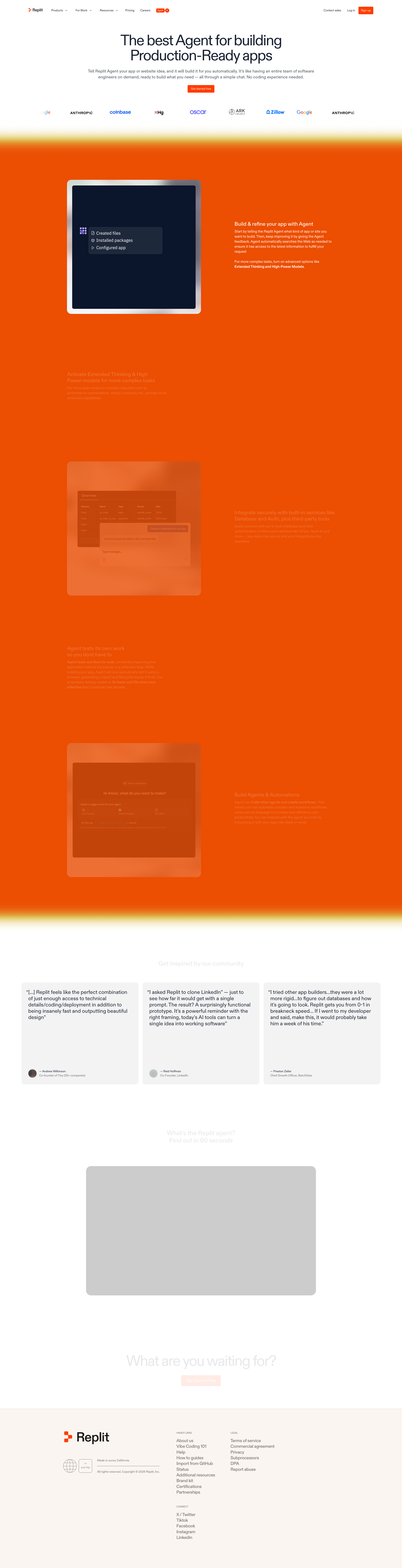
replit.com
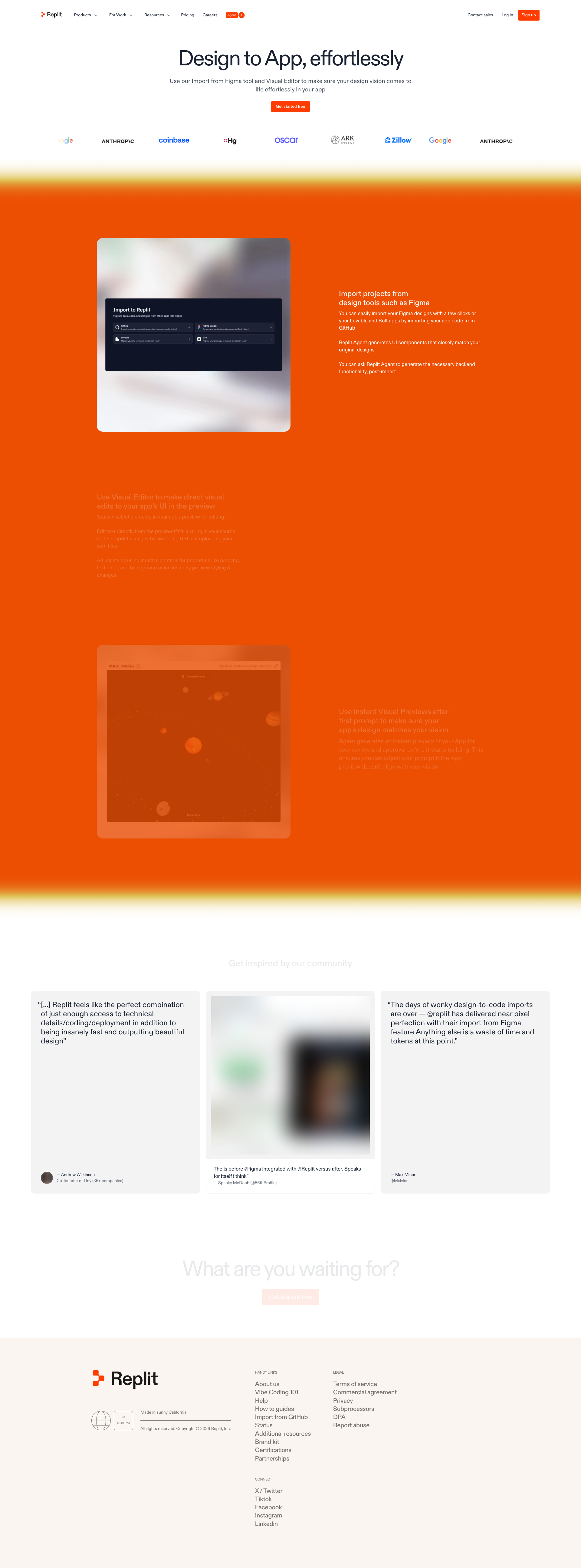
replit.com
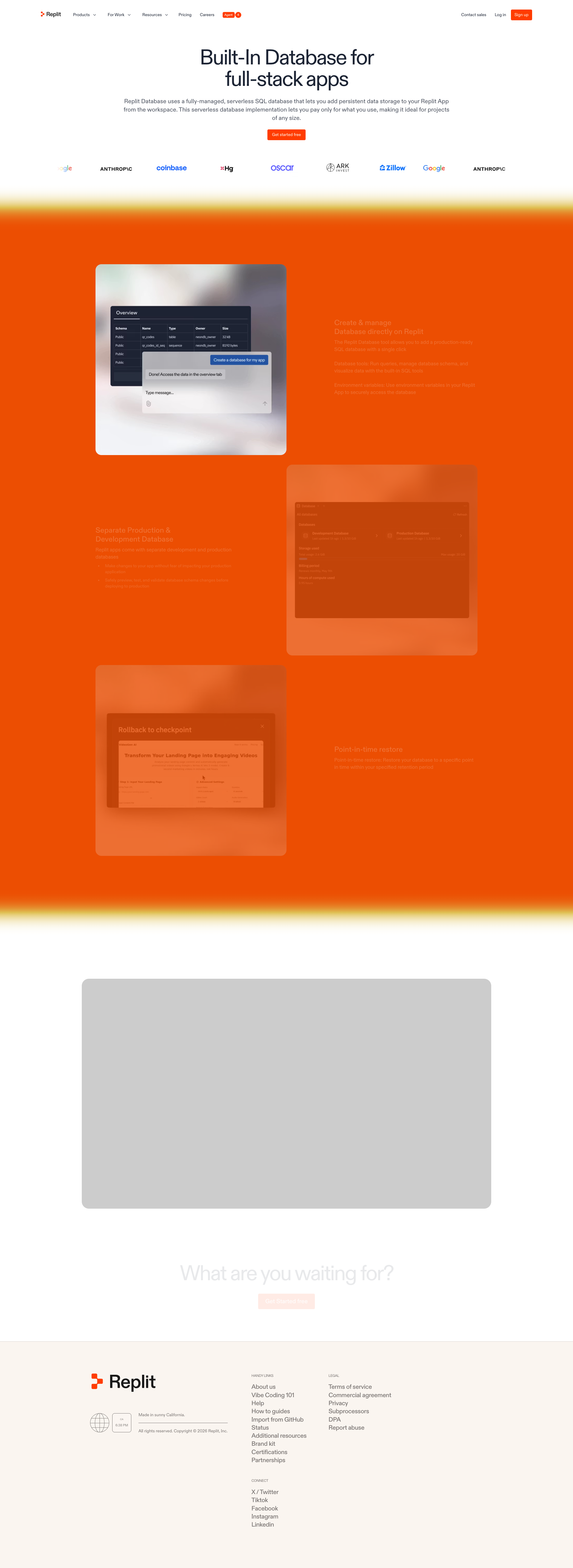
replit.com
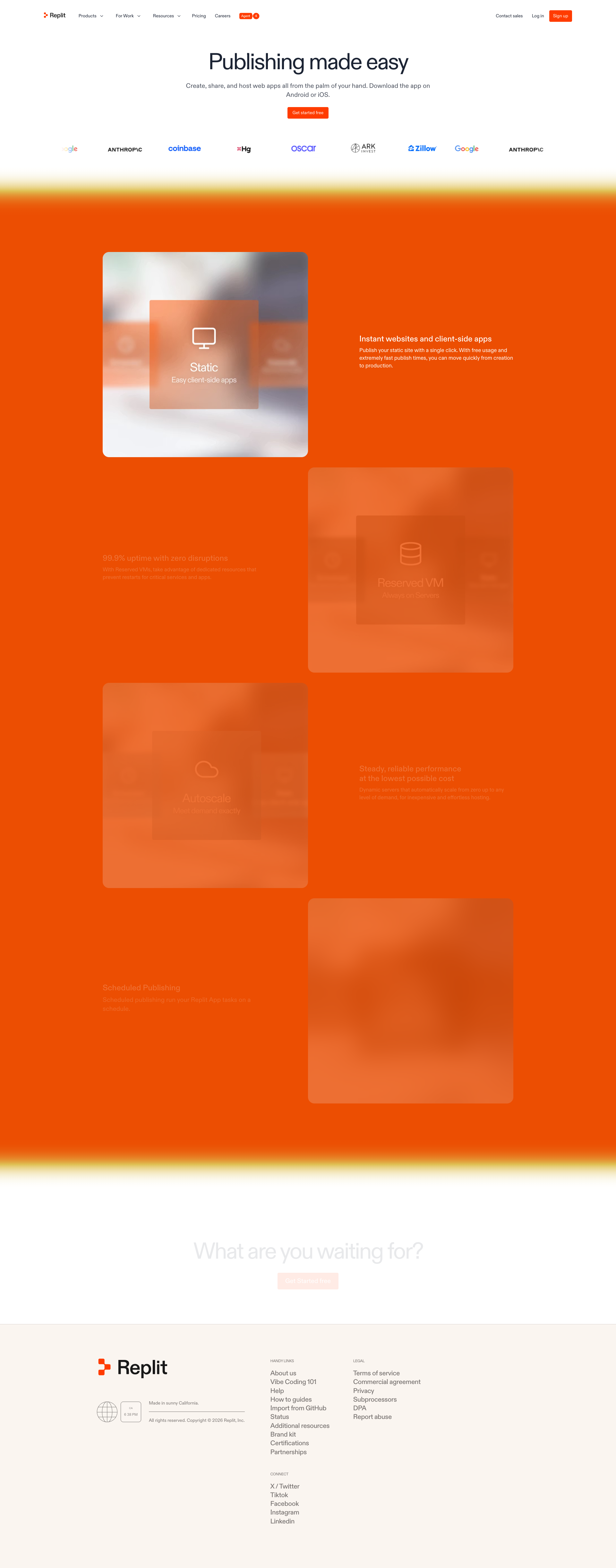
replit.com
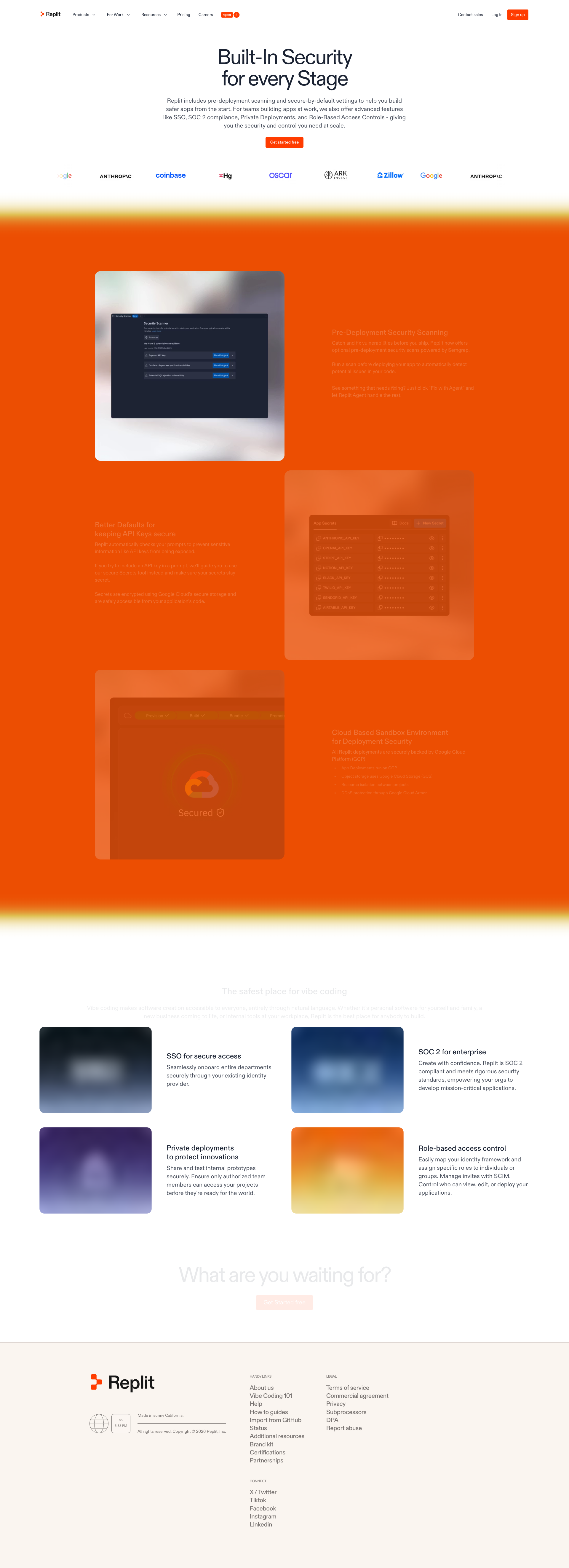
replit.com
Detected Issues · 105 total
1
Low-contrast primary CTA in hero section
CRIT P9
Prompt to Fix
The primary CTA button in the hero has insufficient color contrast against the background. Update the CSS so the button background and text achieve a minimum contrast ratio of 4.5:1. For example, change the button background to a darker orange and ensure the button text is pure white, or add a high-contrast outline/shadow. Verify with a contrast checker across all themes (light/dark) and states (hover/active).
Why it's a bug
The main call-to-action (CTA) button blends with the white/very light background, making it hard to notice and click. This can prevent users from starting the intended task and increases bounce risk.
Why it might not be a bug
Brand aesthetic may intentionally use soft tones; however, readability and discoverability should still be clear for primary actions.
Suggested Fix
Increase button contrast to meet WCAG AA (at least 4.5:1 for text on background). Consider using a darker or more saturated CTA color, or add a bold border/shadow to improve visibility. Ensure button text remains readable on all backgrounds.
Why Fix
Improved CTA visibility directly affects task completion, conversions, and overall user trust, especially for first-time visitors.
Route To
Frontend Engineer / UI Designer
Page
Tester
 Mia · Usability Tester
Technical Evidence
Elements:
CTA button, hero copy, background shapesPage Text:
Hero section with a prominent call-to-action2
Empty accessible name on header navigation controls
CRIT P9
Prompt to Fix
Audit all header/navigation controls to ensure each interactive element has a non-empty accessible name. For each button/link with empty text, add either visible text or an aria-label that clearly describes its function (e.g., aria-label='Products', aria-label='For Work', aria-label='Resources'). If an element is an icon-only control, either add a descriptive aria-label or replace with a labeled button. If an element is decorative and not interactive, remove it from the focus order and set aria-hidden='true'. Ensure the navigation remains keyboard accessible and that focus indicators are clearly visible. This aligns with WCAG 2.1 2.4.6 (Headings and order) and 4.1.2 (name, role, value).
Why it's a bug
The navigation area includes multiple interactive elements (buttons) with empty visible text (text is "" in the page data) and haveAccessibleName set to false. This means screen readers will not convey the purpose of these controls, and keyboard users may not know how to interact with them. Visually these may appear as blank spaces or icons, which is a major usability and accessibility barrier in navigation.
Why it might not be a bug
If these elements are purely decorative icons with aria-hidden or role='presentation', they would not be accessibility barriers. However, the provided data indicates empty labels and missing accessible names, which confirms a real issue.
Suggested Fix
Ensure every interactive control has a meaningful, visible label or an accessible name. For icon-only buttons, add aria-label or aria-labelledby with a descriptive name, or include visible text. If an element is purely decorative, remove it from the tab order and mark it aria-hidden="true". Also ensure focus styles are clearly visible and keyboard navigability is preserved.
Why Fix
Providing accessible names for interactive controls is essential for screen reader users and keyboard navigation, enabling them to understand the purpose of each control and complete tasks without confusion, in line with WCAG 2.1 guidelines 4.1.2 (name, role, value) and 2.1 (keyboard accessibility).
Route To
Frontend Developer / Accessibility Specialist
Page
Tester
 Alejandro · Accessibility Specialist
3
Unlabeled empty button in header/navigation
CRIT P9
Prompt to Fix
In the header/navigation, locate the unlabeled button (empty text, empty id). Remove it or replace with a clearly labeled control (text or aria-label). Ensure all buttons have descriptive text or accessible names and validate the HTML structure to avoid empty interactive elements in navigation.
Why it's a bug
The page includes a button element with empty text and no accessible label (the text is an empty string and the id is also empty). This makes the button invisible to screen readers and users relying on assistive tech, causing navigation/interactions to be unclear or unusable.
Why it might not be a bug
If the empty button is a placeholder intended to be populated at runtime, it might be purposeful. However, the static screenshot clearly shows an unlabeled button, indicating a missing label that should be fixed before release.
Suggested Fix
Remove the unlabeled button or provide a meaningful label (visible text or an aria-label). Ensure every interactive element has accessible text and a unique, meaningful id. Validate the DOM to avoid empty buttons in navigation.
Why Fix
Accessible labels are essential for usability and inclusive design. Fixing this prevents user confusion, improves ARIA compliance, and prevents interaction failures for keyboard/screen-reader users.
Route To
Frontend Engineer / UI Engineer
Page
Tester
 Jason · GenAI Code Analyzer
Technical Evidence
Console:
[WARN] Failed parsing 'srcset' attribute value since it has an unknown descriptor.