B86%
Quality Score
6
Pages
69
Issues
7.9
Avg Confidence
7.9
Avg Priority
34 Critical24 High11 Medium

>_ Testers.AI
AI Analysis
Replicate was tested and 69 issues were detected across the site. The most critical finding was: Visible design/debug outline around 'How it works' section. Issues span A11y, Content, UX, Other categories. Persona feedback rated Visual highest (7/10) and Accessibility lowest (5/10).
Qualitative Quality
Replicate
Category Avg
Best in Category
Pages Tested · 6 screenshots

Homepage

replicate.com

replicate.com

replicate.com
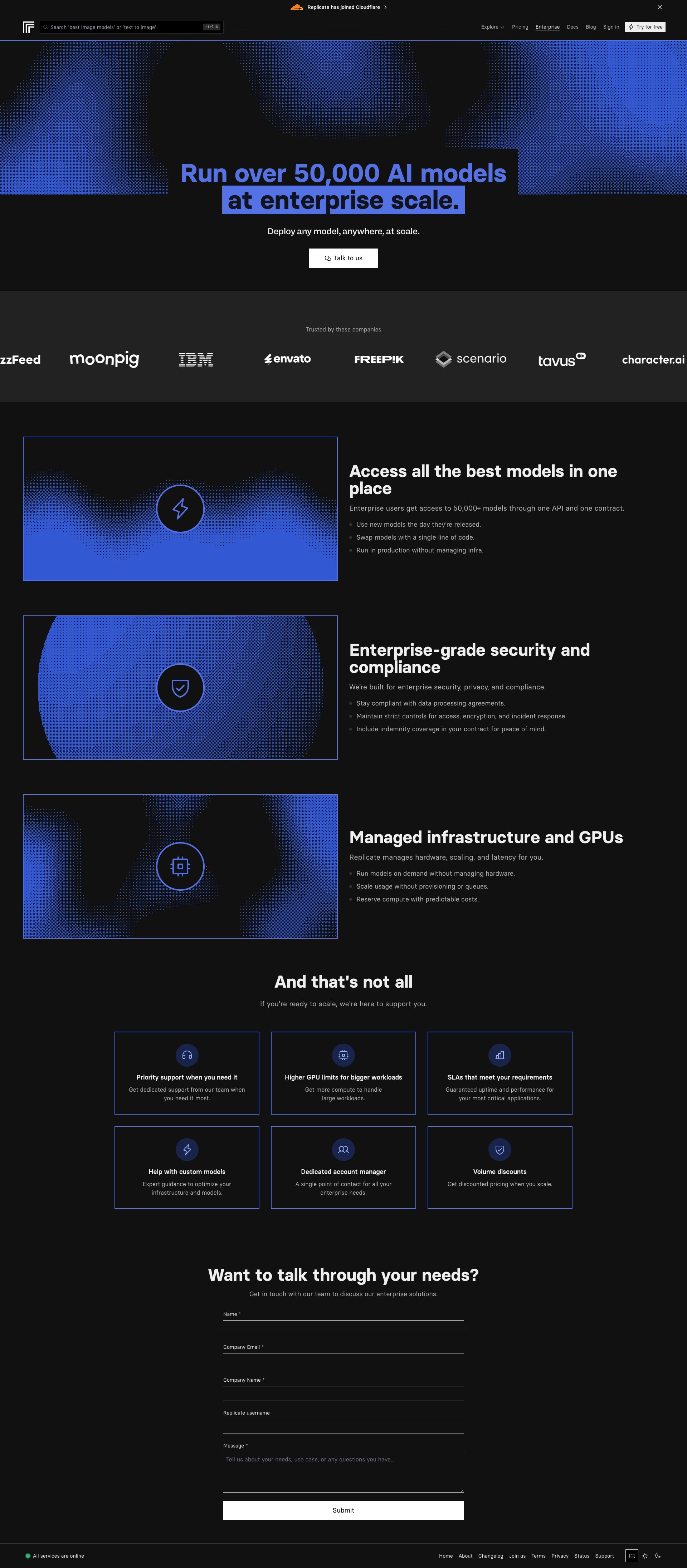
replicate.com

replicate.com
Detected Issues · 69 total
1
Visible design/debug outline around 'How it works' section
CRIT P9
Prompt to Fix
In the CSS for the page, remove any red or high-contrast outline/border around the 'How it works' container (e.g., search for selectors like '#how-it-works', '.how-it-works', or 'section[aria-label="How it works"]' and remove properties such as outline: 2px solid #e74c3c; border: 1px solid #ff4d4f;. If a debugging overlay or outline class is used (e.g., .debug-outline), delete that class usage from production code. Ensure focus outlines remain accessible but non-intrusive.
Why it's a bug
A bright red outline box around the 'How it works' area is clearly visible in the screenshot and distracts users; it suggests an unfinished or test UI and reduces trust, making it harder to focus on content and primary CTAs.
Why it might not be a bug
If this red outline is a temporary editor overlay used in production previews, it could be removed before release. However, since it is visible in the provided screenshot, it constitutes a real usability distraction in the observed UI.
Suggested Fix
Remove the red debug outline by correcting the CSS (search for outline or border styles around the 'how-it-works' container and remove or neutralize them). Use standard, unobtrusive borders or shadows that align with the design system. Ensure no debug artifacts remain in production.
Why Fix
Eliminating distracting outlines helps users scan content, improves perceived professionalism, and reduces cognitive load when trying to locate key information and CTAs.
Route To
Frontend Engineer
Page
Tester
 Mia · Usability Tester
Technical Evidence
Elements:
HTML element around the 'How it works' container with inline red outline or an emphasized border; likely a debugging overlay.Console:
No UI runtime errors observed. Console logs show CSP inline-style warnings related to inline styles being blocked (not affecting visible UI but could indicate production styling issues).Page Text:
How it works section is present with a bold heading; a red outline box around it is visible in the screenshot.2
Pricing page shows public models content instead of pricing details
CRIT P9
Prompt to Fix
The Pricing page currently shows a grid of public model cards under the Pricing heading with no pricing information. Replace the content with a standard pricing section: include at least three plan cards (e.g., Starter, Pro, Enterprise), each with a clear price (monthly and/or yearly), a bullet list of included features, and a prominent CTA like 'Start Free' or 'Choose Plan'. If the page is intended to showcase public models, rename the page to 'Public Models' and move the model grid to that page. Ensure the page title, headings, and CTAs are aligned with the page purpose.
Why it's a bug
Users visiting a Pricing page expect to see plan options, prices, and clear calls to action. The page currently displays a grid of public model cards under the Pricing heading with no pricing information or visible purchase/subscribe CTAs, which prevents users from completing pricing-related tasks and erodes trust.
Why it might not be a bug
If the page is intentionally a hub for public models, it should be labeled accordingly. However, as the page is titled 'Pricing', the current content is misaligned with user expectations and likely to cause confusion or task failure.
Suggested Fix
Replace or supplement the content under the Pricing heading with a clear pricing section showing multiple plans (e.g., Free, Pro, Enterprise) with names, monthly/yearly prices, included features, and a prominent Start/Buy CTA for each plan. If the content is truly about public models, rename the page to something like 'Public Models' or create a separate route, and move the current model grid there. Ensure the page title, headings, and CTAs reflect the intended purpose.
Why Fix
Correcting the page's content to match user expectations on a Pricing page helps users quickly compare options, reduces confusion, and improves conversion and trust.
Route To
Product Designer, Frontend Engineer
Page
Tester
Mia · Usability TesterTechnical Evidence
Elements:
Header with 'Pricing'; Grid layout of model cards labeled with thumbnails; Descriptive text blocks under section titlesPage Text:
Page title: Pricing; Section: Public models; Subsections include Translation models and hardware pricing tables3
Icon-only header button has no accessible name
CRIT P9
Prompt to Fix
In the header, identify all icon-only interactive buttons. For each, either replace with a button containing visible text (e.g., <button>Menu</button>) or add a clear ARIA label (e.g., aria-label='Open menu'). Ensure all interactive controls have an accessible name, a visible focus outline with sufficient contrast, and that the surrounding markup uses semantic buttons. Validate with screen readers and keyboard navigation.
Why it's a bug
Buttons that display only an icon (no text) and lack an accessible name are not announced properly by screen readers, making them unusable for users relying on assistive technologies. This violates WCAG 2.1 guidelines for Name, Role, Value (4.1.2) and can impede keyboard users from navigating the page.
Why it might not be a bug
If any of these icon-only buttons are purely decorative, they should be hidden from accessibility APIs (e.g., aria-hidden). However, in this UI they appear to be interactive (e.g., a Menu button in the header) and thus require an accessible label.
Suggested Fix
Ensure all interactive buttons have accessible names: provide visible text labels or add aria-label attributes (e.g., aria-label='Open menu') and maintain a visible focus indicator. Avoid empty button text and ensure contrast on focus outlines.
Why Fix
Providing meaningful labels ensures screen reader users can understand and activate navigation controls, improving task completion and trust in the product.
Route To
Frontend Developer
Page
Tester
 Alejandro · Accessibility Specialist
Technical Evidence
Console:
[INFO] Applying inline style violates the following Content Security Policy directive 'style-src 'self' https://*.usepylon.com ...'