Radical Ventures
App Quality Report
Powered by Testers.AI
B85%
Quality Score
23
Pages
37
Issues
7.4
Avg Confidence
6.7
Avg Priority
2 Critical17 High18 Medium
Testers.AI
>_ Testers.AI AI Analysis

Radical Ventures scored B (85%) with 37 issues, ranking #43 of 47 VC sites. That's 14 more than the 22.7 category average (9th percentile).

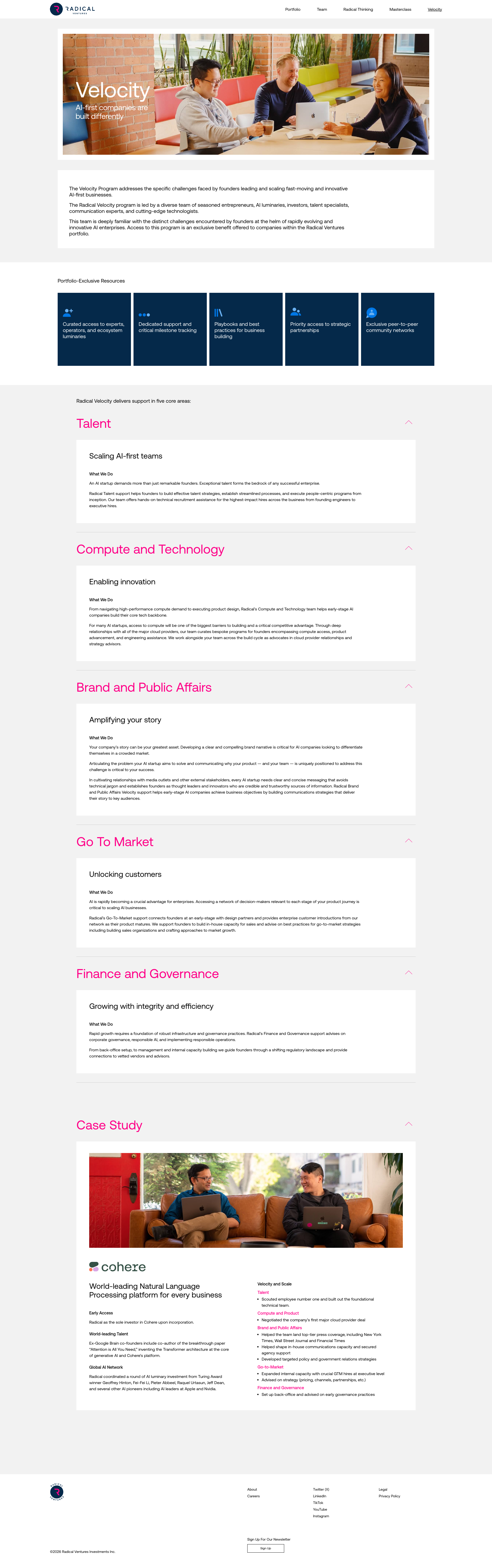
Top issues to fix immediately: "Entire page content appears as unreadable Lorem Ipsum-style placeholde" โ€” Investigate server-side content rendering pipeline; "Potential XSS vulnerability in heading text rendering" โ€” Audit the heading generation logic to ensure all user-controlled input is properly HTML-encoded and escaped; "Large purple/magenta colored element obscuring content in middle secti" โ€” Investigate the CSS/layout code for this section.

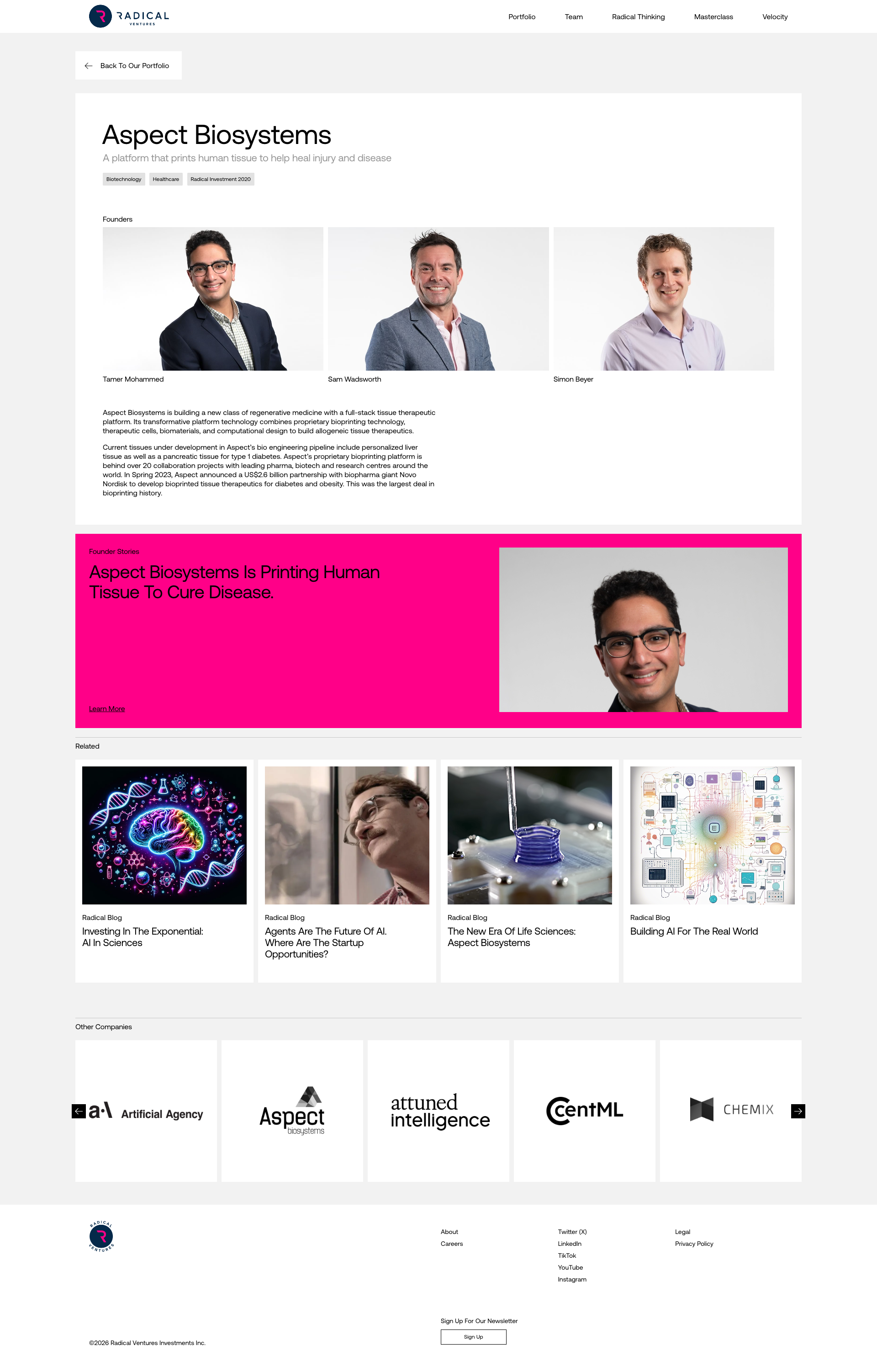
Weakest area โ€” accessibility (5/10): Text contrast on the hero section may be problematic, and the portfolio images lack alt text.

Quick wins: Add descriptive alt text to all portfolio images and ensure sufficient color contrast for text overlays. Implement a filtering or search system for the portfolio to help users find relevant case studies or companies.

Qualitative Quality
Radical Ventures
Category Avg
Best in Category
Issue Count by Type
A11y
23
UX
22
Content
15
Visual
11
Security
1
Pages Tested ยท 23 screenshots
Detected Issues ยท 37 total
1
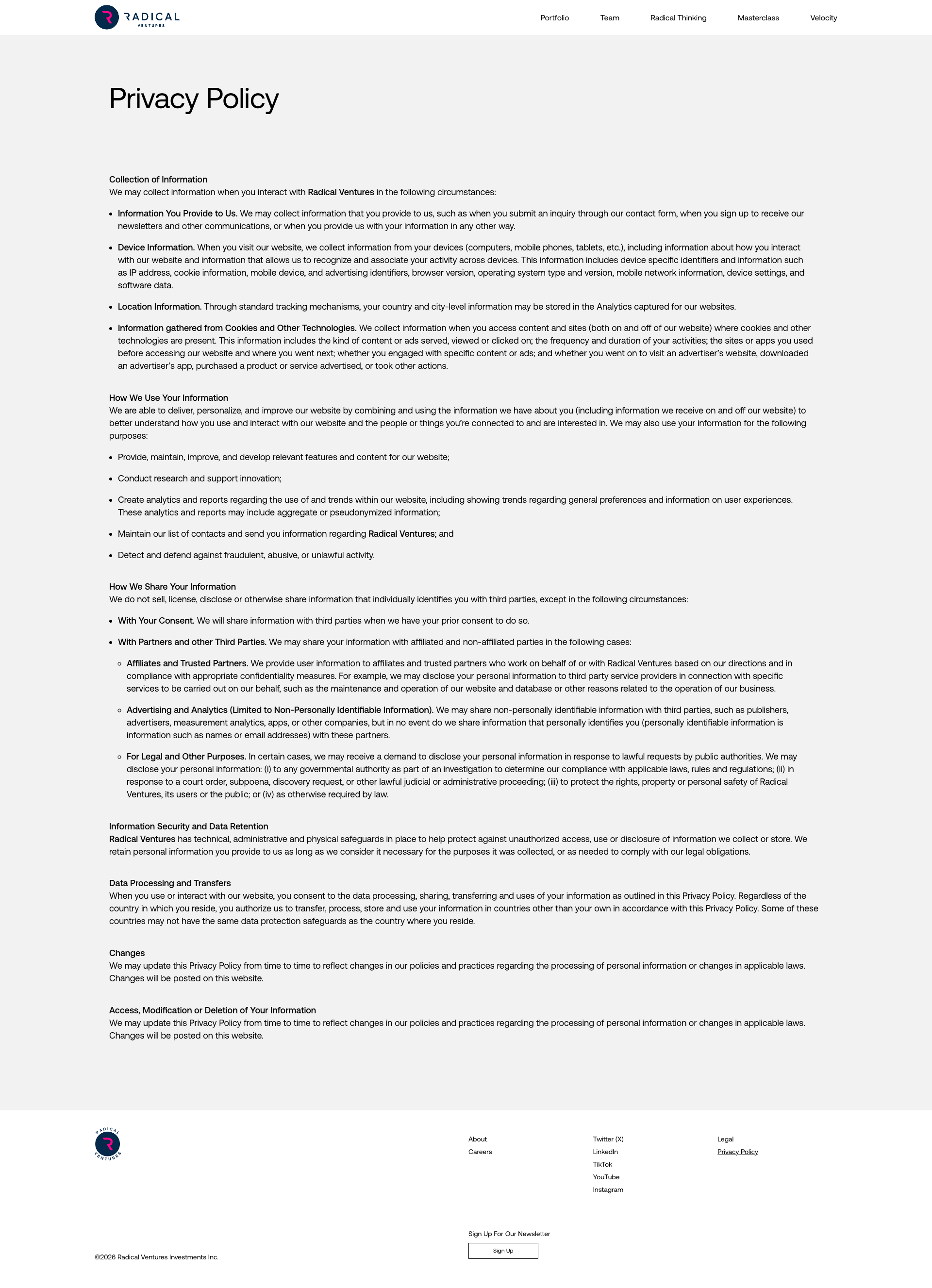
Potential XSS vulnerability in heading text rendering
CRIT P9
Conf 7/10 ContentSecurity
Prompt to Fix
The issue is a grammatically incorrect heading 'How Accurate dates Our 2024 AI Predictions?' which indicates potential input validation or template rendering issues. Fix it by properly validating and sanitizing all content inputs, ensuring HTML entities are escaped, and implementing Content Security Policy headers to prevent XSS attacks.
Why it's a bug
The page heading 'How Accurate dates Our 2024 AI Predictions?' contains grammatically incorrect text ('dates Our' instead of 'are Our') which suggests potential unsanitized user input or templating error that could indicate improper output encoding. This pattern is consistent with XSS vulnerabilities where user-controlled data is rendered without proper sanitization.
Why it might not be a bug
This could be intentional copy or a simple typo by content creators, not necessarily indicative of a security vulnerability.
Suggested Fix
Audit the heading generation logic to ensure all user-controlled input is properly HTML-encoded and escaped. Verify that the CMS or templating system is sanitizing content appropriately before rendering.
Why Fix
Unsanitized input rendering is a critical security vulnerability that could allow attackers to inject malicious scripts, steal user data, or perform unauthorized actions on behalf of users.
Route To
Security Engineer / Backend Developer
Page
Tester
Sharon ยท Security Tester
Technical Evidence
Elements: <h1> or <title> tag containing the malformed heading
Console: Check browser console for XSS warnings or CSP violations
Network: Verify API responses for proper content-type headers and security headers
Page Text: How Accurate dates Our 2024 AI Predictions?
2
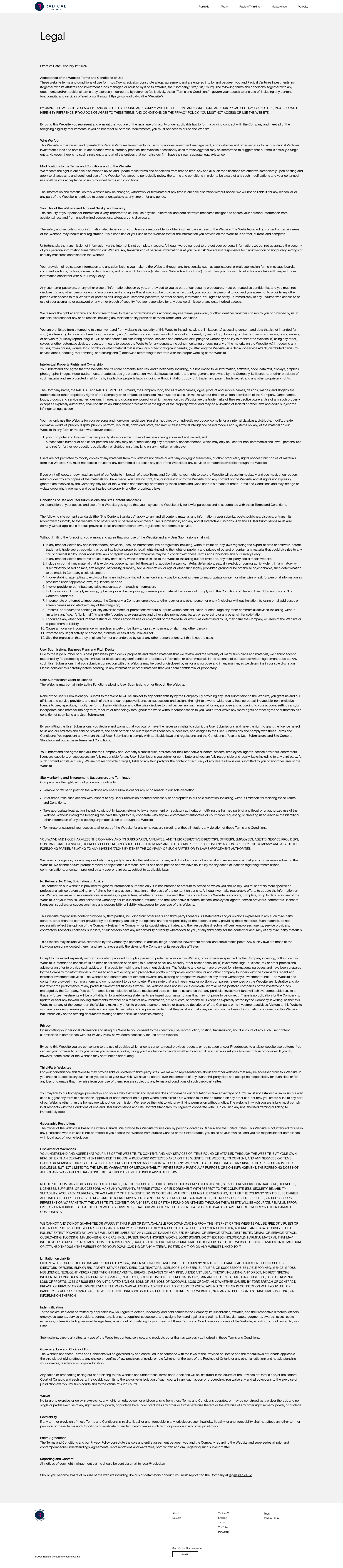
Entire page content appears as unreadable Lorem Ipsum-style placeholder text
CRIT P10
Conf 9/10 ContentOther
Prompt to Fix
The issue is that the entire page is rendering with placeholder/dummy text instead of actual content, which indicates a content loading or rendering failure. Fix it by verifying the content source (CMS/database), checking API responses for valid data, and ensuring the template rendering pipeline is functioning correctly.
Why it's a bug
The screenshot shows what should be a legitimate documentation or policy page, but the entire visible content consists of repeated, identical placeholder/dummy text paragraphs. This indicates the actual page content failed to load or render properly. All readable sections show only generic filler text with no meaningful information visible.
Why it might not be a bug
It's theoretically possible this is intentional placeholder content during development, but given this appears to be a production-facing page (based on the header styling), this would be a critical deployment issue.
Suggested Fix
Investigate server-side content rendering pipeline. Verify that the CMS/database query is returning actual content rather than placeholder data. Check for failed API calls or template rendering errors that might be causing fallback to dummy content.
Why Fix
Users cannot access any meaningful information on this page. This is a complete failure of page functionality and severely impacts usability and user experience.
Route To
Backend Engineer / DevOps / QA Lead
Page
Tester
Sharon ยท Security Tester
Technical Evidence
Elements: <main>, <article>, <body> - all containing only placeholder text
Console: Check browser console for 404 errors, failed API calls, or JavaScript rendering errors
Network: Verify GET requests for page content/API endpoints returning valid JSON/HTML responses
Page Text: All visible paragraphs contain generic repeated placeholder text rather than actual documentation content
3
Large purple/magenta colored element obscuring content in middle section
HIGH P8
Conf 8/10 VisualUX
Prompt to Fix
The issue is a large purple/magenta rectangular element obscuring content in the middle section of the page. Fix it by investigating the CSS layout, removing or repositioning the element, and ensuring no unintended overlays are blocking user-visible content.
Why it's a bug
A large purple/magenta rectangular element is clearly visible in the middle of the page, positioned over what appears to be content cards. This element appears to be either a misplaced overlay, incorrectly sized banner, or broken layout component that is obscuring the underlying content and disrupting the visual hierarchy.
Why it might not be a bug
It could potentially be intentional design, though its placement and size make it appear to be a rendering error or unintended overlap rather than purposeful design.
Suggested Fix
Investigate the CSS/layout code for this section. Either remove the element if it's unintended, reposition it, reduce its size, or ensure it has proper z-index and positioning so it doesn't overlap important content cards.
Why Fix
This element significantly degrades the user experience by blocking access to content and creating visual confusion about the page layout and navigation flow.
Route To
Frontend Engineer / UI Developer
Page
Tester
Sharon ยท Security Tester
Technical Evidence
Elements: Large purple/magenta div element with unclear purpose, overlaying content grid
Console: Potential CSS layout or render errors
Page Text: Radical Talks branding visible in section
+34
34 more issues detected  View all →
Potential missing or broken image in hero section
Body text has low contrast against background
Missing visible focus indicators for keyboard navigation
and 31 more...
Unlock All 37 Issues
You're viewing the top 3 issues for Radical Ventures.
Sign up at Testers.AI to access the full report with all 37 detected issues, detailed fixes, and continuous monitoring.
Sign Up at Testers.AI or let us run the tests for you