B-82%
Quality Score
7
Pages
102
Issues
8.0
Avg Confidence
7.9
Avg Priority
42 Critical45 High15 Medium

>_ Testers.AI
AI Analysis
Postman was tested and 102 issues were detected across the site. The most critical finding was: Main content areas display skeleton placeholders with no visible labels. Issues span A11y, Performance, Other, UX categories. Persona feedback rated Visual highest (7/10) and Accessibility lowest (6/10).
Qualitative Quality
Postman
Category Avg
Best in Category
Pages Tested · 7 screenshots
Homepage
postman.com
postman.com
postman.com
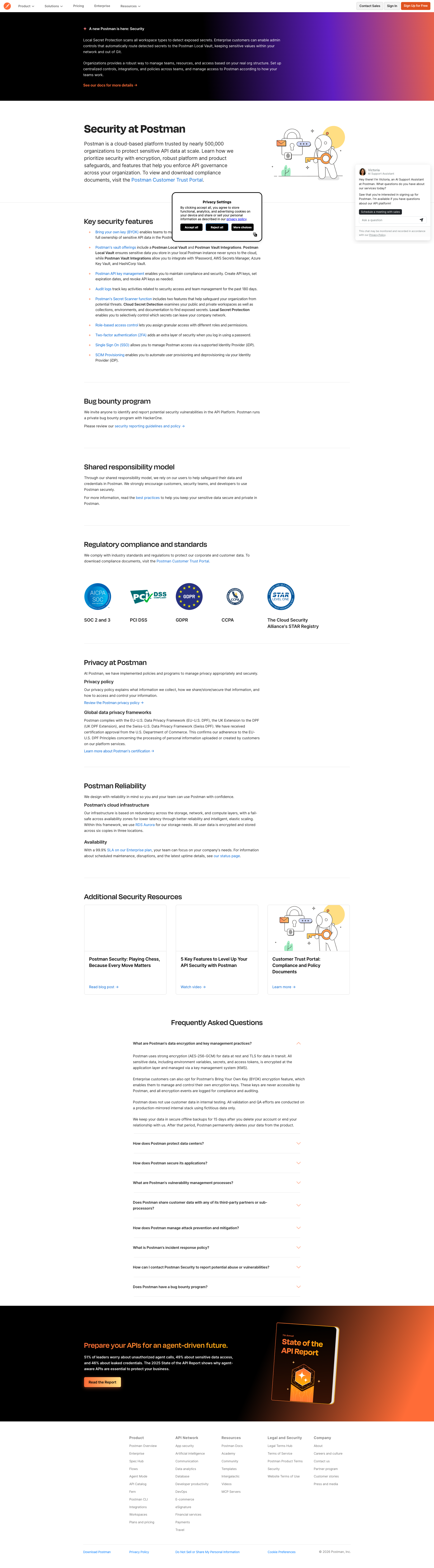
postman.com
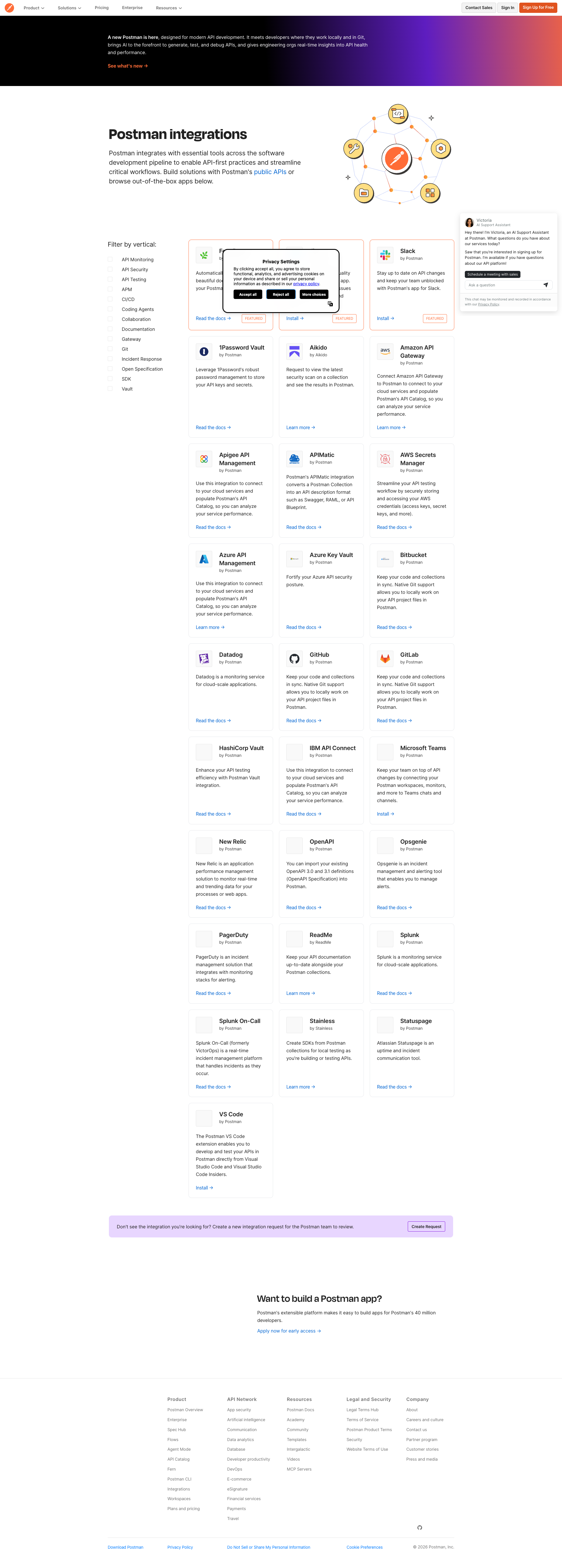
postman.com
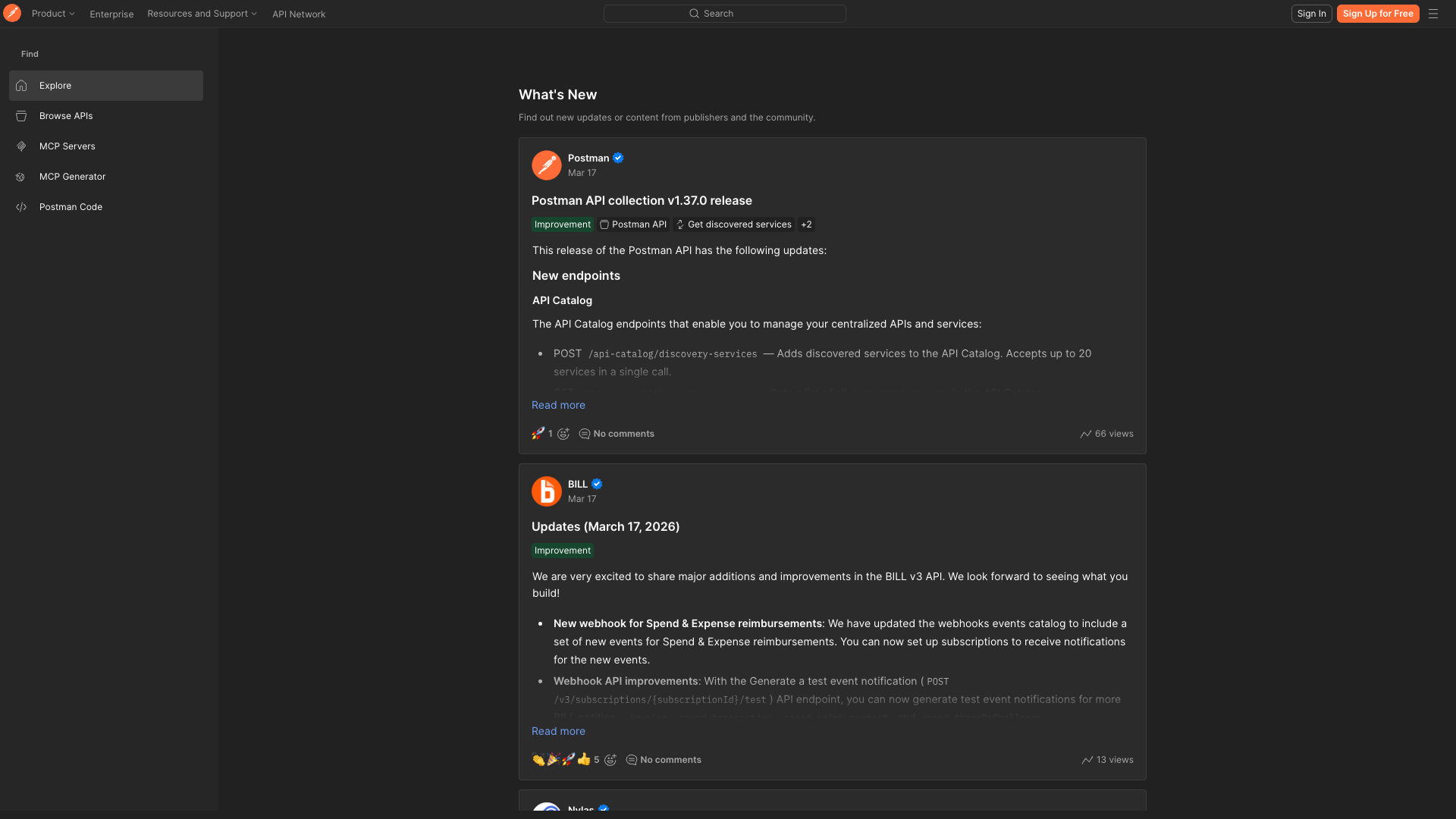
postman.com
Detected Issues · 102 total
1
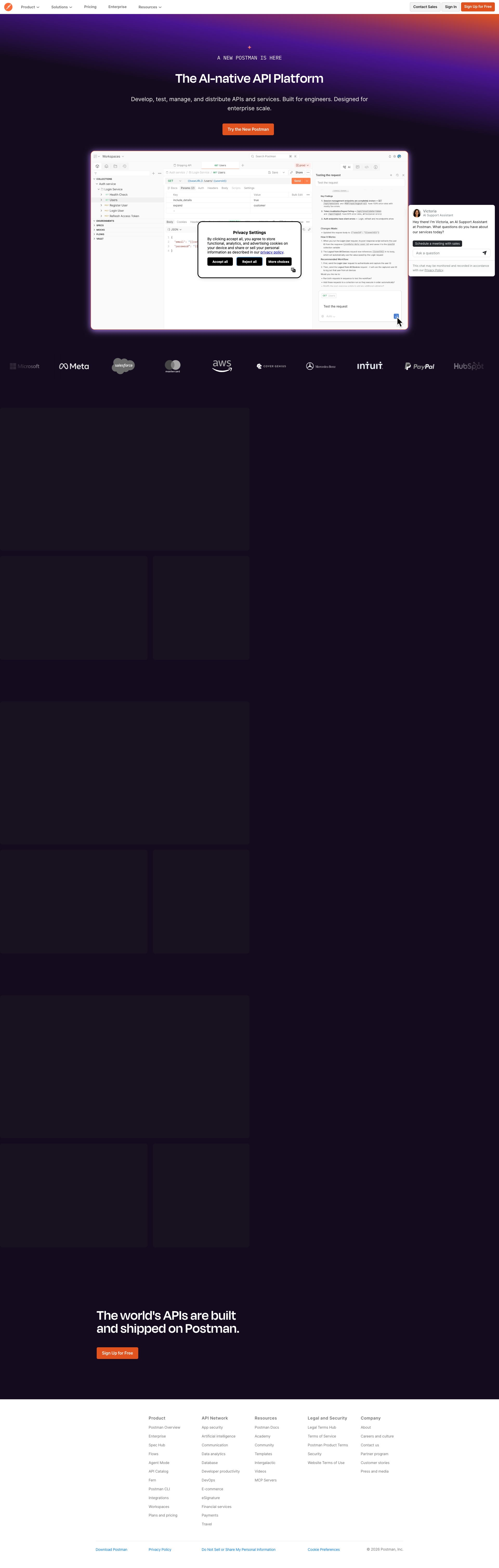
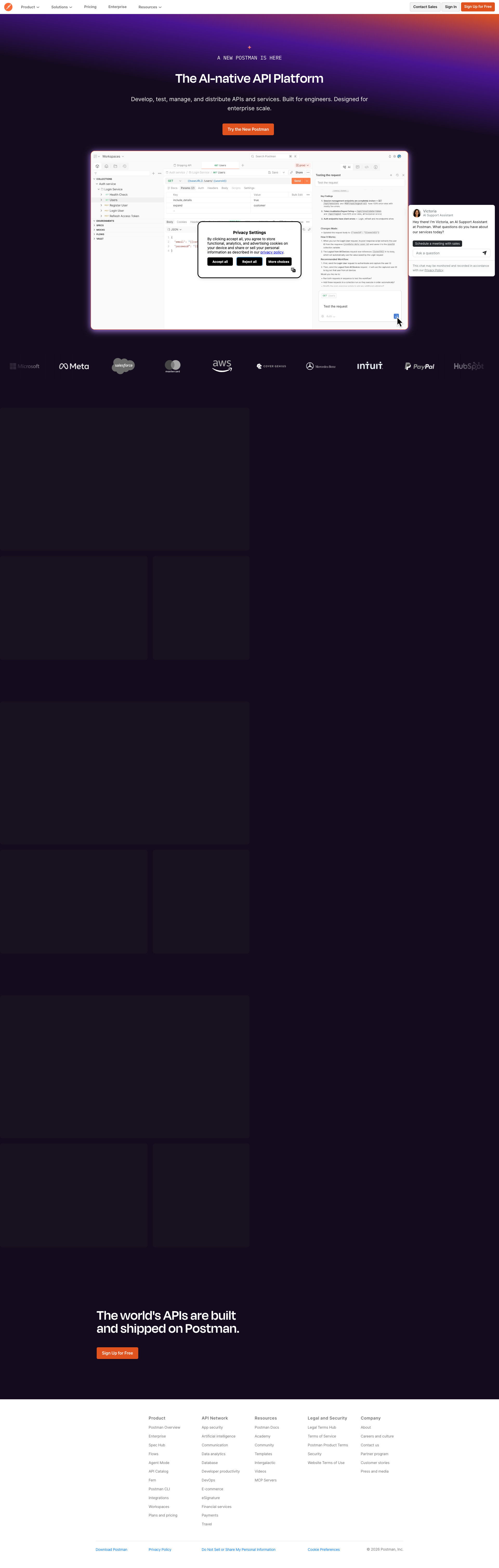
Main content areas display skeleton placeholders with no visible labels
CRIT P9
Prompt to Fix
The main content area shows three large placeholder blocks with no headings or descriptive text. Replace skeletons with real content or add clear, labeled loading indicators. Each section should have a visible heading and a short description to communicate purpose. Ensure content loads gracefully and remains accessible to screen readers.
Why it's a bug
Three large content blocks show only dark purple placeholders without headings or any contextual text, making it impossible for users to understand what the sections are about or what actions to take. This blocks task completion and erodes trust.
Why it might not be a bug
If this is intended loading skeleton state during data fetch, there should be visible loading indicators with accessible labels. In the static screenshot, the absence of content is a real usability problem.
Suggested Fix
Replace skeleton placeholders with meaningful headings and brief descriptions for each section, or ensure loading skeletons have clear labels (e.g., 'Loading feature 1...') and proper contrast. Ensure content is visible as soon as possible.
Why Fix
Users need to quickly understand what each section is about to decide next steps; improves comprehension, trust, and task success.
Route To
Frontend Engineer
Page
Tester
 Mia · Usability Tester
Technical Evidence
Elements:
Hero heading, CTA button, large hero image, skeleton content blocks, logos row, footerConsole:
Manifest: Line: 1, column: 1, Syntax error.Network:
net::ERR_NAME_NOT_RESOLVEDPage Text:
The Alt-native API Platform (hero area) - The world's APIs are out there and integrated on Postman.2
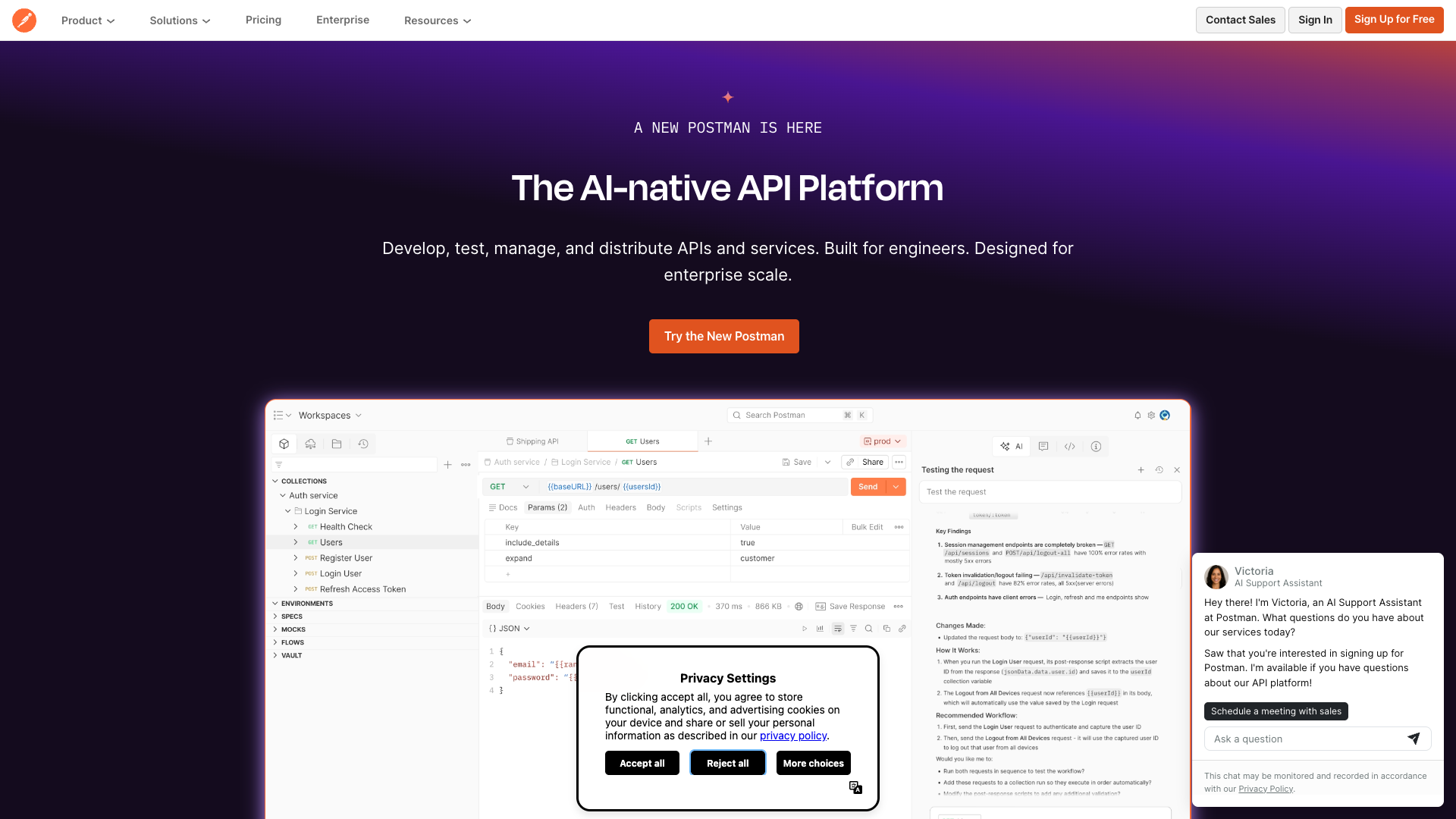
Privacy cookie banner overlaps hero content (headline/CTA)
CRIT P9
Prompt to Fix
The Privacy Settings / cookie banner is visually blocking the hero headline 'The AI-native API Platform' and the primary CTA 'Try the New Postman'. Move the banner to a non-overlapping area (bottom of viewport), reduce its height, or implement a non-blocking overlay with a dismiss option. Ensure the hero content remains fully visible and accessible without needing to dismiss the banner to understand the value proposition.
Why it's a bug
The privacy cookie modal appears over the main hero content, obscuring the headline 'The AI-native API Platform' and the primary call-to-action 'Try the New Postman'. This reduces visibility of the value proposition for new visitors and may hinder immediate action.
Why it might not be a bug
Cookie banners are common and necessary for compliance; blocking content is sometimes expected. However, in this screenshot the banner covers critical hero messaging, which is a high-priority UX blocker on first impression.
Suggested Fix
Move the cookie banner to a non-blocking region (bottom edge) with a small, persistent height. Ensure it does not cover the hero heading or CTA. Provide a clear close/hide option and ensure the underlying content remains fully visible when the banner is dismissed or during interaction.
Why Fix
Ensures users can immediately read the core value proposition and act on the primary CTA, improving comprehension and conversion for first-time visitors.
Route To
Frontend Engineer / UI Designer
Page
Tester
Mia · Usability TesterTechnical Evidence
Elements:
Privacy Settings modal with buttons: Accept all, Reject all, More choicesConsole:
[error] Manifest: Line: 1, column: 1, Syntax error.Network:
net::ERR_NAME_NOT_RESOLVED (resource loading issues not directly tied to content visibility but may affect assets)Page Text:
A NEW POSTMAN IS HERE
The AI-native API Platform
Try the New Postman
3
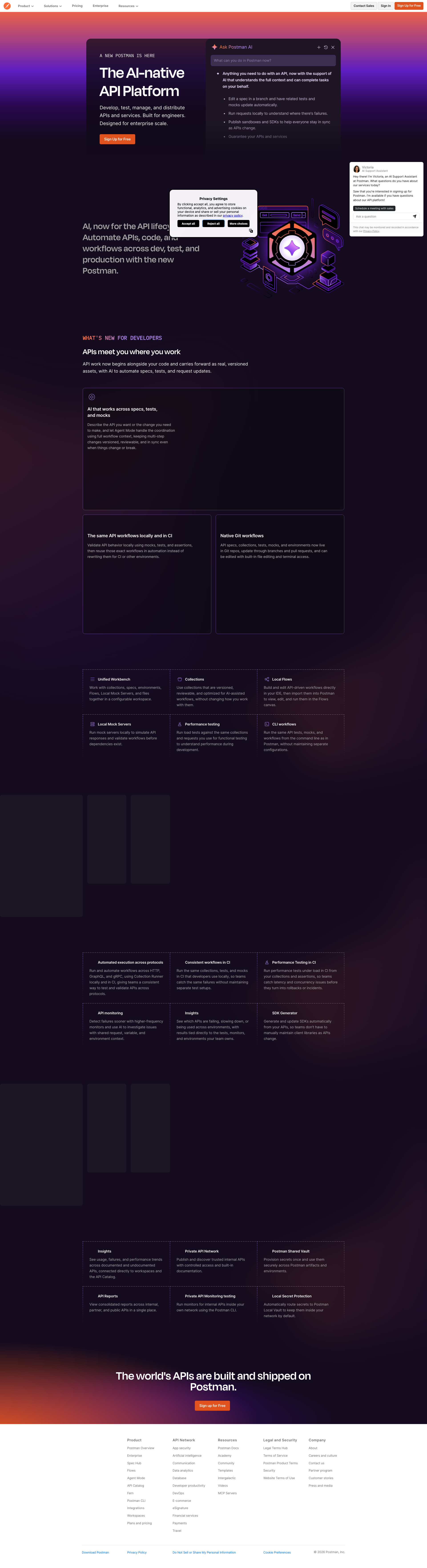
Privacy Settings modal lacks accessible name/ARIA role and proper keyboard focus handling
CRIT P9
Prompt to Fix
Identify the Privacy Settings modal in the DOM and implement accessible dialog semantics: add role="dialog" aria-modal="true" and an accessible label (e.g., aria-label="Privacy Settings"). Ensure there is a visible, programmatically associated heading for the dialog (aria-labelledby). Implement focus trap logic so that focus cannot leave the dialog while open, and restore focus to the triggering element when closed. Provide a clearly labeled close control with keyboard support (Escape key).
Why it's a bug
The Privacy Settings modal is visually presented but there is no visible indication in the screenshot of an ARIA role or label. Without role='dialog' and an accessible name, screen readers may not announce the dialog or its purpose, and keyboard focus may not be properly trapped or returned after dismissal, obstructing keyboard users and those relying on assistive tech.
Why it might not be a bug
If the underlying implementation uses a native dialog element with proper ARIA labeling, this would not be an issue; the screenshot alone cannot confirm semantic markup. However, visible evidence in the screenshot alone is not enough to verify accessibility of the modal.
Suggested Fix
Wrap the modal in an element with role="dialog" aria-modal="true" aria-label="Privacy Settings" (or aria-labelledby referencing the dialog title). Implement focus management: move focus to the dialog on open, trap focus within until closed, and return focus to the trigger element on close. Ensure an explicit close button with an accessible label and proper keyboard handling (Escape to close).
Why Fix
Accessible modal dialogs are required by WCAG 2.1 to be announced by assistive technologies and to allow users to navigate them without losing context, preventing confusion and task failures for screen reader and keyboard users.
Route To
Frontend Developer / Accessibility Engineer
Page
Tester
 Alejandro · Accessibility Specialist
Technical Evidence
Console:
[ERROR] Manifest: Line: 1, column: 1, Syntax error.Network:
net::ERR_NAME_NOT_RESOLVED