B86%
Quality Score
7
Pages
84
Issues
7.8
Avg Confidence
7.9
Avg Priority
37 Critical34 High13 Medium

>_ Testers.AI
AI Analysis
Netlify was tested and 84 issues were detected across the site. The most critical finding was: Informative image uses non-descriptive alt text. Issues span A11y, Performance, Other, UX categories. Persona feedback rated Visual highest (8/10) and Accessibility lowest (6/10).
Qualitative Quality
Netlify
Category Avg
Best in Category
Pages Tested · 7 screenshots
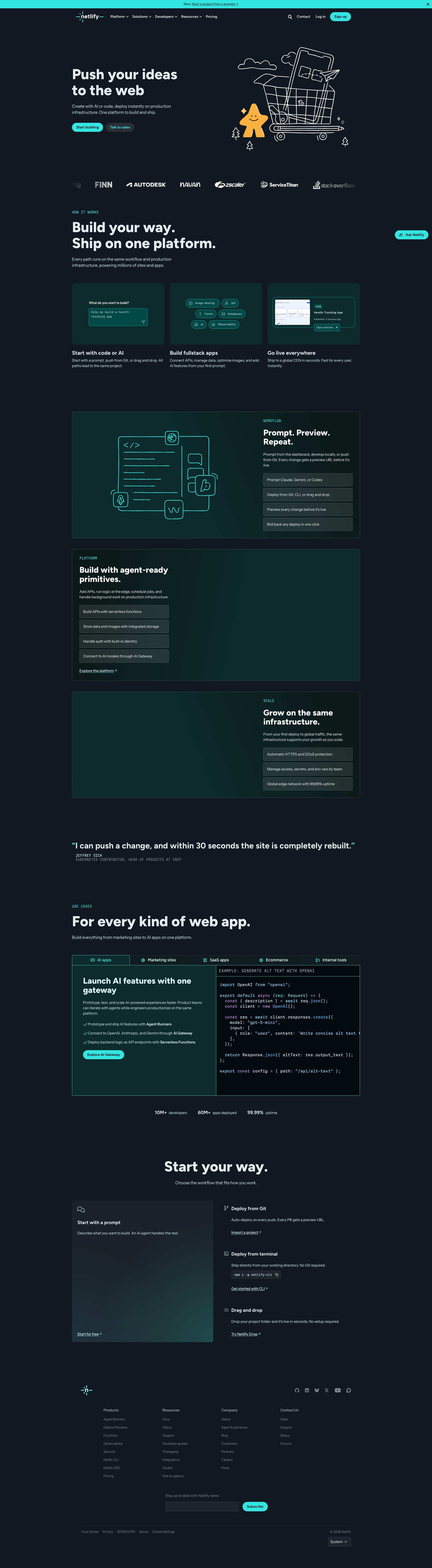
Homepage
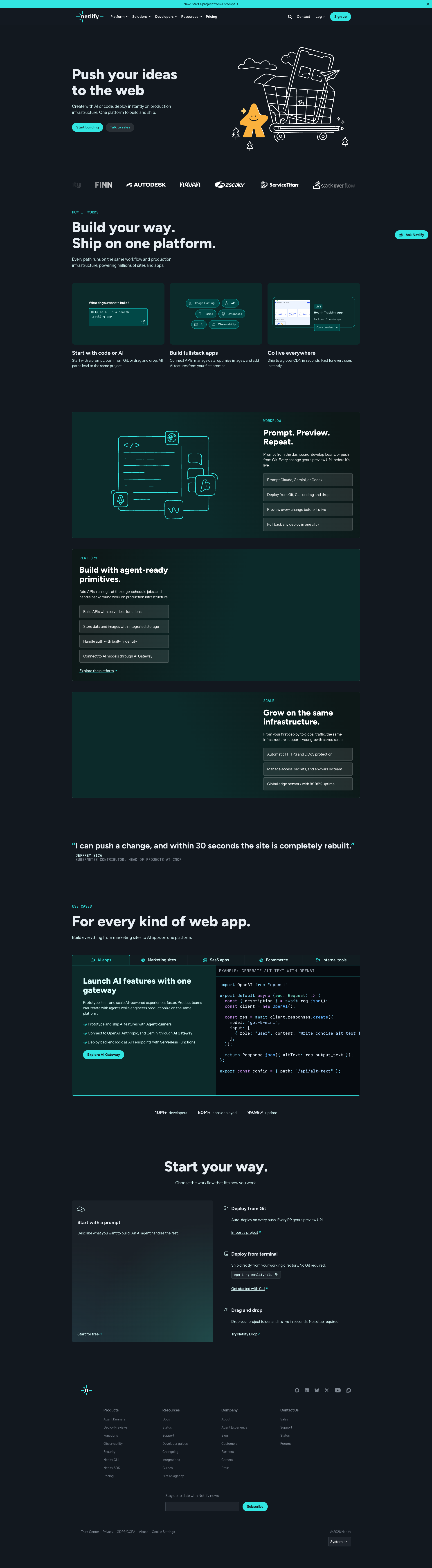
netlify.com
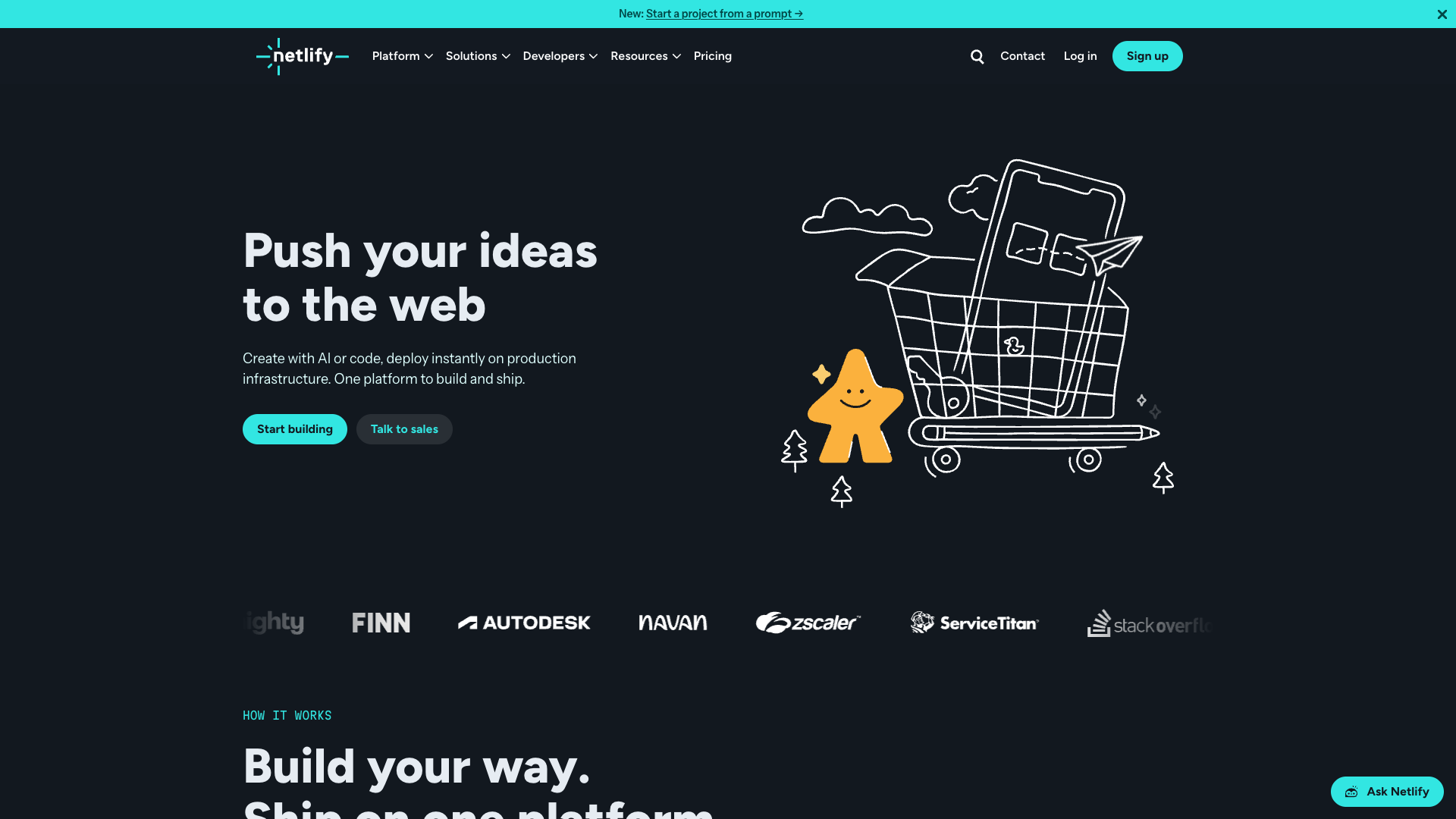
netlify.com
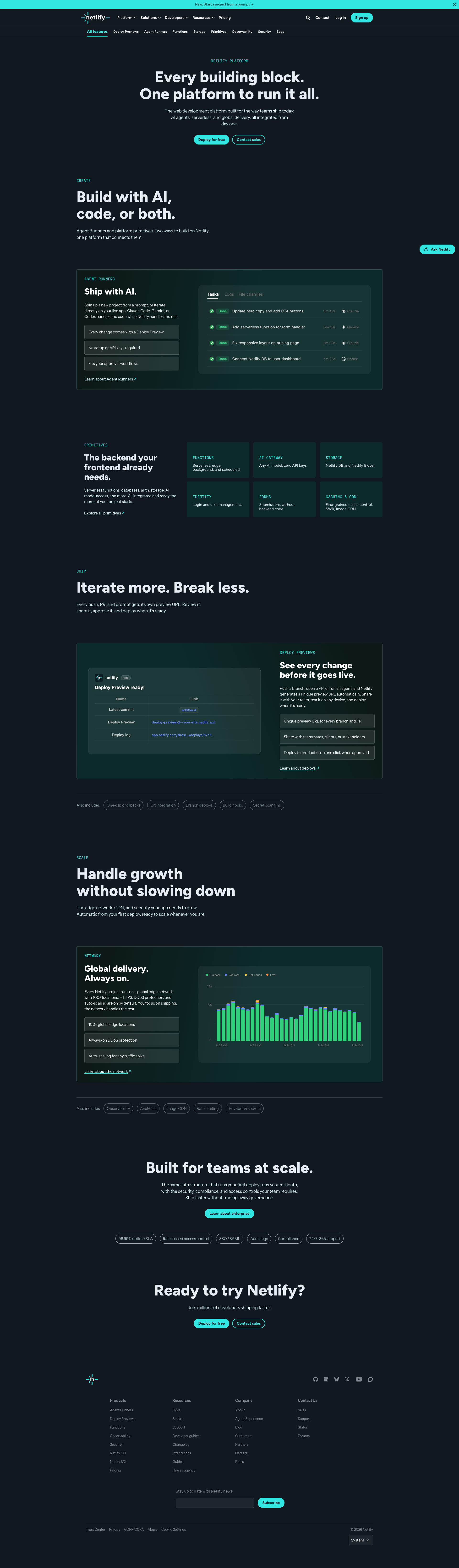
netlify.com
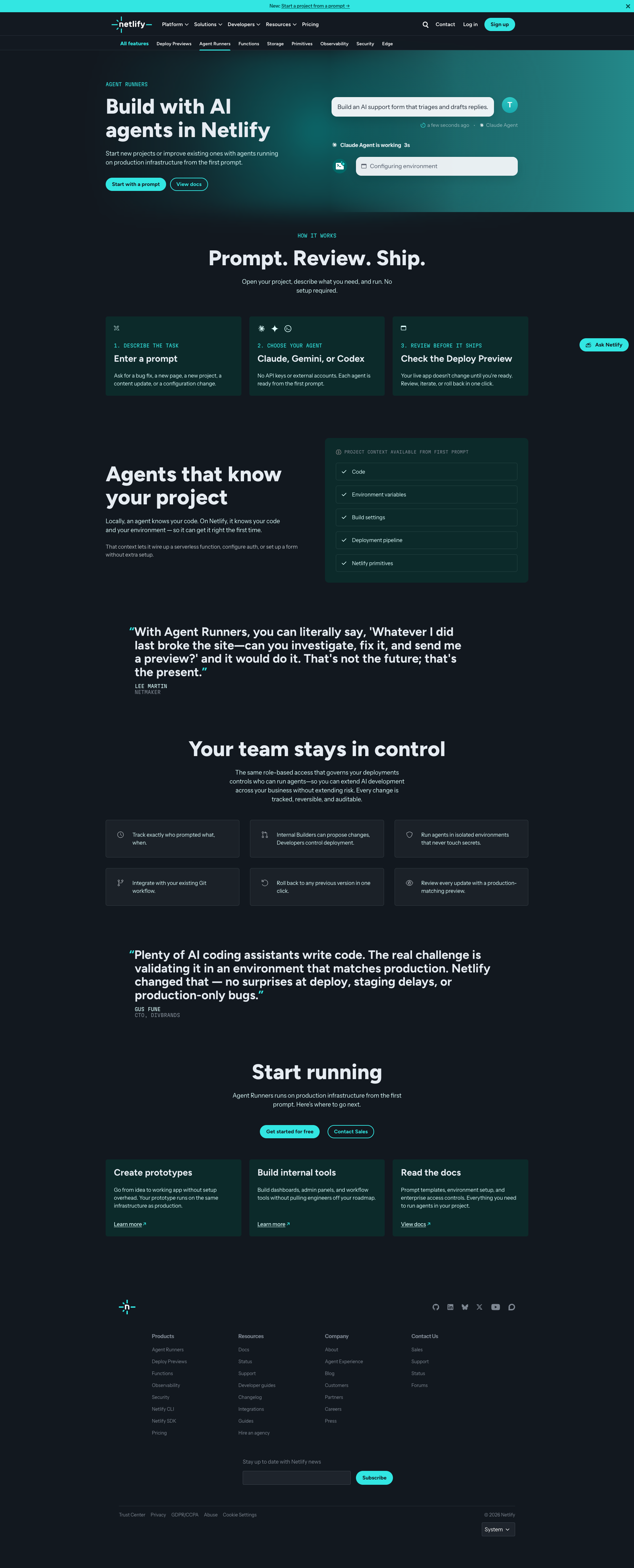
netlify.com
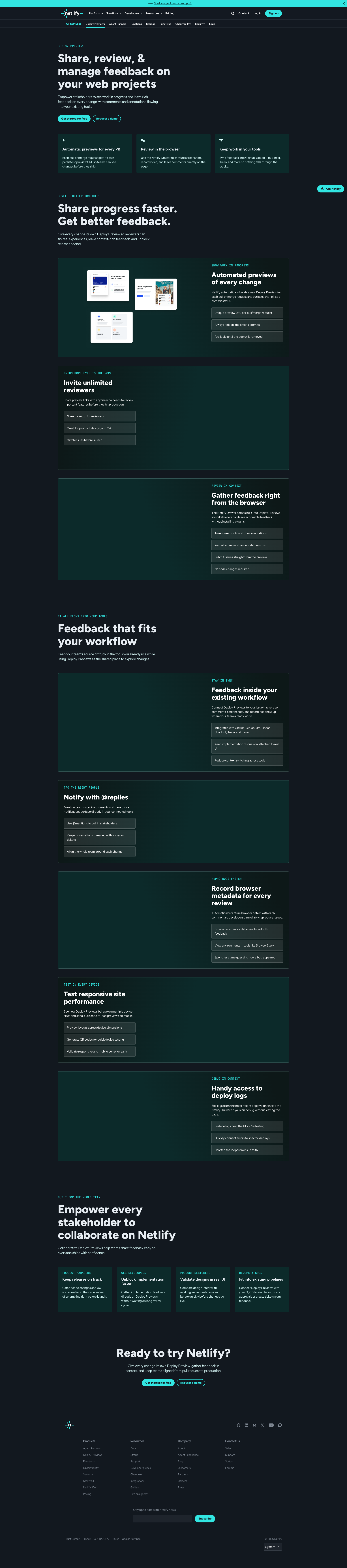
netlify.com
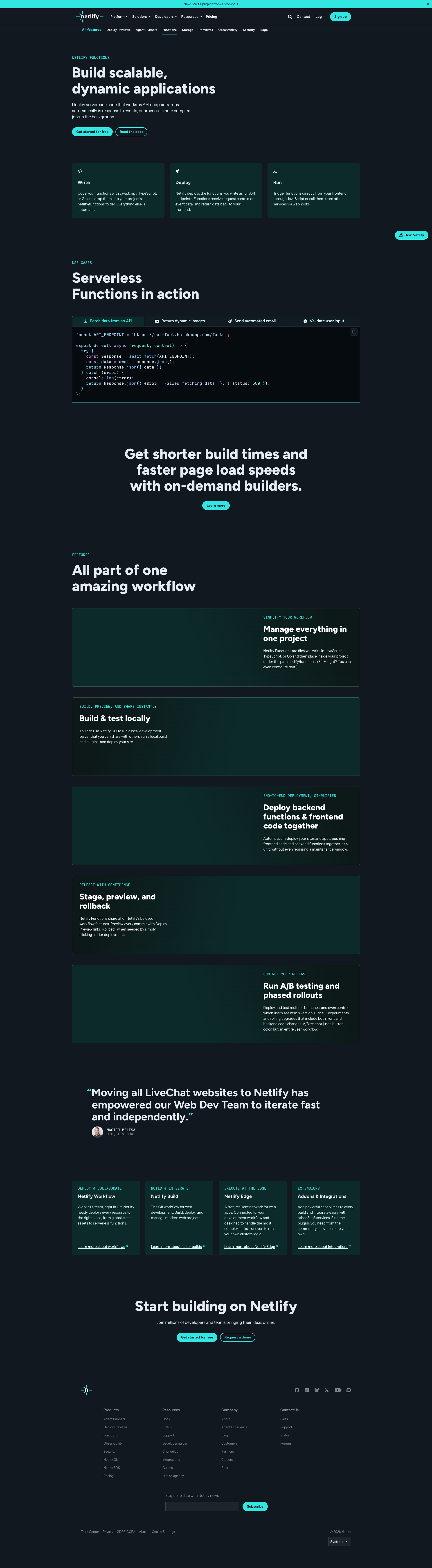
netlify.com
Detected Issues · 84 total
1
Informative image uses non-descriptive alt text
CRIT P9
Prompt to Fix
In the img tag with src='https://cdn.cookielaw.org/logos/static/ot_company_', change alt='Company Logo' to a descriptive alt such as 'OneTrust logo' (or 'OneTrust Cookie Compliance logo' if more specific). Ensure the image is indeed a logo and not decorative; if decorative, set aria-hidden='true' and alt=''.
Why it's a bug
The image with src 'https://cdn.cookielaw.org/logos/static/ot_company_' conveys branding information (OneTrust cookie law logo). Its alt text is 'Company Logo', which does not describe the image content or its purpose for screen readers.
Why it might not be a bug
If the image were purely decorative, an empty alt attribute would be appropriate; however, this image appears to be a branding/logo asset rather than decorative.
Suggested Fix
Replace the alt text 'Company Logo' with a descriptive label such as 'OneTrust logo' or 'OneTrust Cookie Compliance logo' to accurately convey the image content to screen readers.
Why Fix
Descriptive alt text ensures users of assistive technologies understand the branding and purpose of the image, improving recognition and context.
Route To
Frontend Accessibility Engineer
Page
Tester
 Alejandro · Accessibility Specialist
2
UI strings contain AI placeholder tokens (garbled text with stray semicolons)
CRIT P9
Prompt to Fix
Given the UI data structure that renders button labels, replace AI-generated placeholder strings with proper translation keys or static labels. Remove semicolon artifacts and ensure all labels render from a centralized i18n resource. Provide a patch that updates the rendering code (e.g., React/Vue templates) to pull strings from translation keys and to escape/trim any stray characters.
Why it's a bug
AI-generated content leaked into UI labels, showing strings like ";Ask Netlify AIGet instant answers, powered by AI;" and ";Toggle theme;". This breaks user comprehension, localization, and trust.
Why it might not be a bug
If these are intended as placeholders in a staging UI, they should be replaced before release; however, they are currently visible to users and degrade UX.
Suggested Fix
Remove stray AI-generated tokens from UI strings, load text from proper localization resources or a vetted content source, and ensure all buttons display clean, final labels (e.g., via translation keys like ai_search_prompt, theme_toggle). Sanitize and normalize all label strings during render.
Why Fix
Restore readable, professional UI labels, improve user trust, and prevent localization/test failures caused by placeholder artifacts.
Route To
Frontend Developer / Localization Engineer
Page
Tester
 Jason · GenAI Code Analyzer
Technical Evidence
Console:
";Ask Netlify AIGet instant answers, powered by AI;"3
Buttons rendered without accessible names (empty text)
CRIT P9
Prompt to Fix
In the page markup, identify all button elements that render with empty text content. For each, either: a) provide an accessible, human-readable label as visible text, b) add an aria-label attribute with a descriptive label, or c) associate the button with an existing visible label using aria-labelledby. If the button is purely decorative, remove it or set aria-hidden="true". Ensure compliance with WCAG 2.1 4.1.2 Name and Role and update the UI to display meaningful labels for all interactive controls.
Why it's a bug
Multiple button elements are defined with empty visible text and no accessible name (aria-label/aria-labelledby). Screen readers cannot identify the purpose of these controls, violating WCAG 2.1 at 4.1.2 Name and Role for interactive controls.
Why it might not be a bug
If a control is truly decorative and non-interactive, it should not be exposed as a button. However, the data shows these are interactive button elements with empty labels, indicating a real accessibility issue.
Suggested Fix
Add meaningful visible text or aria-label/aria-labelledby to each button. If a control is decorative, remove the button element or set aria-hidden="true". Ensure all interactive controls have an accessible name per WCAG 2.1 4.1.2.
Why Fix
Providing an accessible name allows screen reader users to understand and activate controls, improving task success and reducing confusion.
Route To
Frontend Engineer / Accessibility Specialist
Page
Tester
 Alejandro · Accessibility Specialist
Technical Evidence
Console:
[ERROR] Failed to load resource: net::ERR_NAME_NOT_RESOLVED