B84%
Quality Score
7
Pages
90
Issues
8.2
Avg Confidence
8.0
Avg Priority
43 Critical33 High12 Medium2 Low

>_ Testers.AI
AI Analysis
Modal was tested and 90 issues were detected across the site. The most critical finding was: Visible CSS/debug overlay content breaking UI (modal.jobs block with ASCII art and CSS code). Issues span A11y, Legal, Performance, Other categories. Persona feedback rated Visual highest (7/10) and Accessibility lowest (5/10).
Qualitative Quality
Modal
Category Avg
Best in Category
Pages Tested · 7 screenshots

Homepage
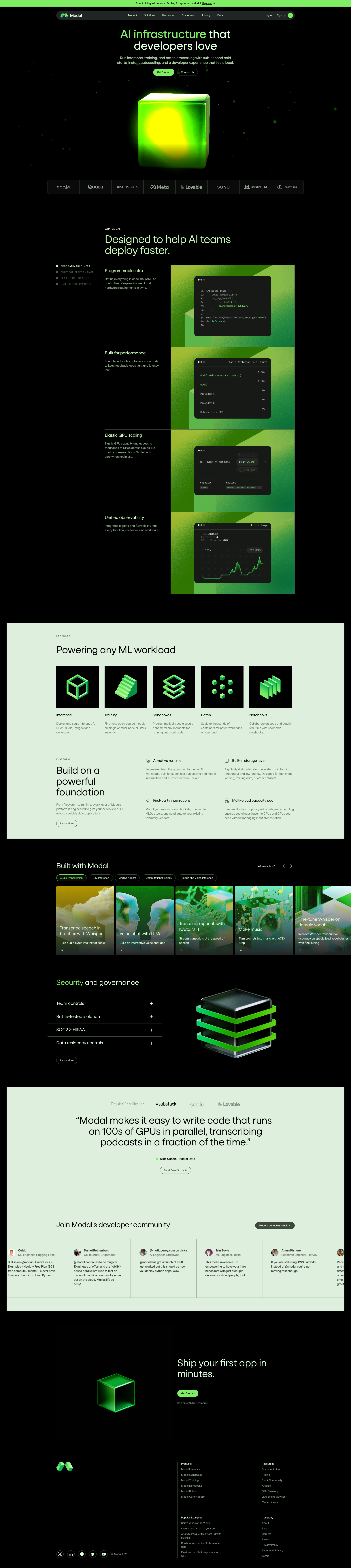
modal.com
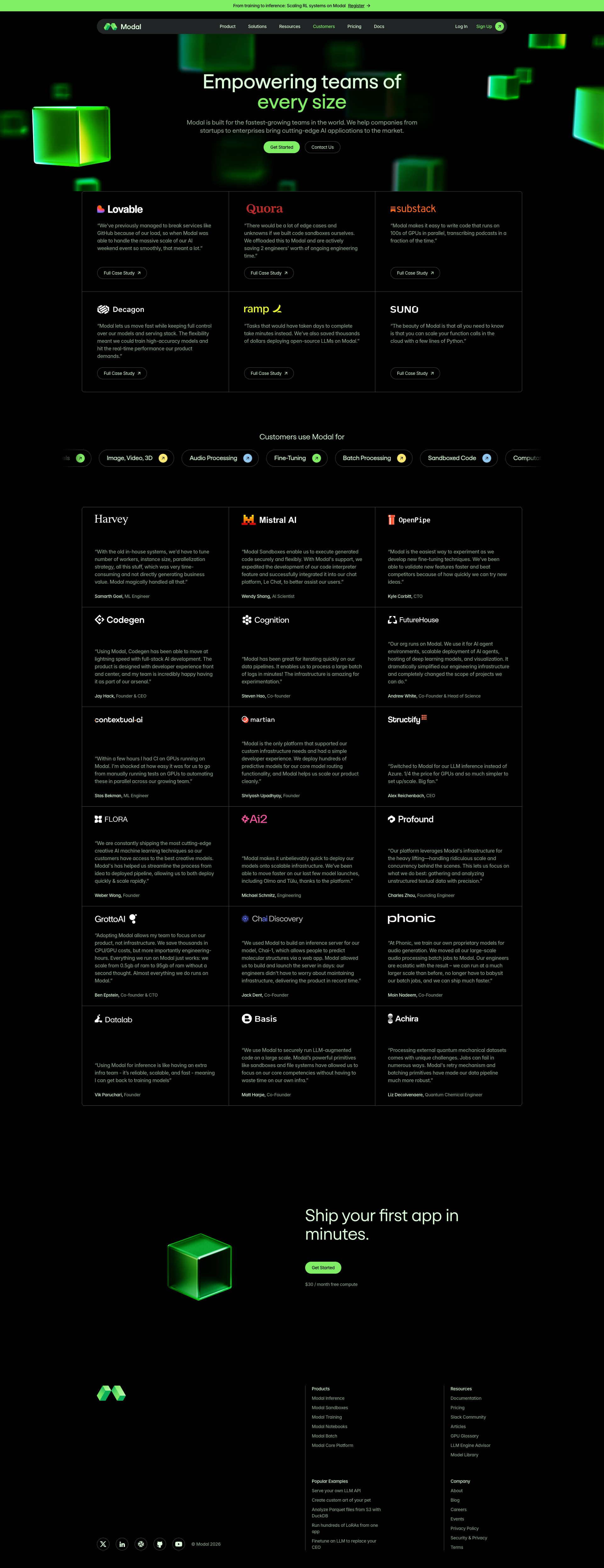
modal.com
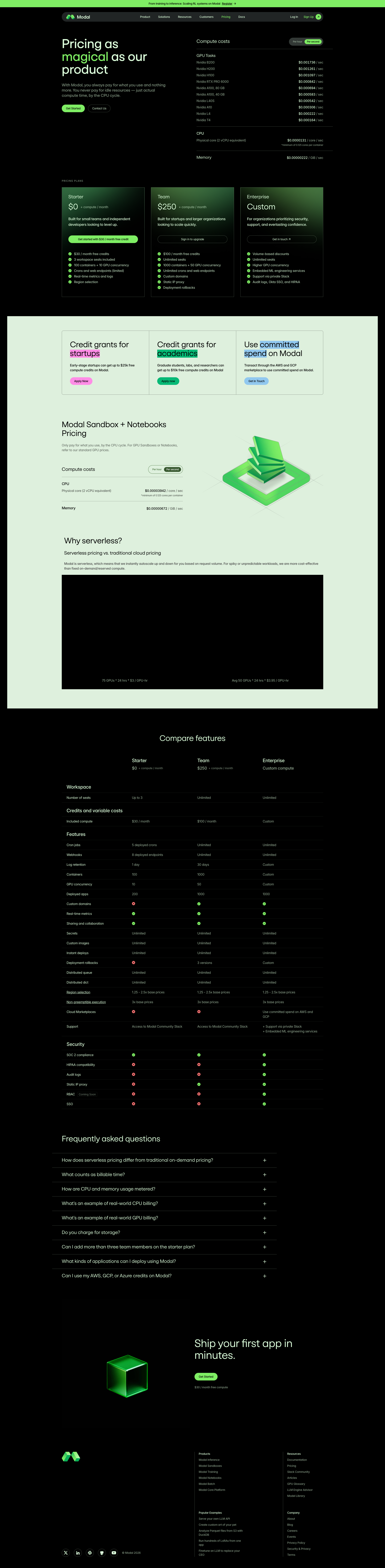
modal.com

modal.com
modal.com
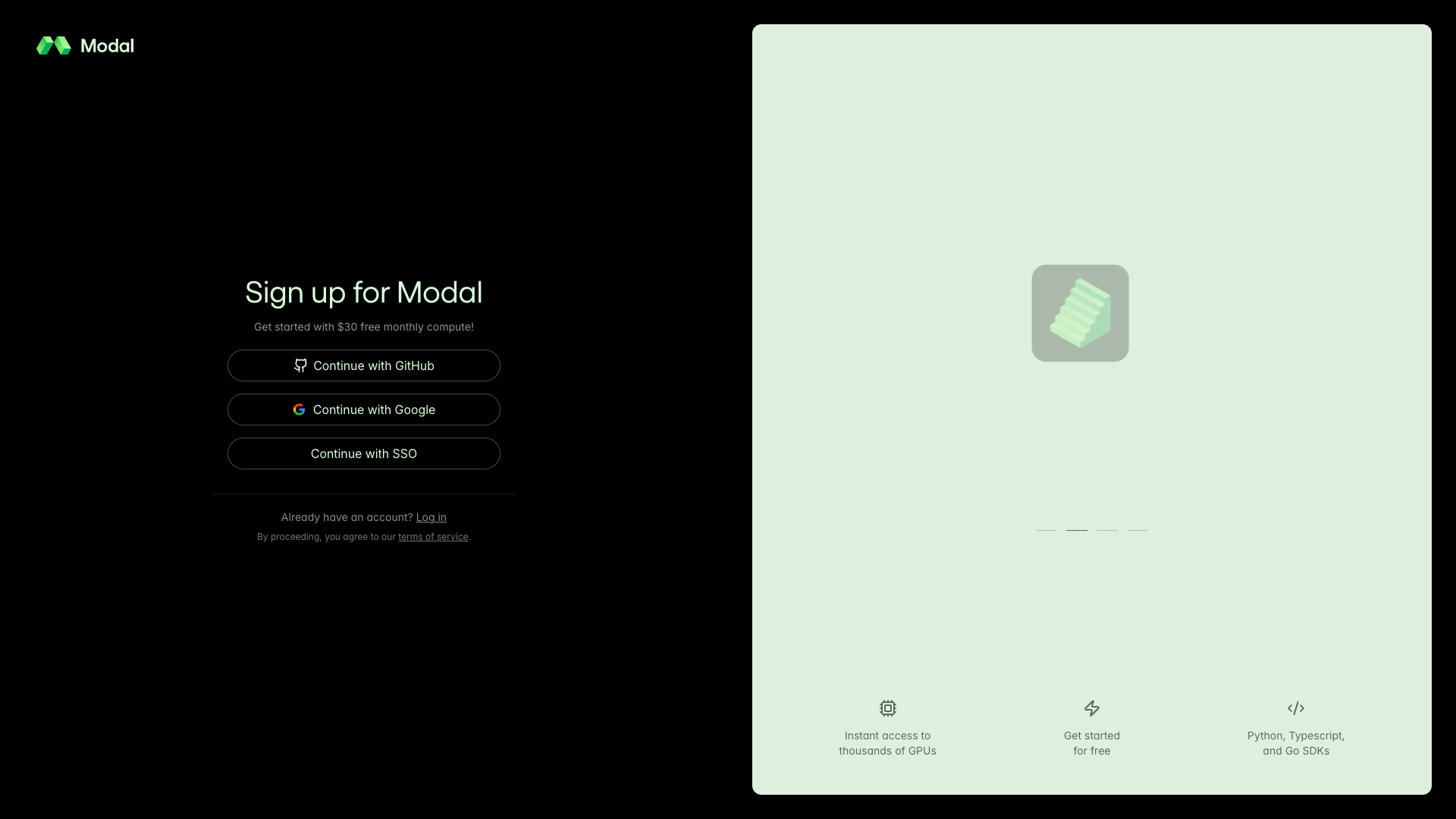
modal.com
Detected Issues · 90 total
1
Visible CSS/debug overlay content breaking UI (modal.jobs block with ASCII art and CSS code)
CRIT P9
Prompt to Fix
The UI currently renders a visible debug overlay containing the text block labeled 'modal.jobs' and a long sequence of CSS-style lines (including ASCII art). Remove this overlay from production. Ensure that any code blocks or debug information are hidden by default and gated behind a developer mode toggle. Clean up template rendering to prevent accidental exposure of internal styling data in the production UI.
Why it's a bug
A clearly visible block containing ASCII art and a long CSS-like code snippet labeled 'modal.jobs' is rendered in the UI. This content is not part of the intended user experience and disrupts readability and trust.
Why it might not be a bug
If this is an unintended debug overlay that accidentally made it to production, it should not be visible to users. If it were intentionally hidden behind a feature flag, it would not be a problem; however, it is currently visible.
Suggested Fix
Remove the visible debug overlay block (ASCII art + CSS code snippet) from production. Ensure any debugging UI is gated behind a developer toggle or removed entirely before release. Validate templates to prevent accidental rendering of code blocks in the final UI.
Why Fix
Releasing a UI that shows internal CSS/debug content erodes trust, distracts users, and may cause confusion about the product. Fixing this restores a clean, professional presentation and improves perceived quality.
Route To
Frontend Engineer / UI Engineer
Page
Tester
 Mia · Usability Tester
Technical Evidence
Elements:
A large code/ASCII art block labeled 'modal.jobs' with CSS style content is rendered inline within the page, not part of user-facing content.Console:
Failed to load resource: the server responded with a status of 404 ()
[warn] RGBELoader has been deprecated. Please use HDRLoader instead.
[log] ...
[error] Failed to load resource: the server responded with a status of 500 ()
Page Text:
modal.jobs
 color:#004d00; font-family: monospace; color:#0a5a00; font-family: monospace; color:#136600; font-family: monospace; color:#1c7300; font-family: monospace; color:#268000; font-family: monospace; color:#2f8c00; font-family: monospace; color:#399900; font-family: monospace; color:#42a600; font-family: monospace; color:#4cb200; font-family: monospace; color:#55bf00; font-family: monospace; color:#5fcb00; font-family: monospace; color:#68d800; font-family: monospace; color:#7FEE64; font-family: monospace; color:#7FEE64; font-family: monospace; color:#7FEE64; font-family: monospace; color:#7FEE64; font-family: monospace; color:#7FEE64; font-family: monospace; color:#7FEE64; font-family: monospace;
[error] Failed to load resource: the server responded with a status of 500 ()
2
Informative images use non-descriptive alt text ('Company logo')
CRIT P9
Prompt to Fix
In the HTML for every informative image, ensure the alt attribute contains a concise description of the image content. Do not reuse generic terms like 'Company logo' for non-logo visuals. If an image is purely decorative, set alt="". Apply WCAG 2.1 1.1.1 guidelines and test with a screen reader to confirm the description is announced and meaningful.
Why it's a bug
Screen readers will read alt text as the description of an image. Using a generic alt like 'Company logo' for multiple informative visuals fails WCAG 2.1 1.1.1 (Text Alternatives) and makes content inaccessible to users who rely on assistive tech.
Why it might not be a bug
If any image is strictly decorative, an empty alt (alt="") would be appropriate. However, the repeated use of 'Company logo' for product visuals suggests these are informative, not decorative.
Suggested Fix
Provide descriptive alt text for each informative image. Examples: alt="Lovable product screenshot: glowing green interface"; alt="Cognition product feature diagram"; for branding logos that are purely decorative, set alt="" or use aria-label where appropriate.
Why Fix
Descriptive alt text ensures screen reader users receive meaningful information about visual content, improving comprehension and meeting WCAG 2.1 success criteria for text alternatives.
Route To
Frontend Developer / Accessibility Engineer
Page
Tester
 Alejandro · Accessibility Specialist
Technical Evidence
Console:
[ERROR] Failed to load resource: the server responded with a status of 404 ()
[ERROR] Failed to load resource: the server responded with a status of 500 ()
Network:
Failed image requests to multiple assets (likely from modal.com CDN) returning 404/500 errors3
UI: Empty button labels causing inaccessible controls
CRIT P9
Prompt to Fix
In the header/navigation component, locate all <button> elements that render with empty text values (text: ""). Replace them with labeled buttons or add aria-label attributes. If a button is not supposed to submit a form, set type='button' and provide an accessible label, e.g. <button class='hamburger' aria-label='Open menu' type='button'>☰</button>.
Why it's a bug
Buttons rendered with empty text (text: "") are unlabeled and non-descriptive, which breaks accessibility (screen readers) and can lead to confusion or accidental submissions since some controls are of type submit.
Why it might not be a bug
If these are intentionally decorative icons or purely non-interactive elements, they should not render as real buttons; given their type and placement, they appear functional and unlabeled.
Suggested Fix
Provide meaningful labels for all button elements or add aria-label attributes; ensure visible text exists for all buttons. If a control is non-actionable, render it as a non-button element or use type="button" with an explicit label.
Why Fix
Improves accessibility, usability, and reduces risk of accidental form submissions or confusion for users.
Route To
Frontend Engineer / Accessibility Specialist
Page
Tester
 Jason · GenAI Code Analyzer