B85%
Quality Score
7
Pages
80
Issues
7.9
Avg Confidence
7.7
Avg Priority
28 Critical34 High18 Medium

>_ Testers.AI
AI Analysis
Mistral AI was tested and 80 issues were detected across the site. The most critical finding was: Placeholder/empty button labels in header navigation. Issues span A11y, Performance, Other, UX categories. Persona feedback rated Visual highest (8/10) and Accessibility lowest (5/10).
Qualitative Quality
Mistral AI
Category Avg
Best in Category
Pages Tested · 7 screenshots

Homepage

mistral.ai

mistral.ai

mistral.ai

mistral.ai
mistral.ai
mistral.ai
Detected Issues · 80 total
1
Placeholder/empty button labels in header navigation
CRIT P9
Prompt to Fix
In the UI rendering code, replace the two empty button texts with meaningful labels (e.g., 'Products', 'Company') or add accessible aria-label attributes. Ensure all buttons have non-empty accessible text. Validate that localization strings are populated and not accidentally left as empty strings.
Why it's a bug
Two header buttons render with empty text, indicating placeholder or unfinished AI-generated UI code. This harms accessibility and user clarity, and suggests incomplete generation or templating leftovers.
Why it might not be a bug
If these are intentionally icon-only buttons, proper ARIA labels could mitigate; however, the static content shows actual empty text strings without labels, making it clearly buggy.
Suggested Fix
Provide meaningful button labels or add accessible labels (aria-label/aria-labelledby). Remove placeholder entries or ensure dynamic text loads correctly before render. Validate localization strings to avoid empty text.
Why Fix
Improves accessibility, usability, and reliability of navigation; reduces user confusion and QA toil.
Route To
Frontend/Accessibility Engineer
Page
Tester
 Jason · GenAI Code Analyzer
Technical Evidence
Console:
Page Content shows two buttons with empty text: {"text":"","tagName":"BUTTON","type":"submit","id":"","className":"size-9 border-l border-white/30 dark:border-white/10 hover:bg-white/10 flex justify-center items-center text-white"} and {"text":"","tagName":"BUTTON","type":"submit","id":"","className":"lg:hidden md:px-2 cursor-pointer dark:text-white text-white"}2
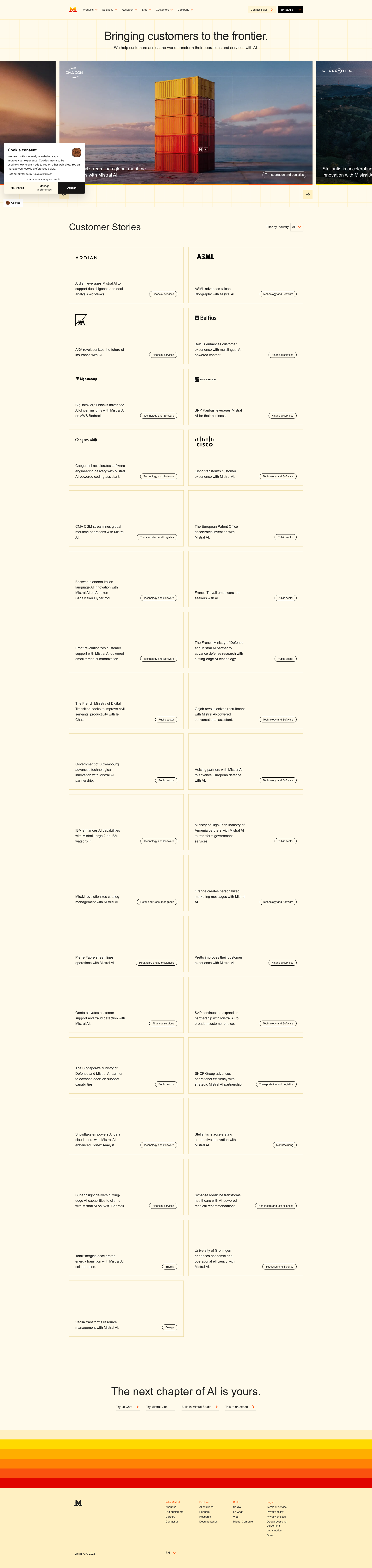
Cluttered, overlapping media tiles disrupt visual hierarchy
CRIT P9
Prompt to Fix
In the page's CSS, replace the current collage-like layout with a responsive grid. Use grid-template-columns: repeat(auto-fill, minmax(240px, 1fr)); gap: 20px. Ensure all media cards have a consistent aspect ratio (e.g., 4:3) using aspect-ratio or padding-bottom trick. Remove absolute positioning that causes overlaps. Center or align cards to a uniform grid and ensure header spacing remains intact. Add alt text to all media cards describing content.
Why it's a bug
The collage of screenshots and cards appears to overlap and not align to a consistent grid, producing a messy, unpolished look that undermines brand quality.
Why it might not be a bug
If intentional collage is part of design, overlaps might be purposeful; however, screenshot suggests misalignment rather than a deliberate pattern.
Suggested Fix
Implement a consistent responsive grid with fixed card sizes, remove overlaps, ensure uniform image aspect ratios, and align margins. Use CSS grid/flex with equal gutters.
Why Fix
A clean, consistent layout reinforces brand professionalism and improves content comprehension.
Route To
Frontend/UX Engineer
Page
Tester
 Sophia · Content Quality Specialist
Technical Evidence
Console:
No console logs available3
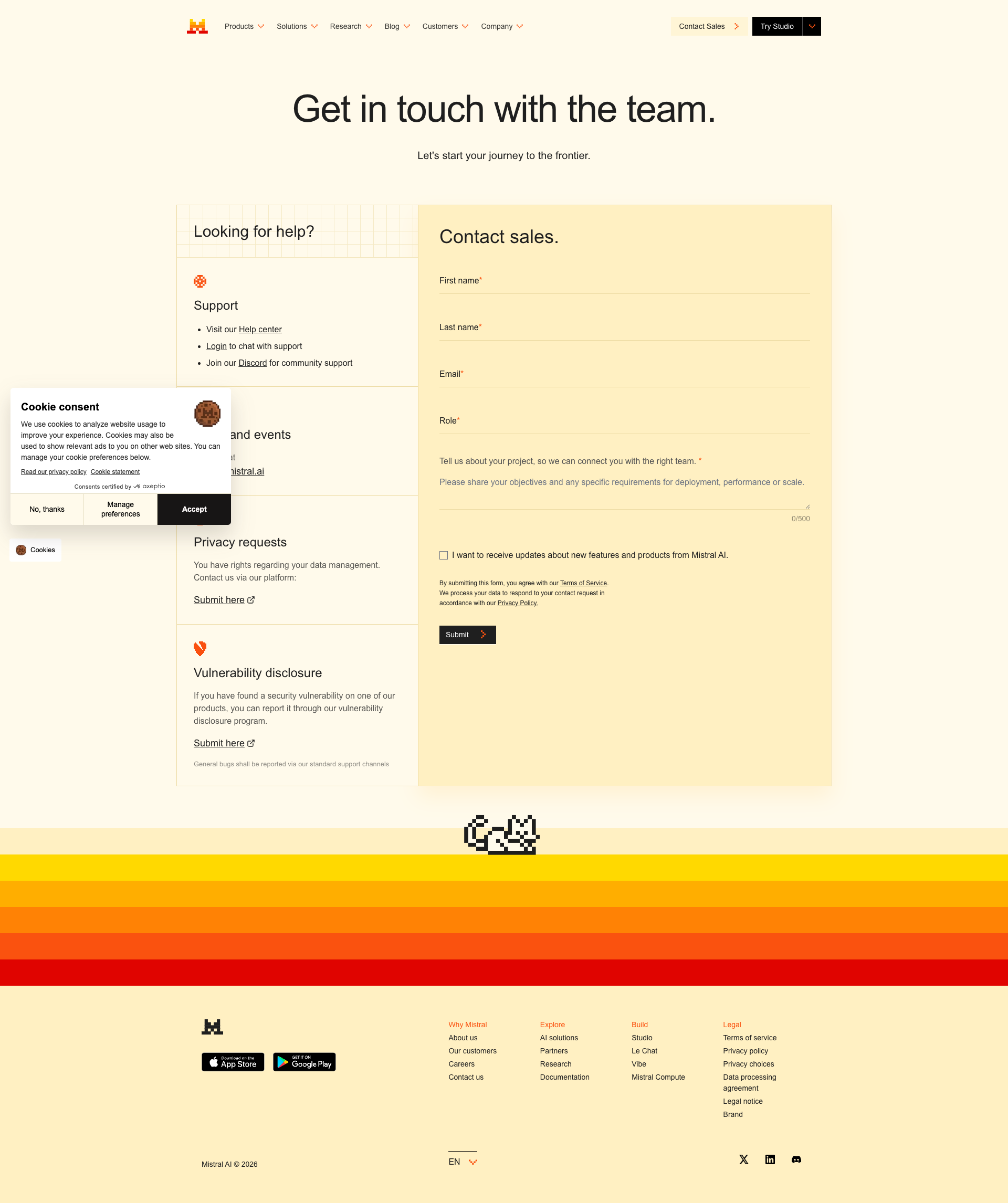
Bottom gradient banner overlays and blocks access to content on mobile
CRIT P9
Prompt to Fix
The bottom gradient banner in the mobile view covers content and CTAs. Reduce its height or convert it into a non-blocking, dismissible banner. Ensure no interactive elements are obscured and that there is sufficient spacing so users can access content without scrolling excessively. Add a close button and auto-collapse on scroll.
Why it's a bug
A large orange gradient banner sits at the bottom of the viewport and visually overlays important content, potentially hiding CTAs and making it hard for users to access or read content without scrolling. This can cause frustration and accidental taps on the overlay instead of underlying elements.
Why it might not be a bug
If the banner is intentionally decorative or a persistent promotional block, it could be acceptable. However, in the screenshot it clearly obscures content, which is disruptive for typical tasks.
Suggested Fix
Reduce the banner height or convert it into a non-blocking, dismissible banner. Ensure it does not cover any interactive elements; allow content to be scrolled underneath without obstruction. Provide a clearly visible close button and/or auto-collapse behavior on scroll.
Why Fix
Fixing this improves task completion, prevents missed CTAs, and enhances mobile readability and trust by avoiding hidden or inaccessible content.
Route To
Frontend Engineer (Mobile/Web UI)
Page
Tester
 Mia · Usability Tester
Technical Evidence
Elements:
Bottom sticky gradient banner; overlaying content; potential obscured CTAsConsole:
[warn] The resource https://mistral.ai/_next/static/chunks/465b3261bfe81efd.css?dpl=... was preloaded using link preload but not used within a few seconds from the window's load event.Page Text:
A prominent bottom orange gradient block is visible over the page content, which may cover CTAs.