M12 (Microsoft)
App Quality Report
Powered by Testers.AI
B+89%
Quality Score
14
Pages
22
Issues
7.2
Avg Confidence
5.9
Avg Priority
3 High19 Medium
Testers.AI
>_ Testers.AI AI Analysis

M12 (Microsoft Ventures) scored B+ (89%) with 22 issues, ranking #25 of 47 VC sites. That's 1 fewer than the 22.7 category average (40th percentile).

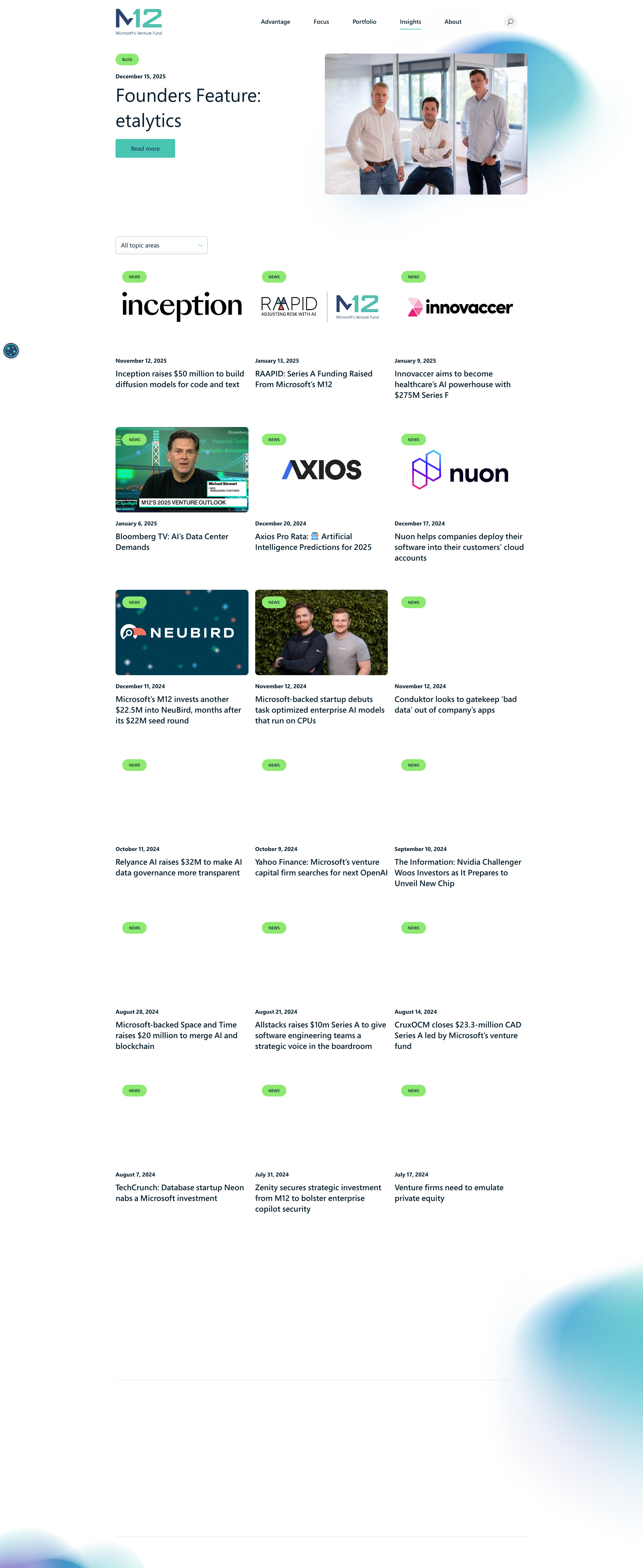
Top issues to fix immediately: "Potential WCAG contrast issue with colored text in description" โ€” Measure the exact contrast ratio of the purple text against the background; "Low contrast text readability issue in light blue gradient areas" โ€” Increase the contrast of the descriptive text by either darkening the text color significantly or lightening the back...; "Image loading or missing in feature cards" โ€” Verify all image URLs are correct and accessible, implement image error fallbacks with alt text, and add lazy loading....

Weakest area โ€” accessibility (5/10): Limited alt text visibility, color contrast in some areas may not meet WCAG standards, and no obvious skip navigation or access...

Quick wins: Implement WCAG 2.1 AA accessibility standards with improved color contrast and alt text for all images. Add more detailed content sections explaining services, portfolio companies, or team credentials below the fold.

Qualitative Quality
M12 (Microsoft)
Category Avg
Best in Category
Issue Count by Type
UX
17
Visual
12
Content
10
A11y
3
Pages Tested ยท 14 screenshots
Detected Issues ยท 22 total
1
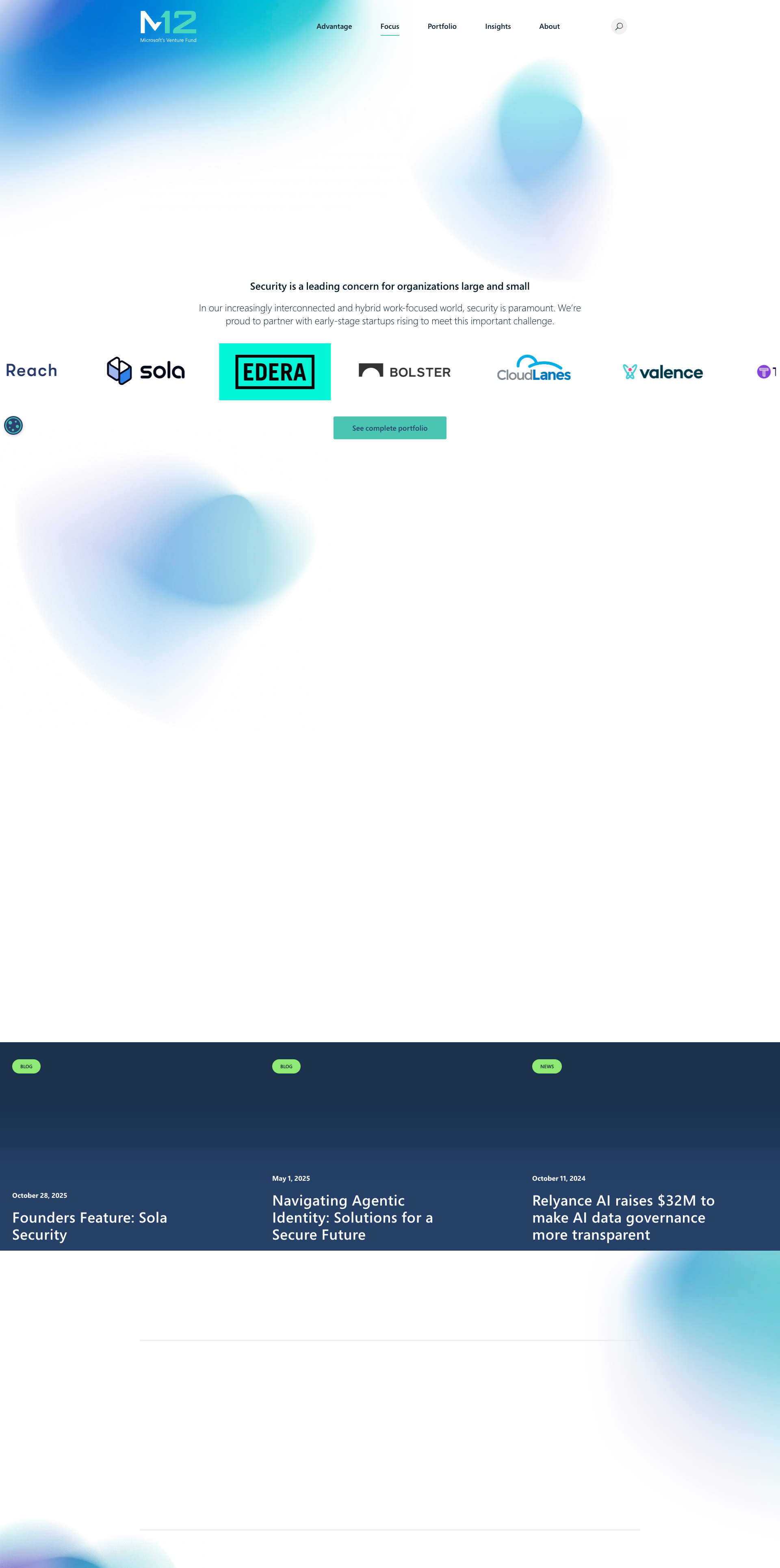
Low contrast text readability issue in light blue gradient areas
HIGH P7
Conf 7/10 UXA11y
Prompt to Fix
The descriptive text has insufficient contrast against the light blue gradient background. Fix this by darkening the text color or adjusting the background to meet WCAG AA contrast requirements of at least 4.5:1 for normal text.
Why it's a bug
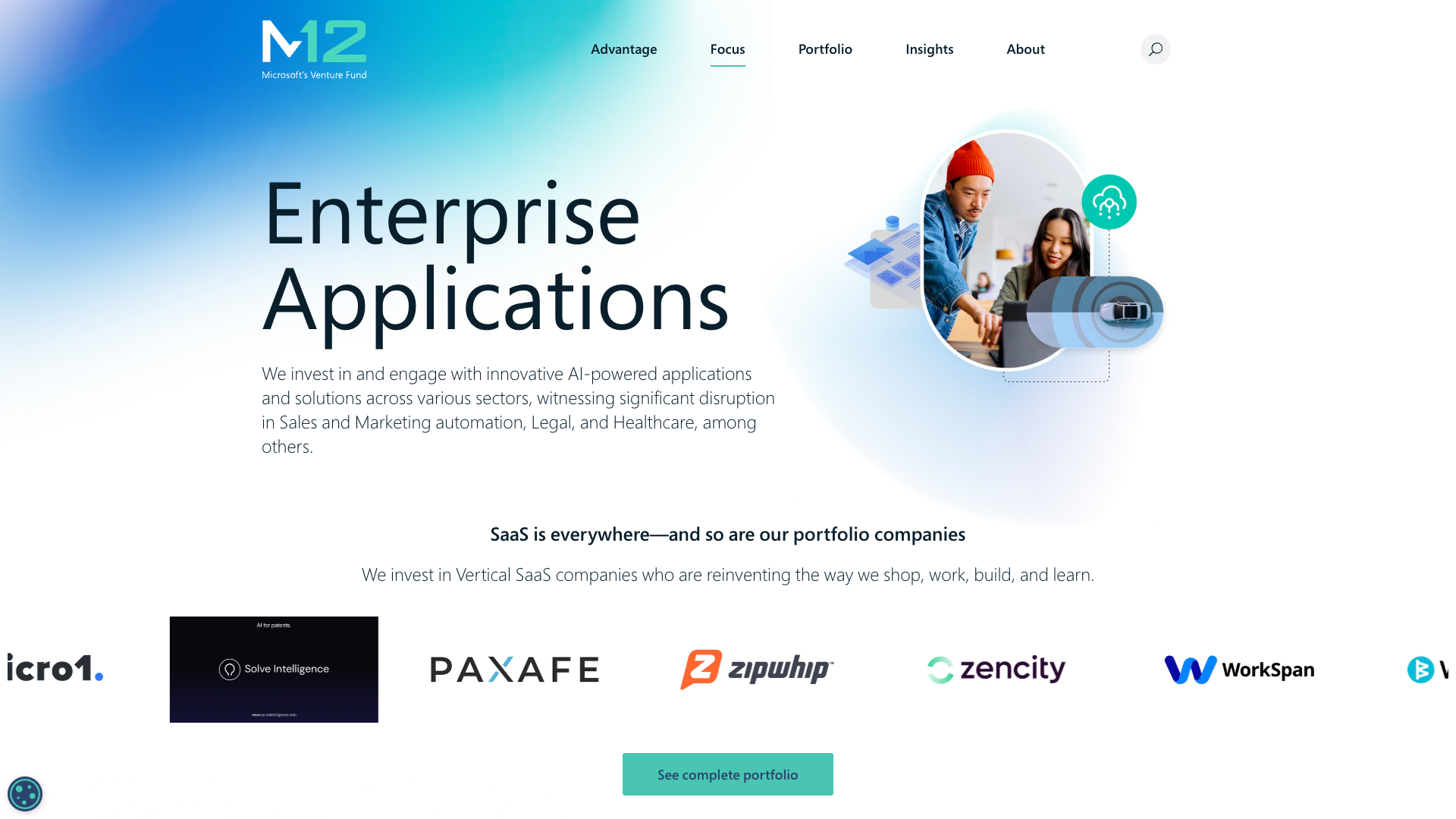
The main descriptive text under the heading 'Security is a leading concern for organizations large and small' appears to have very low contrast against the light blue gradient background. The gray text on light blue background makes it difficult to read and may violate WCAG AA contrast requirements.
Why it might not be a bug
The text may be intentionally subtle as decorative or secondary content, though this would still be poor accessibility practice.
Suggested Fix
Increase the contrast of the descriptive text by either darkening the text color significantly or lightening the background in that area. Ensure WCAG AA standards (4.5:1 minimum for normal text) are met.
Why Fix
Low contrast text creates accessibility barriers for users with visual impairments and makes the page harder to read for all users. Meeting WCAG standards is essential for inclusive design.
Route To
Frontend/UI Engineer, Accessibility Specialist
Page
Tester
Sharon ยท Security Tester
Technical Evidence
Elements: <p> tag with gray text on light blue gradient background
Page Text: Security is a leading concern for organizations large and small
2
Blurry/Low Quality Background Images
MED P6
Conf 8/10 VisualUX
Prompt to Fix
The background decorative blur elements appear pixelated and low resolution. Fix it by replacing with high-resolution SVG or optimized image assets at 2x-3x pixel density and ensuring proper image compression settings.
Why it's a bug
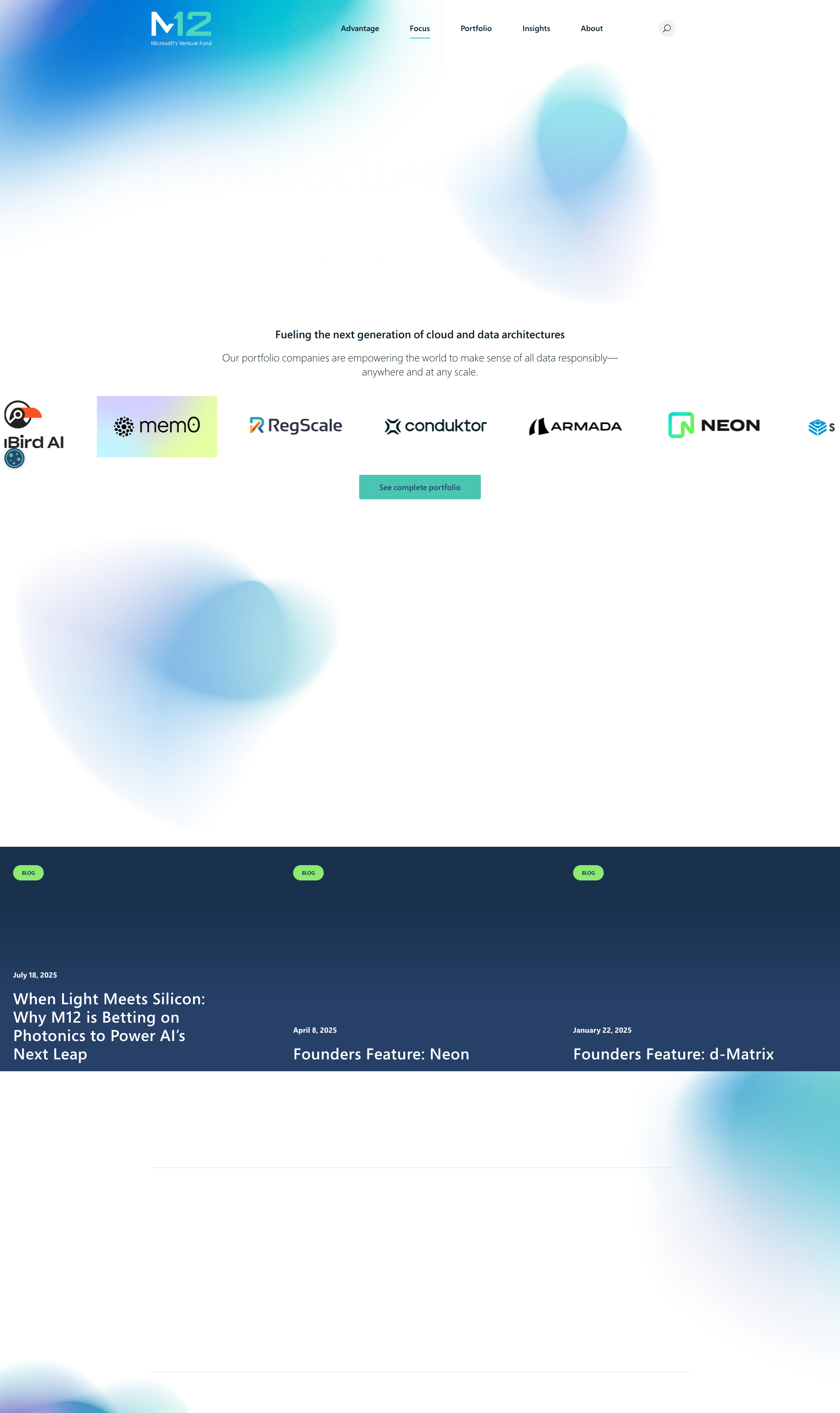
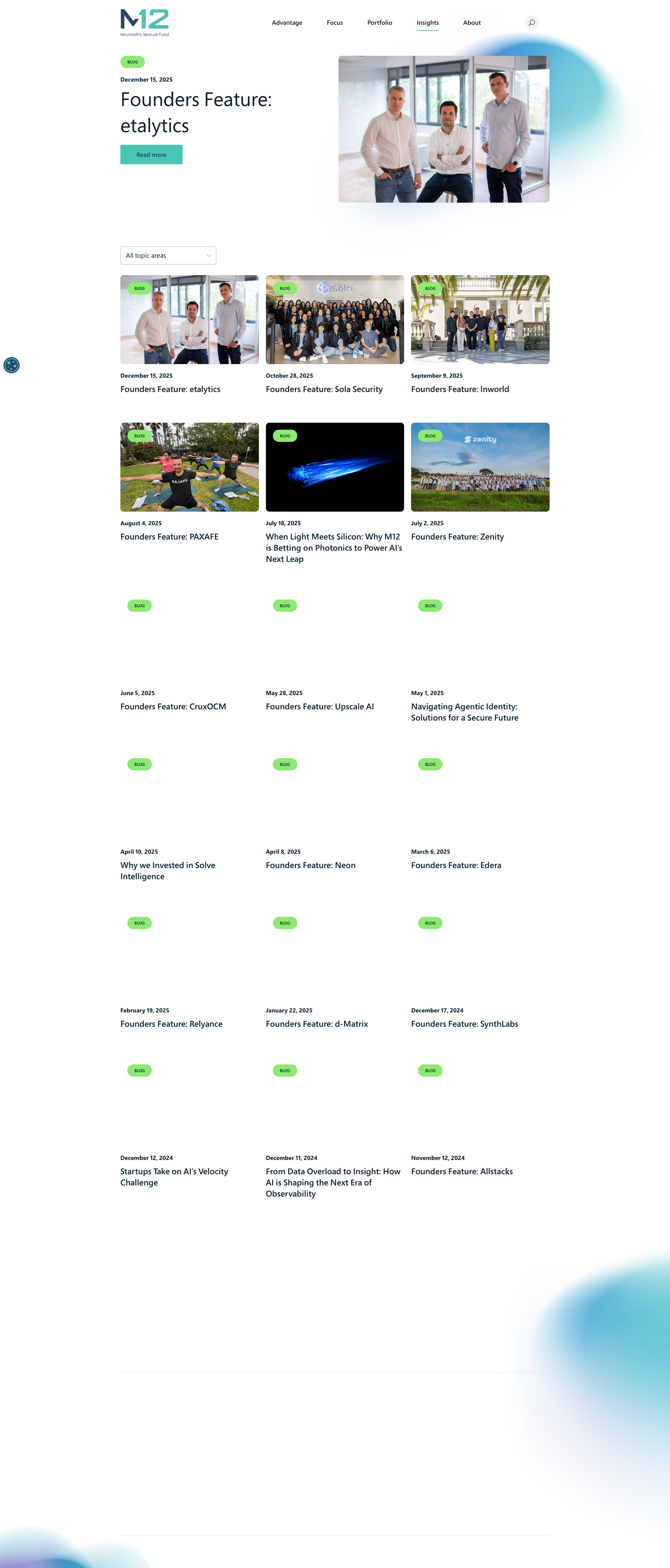
The background decorative elements (blue circular shapes) appear pixelated, blurry, and low resolution throughout the page. This is visible in multiple locations - upper right area, middle sections, and lower portions of the page. These elements appear to be intentional design assets but are rendered at poor quality, which degrades the professional appearance of the website.
Why it might not be a bug
These could be intentionally stylized blur effects for aesthetic purposes, though they appear more like rendering/compression artifacts than intentional design.
Suggested Fix
Replace the blurry background image assets with high-resolution versions. Ensure SVG formats are used for vector elements or optimize PNG/WebP images to appropriate resolution (2x or 3x pixel density for retina displays). Verify the CSS blur filters if intentional and adjust the blur radius value appropriately.
Why Fix
Poor image quality undermines the professional appearance of the website and creates a negative first impression. High-quality assets reflect better on the brand and improve overall user experience.
Route To
Frontend Engineer / UI Designer
Page
Tester
Sharon ยท Security Tester
Technical Evidence
Elements: <div class='background-element'> or <img> tags with blur styling
Console: N/A - visual rendering issue
Network: Image asset loading - check image compression and quality settings
Page Text: Accelerating the future of technology together
3
Blurry/Out-of-focus logo in header
MED P6
Conf 8/10 VisualUX
Prompt to Fix
The issue is the M2 logo appears blurry and out of focus in the header. Fix it by replacing the logo image with a high-resolution sharp version and removing any unintended CSS blur filters.
Why it's a bug
The M2 logo in the top-left corner of the header appears significantly blurred or out of focus compared to the rest of the page elements. This suggests either an image rendering issue, incorrect CSS blur filter application, or a low-resolution/corrupted image asset.
Why it might not be a bug
This could be an intentional design choice for a specific brand aesthetic, though this would be unusual and typically poor UX practice for a primary logo.
Suggested Fix
Replace the logo image with a high-resolution, sharp version. Remove any unintended CSS blur filters (blur(), opacity, or filter properties) applied to the logo element. Verify the image file is not corrupted.
Why Fix
The logo is a critical brand element and primary navigation landmark. A blurry logo undermines brand credibility and professionalism, and may indicate technical issues with asset delivery.
Route To
Frontend Engineer / UI Developer
Page
Tester
Sharon ยท Security Tester
Technical Evidence
Elements: <img class='logo'> or <svg class='logo'> in <header>
Console: Check for image load errors or CSS filter declarations affecting .logo or header img elements
Network: Image asset request for logo file - verify response status and file integrity
Page Text: M2 logo
+19
19 more issues detected  View all →
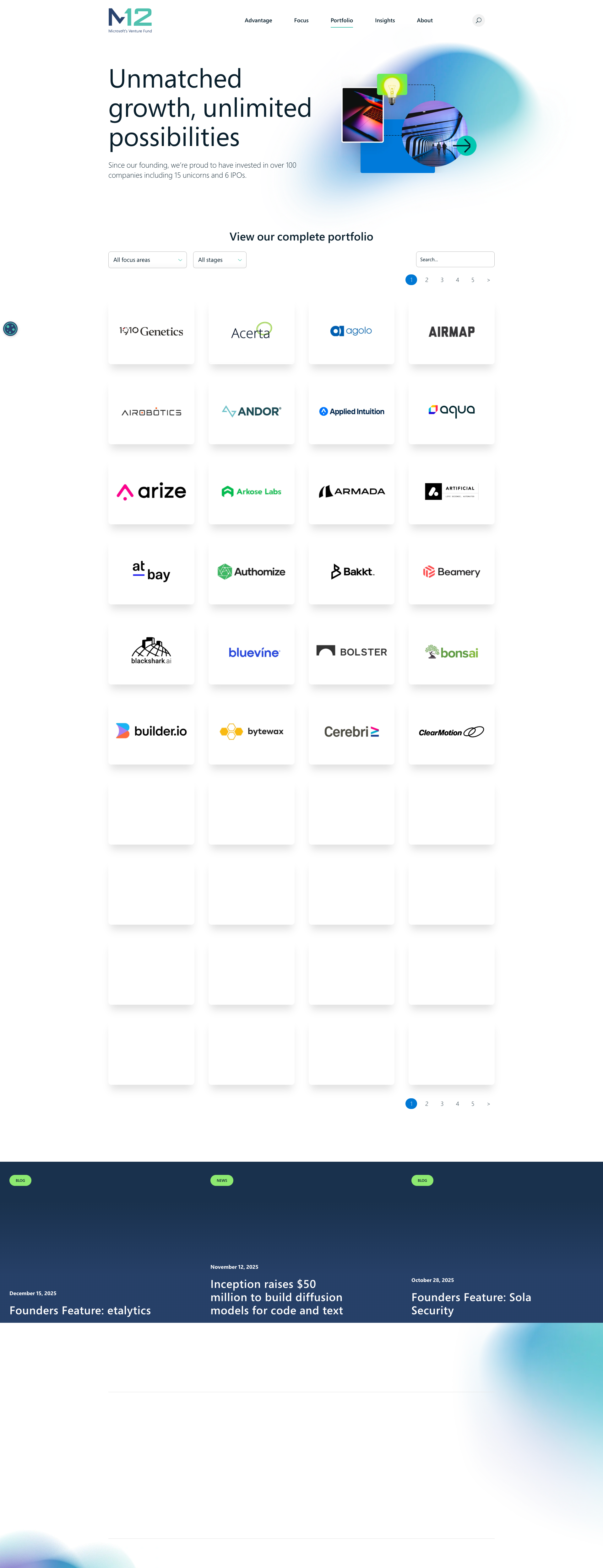
Multiple placeholder/skeleton loading states visible in port...
Incomplete portfolio company logos - rightmost logo partiall...
Incomplete or Missing Footer Content
and 16 more...
Unlock All 22 Issues
You're viewing the top 3 issues for M12 (Microsoft).
Sign up at Testers.AI to access the full report with all 22 detected issues, detailed fixes, and continuous monitoring.
Sign Up at Testers.AI or let us run the tests for you