B84%
Quality Score
7
Pages
88
Issues
7.9
Avg Confidence
7.8
Avg Priority
30 Critical42 High16 Medium

>_ Testers.AI
AI Analysis
LangChain was tested and 88 issues were detected across the site. The most critical finding was: Hero/feature visuals fail to load (missing charts/images). Issues span A11y, Performance, Other, UX categories. Persona feedback rated Visual highest (8/10) and Accessibility lowest (5/10).
Qualitative Quality
LangChain
Category Avg
Best in Category
Pages Tested · 7 screenshots

Homepage

langchain.com
langchain.com
langchain.com
langchain.com
langchain.com
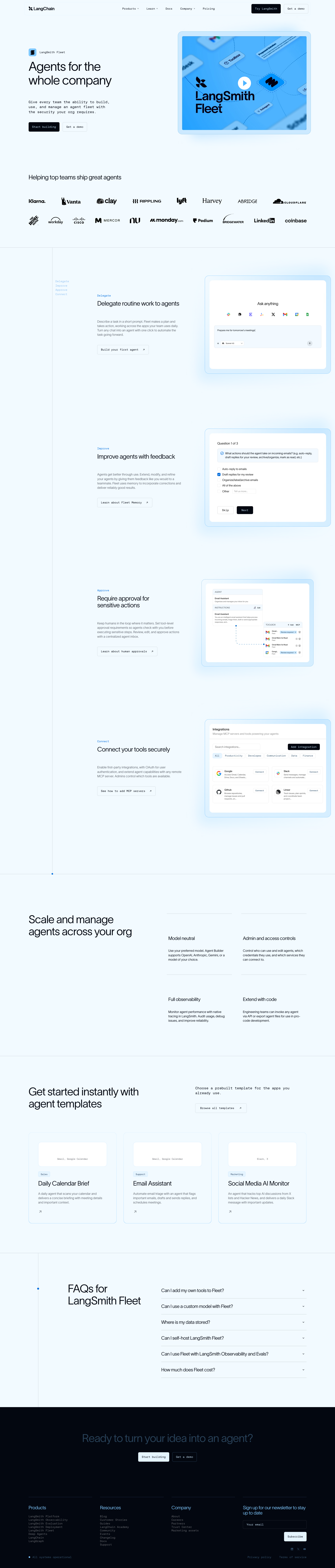
langchain.com
Detected Issues · 88 total
1
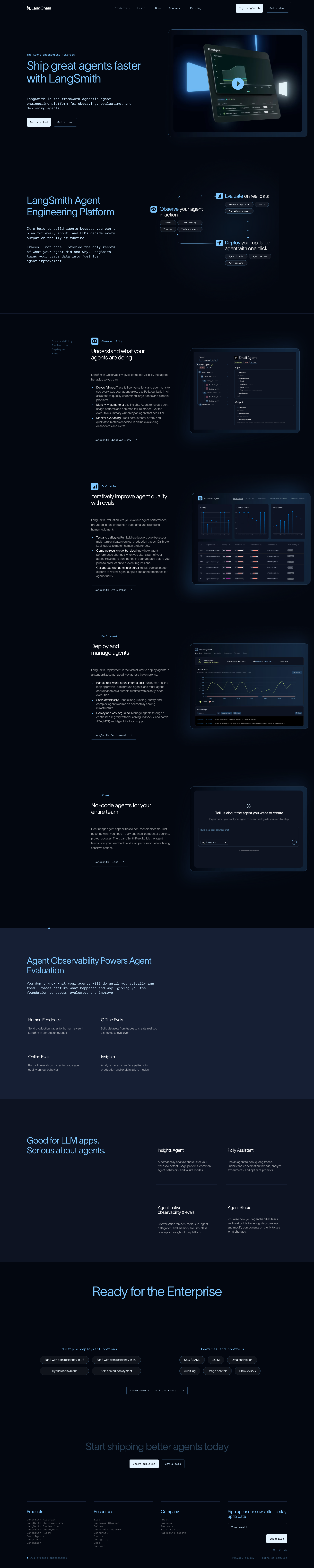
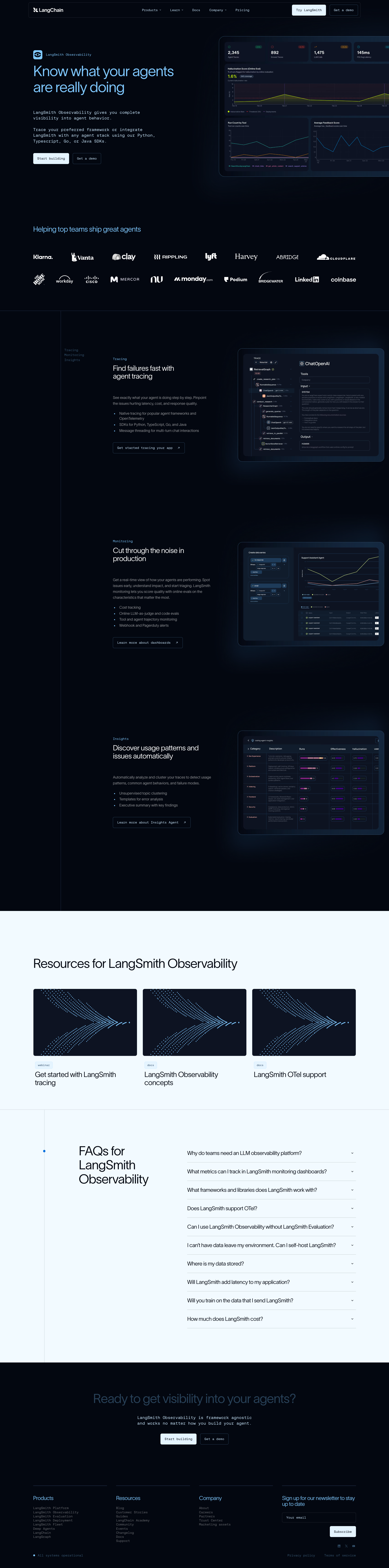
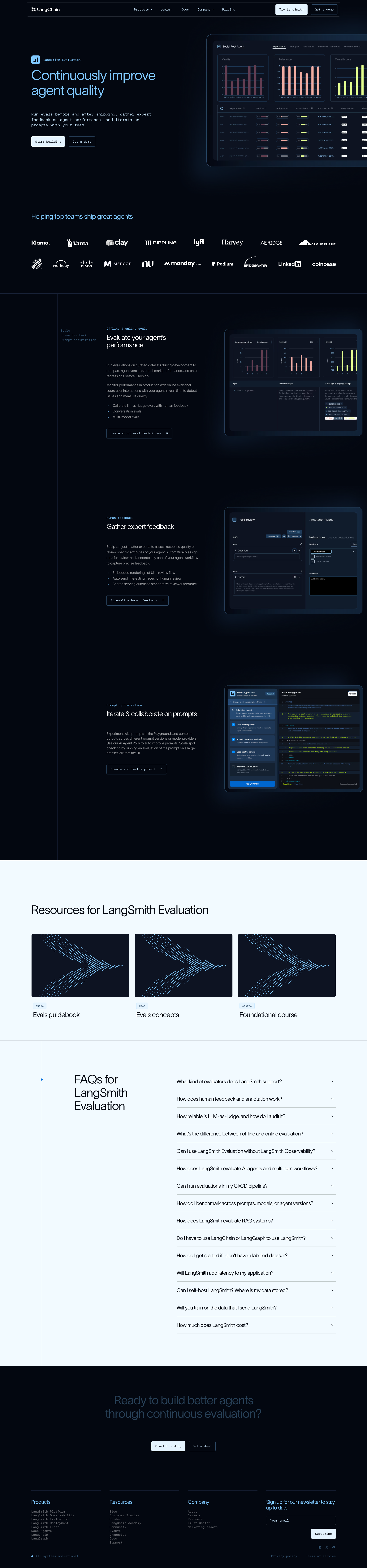
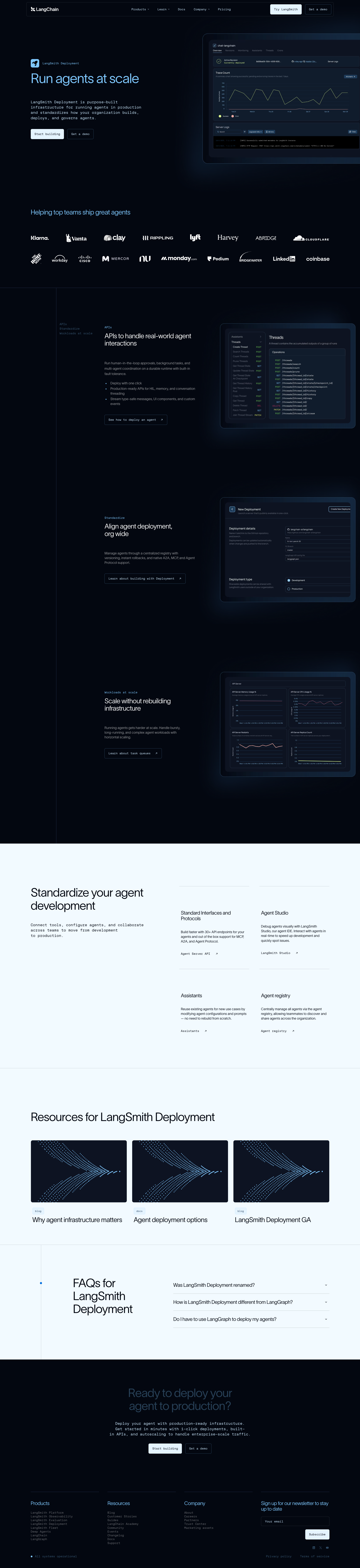
Hero/feature visuals fail to load (missing charts/images)
CRIT P9
Prompt to Fix
The hero and feature visuals are not loading due to DNS/asset URL resolution errors. Ensure assets are hosted reliably (prefer self-hosted assets or inline SVGs), fix incorrect paths, and add a loading skeleton or placeholder for failed loads. Implement fallback content and verify all image URLs resolve correctly in production.
Why it's a bug
The hero area and feature sections appear to rely on charts/images to convey capabilities. In the provided screenshot, these visuals are not rendering as intended (likely due to asset load errors), leaving blank spaces that hinder understanding of product features and reduce perceived credibility.
Why it might not be a bug
If visuals are purely decorative and the core messaging remains visible, some teams might deprioritize them. However, key feature communication is visually obstructed here, which is usually a high-priority UX issue.
Suggested Fix
1) Check and fix asset URLs for hero and feature visuals; ensure assets are hosted on a reliable domain with proper DNS resolution. 2) Prefer self-hosted assets or inline SVGs to avoid external DNS issues. 3) Implement graceful fallbacks (skeleton loaders or placeholder illustrations) and alt text. 4) Add a post-load check to ensure visuals render before user interaction, and log errors for failed asset loads.
Why Fix
Clear, visible visuals are essential for users to quickly understand product value. Fixing this will restore trust, improve comprehension, and reduce drop-off caused by missing visuals.
Route To
Frontend Developer / UI Engineer
Page
Tester
 Mia · Usability Tester
Technical Evidence
Elements:
Hero/chart images, feature overview visuals, resource thumbnailsConsole:
Failed to load resource: net::ERR_NAME_NOT_RESOLVEDNetwork:
Asset DNS resolution failures for hero/feature imagesPage Text:
Continuously improve agent quality; Resources for LangChain Evaluation; FAQ for LangChain Evaluation2
Cluttered mobile navigation makes taps and discovery hard
CRIT P9
Prompt to Fix
The mobile header currently displays a dense row of navigation links that are hard to tap and scan. Replace the top navigation with a compact, touch-friendly pattern: add a prominent hamburger/menu button that toggles a stacked vertical nav or a bottom navigation bar. Group related links, ensure tap targets are at least 44x44 px, and keep essential actions (e.g., Get Started, Contact) easily accessible. Update CSS to support responsive collapse and test across common mobile widths.
Why it's a bug
In the mobile viewport, the header shows a long row of navigation links with small text, crowding the top area and creating small tap targets. This reduces quick access to sections and increases the chance of tapping the wrong link, which can frustrate users and cause task failure.
Why it might not be a bug
If the design intentionally prioritizes all links in a dense header (e.g., wide desktop experience carried over), it may be a deliberate choice. However, the screenshot clearly shows a narrow viewport with many items in a single line, which is a poor fit for mobile UX.
Suggested Fix
Introduce a mobile-friendly navigation pattern: replace the dense top row with a hamburger/menu button that toggles a vertical nav drawer, or implement a bottom navigation bar. Group related links, ensure minimum tap targets of 44x44 px, and consider collapsing less-used items under an expandable menu.
Why Fix
A clearer, touch-friendly navigation improves task completion, reduces mis-taps, and speeds access to important sections, which is critical for onboarding and conversion on mobile.
Route To
Frontend/UX Designer
Page
Tester
Mia · Usability TesterTechnical Evidence
Elements:
Header, Logo, Inline navigation links, possible search/icon rowConsole:
Failed to load resource: net::ERR_NAME_NOT_RESOLVED (multiple resources)Network:
DNS resolution errors for some assets may affect header icons or logosPage Text:
Header navigation contains many items in a single line for a narrow viewport, leaving little room for comfortable tapping.3
UI elements with empty visible text (icon-only controls)
CRIT P9
Prompt to Fix
Add an accessible label to the swiper prev/next buttons. For example: <button class='swiper-btn-prev' aria-label='Previous slide'>‹</button> and <button class='swiper-btn-next' aria-label='Next slide'>›</button>. Alternatively include visible text like 'Previous' and 'Next', and ensure aria-controls points to the slider element. If icons are decorative, set role='img' and provide a descriptive aria-label.
Why it's a bug
Swiper navigation buttons render with empty text, making them invisible to screen readers and confusing for keyboard users. They rely on CSS icons but have no accessible name.
Why it might not be a bug
If icons convey meaning with ARIA labels, the issue could be mitigated; however, the observed state shows empty labels without accessible name.
Suggested Fix
Provide visible text or ARIA-labels on the prev/next buttons; ensure the buttons have accessible names and appropriate aria-controls/labels.
Why Fix
Improves accessibility and usability for keyboard and screen-reader users, aligning with inclusive design.
Route To
Frontend Accessibility Engineer
Page
Tester
 Jason · GenAI Code Analyzer
Technical Evidence
Console:
Failed to load resource: net::ERR_NAME_NOT_RESOLVEDNetwork:
GET https://www.langchain.com/langsmith/fleet - Status: N/A