
B+87%
Quality Score
7
Pages
58
Issues
8.0
Avg Confidence
7.8
Avg Priority
22 Critical25 High11 Medium

>_ Testers.AI
AI Analysis
Instagram was tested and 58 issues were detected across the site. The most critical finding was: Input fields lack visible labels for accessibility. Issues span A11y, Legal, Performance, Other categories. Persona feedback rated Visual highest (8/10) and Content lowest (5/10).
Qualitative Quality
Instagram
Category Avg
Best in Category
Pages Tested · 7 screenshots
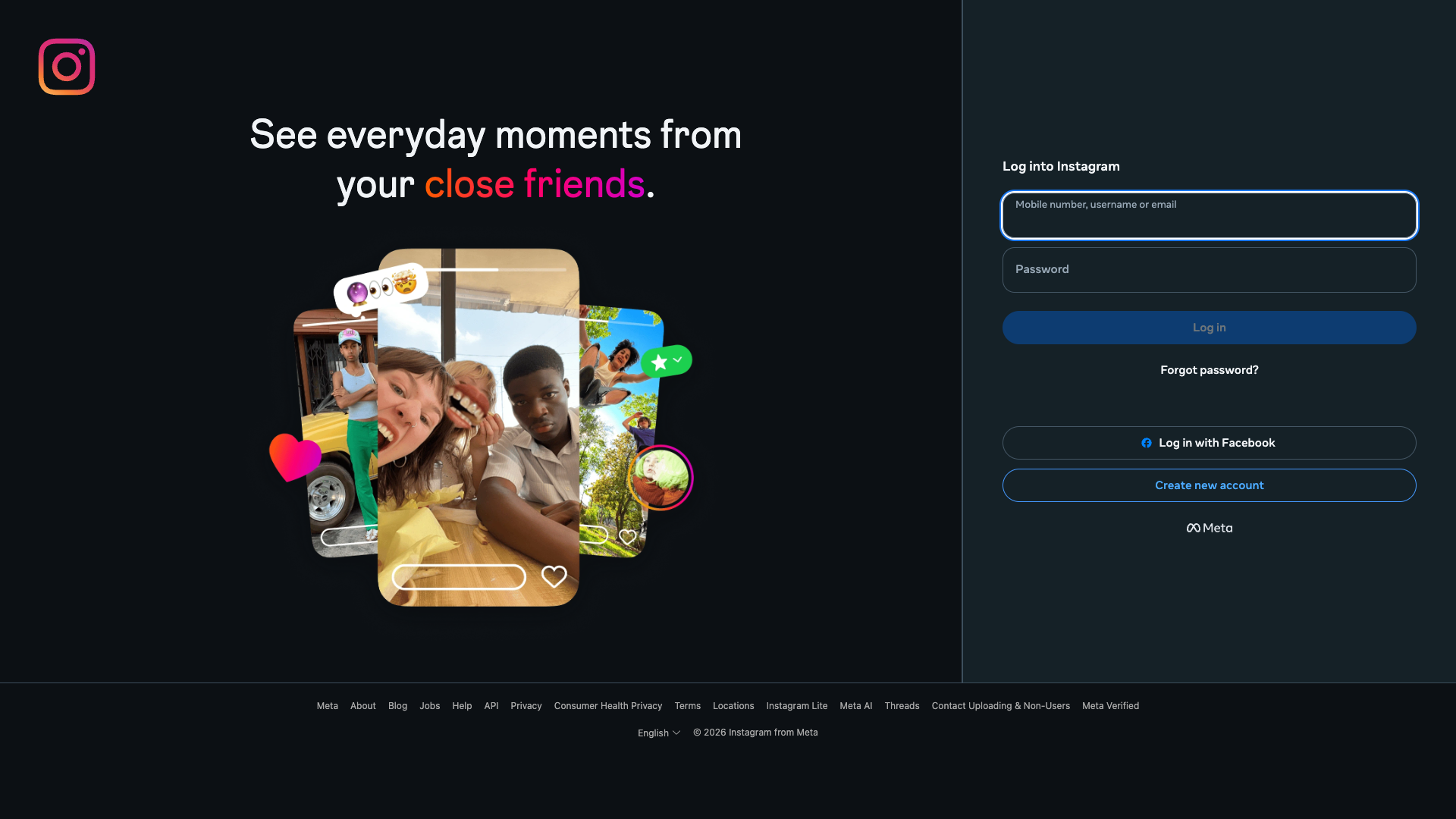
Homepage
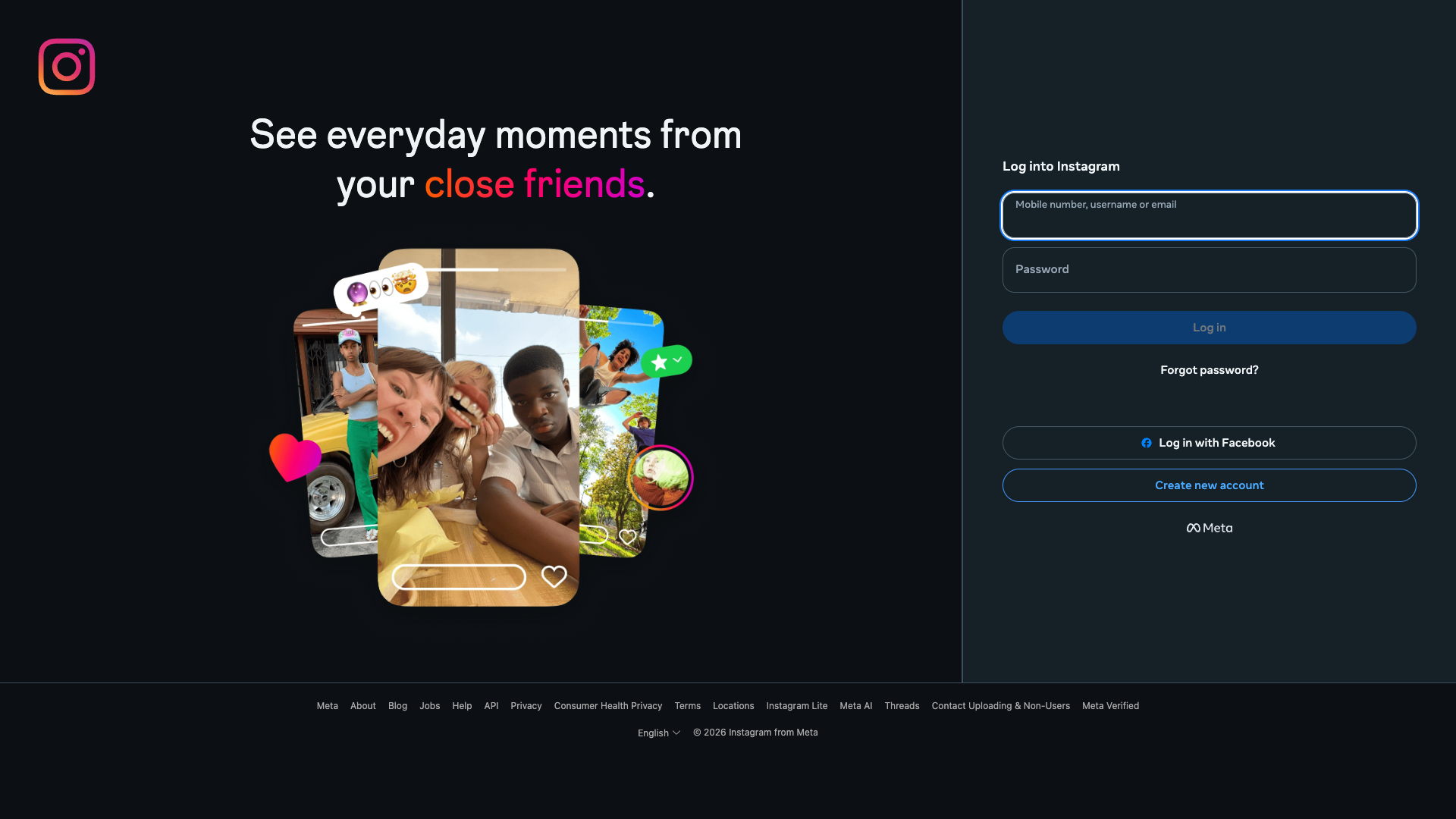
instagram.com
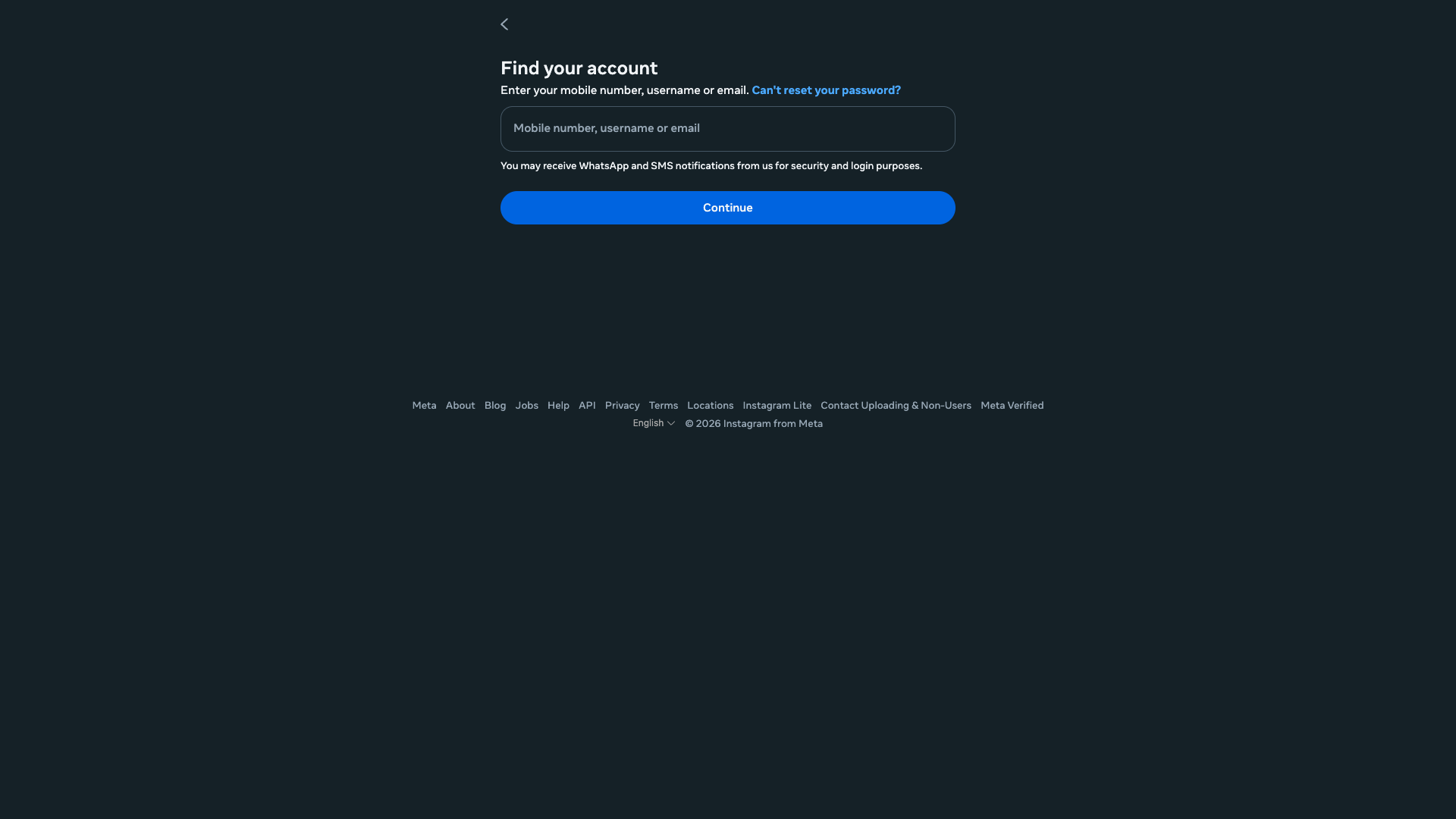
instagram.com
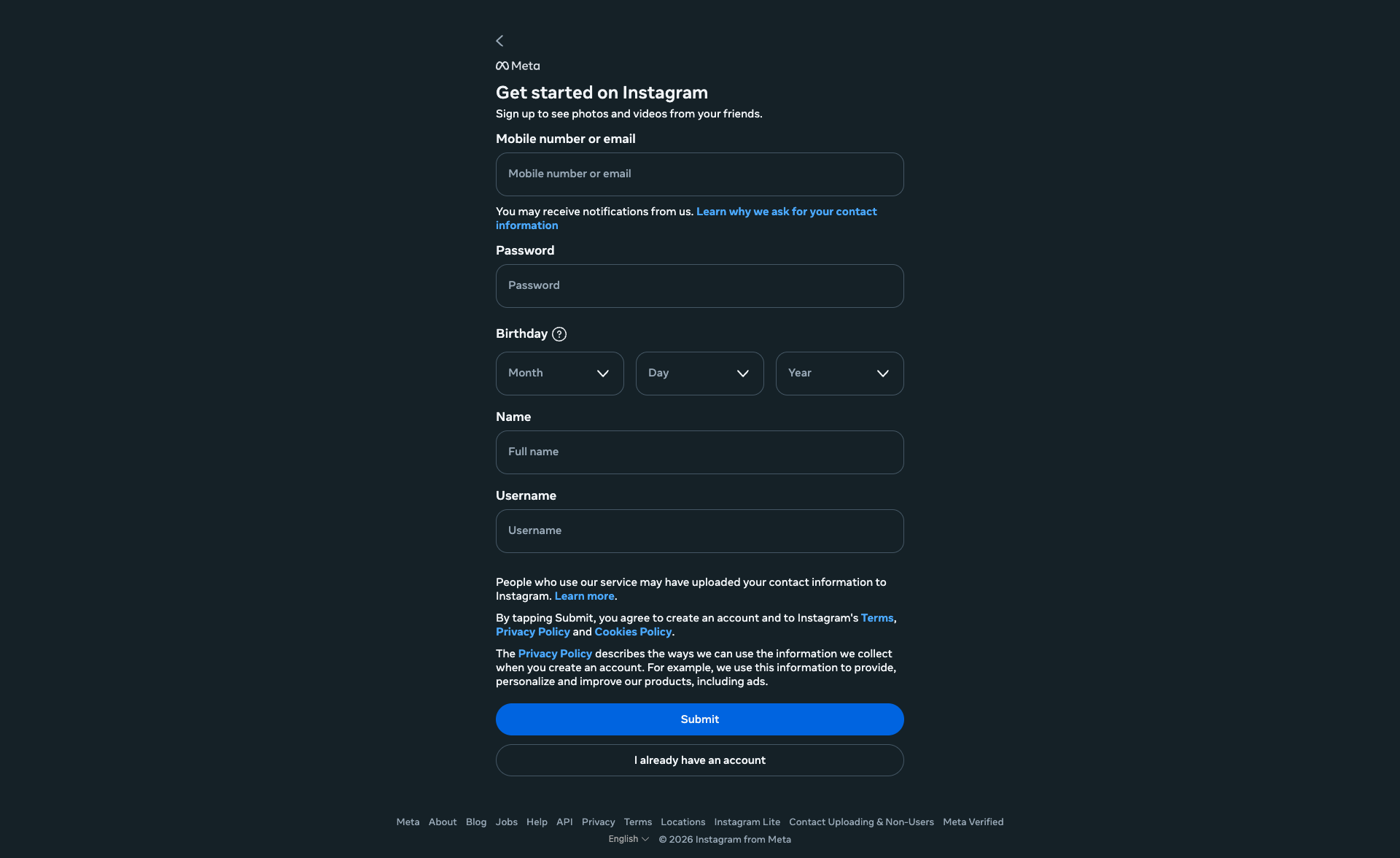
instagram.com

instagram.com
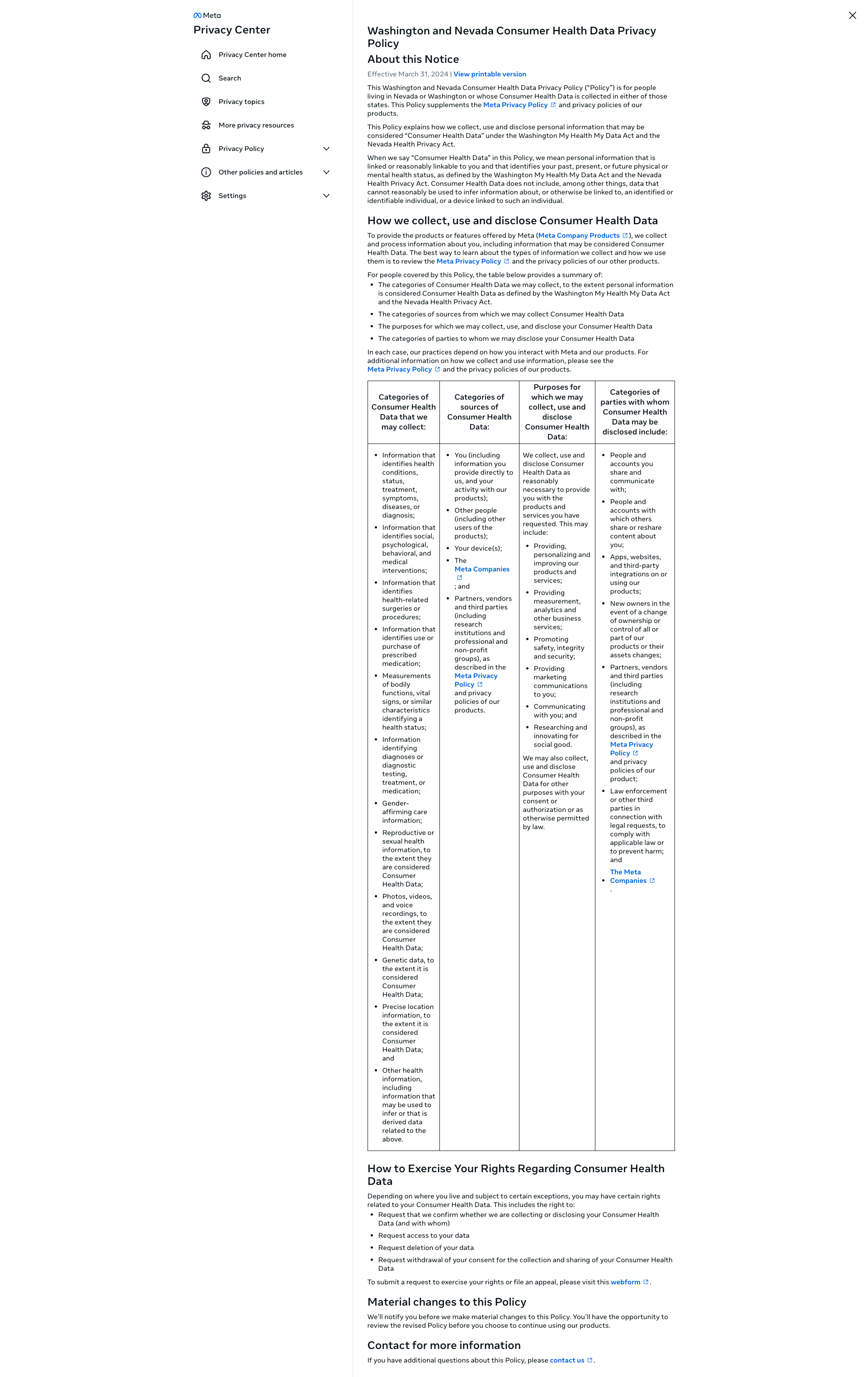
instagram.com

instagram.com
Detected Issues · 58 total
1
Input fields lack visible labels for accessibility
CRIT P9
Prompt to Fix
The primary accessibility issue is missing visible labels for the two login input fields. Implement visible <label> elements linked to each input (e.g., id='username', id='password') and ensure proper association with the for attributes. Also provide aria-labels as a fallback. This will improve screen reader support and overall clarity for all users.
Why it's a bug
The two login fields rely solely on placeholder text (e.g., 'Mobile number, username or email' and 'Password') with no visible labels. This makes it hard for screen reader users and others to identify the purpose of each field. Placeholders disappear when typing and are not a reliable substitute for labels, reducing clarity and accessibility.
Why it might not be a bug
Some designs use placeholders as hints and assume users will infer field purposes; however, this reduces accessibility and can create confusion, especially for assistive technologies.
Suggested Fix
Add visible, semantic labels above each input (e.g., <label for='username'>Username or Email</label> and <label for='password'>Password</label>) and associate inputs via id/for attributes. Include accessible aria-labels as a fallback if labels cannot be visually placed. Keep or enhance placeholder hints as supplementary text.
Why Fix
Clear, accessible labels improve comprehension for all users, especially those using screen readers, enabling them to complete the login task without ambiguity and reducing frustration.
Route To
Frontend Engineer / Accessibility Specialist
Page
Tester
 Mia · Usability Tester
Technical Evidence
Elements:
Two input fields with placeholders only; No visible labels; Primary 'Log in' button; Secondary actions 'Log in with Facebook' and 'Create new account'; Footer linksConsole:
No direct console errors related to this UI issue; console logs present are unrelated (developer/tool messages).Page Text:
Log into Instagram; Mobile number, username or email; Password; Log in; Forgot password?; Log in with Facebook; Create new account; Meta2
Login form fields lack visible labels; placeholders used as sole identifiers
CRIT P9
Prompt to Fix
In the login form, ensure every input has an accessible label. Add a visible <label> for the username/email field and the password field, and associate them with their respective inputs using the for attribute. If a visible label is not feasible, provide an aria-label or aria-labelledby that clearly describes the field (e.g., aria-label="Username or email" and aria-label="Password"). Also add autocomplete attributes: autocomplete="username" on the username field and autocomplete="current-password" on the password field. Validate with screen readers (NVDA/JAWS) and ensure the labels are announced in the proper reading order. This satisfies WCAG 1.3.1 (Information and Relationships) and 3.3.2 (Labels or Instructions).
Why it's a bug
Placeholders are not a substitute for labels. Screen readers rely on proper <label> associations to announce the purpose of each input. Without visible or programmatic labels, users of assistive technologies may not understand which data to enter, violating WCAG 2.1 guidelines for form labeling.
Why it might not be a bug
If inputs are labeled via aria-label or aria-labelledby (not visible), they could be accessible. However, the screenshot suggests placeholders only, with no visible labels, which is insufficient without explicit labeling in code.
Suggested Fix
Add explicit <label> elements associated with each input (for=username/email, for=password). If a visible label cannot be shown, use aria-label or aria-labelledby with a proper name. Also consider adding autocomplete attributes (username, current-password) to support assistive tech.
Why Fix
Proper labeling ensures screen reader users understand required inputs, improving task success and reducing confusion.
Route To
Frontend/Accessibility Engineer
Page
Tester
 Alejandro · Accessibility Specialist
Technical Evidence
Console:
[VERBOSE] [DOM] Input elements should have autocomplete attributes (suggested: "current-password"): (More info: https://goo.gl/9p2vKq) %o3
Empty primary CTA button text in Page Content
CRIT P9
Prompt to Fix
Replace the empty button label with a real label and/or ensure the label is populated at render time. Example: render <input type='submit' value='Log in' aria-label='Log in'> or use a visible button element with inner text 'Log in'. Ensure accessibility by providing aria-label if text is injected later.
Why it's a bug
The Page Content block includes a button placeholder with empty text (text is set to an empty string). This results in a button with no visible label, making the primary action ambiguous and unusable for users.
Why it might not be a bug
If this is a programmatic placeholder intended to be filled later, the static screenshot still shows an empty label, indicating a broken render rather than a benign placeholder.
Suggested Fix
Provide meaningful button label text (e.g., 'Log in') or ensure the label is populated dynamically before render. Also add an aria-label if text will be dynamically inserted.
Why Fix
Clear labeling is essential for task completion and accessibility; without label text, users cannot identify the action, harming usability and trust.
Route To
Frontend/UI Engineer
Page
Tester
 Jason · GenAI Code Analyzer
Technical Evidence
Console:
Page Content:
{"buttons":[{"text":"","tagName":"INPUT","type":"submit","id":"","className":""}]}