Initialized Capital
App Quality Report
Powered by Testers.AI
A-90%
Quality Score
9
Pages
15
Issues
7.5
Avg Confidence
7.1
Avg Priority
1 Critical10 High4 Medium
Testers.AI
>_ Testers.AI AI Analysis

Initialized Capital scored A- (90%) with 15 issues, ranking #12 of 47 VC sites. That's 8 fewer than the 22.7 category average (74th percentile).

Top issues to fix immediately: "Yellow vertical bars creating potential seizure/accessibility risk" โ€” If bars are animated, remove the animation or reduce flash frequency below 3Hz; "Insufficient contrast between magenta overlay text and background" โ€” Either darken the magenta background color, use a darker text color (such as dark gray or black), or add a semi-trans...; "Overlapping UI Elements - Yellow and Blue Sections" โ€” Adjust the CSS positioning and margins to ensure proper spacing between the yellow and blue sections.

Weakest area โ€” accessibility (5/10): Limited alt text visible, contrast ratios appear adequate but color-dependent design may challenge colorblind users.

Quick wins: Add explicit navigation menu that's always accessible and clearly labels main sections. Include descriptive alt text for all images and ensure sufficient color contrast ratios for accessibility compliance.
Qualitative Quality
Initialized Capital
Category Avg
Best in Category
Issue Count by Type
UX
12
A11y
11
Visual
6
Content
3
Pages Tested ยท 9 screenshots
Detected Issues ยท 15 total
1
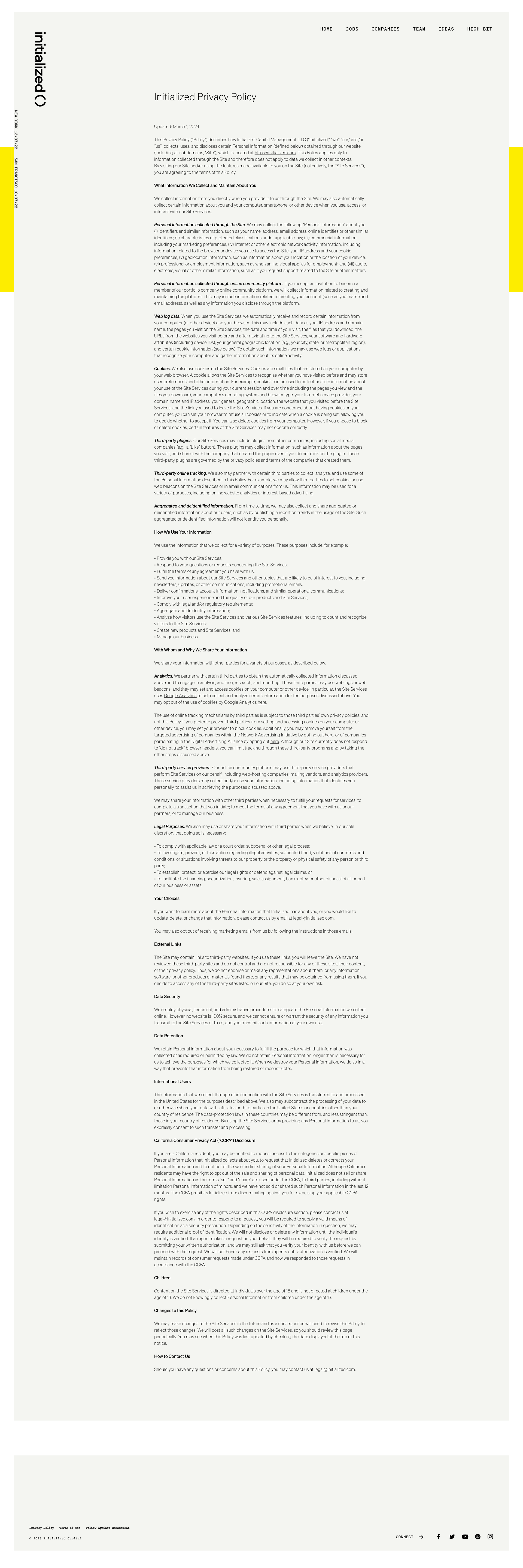
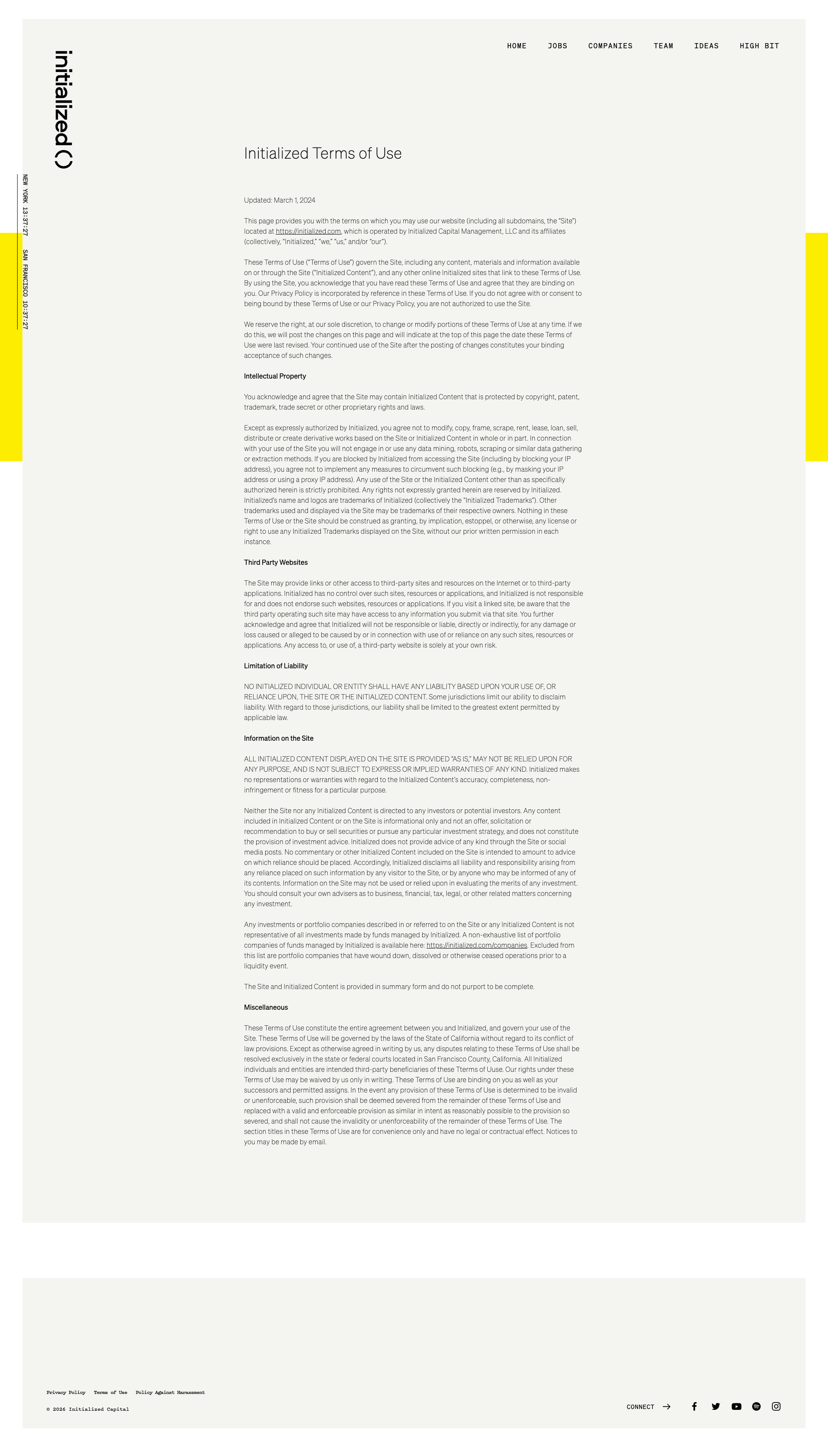
Terms of Use content appears to be placeholder or Lorem Ipsum text
HIGH P8
Conf 9/10 UXContent
Prompt to Fix
The issue is that the Terms of Use page contains placeholder/Lorem Ipsum text instead of actual legal terms and conditions. Fix it by replacing all placeholder content with comprehensive, legally accurate Terms of Use specific to testers.ai services.
Why it's a bug
The visible Terms of Use page contains what appears to be Lorem Ipsum or placeholder text rather than actual legal terms. Multiple paragraphs show repeated filler content patterns typical of placeholder text, which means users cannot access actual Terms of Use.
Why it might not be a bug
This could be intentional placeholder content during development, though this would be unusual for a production-facing page.
Suggested Fix
Replace all placeholder text with actual, comprehensive Terms of Use content that covers the specific services, user obligations, liability limitations, and legal disclaimers relevant to testers.ai.
Why Fix
Terms of Use is a critical legal document that must contain accurate information. Placeholder text leaves the company exposed to legal liability and violates user trust and transparency principles.
Route To
Legal team / Content team
Page
Tester
Sharon ยท Security Tester
Technical Evidence
Elements: <h1>Initiatized Terms of Use</h1>, main content area with repeating placeholder paragraphs
Page Text: Multiple paragraphs of Lorem Ipsum style filler text instead of actual Terms of Use
2
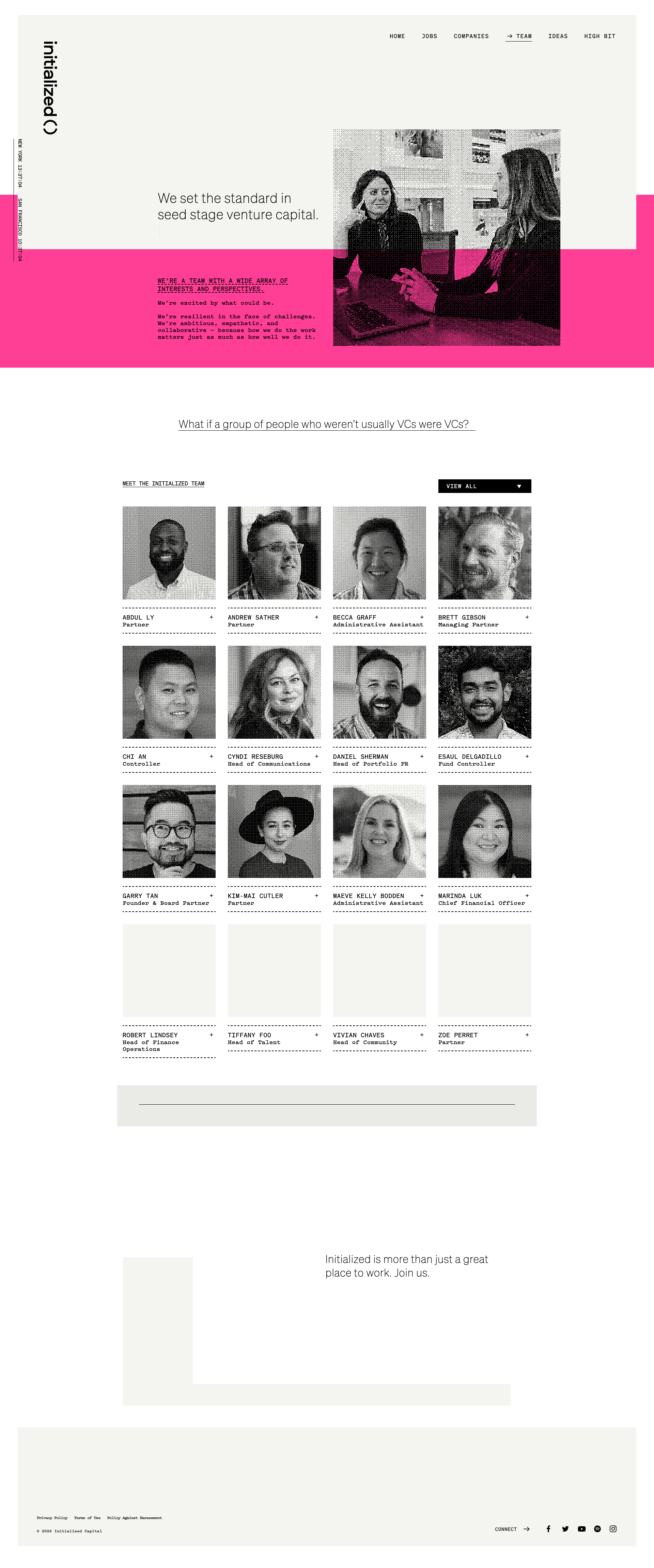
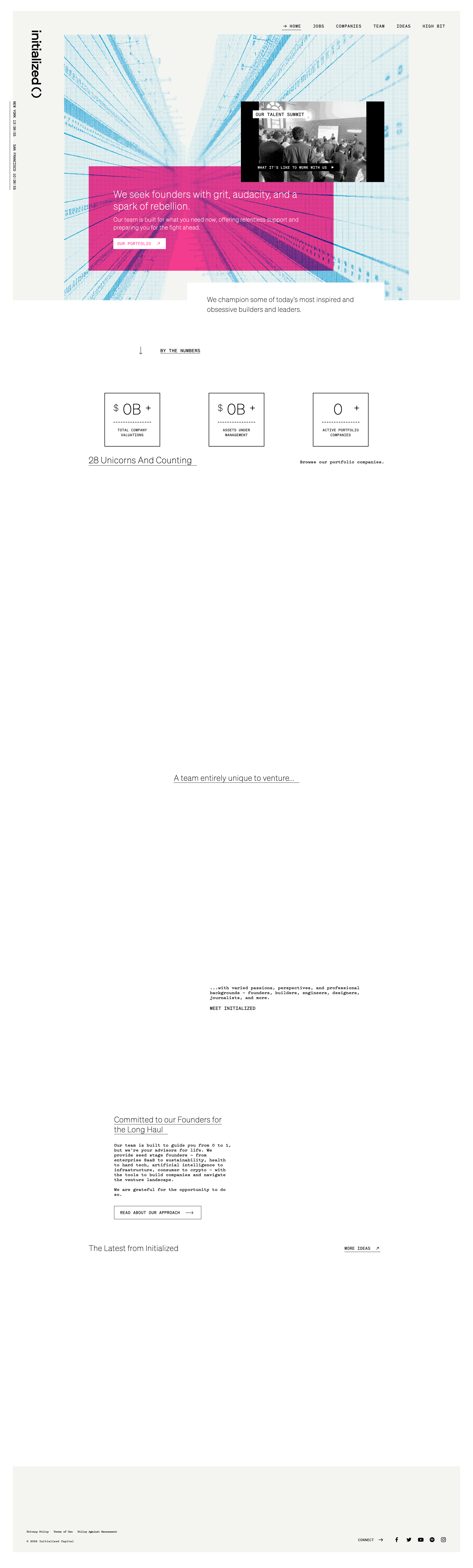
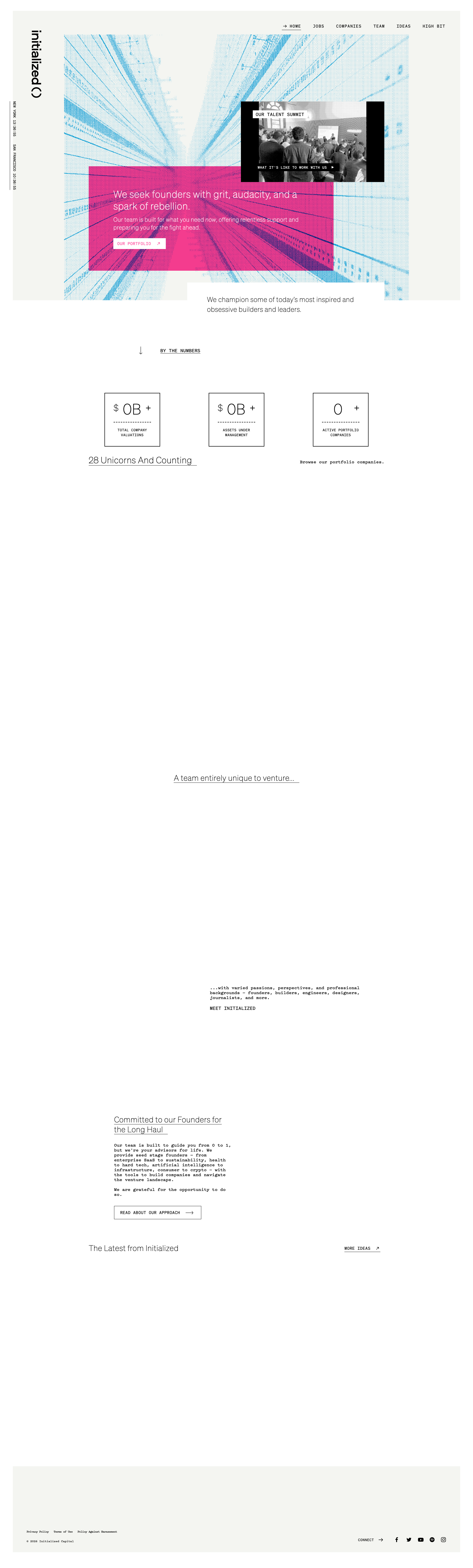
Insufficient contrast between magenta overlay text and background
HIGH P8
Conf 8/10 UXA11y
Prompt to Fix
The issue is that white text on the magenta overlay banner has insufficient contrast for accessibility compliance. Fix it by increasing the contrast ratio to at least 4.5:1 by either darkening the background color, using darker text, or adding a semi-transparent overlay behind the text.

Why it's a bug
The white text on the magenta/pink overlay banner in the hero section appears to have insufficient color contrast ratio. WCAG AA standards require a minimum contrast ratio of 4.5:1 for normal text. The bright magenta background with white text may not meet this requirement, making it difficult for users with visual impairments or color blindness to read the content clearly.
Why it might not be a bug
The text is technically visible to some users, and the intent of the design appears to be decorative branding.
Suggested Fix
Either darken the magenta background color, use a darker text color (such as dark gray or black), or add a semi-transparent overlay behind the text to increase the contrast ratio to meet WCAG AA standards (4.5:1 minimum).
Why Fix
Ensuring sufficient contrast is critical for accessibility compliance and improves readability for all users, especially those with low vision or color vision deficiency.
Route To
Frontend/UX Engineer
Page
Tester
Sharon ยท Security Tester
Technical Evidence
Elements: <div class='hero-banner' style='background: magenta'><p style='color: white'>...</p></div>
Console: No console errors visible
Page Text: Text content on magenta banner is not clearly legible in the screenshot
3
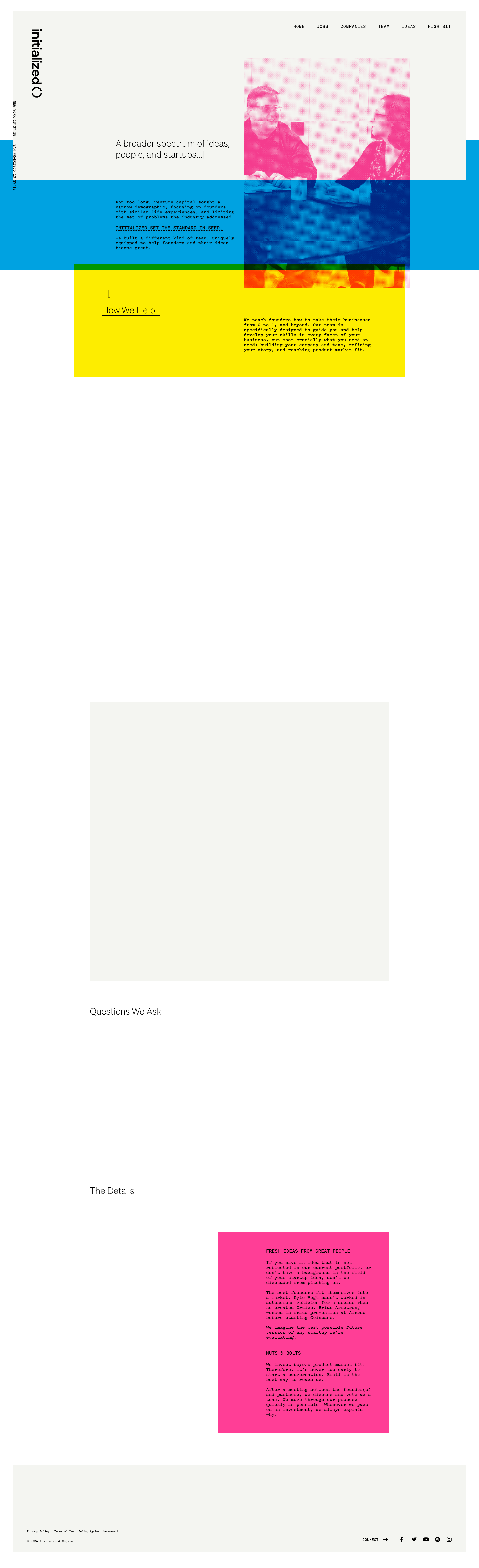
Overlapping UI Elements - Yellow and Blue Sections
HIGH P8
Conf 8/10 VisualUX
Prompt to Fix
The issue is overlapping yellow and blue horizontal sections creating poor layout and visual confusion. Fix it by applying proper CSS positioning with adequate margin/padding spacing and using a structured layout system like flexbox to ensure sections stack vertically without overlap.
Why it's a bug
There is a clear visual overlap between the yellow horizontal section and the blue horizontal section in the upper portion of the page. The blue section appears to be positioned underneath or overlapping with the yellow section, creating a cluttered and poorly organized layout that compromises visual hierarchy and readability.
Why it might not be a bug
This could be intentional design if the overlap is meant to create a layered visual effect, though this is unlikely for a professional website and the overlap appears uncontrolled rather than deliberate.
Suggested Fix
Adjust the CSS positioning and margins to ensure proper spacing between the yellow and blue sections. Use flexbox or grid layout to properly separate these sections vertically with appropriate padding/margin values.
Why Fix
Overlapping elements create confusion for users, make content harder to read, and give the website an unprofessional appearance. Proper spacing improves usability and visual clarity.
Route To
Frontend/UI Engineer
Page
Tester
Sharon ยท Security Tester
Technical Evidence
Elements: div.yellow-section, div.blue-section, header elements
Console: No console errors visible
Page Text: Multiple section headings and content blocks visible but overlapped
+12
12 more issues detected  View all →
Text content illegibility due to color contrast in blue sect...
Excessive vertical scrolling required - poor information arc...
Misaligned Content Block - Horizontal Scrolling Hazard
and 9 more...
Unlock All 15 Issues
You're viewing the top 3 issues for Initialized Capital.
Sign up at Testers.AI to access the full report with all 15 detected issues, detailed fixes, and continuous monitoring.
Sign Up at Testers.AI or let us run the tests for you