B+88%
Quality Score
6
Pages
67
Issues
8.0
Avg Confidence
7.8
Avg Priority
26 Critical31 High10 Medium

>_ Testers.AI
AI Analysis
Google was tested and 67 issues were detected across the site. The most critical finding was: Interactive buttons with empty text and no accessible name. Issues span A11y, Performance, Other, UX categories. Persona feedback rated Visual highest (9/10) and Content lowest (6/10).
Qualitative Quality
Google
Category Avg
Best in Category
Pages Tested · 6 screenshots
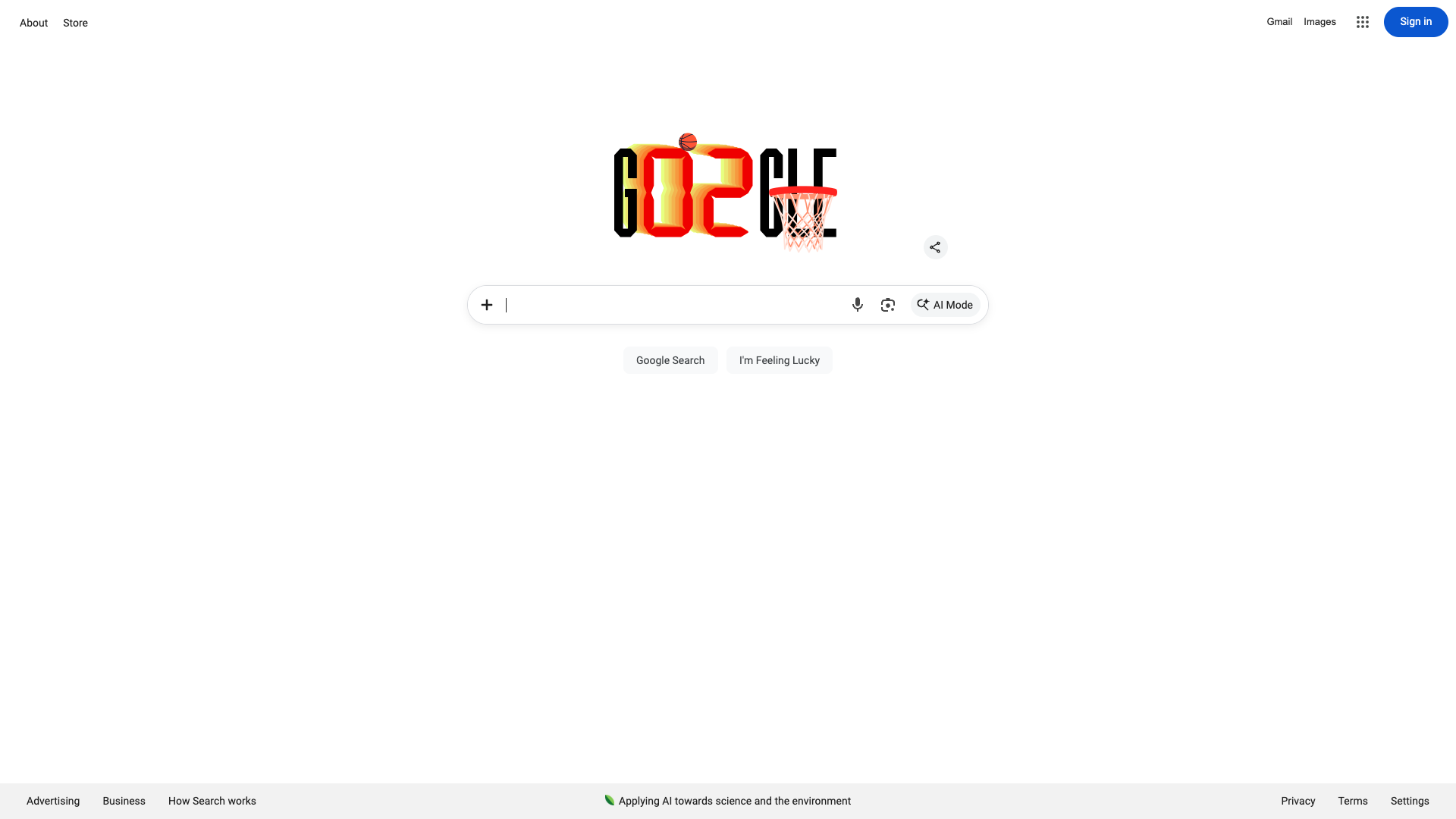
Homepage
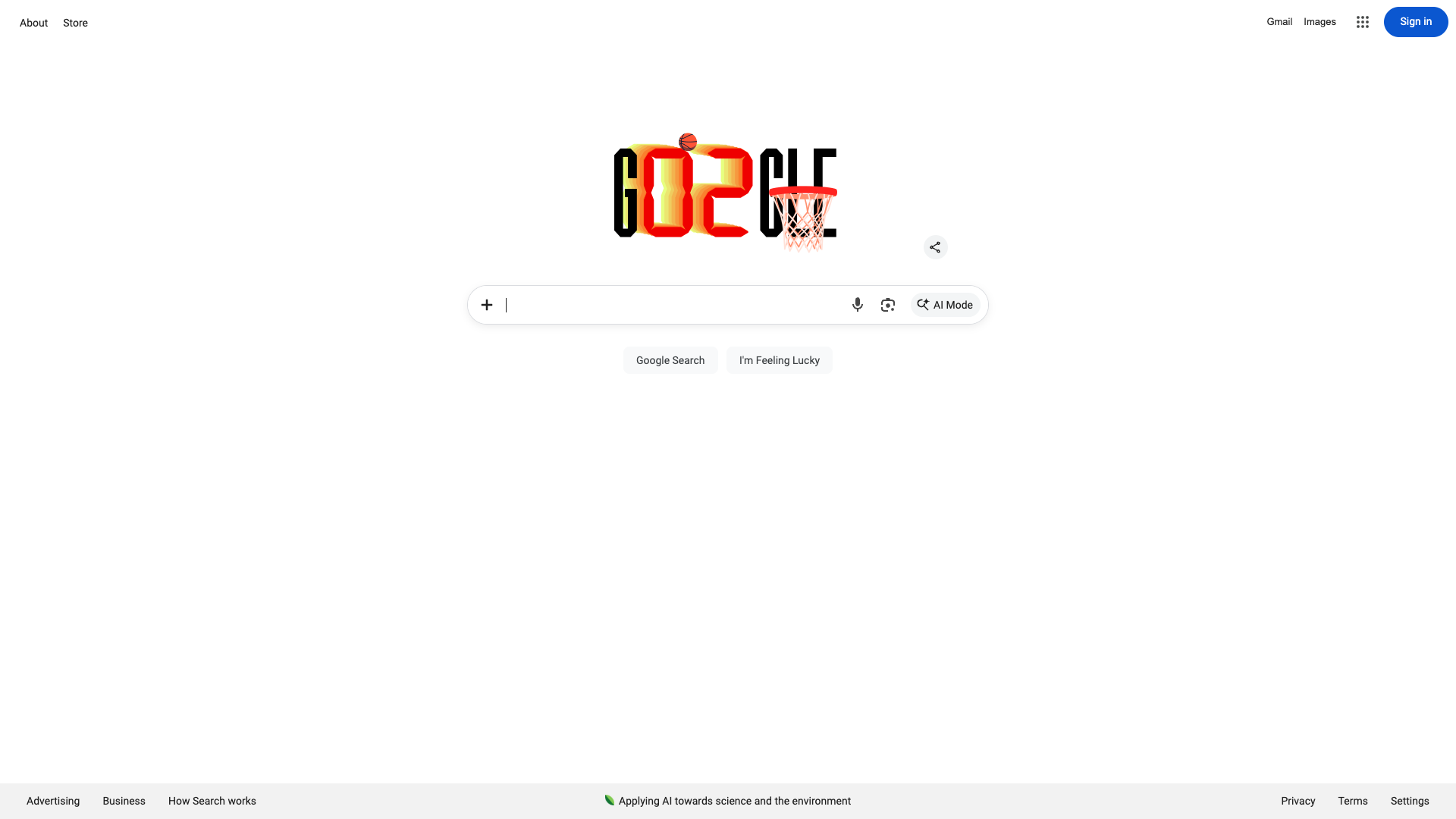
google.com
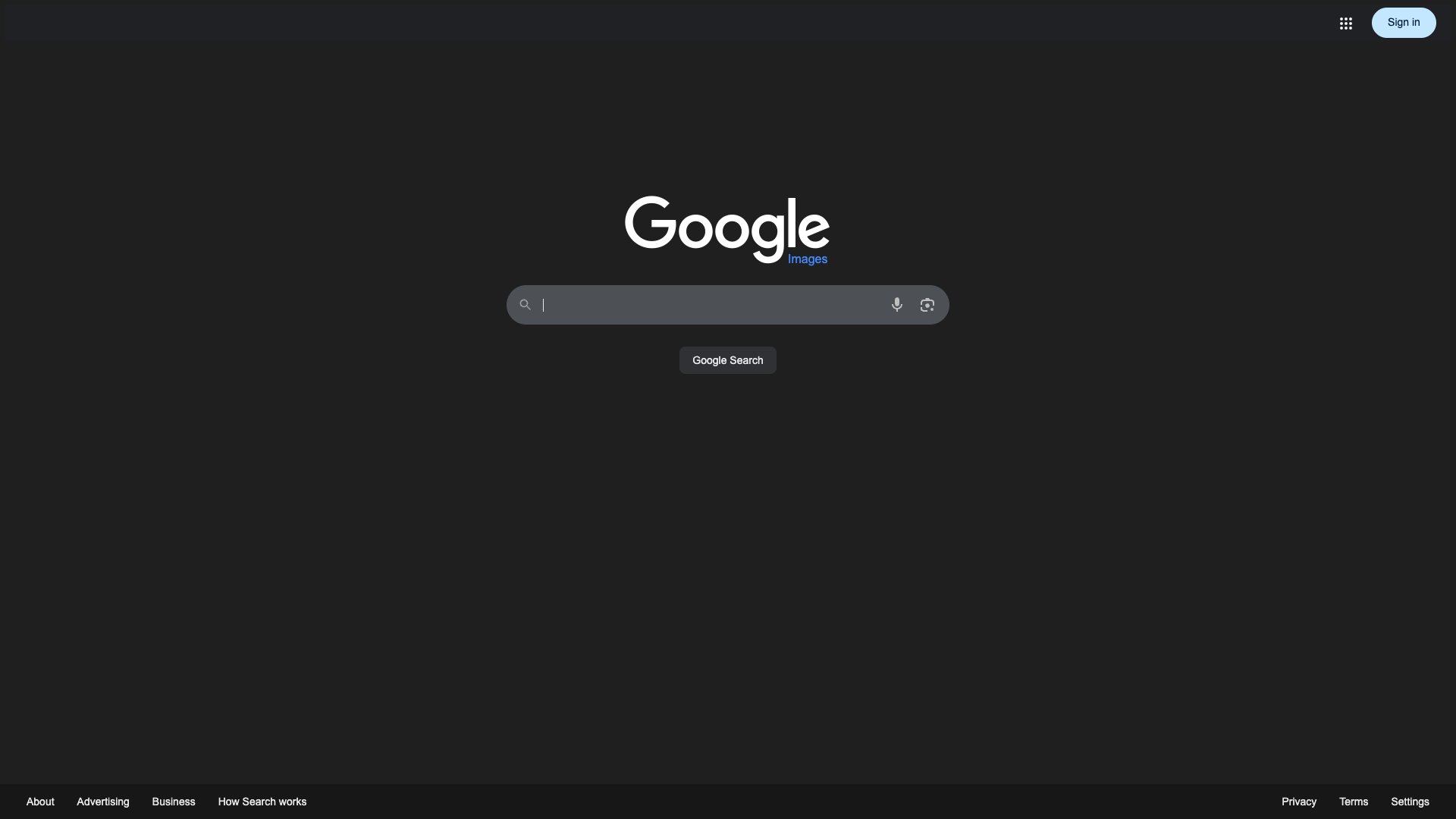
google.com

google.com
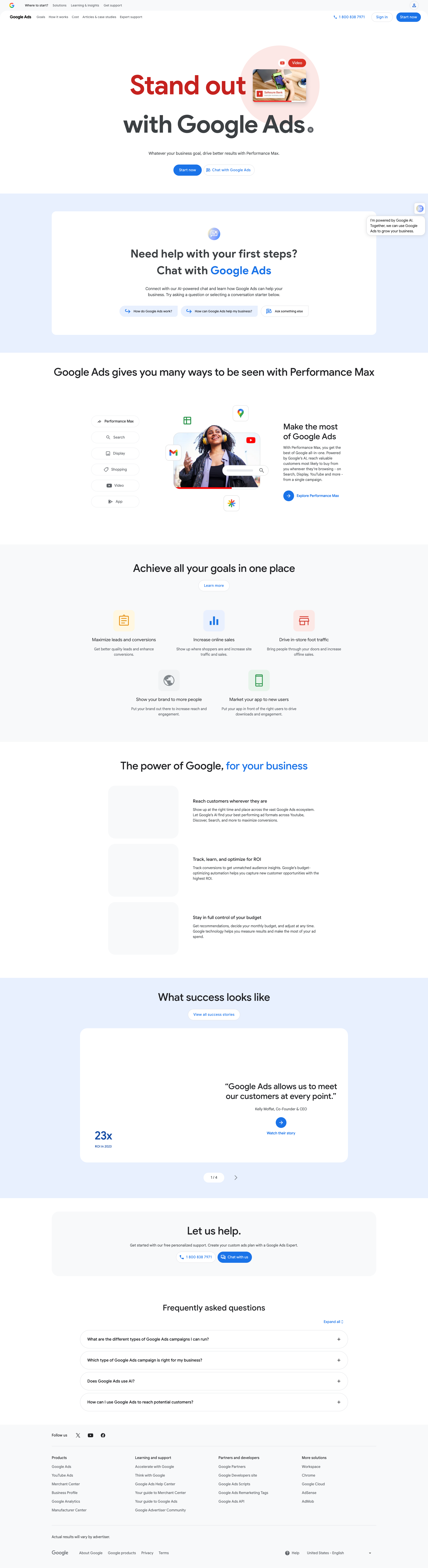
google.com
google.com
Detected Issues · 67 total
1
Interactive buttons with empty text and no accessible name
CRIT P9
Prompt to Fix
In the search bar area, identify the two icon-only buttons that render with empty text. Add an accessible name to each by either providing visible text or adding aria-label attributes that describe their function (e.g., aria-label='Share options' and aria-label='AI mode toggle'). Ensure each button has a non-empty, descriptive label and, if appropriate, associate it with a visible label element. WCAG 2.1 AA: 1.1.1 (Non-text content), 2.4.6 (Headings/labeling) and 4.1.2 (Name, Role, Value).
Why it's a bug
Two buttons in the search area render without visible text and lack accessible names, making them invisible to screen readers and unusable for keyboard users. This violates WCAG guidance for discoverable controls (ARIA1.1, 2.4.4).
Why it might not be a bug
If these are intentionally icon-only decorative controls, they should be labeled as decorative or hidden from assistive technologies; however, they appear as interactive buttons with no label, which is a usability issue for assistive tech.
Suggested Fix
Assign descriptive accessible names to both buttons via visible text or aria-label attributes. Ensure the labels clearly describe the action (e.g., aria-label='Toggle share options' or visible text next to the icon).
Why Fix
Helps screen reader users understand and activate the controls, improving task success and trust.
Route To
Frontend Engineer / Accessibility Specialist
Page
Tester
 Alejandro · Accessibility Specialist
Technical Evidence
Console:
No console logs available2
Search input missing accessible label
CRIT P9
Prompt to Fix
The primary search input has no accessible label. Add an accessible label using aria-label or a visible label. For example: <label for='q' class='sr-only'>Search the web</label> <input id='q' aria-label='Search the web' ...>. Ensure assistive technologies announce the input purpose clearly.
Why it's a bug
The search input appears with a placeholder and icons but has no visible or programmatic label. This makes it unclear for screen readers and users relying on assistive tech what the input is for, hindering task completion (searching the site).
Why it might not be a bug
Visually, the input shows a magnifier icon and placeholder, which may imply purpose. However without an actual label, accessibility tools cannot announce the purpose, leading to a poor experience for non-visual users.
Suggested Fix
Add a proper label to the search input for accessibility. Include either a visible label (e.g., <label>Search the web</label> with for attribute) or an off-screen labeled control using aria-label/aria-labelledby. Example: <input id='q' aria-label='Search the web' ...> and ensure the label is announced by screen readers.
Why Fix
Improves task success for all users, including those using screen readers, ensuring they understand the input's purpose and can perform searches without confusion.
Route To
Frontend/Accessibility Engineer
Page
Tester
 Mia · Usability Tester
Technical Evidence
Elements:
Input element for search with left icon and right icons; no associated label or aria-labelPage Text:
Search input area lacks an accessible label; visually hints exist but programmatic labeling is missing.3
Grammatical error in hero tagline
CRIT P9
Prompt to Fix
The hero headline contains a grammatical error: 'Help's products, built with you in mind.' Replace with 'Helpful products, built with you in mind.' Ensure proper capitalization and punctuation. Verify across all devices.
Why it's a bug
The hero headline reads 'Help's products, built with you in mind,' which is ungrammatical and undermines credibility. Clear, correct copy is essential for a strong first impression and user trust.
Why it might not be a bug
If this is an intentional branding choice, it should be clearly branded; otherwise it reads as a typo.
Suggested Fix
Change headline to 'Helpful products, built with you in mind' (or 'Helpful products built with you in mind') with proper grammar and capitalization.
Why Fix
Correct copy improves perceived professionalism and trust, helping users engage with the product from the first glance.
Route To
Content/UX writer or Product Designer
Page
Tester
Mia · Usability TesterTechnical Evidence
Elements:
Hero banner with three phone images; large headline; no visible CTAConsole:
[No console impact; unrelated to this content issue.]Page Text:
Hero headline: 'Help's products, built with you in mind.'