A-91%
Quality Score
3
Pages
25
Issues
8.0
Avg Confidence
7.8
Avg Priority
11 Critical8 High6 Medium

>_ Testers.AI
AI Analysis
GitLab was tested and 25 issues were detected across the site. The most critical finding was: Empty alt text on informative image in logos section. Issues span A11y, Performance, Other, UX categories. Persona feedback rated Design highest (8/10) and Accessibility lowest (6/10).
Qualitative Quality
GitLab
Category Avg
Best in Category
Pages Tested · 3 screenshots

Homepage

gitlab.com
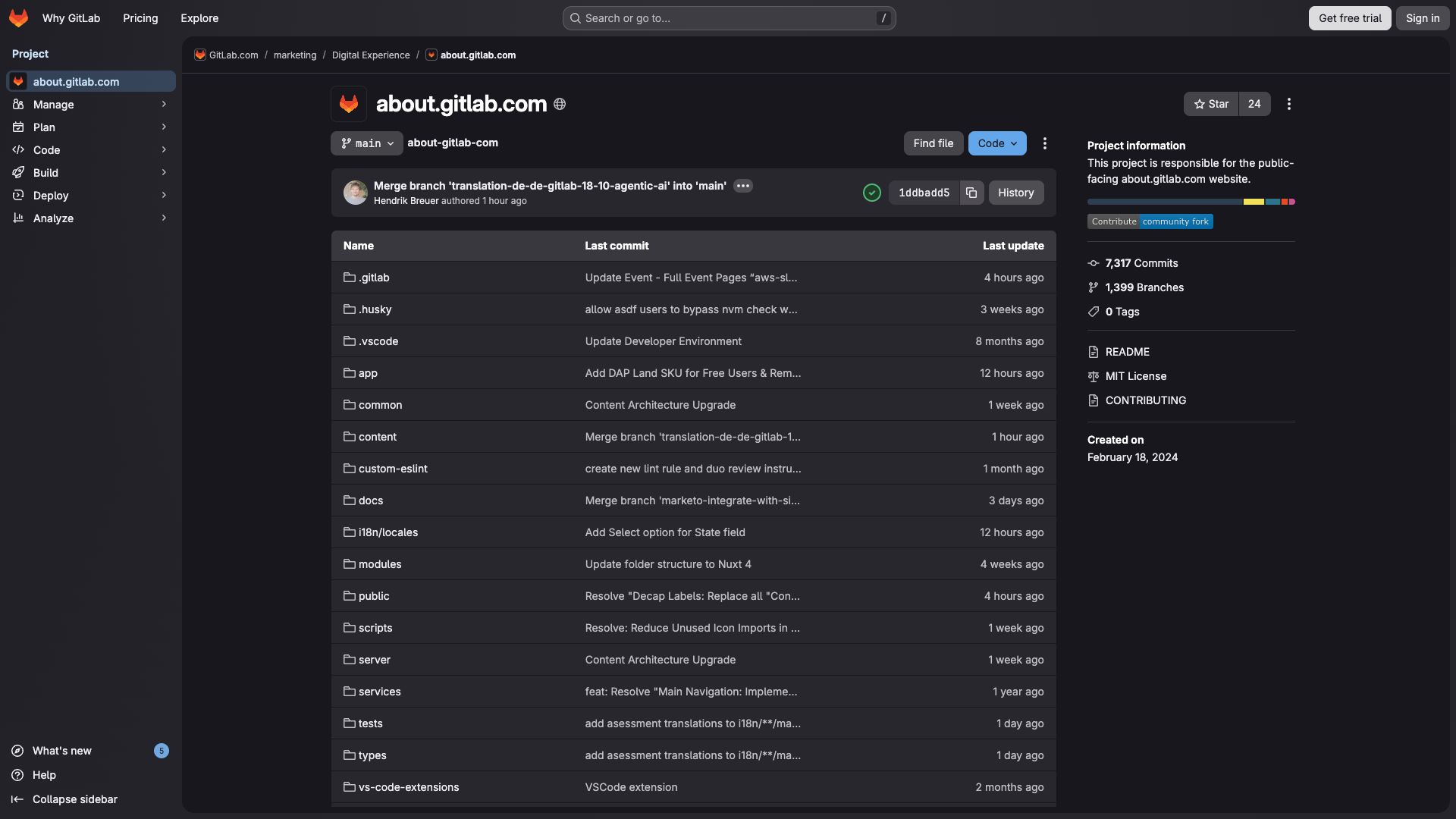
gitlab.com
Detected Issues · 25 total
1
Empty alt text on informative image in logos section
CRIT P9
Prompt to Fix
In the page's DOM, locate the IMG element with an empty alt attribute within the brand logos grid. Replace the empty alt with descriptive text about the image content (e.g., alt='Partner logos including Nvidia, Barclays, Lockheed Martin, Thales, Ericsson, Deutsche Telekom, Agoda' or per-image specific alt). If the image is decorative, set aria-hidden='true' or remove it from the accessible tree. Ensure all informative images have meaningful alt text per WCAG 1.1 and 4.1.2.
Why it's a bug
An informative image is present with an empty alt attribute, which prevents screen readers from conveying its purpose or content to users with visual impairments.
Why it might not be a bug
If the image is purely decorative, an empty alt is acceptable; however, the context suggests it communicates content.
Suggested Fix
Provide meaningful alt text describing the image or set aria-label on the container; if the image is decorative, explicitly mark as aria-hidden='true' or ensure alt='' is used only for decorative elements.
Why Fix
Improves understandability for screen reader users and maintains WCAG 2.1 compliance for informative imagery.
Route To
Frontend Developer / Accessibility Engineer
Page
Tester
 Alejandro · Accessibility Specialist
Technical Evidence
Console:
[LOG] ✅ Sentry client config loaded successfully
[ERROR] Failed to load resource: net::ERR_NAME_NOT_RESOLVED
[ERROR] Failed to load resource: net::ERR_NAME_NOT_RESOLVED
Network:
DNS resolution failures for image assets hosted on res.cloudinary.com/about-gitlab-com and i.vimeocdn.com2
Empty text for header navigation buttons and icon-only controls
CRIT P9
Prompt to Fix
Audit the header navigation component generated by the AI tool. Remove any buttons with empty text. If a control is meant to be icon-only, add a descriptive aria-label (for example aria-label="Search"), and ensure the element has accessible text or an appropriate label element. Replace empty text values in the Page Content JSON for all navigation buttons with actual, localized labels. Validate the generated UI JSON against the expected schema and ensure all interactive elements render with usable labels.
Why it's a bug
The header navigation includes multiple buttons with empty text values and some icon-only controls (text: "" or missing labels). This indicates AI-generated UI skeletons with placeholder content, resulting in inaccessible controls and unstable selectors for automated tests.
Why it might not be a bug
If content is populated at runtime, static screenshot may show placeholders; however, icon-only buttons typically require accessible labels, and empty text in the initial render is a clear accessibility and reliability issue.
Suggested Fix
Remove or replace empty-text placeholder buttons with meaningful labels; add aria-label attributes to icon-only buttons; ensure all interactive elements have visible text or proper accessibility labels; validate UI generation templates to avoid emitting empty text fields.
Why Fix
Improves accessibility, UX clarity, and test stability by ensuring navigational controls are discoverable and properly labeled.
Route To
Frontend Developer / Accessibility Engineer
Page
Tester
 Jason · GenAI Code Analyzer
Technical Evidence
Console:
[ERROR] Failed to load resource: net::ERR_NAME_NOT_RESOLVEDNetwork:
GET https://about.gitlab.com/_nuxt/BLr7t4LO.js - Status: N/A3
Debug CSS text appears in UI (padding-top: 0.5em; font-size: 2em; padding-bottom: 0.5em;)
CRIT P9
Prompt to Fix
The UI shows stray text 'padding-top: 0.5em; font-size: 2em; padding-bottom: 0.5em;' on the About GitLab screen. Remove this text from the DOM and ensure no debug CSS values are rendered. Verify that the header area uses proper semantic elements and that any CSS debug blocks are removed or hidden behind a developer-only toggle.
Why it's a bug
Visible stray CSS properties are rendered as text on the page, breaking the professional appearance and causing confusion for users.
Why it might not be a bug
There is no clear justification for debug CSS text to be shown to end users; even if intended for developers, it should not be visible in production.
Suggested Fix
Remove the stray text from the rendered DOM or ensure any CSS debug information is hidden from the UI. Audit components for leaked developer-only strings and sanitize output.
Why Fix
Fixing this restores trust, improves readability, and prevents users from misinterpreting on-page content as actual data.
Route To
Frontend Developer
Page
Tester
 Mia · Usability Tester
Technical Evidence
Elements:
<text node displaying CSS properties in the page>Page Text:
padding-top: 0.5em; font-size: 2em; padding-bottom: 0.5em;