B-81%
Quality Score
7
Pages
114
Issues
8.1
Avg Confidence
8.0
Avg Priority
48 Critical53 High12 Medium1 Low

>_ Testers.AI
AI Analysis
Fireworks AI was tested and 114 issues were detected across the site. The most critical finding was: Hero/content with excessive whitespace pushes main content far below the fold. Issues span A11y, Legal, Performance, Other categories. Persona feedback rated Visual highest (8/10) and Accessibility lowest (6/10).
Qualitative Quality
Fireworks AI
Category Avg
Best in Category
Pages Tested · 7 screenshots

Homepage

fireworks.ai
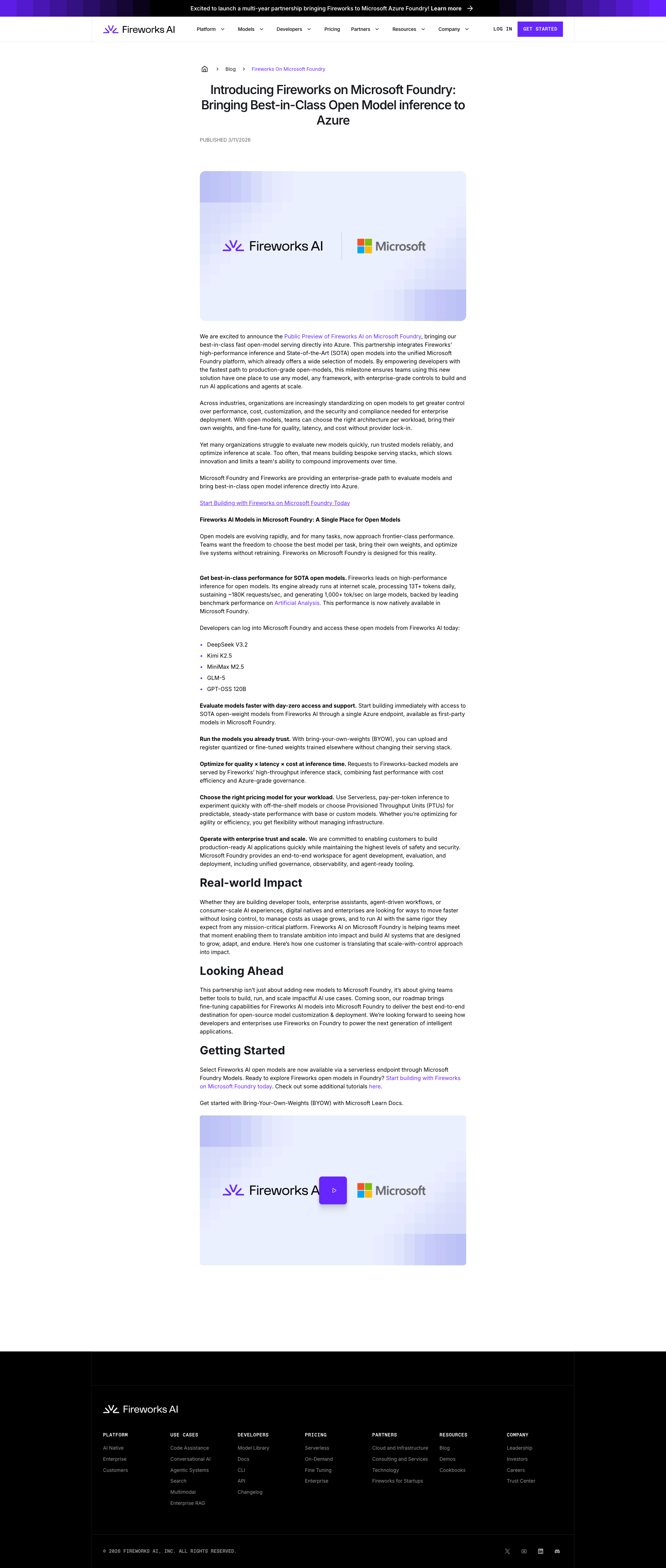
fireworks.ai

fireworks.ai

fireworks.ai
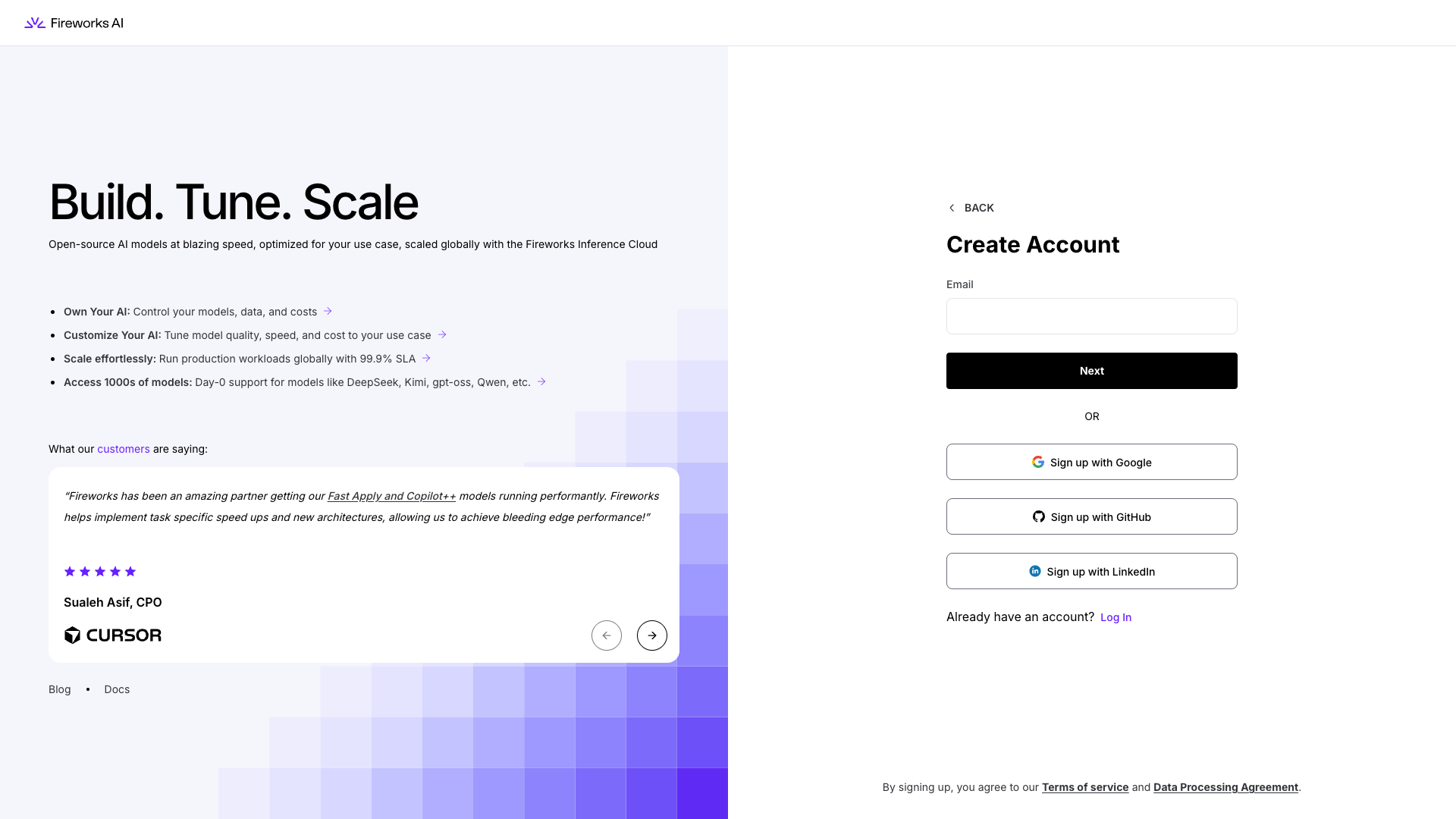
fireworks.ai

fireworks.ai
Detected Issues · 114 total
1
Hero/content with excessive whitespace pushes main content far below the fold
CRIT P9
Prompt to Fix
The hero section has excessive vertical whitespace causing the main heading and CTA to be off-screen in the initial viewport. Decrease the hero height or top padding so the heading and primary CTA fit within the initial view on desktop (e.g., 1024x768) and mobile (e.g., 375x812). Implement responsive adjustments: @media (min-width: 1024px) { .hero { min-height: 60vh; padding-top: 40px; } } @media (max-width: 600px) { .hero { min-height: 50vh; padding-top: 20px; } } Ensure the main content ('What Can You Build on Fireworks') remains immediately visible after the hero.
Why it's a bug
Key marketing hero content and CTA are not visible in the initial viewport due to large vertical spacing. This can lead to a poor first impression, reduced engagement, and users missing the value proposition and primary action.
Why it might not be a bug
Some designs intentionally use generous whitespace for aesthetics, but in this case the main content/activity is far down the page and not immediately visible, which harms onboarding.
Suggested Fix
Reduce the hero section height or top padding so the main heading and primary CTA appear within the initial viewport on common screen sizes. Ensure responsive adjustments (desktop, tablet, mobile) do not create large empty areas between the hero and the next section. Validate with several viewport heights (e.g., 768x1024, 375x812).
Why Fix
Users will immediately see the product value and available actions, increasing engagement, reducing bounce, and guiding them to the next step without unnecessary scrolling.
Route To
Frontend/UI Engineer
Page
Tester
 Mia · Usability Tester
Technical Evidence
Elements:
Hero container with large gradient mosaic on the right; heading and CTA not visible in current viewport; excessive vertical whitespace between hero and next section.Console:
CORS/preflight errors noted in console (blocked resource load) but not directly visible as functional UI failure on this screenshot.Network:
https://fireworks.ai/login, https://fireworks.ai/signup (blocked by CORS in console log)Page Text:
Visible heading: 'Build. Tune. Scale.' and subheading in hero; 'What Can You Build on Fireworks' appears far below due to whitespace.2
Buttons without accessible text or labels
CRIT P9
Prompt to Fix
Identify the two blank buttons in the hero/interactive area. Add accessible names: e.g., <button aria-label="Play video">Play</button> and <button aria-label="Next section">Next</button>. If these buttons are decorative, remove them from the accessibility tree or replace with meaningful visible text. Ensure a visible focus ring and consider adding aria-pressed if they toggle state. This aligns with WCAG 2.1 SC 2.1.1 (keyboard) and 2.4.6 (headings/labels).
Why it's a bug
There are interactive buttons on the page that have no visible text and no accessible name. Screen readers will not announce their purpose, and keyboard users may not identify their function. This can block task completion and reduce usability for users relying on assistive tech.
Why it might not be a bug
If these buttons are truly decorative or hidden from interaction, they might be non-essential. However, they appear to be actionable controls (e.g., potential controls in a hero or media area) and currently lack accessible names, which is a critical accessibility risk.
Suggested Fix
Add descriptive visible text to both buttons or attach aria-labels/aria-labelledby that clearly describe their action. Ensure they have a visible focus indicator. If a button is decorative, remove it from the accessibility tree or mark as role='presentation' and aria-hidden='true'.
Why Fix
Providing accessible names and clear focus makes these controls usable for screen reader users and keyboard-only users, aligning with WCAG 2.1 A/AA requirements for accessible controls and names.
Route To
Frontend Developer / Accessibility Engineer
Page
Tester
 Alejandro · Accessibility Specialist
Technical Evidence
Console:
[ERROR] Failed to load resource: net::ERR_NAME_NOT_RESOLVEDNetwork:
https://app.fireworks.ai/login?_rsc=1gkoh, https://fireworks.ai/login?_rsc=1gkoh3
Mobile typography is too small and dense, making pricing details hard to read
CRIT P9
Prompt to Fix
The mobile body text on the pricing page is too small and dense. Increase the base font size to 14–16px for mobile, adjust line height to 1.4–1.6, and convert dense pricing lists into single-column cards with clear hierarchy: plan name (bold, larger), key features (bullets), and clear callouts. Add generous vertical spacing between sections and ensure responsive typography across breakpoints.
Why it's a bug
The mobile screenshot shows very small body text with dense lines of pricing information, forcing users to zoom and struggle to scan plans. This directly impedes quick decision-making and plan comparison, which is critical for a pricing page.
Why it might not be a bug
If the page is intentionally dense for expert users, readability would still be a problem for the majority of visitors; the risk of confusion is high regardless.
Suggested Fix
Increase base font size to 14–16px on mobile, adjust line-height to 1.4–1.6, and reduce text density. Convert pricing sections into clearly separated cards with generous padding. Use bold, larger headings for plan names and concise benefit bullets. Ensure typographic scale is responsive across breakpoints.
Why Fix
Better readability and faster scanning enable users to understand and compare pricing quickly, reducing drop-offs and confusion during the pricing decision process.
Route To
Frontend Engineer / UI-UX Designer
Page
Tester
Mia · Usability TesterTechnical Evidence
Elements:
Pricing blocks, dense text blocks, mobile viewportPage Text:
Pricing content blocks including 'Pricing to seamlessly scale from idea to enterprise' and 'Serverless Pricing' sections.