B85%
Quality Score
7
Pages
76
Issues
8.0
Avg Confidence
7.8
Avg Priority
33 Critical28 High15 Medium

>_ Testers.AI
AI Analysis
Facebook was tested and 76 issues were detected across the site. The most critical finding was: Login form lacks visible labels for inputs (only placeholders are shown). Issues span A11y, Legal, Performance, Other categories. Persona feedback rated Visual highest (8/10) and Accessibility lowest (6/10).
Qualitative Quality
Facebook
Category Avg
Best in Category
Pages Tested · 7 screenshots

Homepage
facebook.com
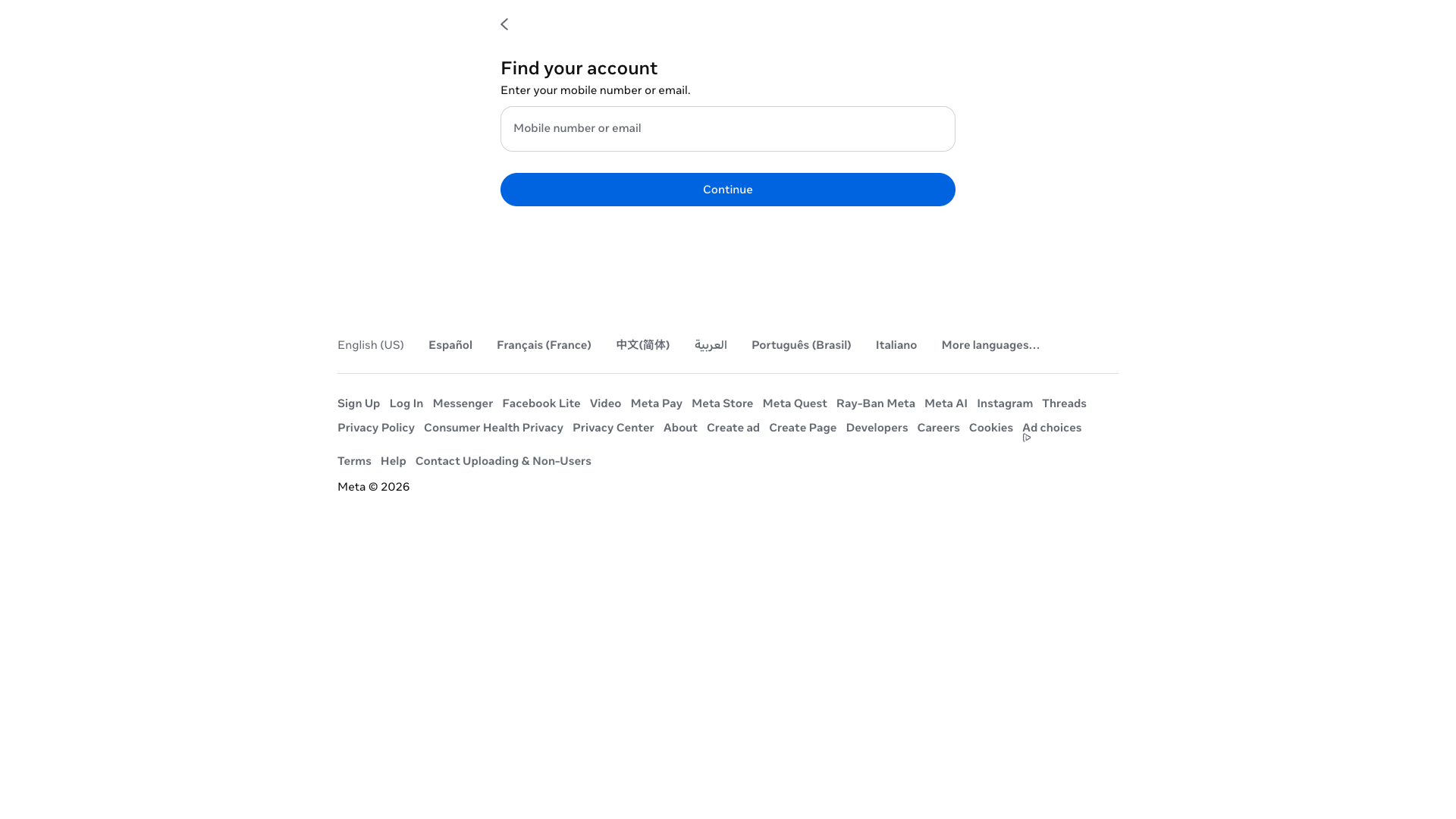
facebook.com
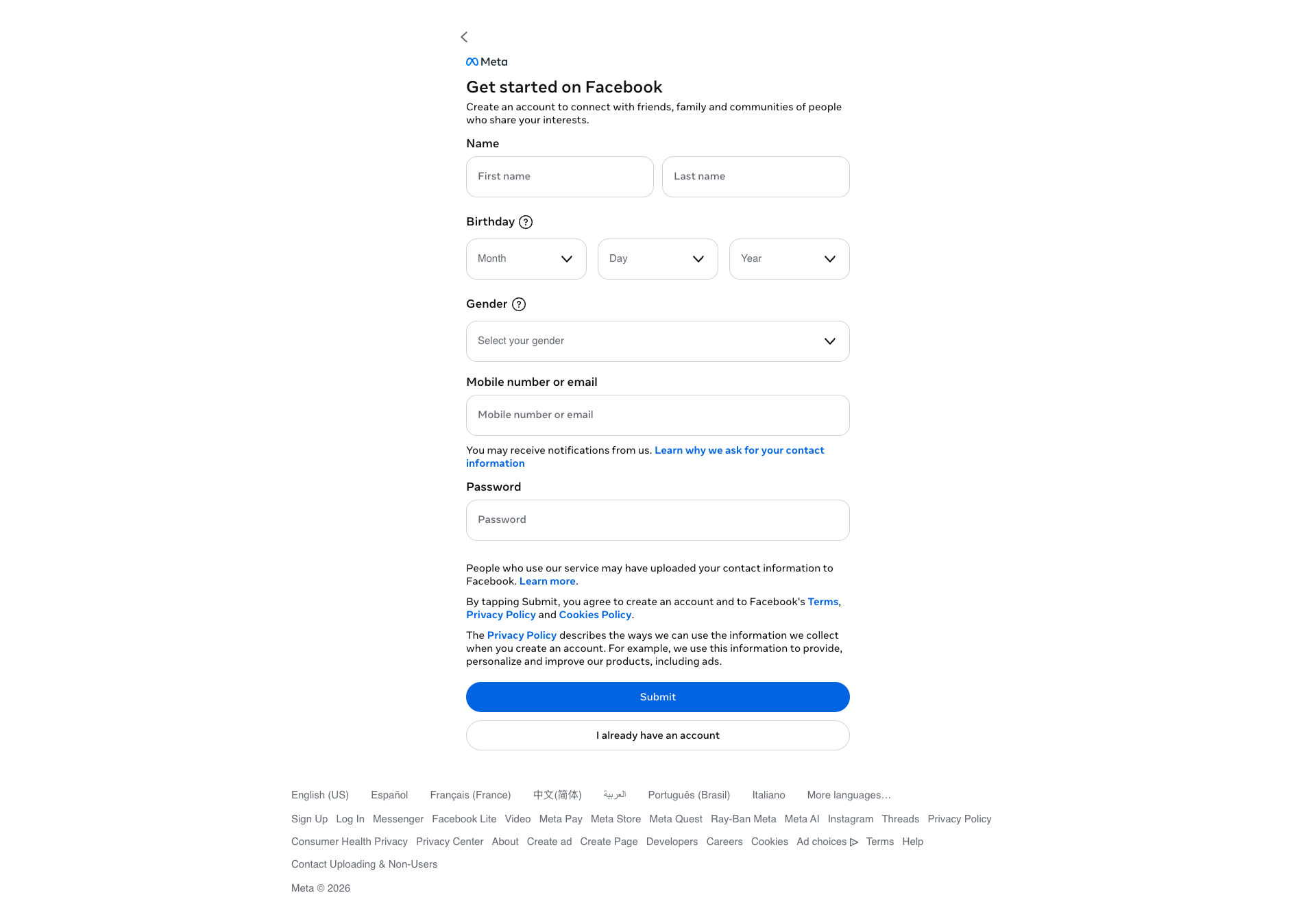
facebook.com
facebook.com
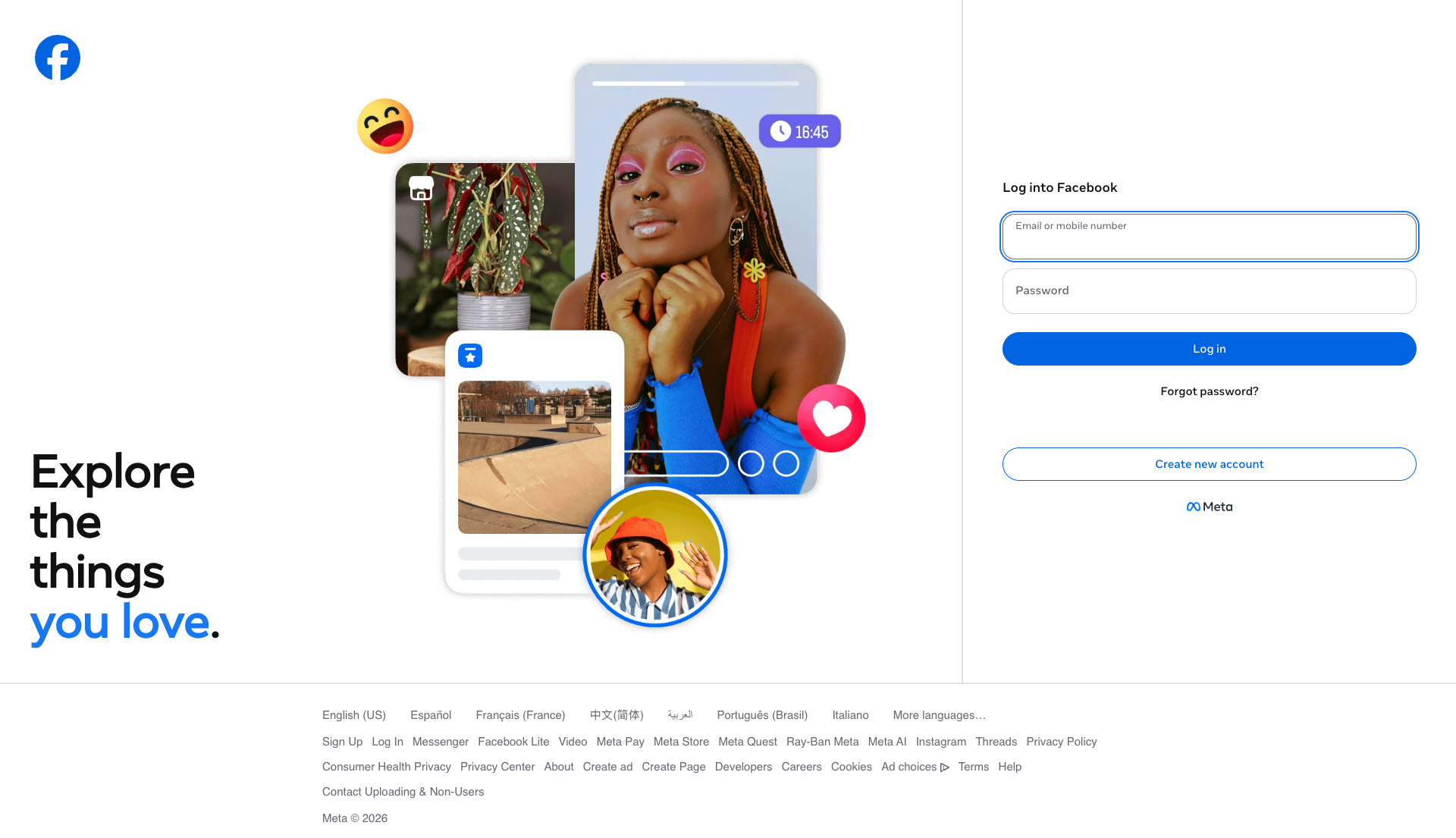
facebook.com
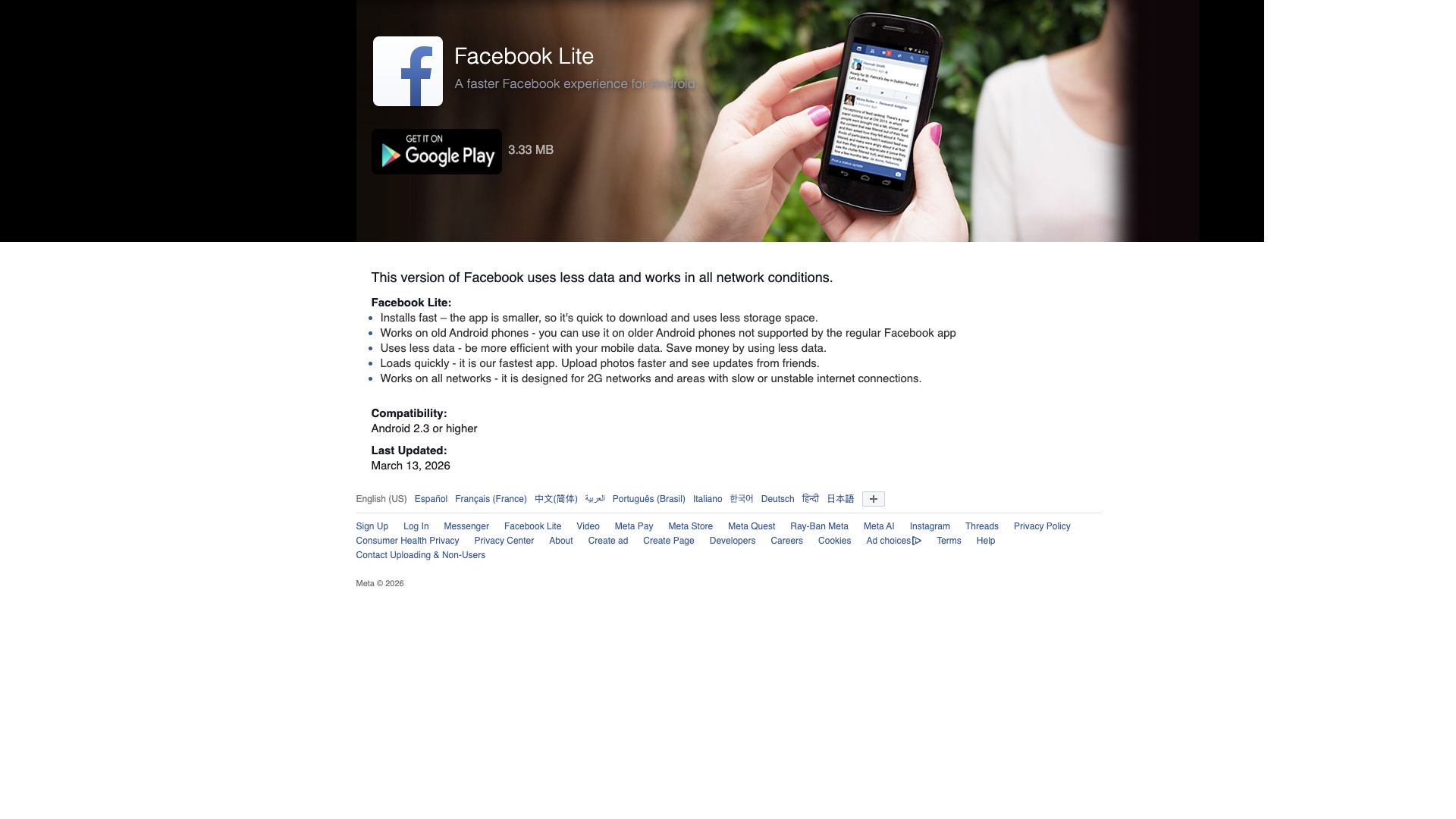
facebook.com
Detected Issues · 76 total
1
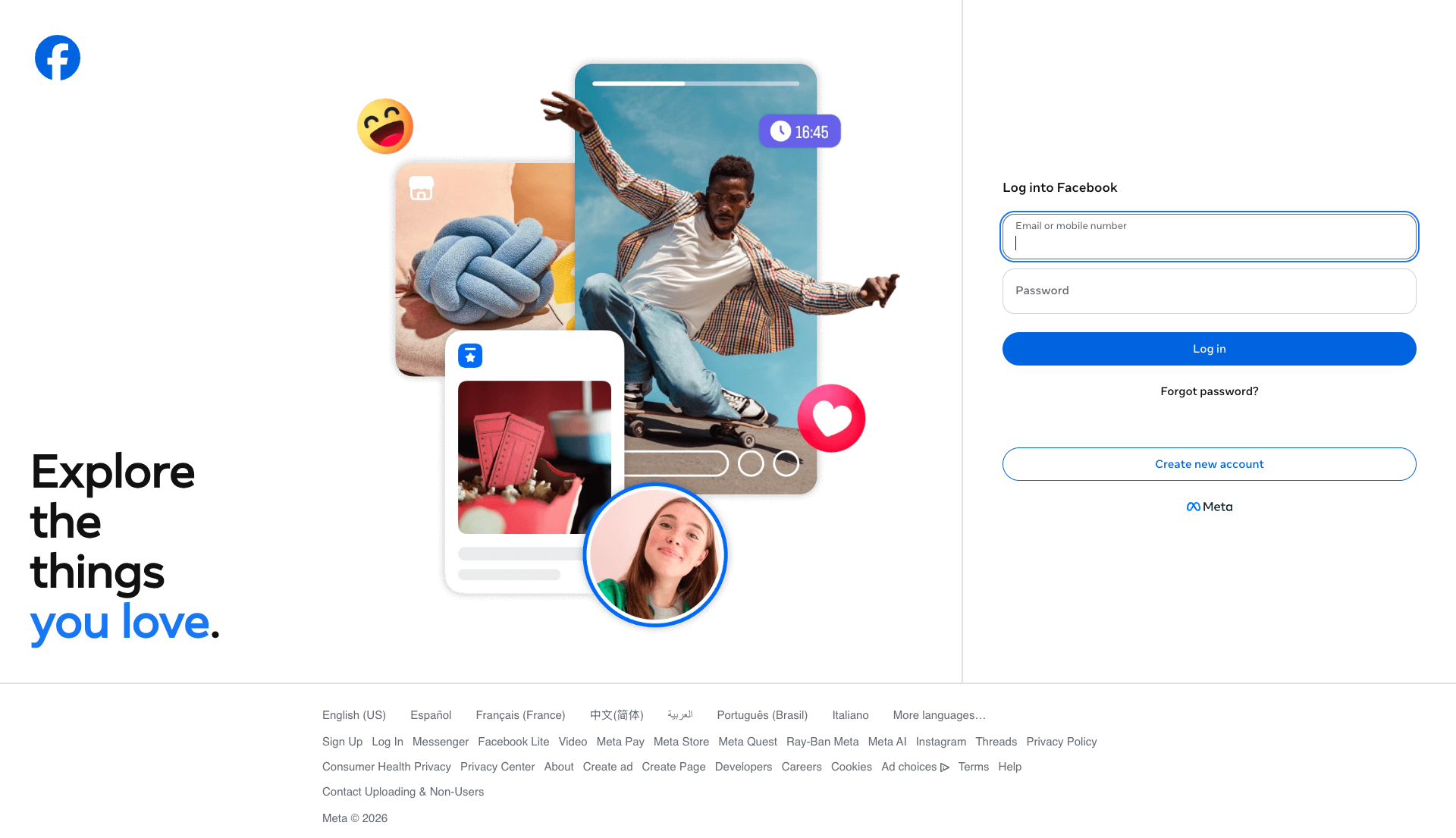
Login form lacks visible labels for inputs (only placeholders are shown)
CRIT P9
Prompt to Fix
The login form currently uses placeholders as the only identifiers for the input fields ('Email or mobile number' and 'Password'). Add visible, persistent labels above each input (and optional ARIA labels) and set appropriate autocomplete attributes (username for the email/phone field, current-password for the password field). Ensure the labels remain visible at all times, not just as placeholders.
Why it's a bug
The two primary inputs use placeholders (Email or mobile number, Password) as the only identifiers. Relying on placeholders alone makes it hard for users with screen readers or cognitive differences to understand which field is which, and placeholders disappear as soon as users start typing, leaving no persistent label. This can lead to input errors and frustration, especially for accessibility-critical tasks like logging in.
Why it might not be a bug
Visually, the fields show what data is expected via placeholder text, which some users may infer. However, placeholders are not reliable labels for many assistive technologies and can degrade usability for some users.
Suggested Fix
Add visible, persistent labels above each input (e.g., 'Email or phone' and 'Password') and keep placeholders as supplementary hints. Ensure each input has proper aria-labels if labels are not visually present. Also add autocomplete attributes (e.g., autocomplete="username" and autocomplete="current-password").
Why Fix
Clear, persistent labels improve task accuracy and accessibility for all users, reducing login errors and frustration, especially for screen reader users.
Route To
Frontend Developer / Accessibility Specialist
Page
Tester
 Mia · Usability Tester
Technical Evidence
Elements:
input[id], placeholder text, login button, forgot password link, create new account buttonConsole:
Input elements should have autocomplete attributes (suggested: "current-password"): (More info: https://goo.gl/9p2vKq)Page Text:
Log into Facebook - Email or mobile number - Password - Log in - Forgot password? - Create new account2
Login button has no accessible name
CRIT P9
Prompt to Fix
Problem: A button element on the login panel has no accessible name (text) and appears visually empty. This prevents screen readers from announcing its purpose and disrupts keyboard users. Fix: Add descriptive visible text inside the button or set aria-label with a clear description (e.g., aria-label='Submit login'), and ensure focus outline is visible. If the element is purely decorative, remove it from the accessibility tree with aria-hidden='true' or role='presentation'. Align with WCAG 2.1: 4.1.2 Name, role, value and 2.1.1 Keyboard accessibility.
Why it's a bug
A button with empty text and no accessible name cannot be announced by screen readers, making it invisible to users relying on assistive tech. This compromises discoverability and operability for keyboard and screen reader users.
Why it might not be a bug
If the button is decorative or hidden from assistive tech via aria-hidden, it would be acceptable. However, the data shows hasAccessibleName: false and an empty visible text, indicating a real interactive control without a label.
Suggested Fix
Ensure the button has visible text or add an accessible name (e.g., aria-label) and a proper label element. If decorative, set aria-hidden="true" or role="presentation" to remove it from accessibility tree.
Why Fix
Giving an accessible name ensures screen reader users understand the button's purpose and can activate it via keyboard, improving usability and meeting WCAG 2.1 guidelines for text alternatives and proper labeling.
Route To
Frontend Developer
Page
Tester
 Alejandro · Accessibility Specialist
Technical Evidence
Console:
[VERBOSE] [DOM] Input elements should have autocomplete attributes (suggested: "current-password"): (More info: https://goo.gl/9p2vKq)3
Login form inputs missing autocomplete attributes
CRIT P9
Prompt to Fix
Problem: Login form inputs lack autocomplete attributes (e.g., autocomplete="username" and autocomplete="current-password"). This reduces accessibility and autofill usability. Fix: Add proper autocomplete attributes to the email/username input and the password input, and ensure each input is associated with a visible <label> (for='...').
Why it's a bug
Autocomplete attributes support autofill and password managers, benefiting users including those with disabilities. Missing autocomplete attributes reduces usability and can hinder password manager integration.
Why it might not be a bug
If inputs were fully labeled and ARIA-labeled, autocomplete might be less critical, but the explicit console warning indicates missing attributes and a real accessibility/usability gap.
Suggested Fix
Add autocomplete attributes: first input autocomplete="username" (or "email"), second input autocomplete="current-password". Also ensure each input has a corresponding <label> associated via for/id or use aria-labelledby.
Why Fix
Improves recognition by password managers and browser autofill, supports assistive technology users by providing consistent naming and form semantics, aligning with WCAG 2.1 success criteria 3.3.1 (Error Prevention) and 3.3.2 (Labels or Instructions).
Route To
Frontend Developer
Page
Tester
Alejandro · Accessibility SpecialistTechnical Evidence
Console:
[VERBOSE] [DOM] Input elements should have autocomplete attributes (suggested: "current-password"): (More info: https://goo.gl/9p2vKq)