B+89%
Quality Score
5
Pages
59
Issues
8.1
Avg Confidence
7.8
Avg Priority
20 Critical30 High9 Medium

>_ Testers.AI
AI Analysis
Devin was tested and 59 issues were detected across the site. The most critical finding was: Broken image element with empty src and non-descriptive alt. Issues span A11y, Performance, Other, UX categories. Persona feedback rated Visual highest (9/10) and Accessibility lowest (6/10).
Qualitative Quality
Devin
Category Avg
Best in Category
Pages Tested · 5 screenshots
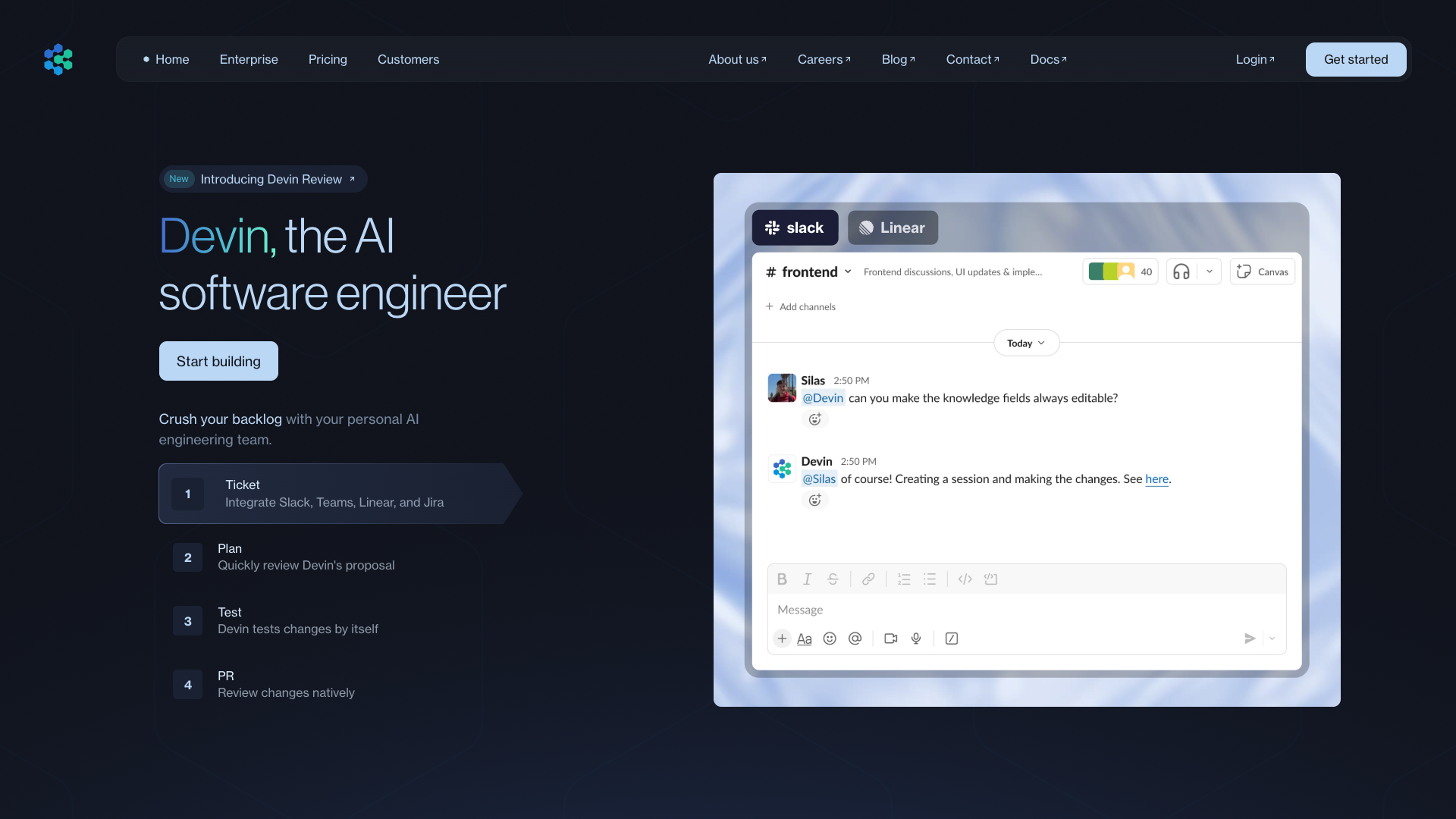
Homepage
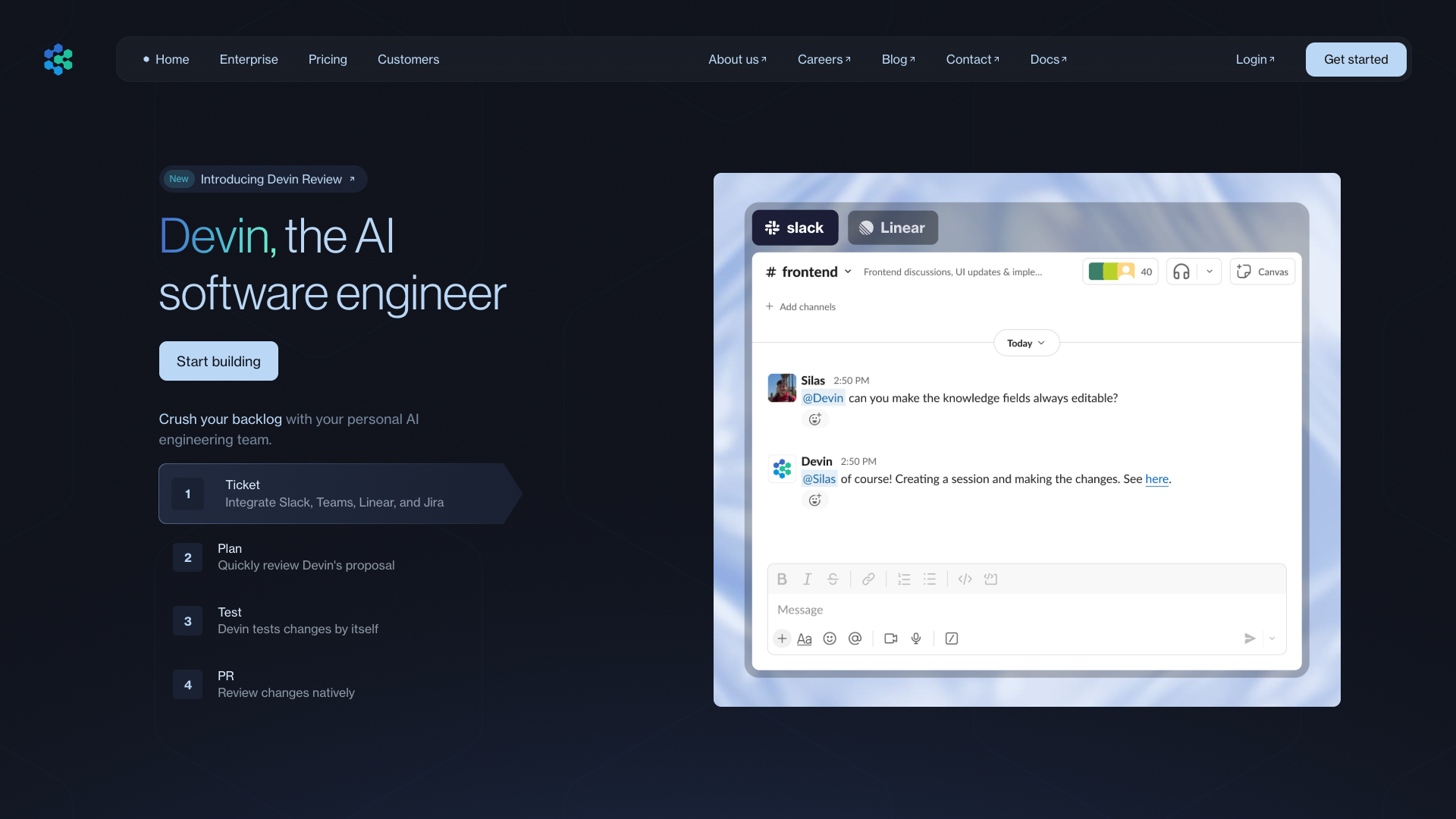
devin.ai

devin.ai

devin.ai

devin.ai
Detected Issues · 59 total
1
Broken image element with empty src and non-descriptive alt
CRIT P9
Prompt to Fix
Identify the broken image tag with empty src in the hero section. Replace with a valid image URL or convert to a decorative image. If decorative, use alt='' and aria-hidden='true'; if informative, provide a descriptive alt and valid src. Ensure the image contributes meaningfully to the page content and does not break layout or screen reader narration. (WCAG 2.1 AA: 1.1.1 Non-text Content; 1.4.3 Contrast (Minimum) for any visible text within the image, and 1.1.1 for non-text content)
Why it's a bug
An image tag with an empty src will not render, which can remove a visual cue from the page. The provided alt text (Vimeo) is not helpful if the image fails to load, and an empty/invalid image source reduces content accessibility for screen reader users who rely on alt text to understand visual content. This also risks layout disruption for assistive tech users.
Why it might not be a bug
If the image is purely decorative, the src can be removed or set to a valid decorative handling (alt=''). However, the current configuration includes a non-empty alt that refers to Vimeo, implying informative content rather than decorative, making this a genuine accessibility issue.
Suggested Fix
Remove the broken image tag or replace with a valid image source. If the image is decorative, set alt to an empty string (alt='') and consider aria-hidden='true' or role='presentation'. If informative, supply a valid src and a descriptive alt (e.g., alt='Vimeo streaming example banner').
Why Fix
Ensures screen reader users and other assistive technologies get a meaningful experience without encountering broken content or confusing alt text, improving perceivable content per WCAG 2.1 A/AA.
Route To
Frontend Engineer / Accessibility Specialist
Page
Tester
 Alejandro · Accessibility Specialist
Technical Evidence
Console:
[ERROR] Failed to load resource: net::ERR_NAME_NOT_RESOLVEDNetwork:
Unknown resource due to DNS resolution failure; check image URLs in hero section2
Inconsistent primary CTA styles across pricing plans
CRIT P9
Prompt to Fix
The primary action buttons on all pricing cards must use a single, consistent style. Replace Enterprise's filled 'Contact us' button with the same visual treatment as the 'Get started' buttons (or make all CTAs uniform across cards). Ensure color, padding, border radius, and hover states match the global primary CTA token.
Why it's a bug
The pricing cards use different primary actions: Core and Team show a Get started button (outlined style) while Enterprise uses a filled Contact us button. This inconsistency can confuse users about the expected action and disrupt the perceived hierarchy of the plans.
Why it might not be a bug
If Enterprise legitimately requires a different action due to sales processes, the visual inconsistency would still hinder quick plan comparison and onboarding clarity.
Suggested Fix
Standardize CTA styling across all pricing cards. Use a single CTA style (e.g., a filled primary button) with uniform color, size, and border radius for all plans, and ensure the text label is consistent (e.g., Get started or Contact us only if the action is truly different).
Why Fix
Consistent CTAs reduce cognitive load, improve plan comparison, and likely increase conversions by guiding users toward a single primary action per plan.
Route To
Frontend/UI Engineer
Page
Tester
 Mia · Usability Tester
Technical Evidence
Elements:
Pricing cards, CTA buttons, card titles, pricing linesConsole:
[warn] Allow attribute will take precedence over 'allowfullscreen'.Network:
net::ERR_NAME_NOT_RESOLVEDPage Text:
Pricing section with three plans: Core, Team, Enterprise. Core and Team show Get started buttons; Enterprise shows Contact us.3
Interactive buttons have no accessible name (empty text)
CRIT P9
Prompt to Fix
Problem: The page has two interactive buttons with empty visible text and no accessible name (aria-label/aria-labelledby). This makes them invisible to screen readers. Implement accessible naming for each button. If the buttons were icon-only, add aria-label or aria-labelledby with descriptive text and ensure there is visible text if possible. Example: <button aria-label='Get started' class='btn'>Get started</button> or add a visible label and keep accessible name.
Why it's a bug
Buttons must have an accessible name so screen readers can announce their purpose. Empty visible text with no aria-label means the control has no label, violating WCAG 2.1 Name, Role, Value and making the button unusable for keyboard and screen reader users.
Why it might not be a bug
If the buttons were icon-only with a proper aria-label or visible text, this would not be a problem. The provided data shows hasAccessibleName: false and text: '' for these buttons, indicating a missing accessible name.
Suggested Fix
Add visible text to the buttons or supply an accessible name via aria-label or aria-labelledby. Example: <button aria-label='Get started'>Get started</button> or ensure the visible label is present and associated.
Why Fix
Providing an accessible name is essential for screen reader users and those navigating by keyboard to understand button purpose and perform actions, improving task success and trust.
Route To
Frontend Developer
Page
Tester
Alejandro · Accessibility Specialist