B83%
Quality Score
7
Pages
84
Issues
7.8
Avg Confidence
7.8
Avg Priority
37 Critical31 High14 Medium2 Low

>_ Testers.AI
AI Analysis
Cohere was tested and 84 issues were detected across the site. The most critical finding was: Empty text labels on multiple buttons (Accessibility issue). Issues span A11y, Performance, Other, UX categories. Persona feedback rated Visual highest (7/10) and Accessibility lowest (5/10).
Qualitative Quality
Cohere
Category Avg
Best in Category
Pages Tested · 7 screenshots

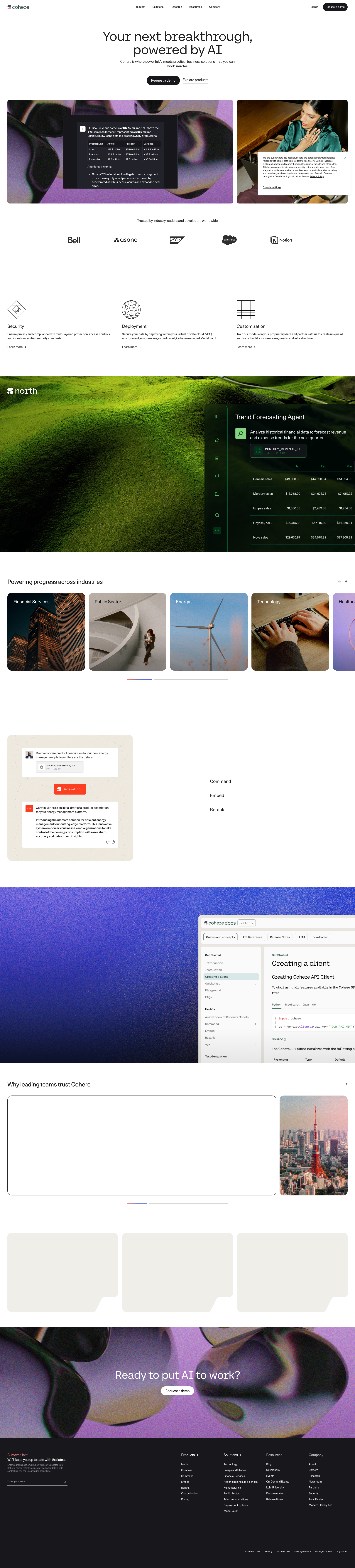
Homepage
cohere.com

cohere.com
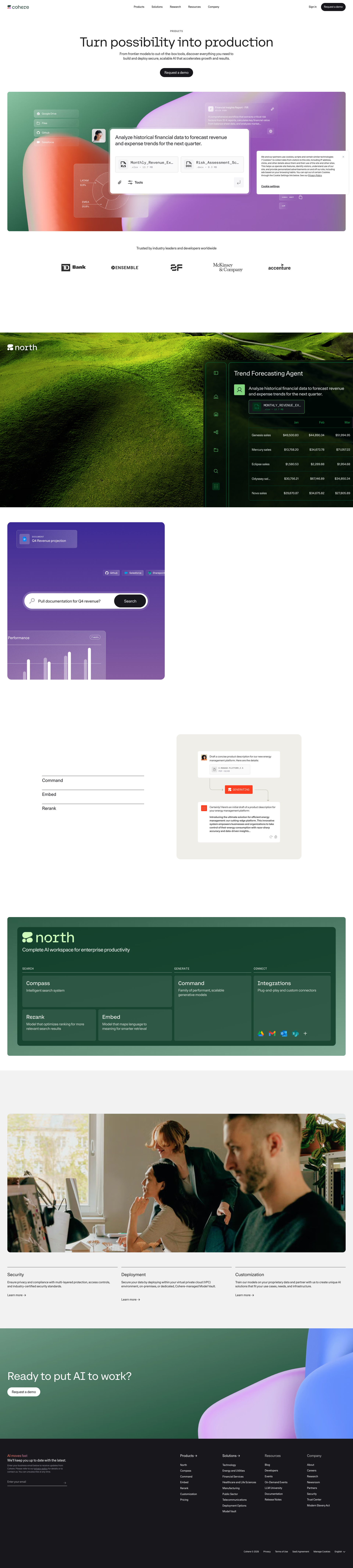
cohere.com

cohere.com

cohere.com

cohere.com
Detected Issues · 84 total
1
Empty text labels on multiple buttons (Accessibility issue)
CRIT P9
Prompt to Fix
Review all buttons in the cookie/privacy modal and any header/footer CTAs. Replace empty text values with descriptive labels (e.g., 'Close', 'Accept cookies', 'Settings'), or add a11y-friendly aria-labels. Ensure labels are localized and not duplicated. Add automated accessibility tests to catch empty-label issues.
Why it's a bug
Several buttons in the page content have empty text values (text: ""), which makes them invisible to screen readers and confusing for keyboard users. This likely stems from AI-generated boilerplate that inserted empty labels or icons without aria-labels.
Why it might not be a bug
If these elements rely on icons with proper aria-labels and visually-hidden text, it may be acceptable. However, evidence shows empty text with no accessible labels, indicating a probable accessibility bug.
Suggested Fix
Ensure every button has meaningful visible text or a proper ARIA label (aria-label) for screen readers. Remove placeholder empty strings, supply localized labels, and run accessibility checks (a11y) across breakpoints.
Why Fix
Improves accessibility, usability, and inclusivity for assistive tech users; reduces WCAG violations.
Route To
Frontend Developer / Accessibility Engineer
Page
Tester
 Jason · GenAI Code Analyzer
2
Blank dark screen with no content or navigation
CRIT P9
Prompt to Fix
The page currently renders a completely blank, dark screen with no visible content, guidance, or navigation. Implement an empty-state or loading UI: - Add a centered empty-state with a headline like 'No content available' and a short description. - Include a prominent primary action (e.g., 'Go to Dashboard' or 'Refresh') and a secondary help link. - If data is loading, replace blank with a loading indicator (spinner) or skeleton elements. - Ensure accessibility: sufficient color contrast, keyboard focus on actionable elements, and proper roles. - Ensure responsive layout and visible guidance across devices.
Why it's a bug
The screenshot shows a completely empty page with a uniform dark background and no UI elements, messages, or navigation. This prevents users from understanding the page's purpose or how to proceed, making it impossible to complete tasks and likely causing frustration or abandonment.
Why it might not be a bug
If this screen is intentionally a maintenance splash or a deliberate full-screen placeholder, it might not be a bug. However, there is no messaging or guidance to indicate such a state, which would be a poor UX in normal flows.
Suggested Fix
Add a clear empty-state component or loading indicator. If content is unavailable, show a message like 'No content available right now.' Include a primary action (e.g., 'Go to Dashboard' or 'Refresh') and a secondary help link. If data is loading, show a prominent loading spinner or skeleton placeholders. Ensure accessibility: high-contrast text, keyboard-focusable actions, and responsive layout.
Why Fix
Providing an informative empty/loading state helps users understand the situation and know how to continue, reducing confusion, frustration, and drop-off.
Route To
Frontend Engineer
Page
Tester
 Mia · Usability Tester
Technical Evidence
Console:
[error] Failed to load resource: the server responded with a status of 404 ()Network:
GET /api/content 4043
Blank page with no accessible content or landmarks
CRIT P9
Prompt to Fix
Actionable fix: 1) Add lang attribute to the root html tag (e.g., <html lang="en">). 2) Insert a visible, descriptive heading structure (e.g., <header> with <h1>Site Title</h1> and a short subtitle if needed). 3) Include semantic landmarks: <nav> for navigation, <main> for primary content, and <footer>. 4) Add a skip link at the top: <a href="#main">Skip to content</a> with appropriate focus styles. 5) Ensure there is at least one visible focusable element with a clearly visible focus indicator that meets color contrast. 6) If images are used, provide meaningful alt attributes; if images are decorative, use empty alt (alt=""). 7) Ensure any dynamic content uses aria-live regions for updates. 8) Validate WCAG against AA (4.5:1 contrast for text, 3:1 for large text) and ensure no empty or missing ARIA labels on interactive elements.
Why it's a bug
The page shows a solid dark background with no visible text, images, buttons, links, or landmarks. This leaves screen reader users with no meaningful content to access and keyboard users with no navigable structure, violating perceivable and operable WCAG guidance.
Why it might not be a bug
If the blank state is intentional (e.g., a loading screen placeholder or content loaded dynamically later), the static screenshot still indicates no accessible content. Even as a placeholder, accessibility best practices require a descriptive fallback and visible or programmatic cues for screen readers and keyboard users.
Suggested Fix
Add meaningful, accessible content and a proper document structure. Include: html lang attribute; a recognizable heading (at least one h1); landmark regions (header, nav, main, footer) or semantic roles; a skip-to-content link; visible focus indicators for interactive elements; and ensure any images have alt text. If content loads dynamically, provide ARIA live regions or appropriate announcements for screen readers.
Why Fix
Providing accessible content and a semantic structure ensures screen reader users and keyboard users can understand and navigate the page, improving usability and meeting WCAG 2.1 requirements (perceivable, operable, and understandable).
Route To
Frontend Developer / Accessibility Specialist
Page
Tester
 Alejandro · Accessibility Specialist
Technical Evidence
Console:
[ERROR] Failed to load resource: the server responded with a status of 404 ()