B83%
Quality Score
7
Pages
93
Issues
8.0
Avg Confidence
7.9
Avg Priority
43 Critical32 High18 Medium

>_ Testers.AI
AI Analysis
CodeSandbox was tested and 93 issues were detected across the site. The most critical finding was: Informative images use non-descriptive alt text ('logo'). Issues span A11y, Performance, Other, UX categories. Persona feedback rated Visual highest (8/10) and Accessibility lowest (6/10).
Qualitative Quality
CodeSandbox
Category Avg
Best in Category
Pages Tested · 7 screenshots
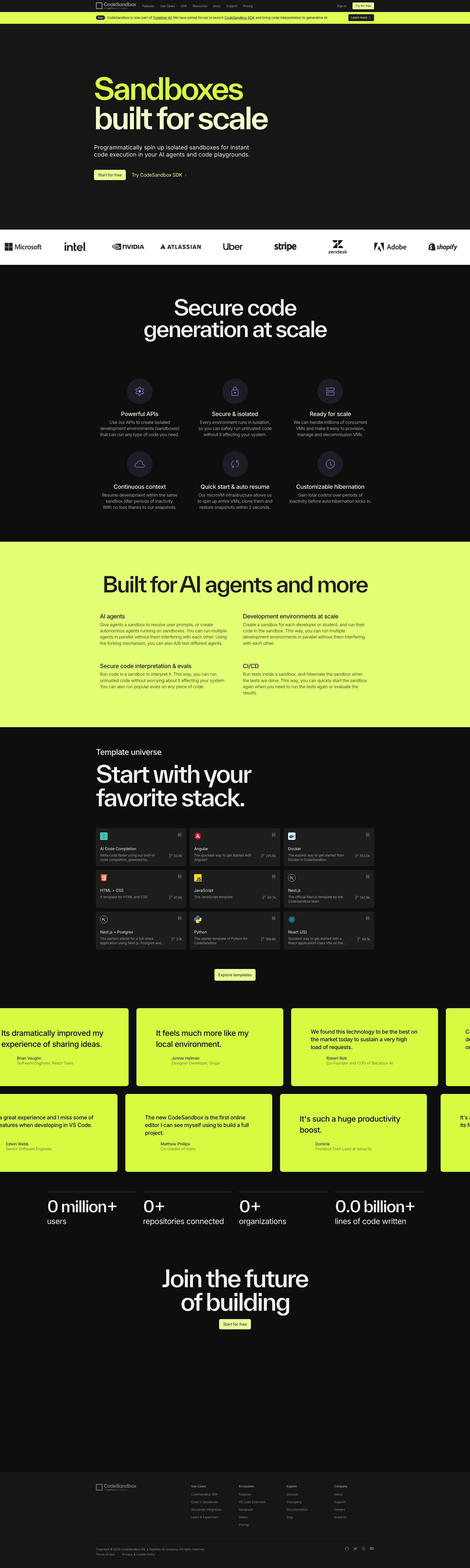
Homepage
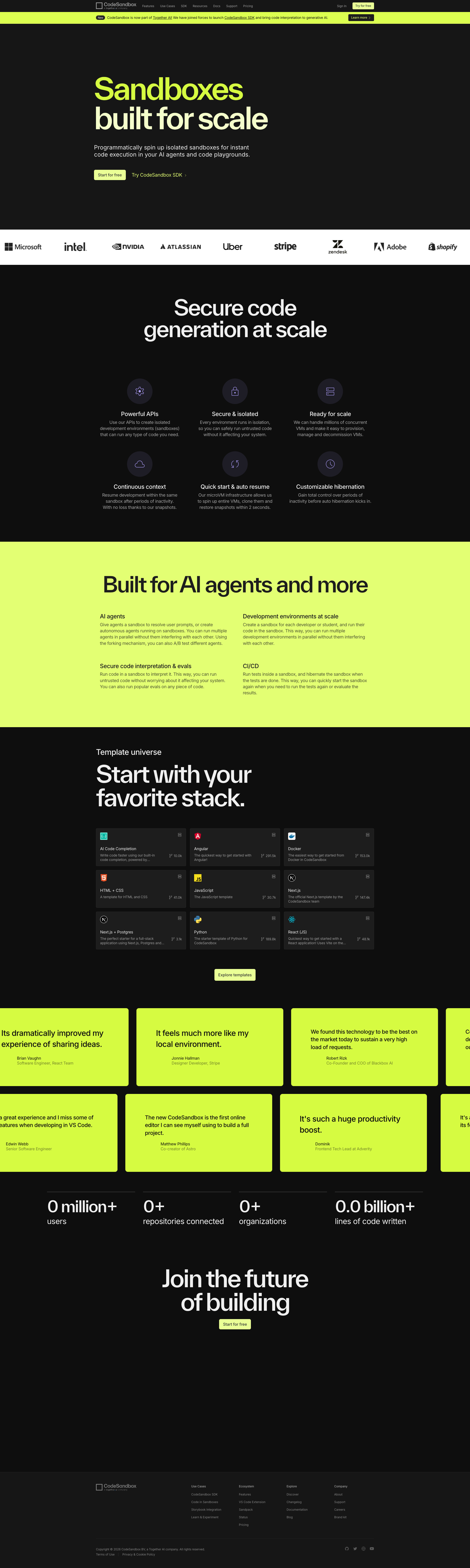
codesandbox.io
codesandbox.io

codesandbox.io

codesandbox.io

codesandbox.io

codesandbox.io
Detected Issues · 93 total
1
Informative images use non-descriptive alt text ('logo')
CRIT P9
Prompt to Fix
WCAG 2.1: Replace non-descriptive alt text for all informative logos. For each <img> logo, set a descriptive alt attribute like alt="Partner logo: BrandName" (or alt="BrandName logo"). If any image is purely decorative, remove from accessibility tree with alt="" or aria-hidden="true". Ensure consistent naming across all logos and test with a screen reader to verify each logo conveys meaningful information.
Why it's a bug
The page contains a series of images with alt text set to a generic word 'logo'. This provides no meaningful information to screen reader users and can be confusing when multiple logos are presented. Each image should describe its brand or purpose, or be marked as decorative if it conveys no informational content.
Why it might not be a bug
If the logos were strictly decorative, an empty alt attribute would be appropriate; however the current alt text 'logo' is not descriptive and does not convey any useful information about the image.
Suggested Fix
Update the alt attributes for each logo image to be descriptive, e.g., alt="Partner logo: BrandName" or alt="BrandName logo". If any logos are purely decorative, set alt="" or aria-hidden="true" to remove them from accessibility tree.
Why Fix
Descriptive alt text helps screen reader users understand the content and purpose of each logo, improving perceptibility and comprehension, which is required by WCAG 2.1 A/1.1.1 (Non-text content).
Route To
Frontend Developer / Accessibility Engineer
Page
Tester
 Alejandro · Accessibility Specialist
Technical Evidence
Console:
[ERROR] [PostHog.js] PostHog was initialized without a token. This likely indicates a misconfiguration. Please check the first argument passed to posthog.init()Network:
4012
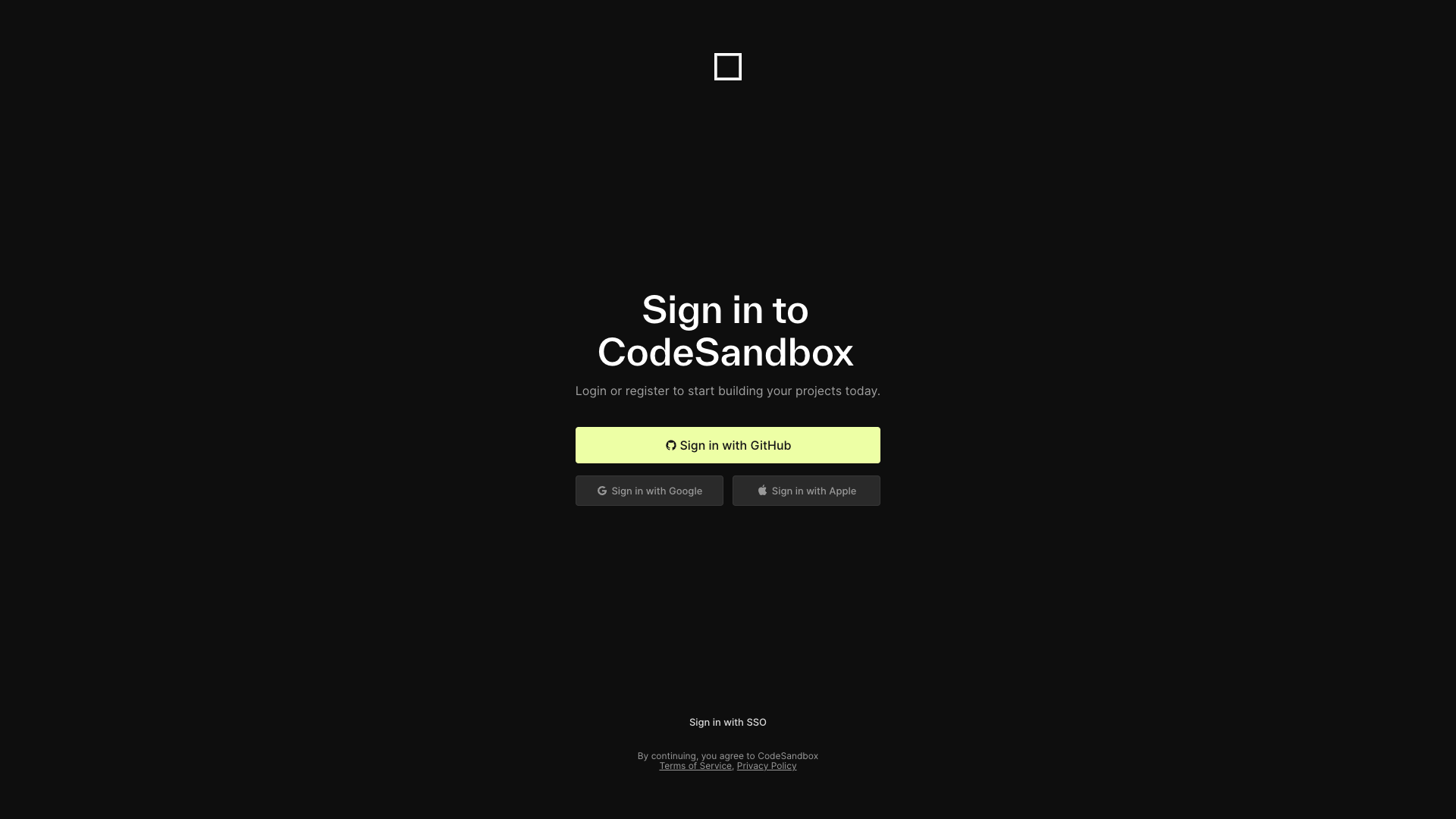
Insufficient color contrast on secondary sign-in buttons (Google, Apple, SSO)
CRIT P9
Prompt to Fix
On the sign-in page, update the secondary authentication buttons (Google, Apple, SSO) to achieve WCAG AA color contrast. Set button text to #FFFFFF and choose a dark enough background (e.g., #333333 or darker) to reach at least 4.5:1 contrast. Add a strong focus-visible outline (e.g., 3px solid #FFA000) for keyboard users. Verify using a color-contrast tool (WCAG AA) and keep accessible names for all buttons.
Why it's a bug
The text on the Google, Apple, and SSO sign-in buttons appears to be light gray on a dark gray background, which may fail WCAG 2.1 AA contrast guidelines (4.5:1 for normal text). This can hinder readability for users with visual impairments.
Why it might not be a bug
If the actual color values produce a contrast ratio of 4.5:1 or higher, this would be acceptable; however, from the screenshot the contrast looks potentially too low.
Suggested Fix
Increase the contrast by using white text on a darker background (for example, background: #333333; color: #FFFFFF) or choose a background color that yields a 4.5:1+ contrast with the existing text. Ensure focus indicators remain clearly visible as well.
Why Fix
Improves readability for users with low vision and aligns with WCAG 2.1 AA requirements, reducing task friction and improving accessibility compliance.
Route To
Frontend Engineer (UI/Accessibility)
Page
Tester
Alejandro · Accessibility Specialist3
Low text contrast on template cards
CRIT P9
Prompt to Fix
The primary card text (titles/descriptions) on the template grid uses very light gray text on near-black card backgrounds, resulting in poor readability. Increase contrast to at least 4.5:1 (WCAG AA). Either darken the card background slightly or lighten the text color (e.g., text from #9a9a9a to #e8e8e8). Ensure all template cards meet the contrast ratio guideline.
Why it's a bug
Card titles and meta information appear as light gray text on a very dark card background, making them difficult to read. This impairs scanning and selection of templates, especially for users with lower vision or in bright environments.
Why it might not be a bug
Design may intend a subtle look; however, readability is a core task for users trying to pick a template.
Suggested Fix
Increase text contrast by lightening text color to at least WCAG AA 4.5:1 against the card background or lighten the card background slightly. Example: change card text from #9a9a9a to #e8e8e8 or adjust the background to a lighter shade like #222 to achieve required contrast.
Why Fix
Improves accessibility and task success for users trying to find and compare templates.
Route To
Frontend Engineer
Page
Tester
 Mia · Usability Tester
Technical Evidence
Elements:
Template card titles, descriptions, and metadata text on dark cardsConsole:
[warn] Manifest: property 'scope' ignored. Start url should be within scope of scope URL.Page Text:
CodeSandbox templates – a grid of template cards with titles and small descriptions.