B-80%
Quality Score
7
Pages
120
Issues
8.0
Avg Confidence
7.8
Avg Priority
48 Critical51 High20 Medium1 Low

>_ Testers.AI
AI Analysis
Bitbucket was tested and 120 issues were detected across the site. The most critical finding was: Unreadable mobile article layout with overly narrow text column and small font. Issues span A11y, Legal, Performance, Other categories. Persona feedback rated Visual highest (8/10) and Accessibility lowest (6/10).
Qualitative Quality
Bitbucket
Category Avg
Best in Category
Pages Tested · 7 screenshots
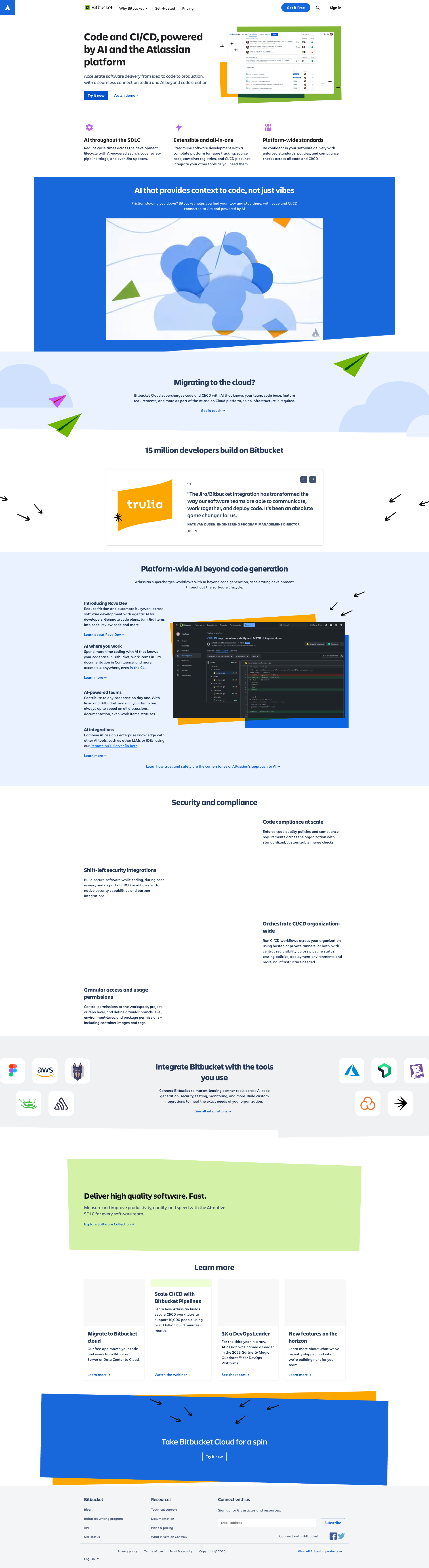
Homepage

bitbucket.org

bitbucket.org

bitbucket.org

bitbucket.org
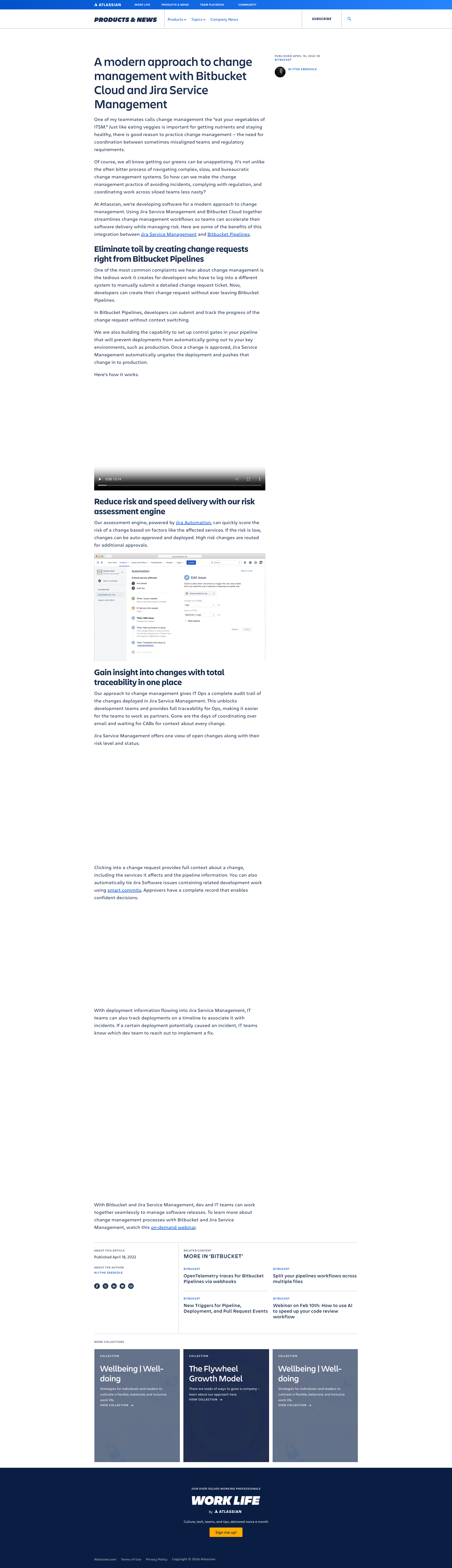
bitbucket.org

bitbucket.org
Detected Issues · 120 total
1
Unreadable mobile article layout with overly narrow text column and small font
CRIT P9
Prompt to Fix
The body text on mobile is too small and the content column is too narrow, resulting in poor readability. Implement responsive typography: set body font-size to 16px on mobile, line-height to 1.5, and increase paragraph spacing. Use a fluid article container with max-width around 640px on desktop and full-width with adequate side padding on mobile. Add clear typographic hierarchy with larger headings and improved visual rhythm.
Why it's a bug
The article content uses a very narrow text column with a small base font, making it difficult to read on mobile screens. This reduces comprehension and increases reading effort, risking user frustration and article abandonment.
Why it might not be a bug
Some readers prefer dense, text-heavy layouts; however, on mobile this severely impedes readability and task completion (consuming content).
Suggested Fix
Adopt responsive typography: increase body font-size to at least 16px on mobile, set line-height to 1.5, and add comfortable paragraph spacing (e.g., 0.75em). Allow the article container to use a fluid width up to a readable max-line length (e.g., max-width ~640px on desktop, 100% width with 16px side padding on mobile). Improve typographic hierarchy with larger section headings and more vertical rhythm between paragraphs.
Why Fix
Improved readability reduces cognitive load, helps users scan and absorb content, and prevents early exit from the page due to eye strain or difficulty reading.
Route To
Frontend Engineer / UI Designer
Page
Tester
 Mia · Usability Tester
Technical Evidence
Elements:
Main article container, body text blocks, section headings, mobile viewportPage Text:
Article copy presented in a single narrow column with small font, producing dense blocks of text on mobile.2
Icon-only or unlabeled interactive controls lack accessible names
CRIT P9
Prompt to Fix
Problem: An interactive element is rendered with empty text and has no accessible name (aria-label or aria-labelledby). This prevents screen readers from announcing the control's purpose. Root cause: Icon-only or textless button without proper ARIA labeling. Fix: For every button, ensure a non-empty accessible name. If button is icon-only, add aria-label with a concise description (e.g., aria-label="Search"), or use aria-labelledby to reference a visually hidden label. Update HTML/JSX to include either visible text or a descriptive ARIA label for all interactive elements. Validate with keyboard navigation and screen reader (NVDA/VoiceOver) to confirm announcement and focus visibility. Align with WCAG 2.1 AA 4.1.2 (Name) and 2.1.1 (Keyboard).
Why it's a bug
Several interactive controls appear with empty text (text value is "" and hasAccessibleName is false). Screen readers rely on visible text or an accessible name (aria-label/aria-labelledby) to announce control purpose. Without an accessible name, users relying on assistive technology cannot identify or activate these controls, violating WCAG 2.1 guidance (2.1.1 Keyboard and 4.1.2 Name) and creating a barrier for users with visual or cognitive disabilities.
Why it might not be a bug
If these controls are purely decorative icons with no function, they should be hidden from the accessibility tree. However, the context shows multiple interactive controls (buttons) in the UI; empty labels strongly suggest missing names rather than decorative hiding, making this a high-priority accessibility concern.
Suggested Fix
Ensure every button has an accessible name. Add visible text where appropriate or include aria-label (and/or aria-labelledby referencing a visible/hidden descriptive element) for icon-only buttons. Audit all interactive elements to confirm they have meaningful names that describe their action.
Why Fix
Providing accessible names enables screen reader users to understand and operate controls, improving task completion, navigability, and overall usability for a broad user base, and aligns with WCAG 2.1 success criteria 4.1.2 and 2.1.1.
Route To
Frontend Engineer / Accessibility Specialist
Page
Tester
 Alejandro · Accessibility Specialist
3
Excessive scrolling required due to extremely long, dense icon catalog
CRIT P9
Prompt to Fix
Add a visible search field and category filter chips at the top of the icon catalog. Implement a sticky top navigation with quick anchors for common categories. Break the catalog into paginated groups or collapsible sections to avoid excessive scrolling. Ensure the grid adapts for different screen widths and keeps a consistent thumbnail size.
Why it's a bug
The page presents a very long, dense icon catalog with no obvious filtering or quick navigation. Users must scroll repeatedly to locate a specific icon, increasing time to accomplish tasks and potentially leading to abandonment.
Why it might not be a bug
If the intended design is to present an exhaustive catalog in a single browse view without pagination, some users may prefer endless scrolling; however, the lack of filters or sections strongly harms findability for typical users.
Suggested Fix
Introduce category or tag filters at the top, a search box to quickly filter icons, and a sticky navigation/header with jump links. Consider paginating the catalog or grouping icons into collapsible sections and providing a map/TOC for quick access.
Why Fix
Improves discoverability and reduces time to locate icons, lowering user frustration and increasing task success.
Route To
UX Designer
Page
Tester
Mia · Usability TesterTechnical Evidence
Elements:
Header with minimal controls, large grid of icon thumbnails, footer; no category chips or search bar visible.Console:
Multiple versions of FeatureGateClients found on the current page. The currently bound version is 4.26.5 when module version 4.25.0 was loading.Network:
Failed to load resource: net::ERR_FAILED; 401 errors; CORS-related issues (blocked manifest).Page Text:
Icon catalog with many tiny thumbnails; no clear filters or search visible in header area.