B-80%
Quality Score
7
Pages
112
Issues
7.9
Avg Confidence
7.8
Avg Priority
43 Critical46 High22 Medium1 Low

>_ Testers.AI
AI Analysis
Base44 was tested and 112 issues were detected across the site. The most critical finding was: AI-generated UI: Placeholder buttons with empty labels in page content. Issues span A11y, Performance, Other, UX categories. Persona feedback rated Visual highest (7/10) and Accessibility lowest (5/10).
Qualitative Quality
Base44
Category Avg
Best in Category
Pages Tested · 7 screenshots

Homepage

base44.com
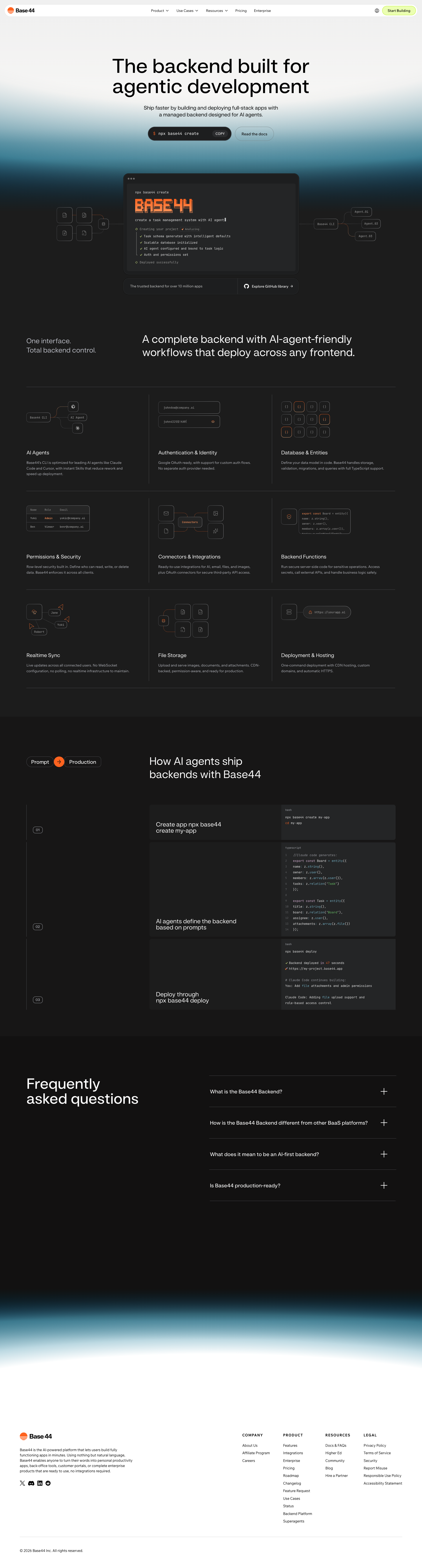
base44.com
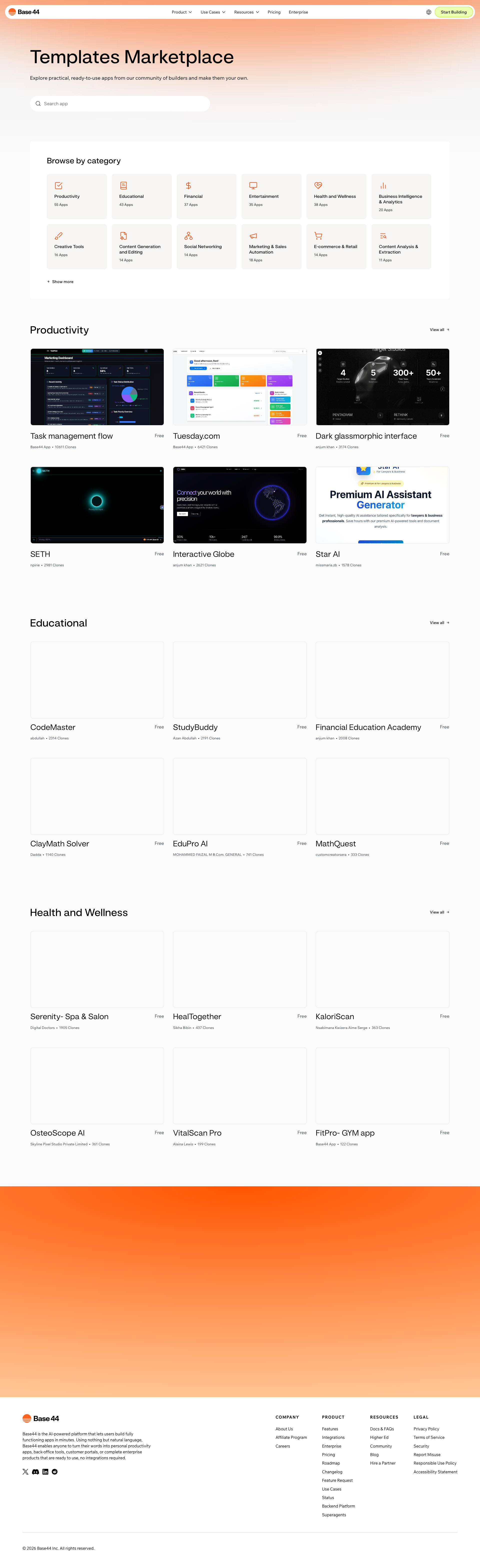
base44.com
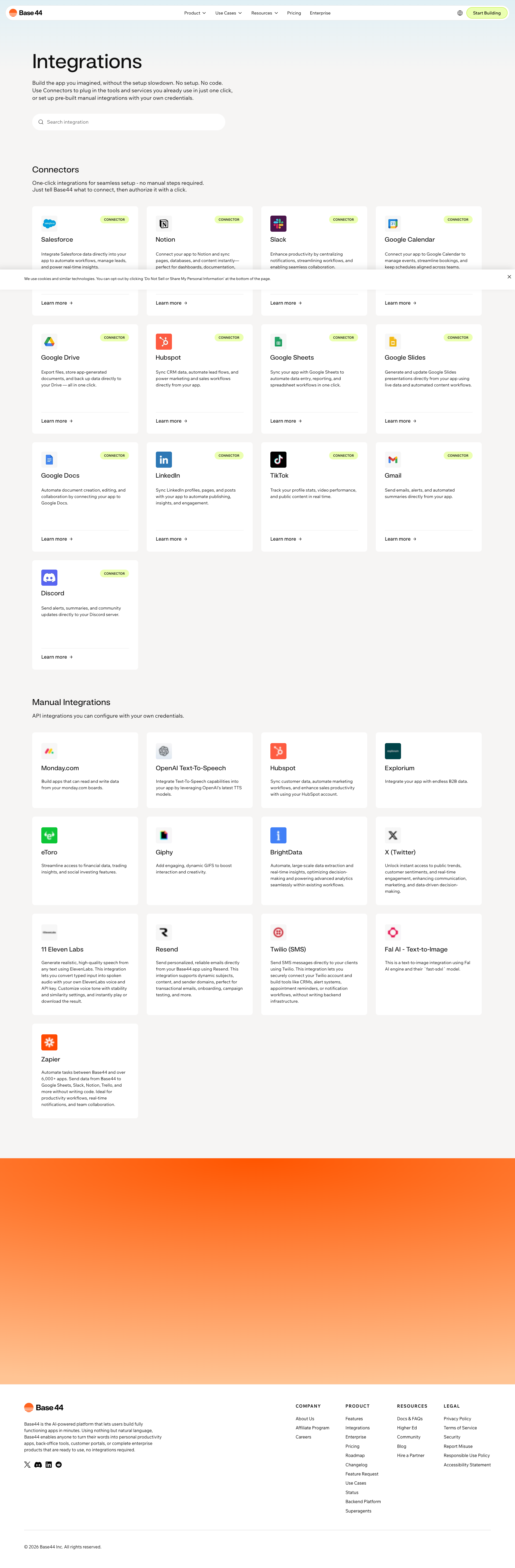
base44.com
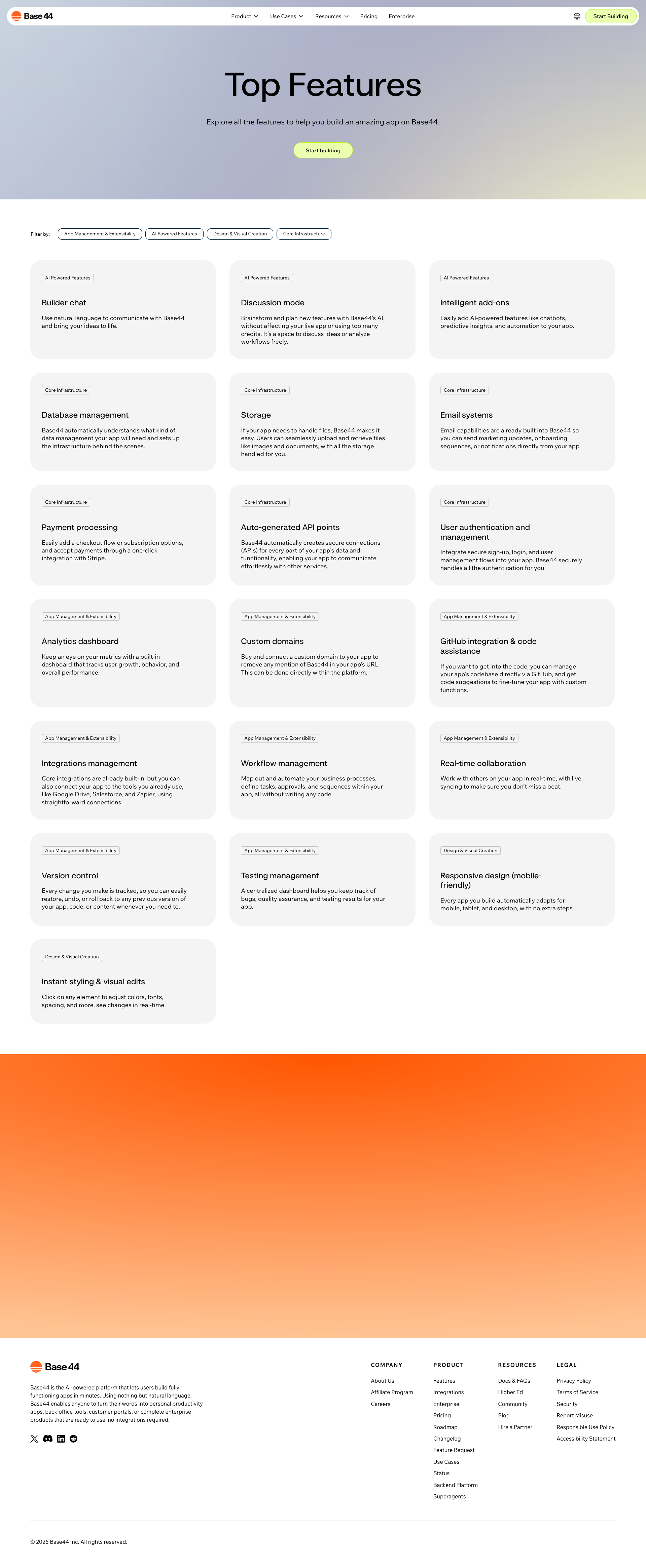
base44.com

base44.com
Detected Issues · 112 total
1
AI-generated UI: Placeholder buttons with empty labels in page content
CRIT P9
Prompt to Fix
In the AI-generated UI code, remove all button entries with empty text values or replace them with proper, accessible labels. Ensure every visible button has text and an aria-label. If certain entries are placeholders, implement a conditional render that hides them in production and adds a test to prevent empty labels from slipping into the UI.
Why it's a bug
The AI-generated Page Content JSON includes multiple buttons with empty text values, resulting in unlabeled, inaccessible UI controls. This indicates unfinished or placeholder logic that would break usability and accessibility in production.
Why it might not be a bug
If placeholders were intentional for a design scaffold, they should be clearly marked and hidden from production or labeled for accessibility; however, the current production-like content shows unlabeled buttons.
Suggested Fix
Remove or label all buttons with non-empty text. For any intentionally hidden placeholders, use aria-hidden or conditional rendering and ensure all visible buttons have meaningful labels. Add automated checks to catch empty button text during generation.
Why Fix
Ensures accessible, usable navigation and prevents broken UI, which directly affects user task completion and trust.
Route To
Frontend/UI Engineer
Page
Tester
 Jason · GenAI Code Analyzer
Technical Evidence
Console:
Page Content: {"buttons":[{"text":"Product","tagName":"BUTTON","type":"submit","id":"","className":"Kdjum6"},{"text":"Use Cases","tagName":"BUTTON","type":"submit","id":"","className":"Kdjum6"},{"text":"Resources","tagName":"BUTTON","type":"submit","id":"","className":"Kdjum6"},{"text":"","tagName":"BUTTON","type":"submit","id":"","className":"Kdjum6"},{"text":"","tagName":"BUTTON","type":"submit","id":"","className":"dMfstu"},{"text":"Start Now","tagName":"BUTTON","type":"button","id":"","className":"DPAltb style-mcf1u9kf3__root wixui-button wixui-search-button search-button"},{"text":"Reporting Dashboard","tagName":"BUTTON","type":"button","id":"comp-mkfir3qr__item1","className":"ZZ6eh7 comp-mkfir3qr style-mkfir3qu1__root wixui-button wixui-suggestion-button"}]}2
Interactive controls missing accessible names
CRIT P9
Prompt to Fix
In the header/navigation, ensure every <button> has an accessible name: either visible text or an aria-label. For example: <button aria-label="Product">Product</button> or <button><span class="sr-only">Product</span> <SVG-icon aria-hidden="true"></SVG-icon></button> and ensure decorative icons are aria-hidden. Validate with a screen reader (Narrator/VoiceOver) and keyboard only to confirm focusable elements are announced.
Why it's a bug
Buttons in the navigation or interactive controls have empty visible text and are marked with hasAccessibleName: false, meaning screen readers cannot announce their purpose. This prevents keyboard and AT users from understanding or activating these controls.
Why it might not be a bug
If these elements are purely decorative icons with aria-hidden or no role, they are not required to be accessible. However the provided data indicates they are interactive controls with no accessible name.
Suggested Fix
Ensure every button has a meaningful accessible label. Add visible text or aria-label/aria-labelledby. If some icons are purely decorative, remove them from the tab order and mark as aria-hidden='true' or role='presentation'.
Why Fix
Providing accessible names enables screen reader users to understand and operate the controls, improving task success and inclusivity.
Route To
Frontend Developer (Accessibility), UI Engineer
Page
Tester
 Alejandro · Accessibility Specialist
3
Links with empty text have no accessible names
CRIT P9
Prompt to Fix
Audit all anchor (<a>) elements to ensure they contain accessible text. Replace empty text with descriptive content like: <a href="...">Base44 Backend Platform</a> or add a visually hidden span with the descriptive text and aria-label on the link: <a href="..." aria-label="Base44 Backend Platform">...<span class="sr-only">Base44 Backend Platform</span></a>. For icon-only links, add aria-label or aria-labelledby and ensure the icon is accessible.
Why it's a bug
Several anchor elements are rendered with empty text, meaning screen readers cannot convey the purpose of the link to users. This breaks WCAG requirement for meaningful link text.
Why it might not be a bug
If links use images with alt text, alt should convey purpose; however the data shows empty text and no alt described in the page data. Treat as issue.
Suggested Fix
Provide descriptive link text for all anchors. If an icon-only link is necessary, add aria-label or aria-labelledby with a descriptive name and keep an accessible name visible to screen readers. Ensure any image-based links have informative alt attributes.
Why Fix
Descriptive link text is essential for screen reader users to understand navigation and function of the link, improving usability and task success.
Route To
Frontend Developer (Accessibility), Web Developer
Page
Tester
Alejandro · Accessibility Specialist