B84%
Quality Score
7
Pages
103
Issues
7.8
Avg Confidence
7.6
Avg Priority
36 Critical44 High22 Medium1 Low

>_ Testers.AI
AI Analysis
Anyscale was tested and 103 issues were detected across the site. The most critical finding was: Asset loading failures (broken image resources) disrupt logo display. Issues span A11y, Legal, Performance, Other categories. Persona feedback rated Visual highest (8/10) and Accessibility lowest (6/10).
Qualitative Quality
Anyscale
Category Avg
Best in Category
Pages Tested · 7 screenshots
Homepage

anyscale.com

anyscale.com
anyscale.com

anyscale.com

anyscale.com
anyscale.com
Detected Issues · 103 total
1
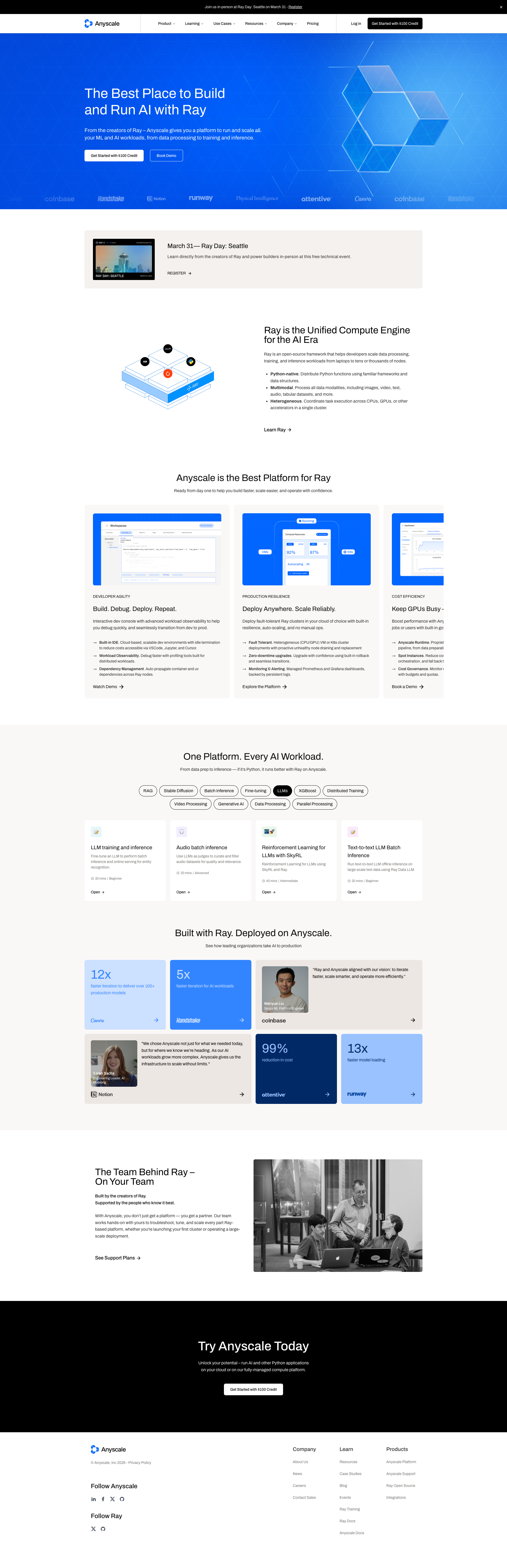
Asset loading failures (broken image resources) disrupt logo display
CRIT P9
Prompt to Fix
Audit all logo image assets in the hero/partners grid. For each <img>, ensure the src URL is correct and the resource is served from a reliable host. If an image cannot be loaded, provide a fallback (inline SVG) and keep an accessible alt attribute describing the brand (e.g., alt='Attentive' instead of 'attentive-logo'). Validate that all logos render without breaking the layout and that screen readers receive meaningful names even if images fail to load.
Why it's a bug
Console shows multiple resource loading failures (ERR_NAME_NOT_RESOLVED and 404). This means important brand logos are not displayed in the logos/partner section, which harms perceivable content and user trust. Missing visual content can also affect screen reader users who rely on alt text to identify content.
Why it might not be a bug
If assets are optional decorative elements, their absence would be less impactful; however, the logos appear to be part of brand showcase content, so missing assets are a real accessibility/usability issue.
Suggested Fix
Correct asset URLs and hosting for all logos; ensure assets load from a reliable origin or CDN; add sane fallback content (inline SVG or placeholder) if an image fails to load; keep alt text meaningful and ensure it remains accessible even when images fail to render.
Why Fix
Ensures that users relying on visual cues and screen readers can perceive and understand the brand content, sustaining trust and task completion.
Route To
Frontend Engineer
Page
Tester
 Alejandro · Accessibility Specialist
Technical Evidence
Console:
[LOG] Failed to load resource: net::ERR_NAME_NOT_RESOLVED
[ERROR] Failed to load resource: the server responded with a status of 404 ()
[ERROR] Failed to load resource: net::ERR_NAME_NOT_RESOLVED
[ERROR] Failed to load resource: net::ERR_NAME_NOT_RESOLVED
[LOG] navItems JSHandle@array
[LOG] item Product JSHandle@array
Network:
image URLs from images.ctfassets.net (logo assets) failing to load due to DNS/404 errors2
Missing/Failed to load images due to server errors (404 and DNS resolution failures)
CRIT P9
Prompt to Fix
Problem: Several informative images on the events page fail to load (console shows 404 and ERR_NAME_NOT_RESOLVED). This reduces perceivability for users relying on visuals and alt text.
Fix: 1) Identify image asset URLs in the page code and verify they point to valid, accessible paths. 2) Ensure the hosting domain is correctly configured and resolvable (check DNS, CDN configuration, and server routing). 3) If images are external, update the allowed domains in the image loader/config (e.g., Next.js next/image). 4) If any images are non-essential, mark them as decorative with alt="" to prevent unnecessary load failures. 5) Implement robust fallback UI so that content remains understandable even if images fail to load. 6) Re-test loading in production and monitor console for errors to meet WCAG 2.1 AA requirements for perceivable content.
Why it's a bug
Several important images on the page fail to load, as shown by console errors (404 and ERR_NAME_NOT_RESOLVED). When images don’t load, screen reader users may rely on alt text to understand content; if images are essential for conveying information, their absence reduces perceivability and can disrupt task completion. This also harms visual users who rely on those visuals for context.
Why it might not be a bug
If certain images are purely decorative and have empty alt text, their absence would not impact accessibility; however, the console indicates failures for likely informative assets rather than clearly decorative ones.
Suggested Fix
Audit and correct all image asset URLs. Ensure the hosting domain is resolvable and the paths are correct. If images are hosted on a CDN, confirm allowed external domains and CORS settings. Provide fallback placeholders or mark non-essential images as decorative (alt=""). Verify assets load in production and monitor for broken links.
Why Fix
Restoring images ensures content is perceivable for all users, including those using screen readers, and maintains layout and informational integrity for sighted users.
Route To
Frontend Engineer / Web Accessibility Engineer
Page
Tester
Alejandro · Accessibility SpecialistTechnical Evidence
Console:
[ERROR] Failed to load resource: the server responded with a status of 404 ()
[ERROR] Failed to load resource: net::ERR_NAME_NOT_RESOLVED
[ERROR] Failed to load resource: net::ERR_NAME_NOT_RESOLVED
[ERROR] Failed to load resource: net::ERR_NAME_NOT_RESOLVED
[ERROR] Failed to load resource: net::ERR_NAME_NOT_RESOLVED
[ERROR] Failed to load resource: net::ERR_NAME_NOT_RESOLVED
Network:
404 errors for image assets; DNS resolution failures for image URLs3
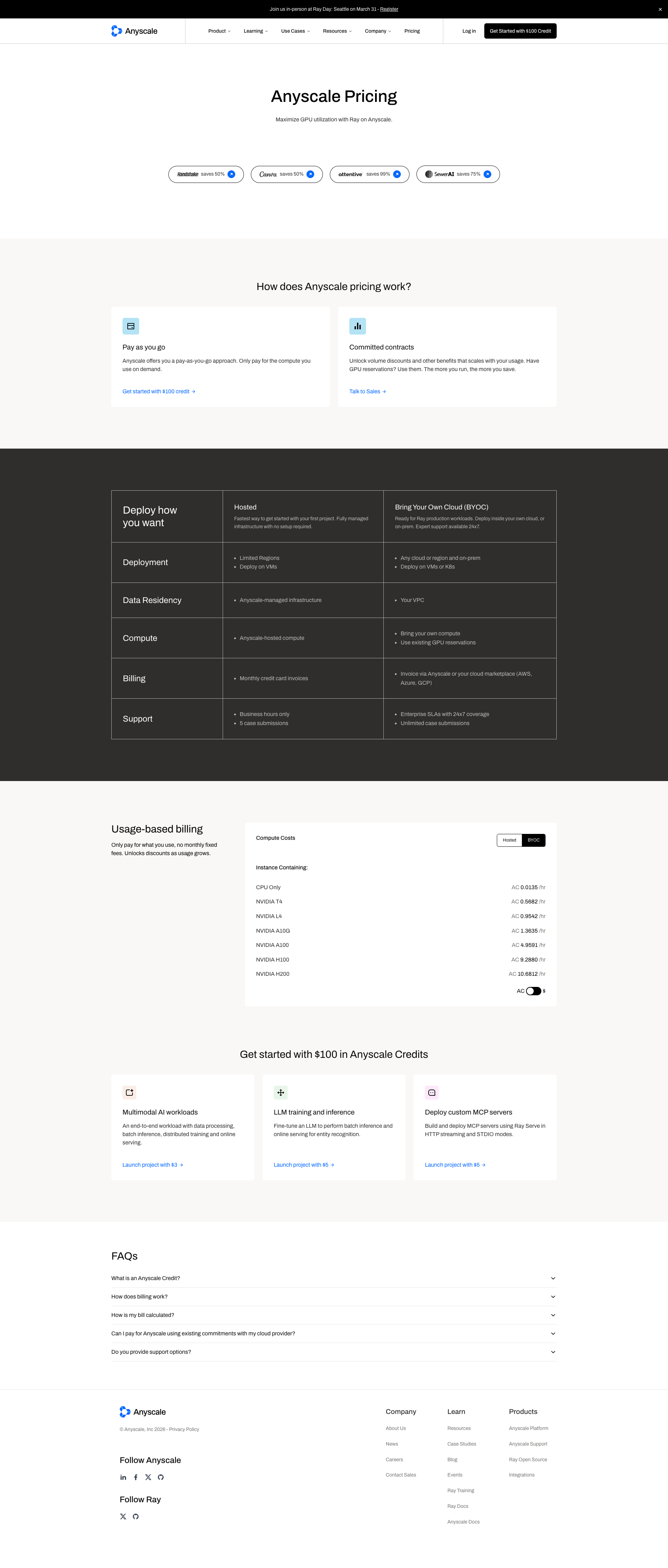
Hero pricing pills have unclear/unreadable labels
CRIT P9
Prompt to Fix
The pricing hero's five pill-shaped labels are unreadable/garbled in the screenshot. Replace with clear, explicit labels that match actual offerings. Example fix: 'Pay-as-you-go', 'Committed contracts', 'Reserved instances', 'Intro credits', 'Custom plans'. Ensure font size is 14–16px, high contrast (#0a0a0a on #ffffff or similar), adequate padding, and no truncation at typical breakpoints. Verify accessibility with ARIA labels.
Why it's a bug
In the pricing hero, there are five pill-shaped labels whose text is unclear or appears garbled in the screenshot, making it impossible for users to understand what each option represents. This blocks quick comprehension of pricing options and can erode trust.
Why it might not be a bug
If these are dynamic placeholders or rendering artifacts, they may appear clear in production. However, as shown, the text is unreadable and must be clarified for real users.
Suggested Fix
Replace the unclear pill labels with explicit, concise options that reflect actual pricing or feature groups (for example: 'Pay-as-you-go', 'Committed contracts', 'Reserved instances', 'Intro credits', 'Custom plans'). Use a legible font size (14–16px), high contrast text color, and adequate padding so text remains readable on all devices; ensure labels do not truncate at common breakpoints.
Why Fix
Clear, legible pricing labels enable users to quickly compare options, complete the pricing task, and trust the product, reducing drop-offs on the pricing page.
Route To
Frontend Engineer / UI Designer
Page
Tester
 Mia · Usability Tester
Technical Evidence
Elements:
Hero section with five pricing option pillsConsole:
[console] Failed to load resource: 404 ()Page Text:
AnyScale Pricing