Amplify Partners
App Quality Report
Powered by Testers.AI
B86%
Quality Score
23
Pages
32
Issues
7.5
Avg Confidence
6.5
Avg Priority
2 Critical11 High19 Medium
Testers.AI
>_ Testers.AI AI Analysis

Amplify Partners scored B (86%) with 32 issues, ranking #40 of 47 VC sites. That's 9 more than the 22.7 category average (19th percentile).

Top issues to fix immediately: "404 Page Displayed - User Cannot Access Intended Content" โ€” Implement 301/302 redirects for moved pages, ensure all internal navigation links point to valid URLs, and verify tha...; "404 Page Not Found - Missing Page Content" โ€” Verify that all internal links across the site are correct and point to valid pages; "Privacy Policy page appears to have severely reduced or unreadable tex" โ€” Increase the contrast ratio between text and background to meet WCAG AA standards (minimum 4.

Weakest area โ€” accessibility (5/10): Color contrast appears adequate in places but may be insufficient in others.

Quick wins: Improve content hierarchy by clearly labeling sections and improving navigation visibility. Add comprehensive accessibility features including ARIA labels, proper heading structure, and alt text for images.
Qualitative Quality
Amplify Partners
Category Avg
Best in Category
Issue Count by Type
UX
28
Visual
14
A11y
10
Content
9
Pages Tested ยท 23 screenshots
Detected Issues ยท 32 total
1
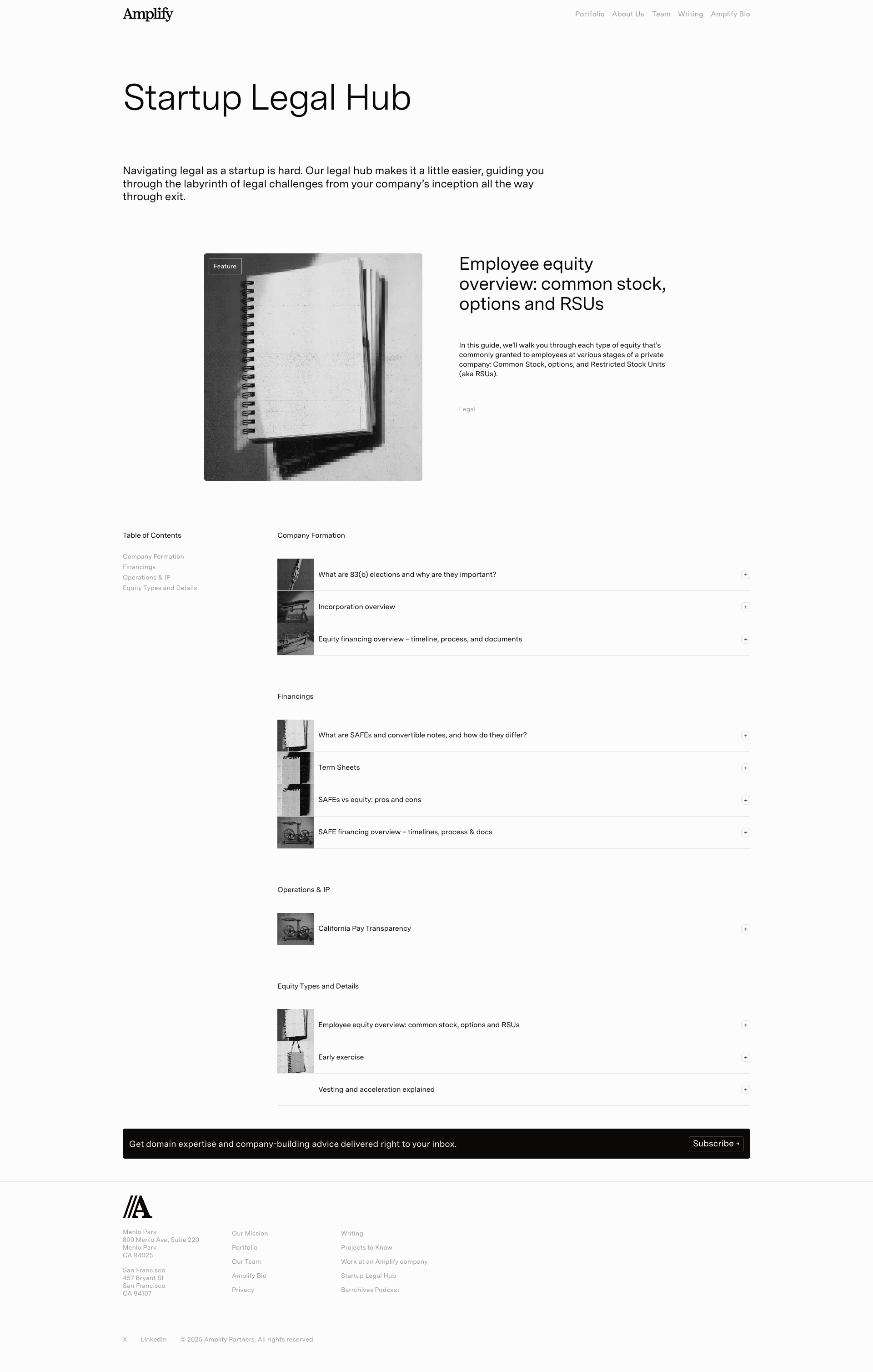
404 Page Displayed - User Cannot Access Intended Content
CRIT P9
Conf 9/10 Other
Prompt to Fix
The issue is a 404 Page Not Found error is being displayed to users, preventing access to content. Fix it by verifying the requested URL is correct, implementing proper redirects for any moved pages, ensuring all internal navigation links point to valid resources, and confirming all pages are properly deployed to the server.
Why it's a bug
The page is displaying a 404 'Page Not Found' error message, indicating the user has navigated to a non-existent or moved page. This is a critical user-facing error that prevents access to intended content and suggests either a broken link, incorrect URL, or missing page resource.
Why it might not be a bug
This could be intentional if the user manually typed an incorrect URL, but the presence of this error suggests either broken internal navigation links or a page that was recently removed without proper redirects.
Suggested Fix
Implement 301/302 redirects for moved pages, ensure all internal navigation links point to valid URLs, and verify that all portfolio, team, and content pages are properly deployed and accessible.
Why Fix
Fixing broken navigation and 404 errors is critical for user experience and SEO. Users encountering 404 pages are likely to leave the site, and search engines penalize sites with excessive 404 errors.
Route To
Backend/DevOps Engineer
Page
Tester
Sharon ยท Security Tester
Technical Evidence
Elements: <h1>Page Not Found</h1>, <p>The page you are looking for doesn't exist or has been moved</p>, <a href='/'>Back to home</a>
Network: Failed page load request returning 404 status code
Page Text: Page Not Found - The page you are looking for doesn't exist or has been moved
2
404 Page Not Found - Missing Page Content
CRIT P9
Conf 9/10 OtherContent
Prompt to Fix
The issue is that a 404 Page Not Found error is being displayed, indicating either a broken link or deleted content. Fix it by auditing all internal links on the site, updating or removing broken references, and ensuring the URL path is correct. Implement automated link validation in your deployment pipeline.
Why it's a bug
The page displays a 404 error message stating 'Page Not Found' with the explanation 'The page you are looking for doesn't exist or has been moved.' This indicates the user has navigated to a non-existent or broken URL. This is a critical user experience issue as it represents a broken page state.
Why it might not be a bug
A 404 error page itself is a standard HTTP response and not technically a bug in the application. However, the appearance of this page suggests either a broken link somewhere on the site, a deleted page, or a URL issue.
Suggested Fix
Verify that all internal links across the site are correct and point to valid pages. Check if this page was recently deleted or moved and update references accordingly. Consider implementing a sitemap and link validation in the build process.
Why Fix
Users encountering 404 pages have a broken experience and cannot access intended content. This impacts user retention and satisfaction. Identifying and fixing broken links is essential for maintaining site health.
Route To
Full Stack Engineer / DevOps
Page
Tester
Sharon ยท Security Tester
Technical Evidence
Elements: <h1>Page Not Found</h1>, <p>The page you are looking for doesn't exist or has been moved</p>, <a href='/'>Back to home</a>
Console: 404 HTTP Status Code
Network: GET request returned 404 status
Page Text: Page Not Found, The page you are looking for doesn't exist or has been moved
3
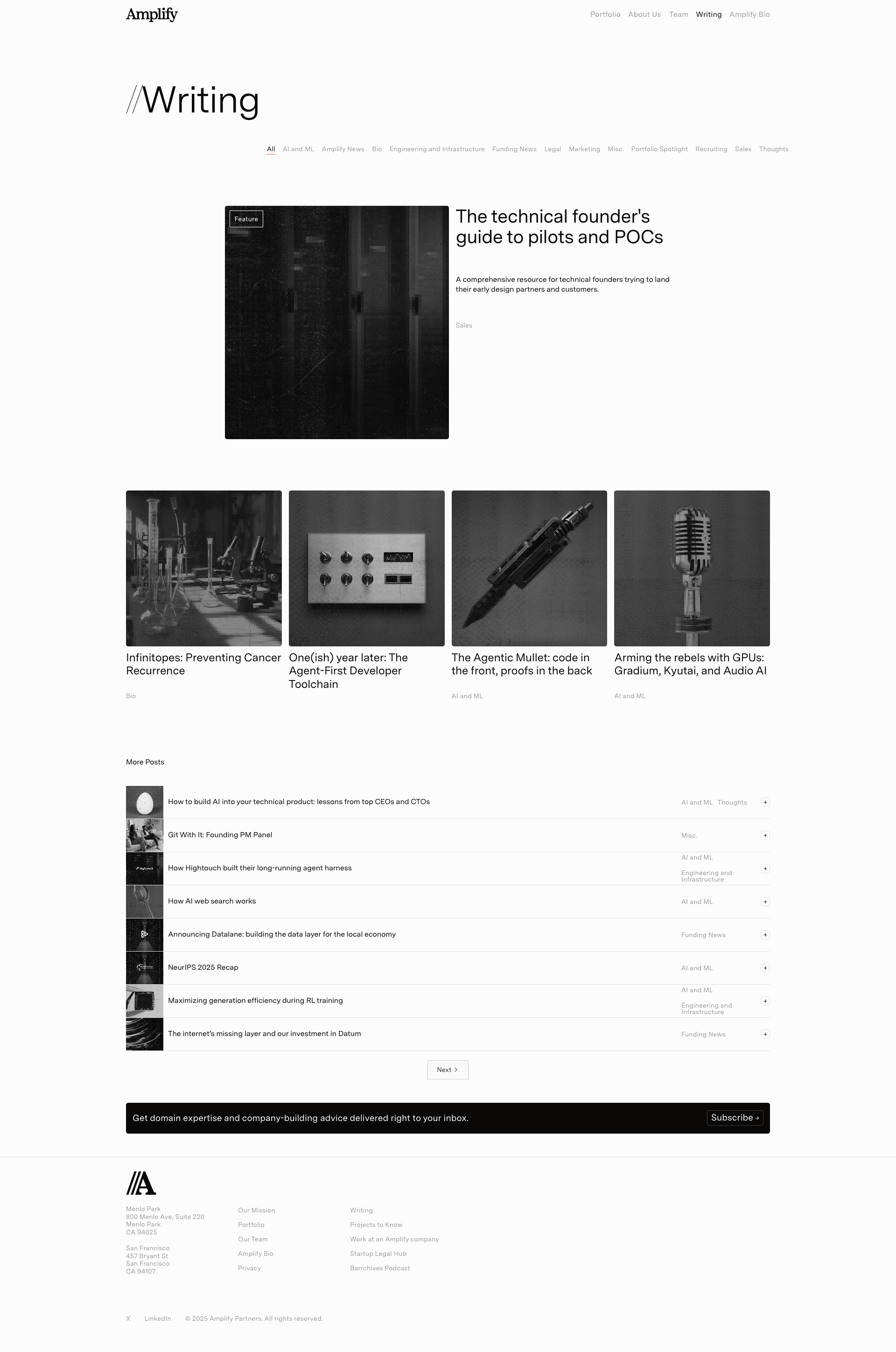
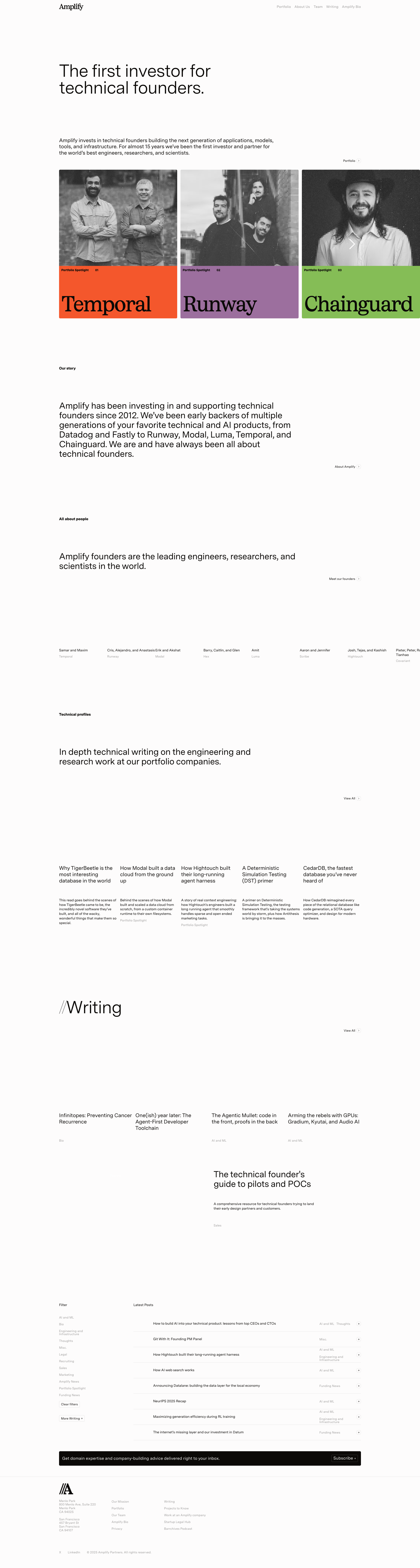
Completely black content area in fourth featured article
HIGH P8
Conf 9/10 VisualContent
Prompt to Fix
The fourth featured article card displays as a completely black rectangle with no visible content. Fix this by debugging the CSS styling, verifying background image assets are loading, and implementing fallback styling to ensure content is always visible to users.
Why it's a bug
The fourth featured article card in the grid displays as a completely black rectangle with no visible content, text, or imagery. This appears to be a rendering failure, broken image, or CSS issue that prevents users from seeing the article title or preview.
Why it might not be a bug
The black area could theoretically be intentional design, but given the context of article preview cards, this is extremely unlikely and provides no value to users.
Suggested Fix
Investigate and fix the CSS styling for this card element, verify the background image is loading properly, or ensure the content is rendering correctly. Add fallback styling to prevent completely blank/black states.
Why Fix
Users cannot see what article this card represents, making it impossible to interact with or understand the content offering. This significantly impacts usability and user engagement.
Route To
Frontend Engineer / UI Developer
Page
Tester
Sharon ยท Security Tester
Technical Evidence
Elements: <div class='article-card'> or <section> containing the black rectangle
Console: Potential CSS rendering errors or failed image load requests
Network: Failed image asset request for the fourth article card
Page Text: Fourth article card in featured section - title not visible
+29
29 more issues detected  View all →
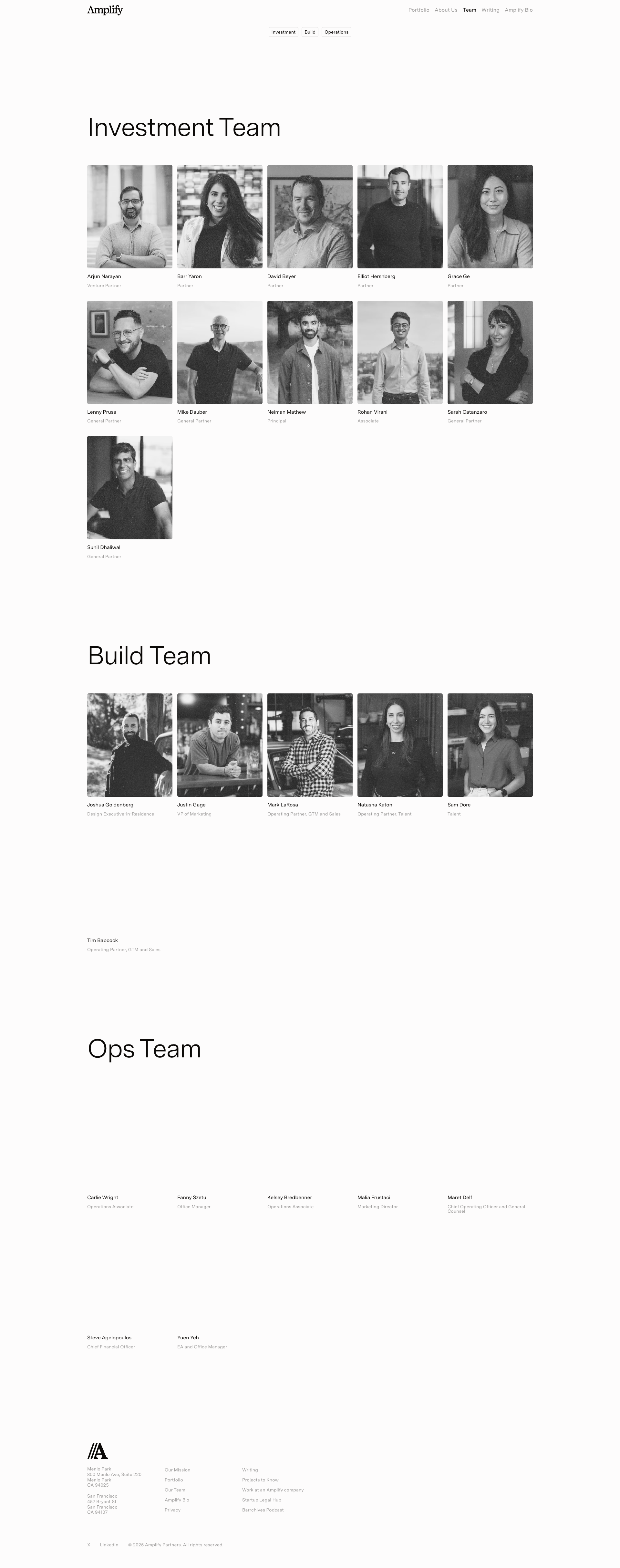
Ops Team section appears incomplete or missing team member i...
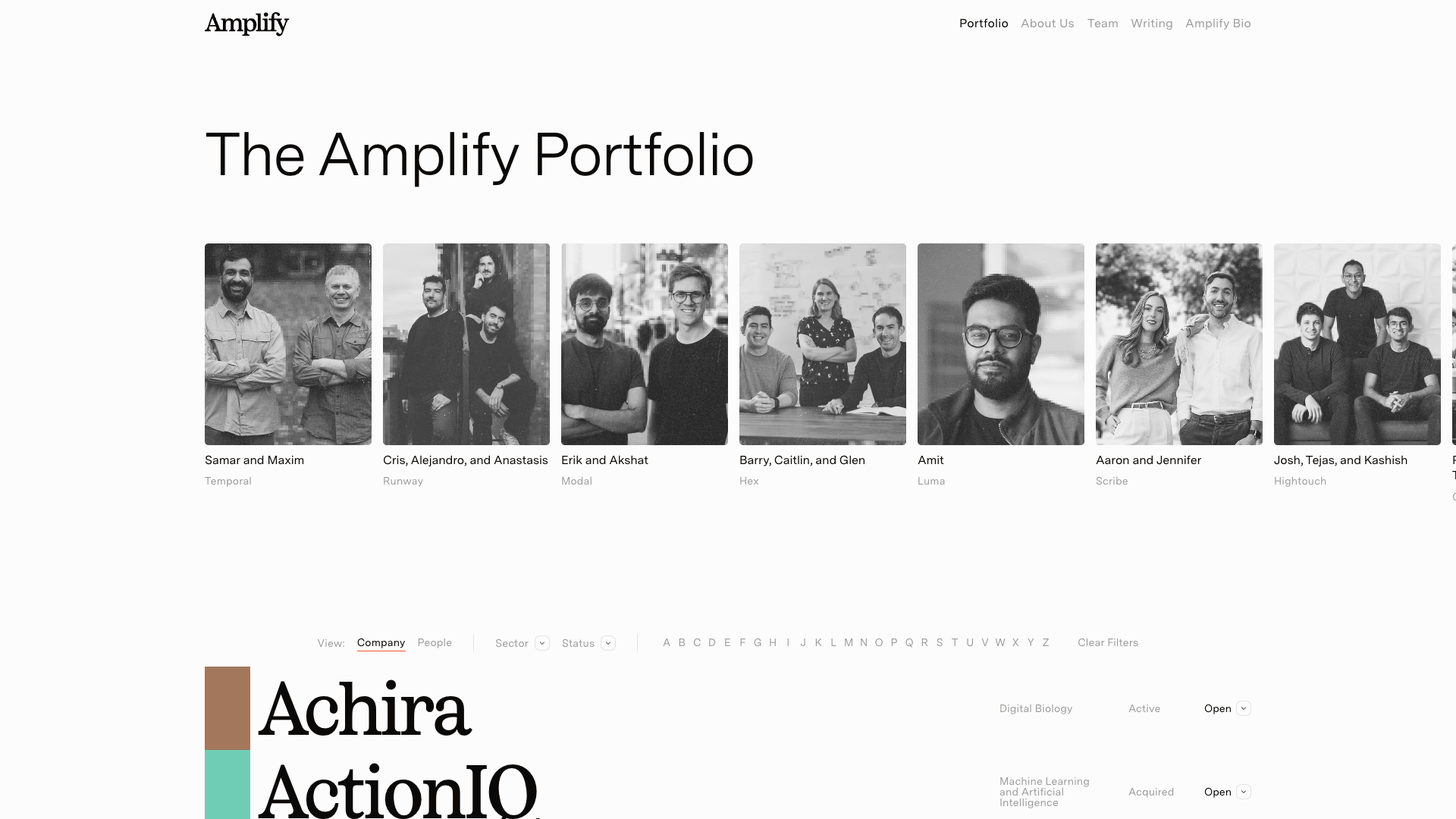
Incomplete text rendering - 'TigerBeetle tldraw Tracelytics ...
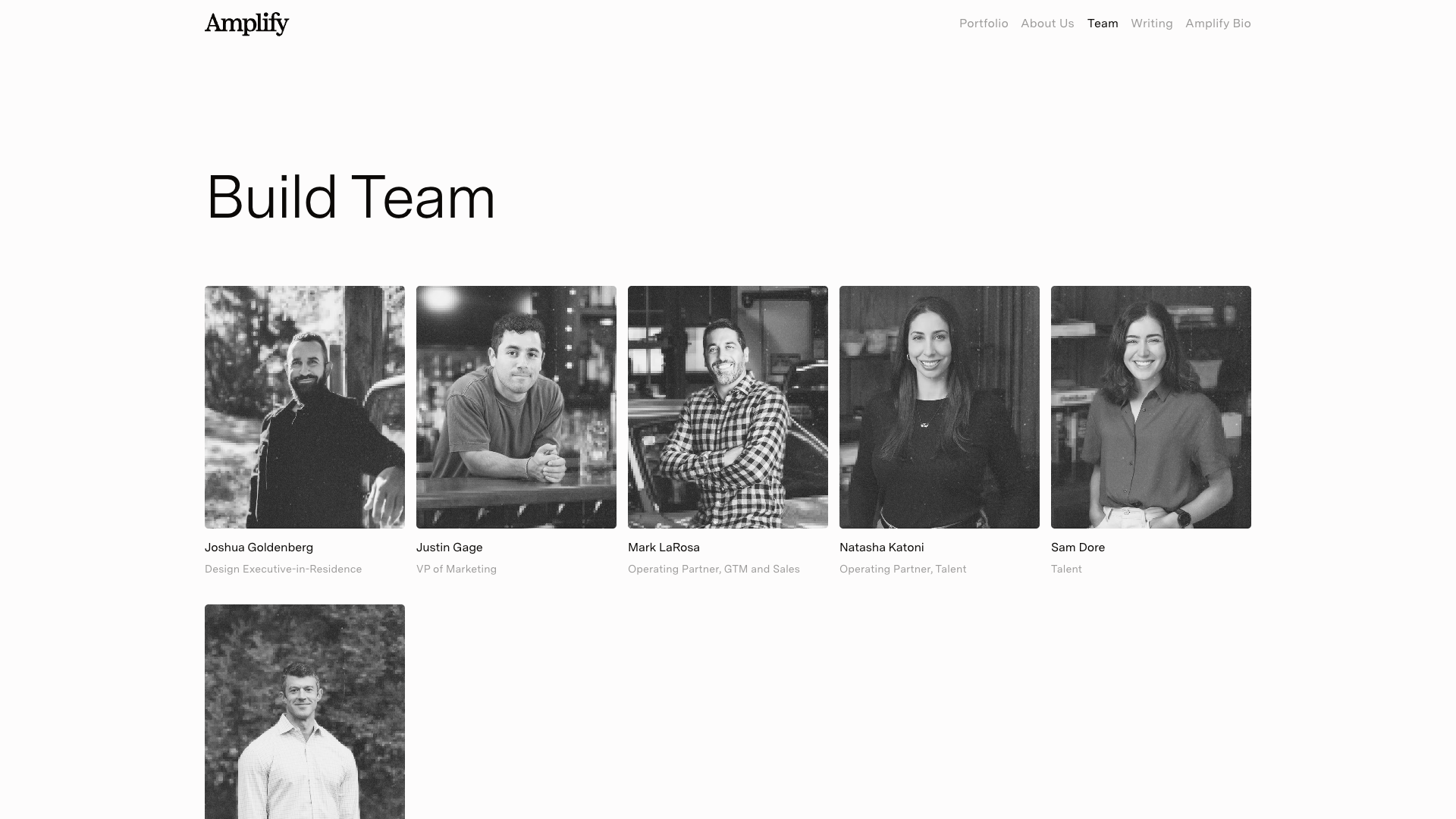
Missing or placeholder text under founder photos
and 26 more...
Unlock All 32 Issues
You're viewing the top 3 issues for Amplify Partners.
Sign up at Testers.AI to access the full report with all 32 detected issues, detailed fixes, and continuous monitoring.
Sign Up at Testers.AI or let us run the tests for you