B84%
Quality Score
7
Pages
88
Issues
8.0
Avg Confidence
7.7
Avg Priority
23 Critical53 High11 Medium1 Low

>_ Testers.AI
AI Analysis
Meta AI was tested and 88 issues were detected across the site. The most critical finding was: Non-descriptive alt text for informative image (1x1 placeholder). Issues span A11y, Performance, Other, UX categories. Persona feedback rated Visual highest (7/10) and Accessibility lowest (6/10).
Qualitative Quality
Meta AI
Category Avg
Best in Category
Pages Tested · 7 screenshots
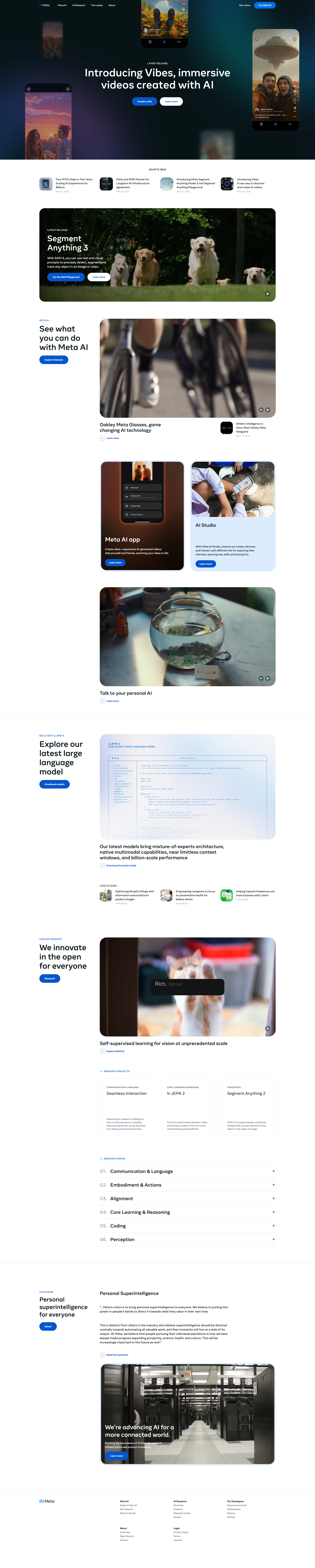
Homepage
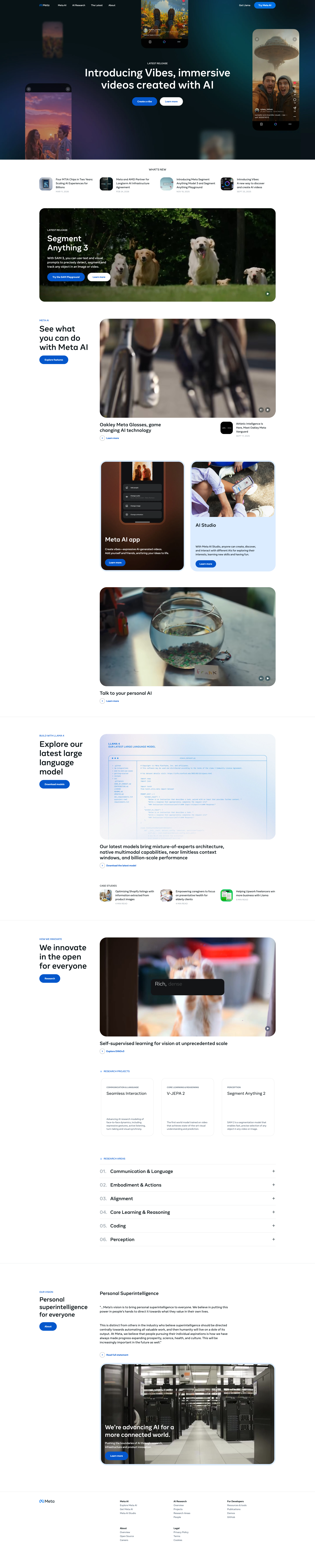
ai.meta.com

ai.meta.com
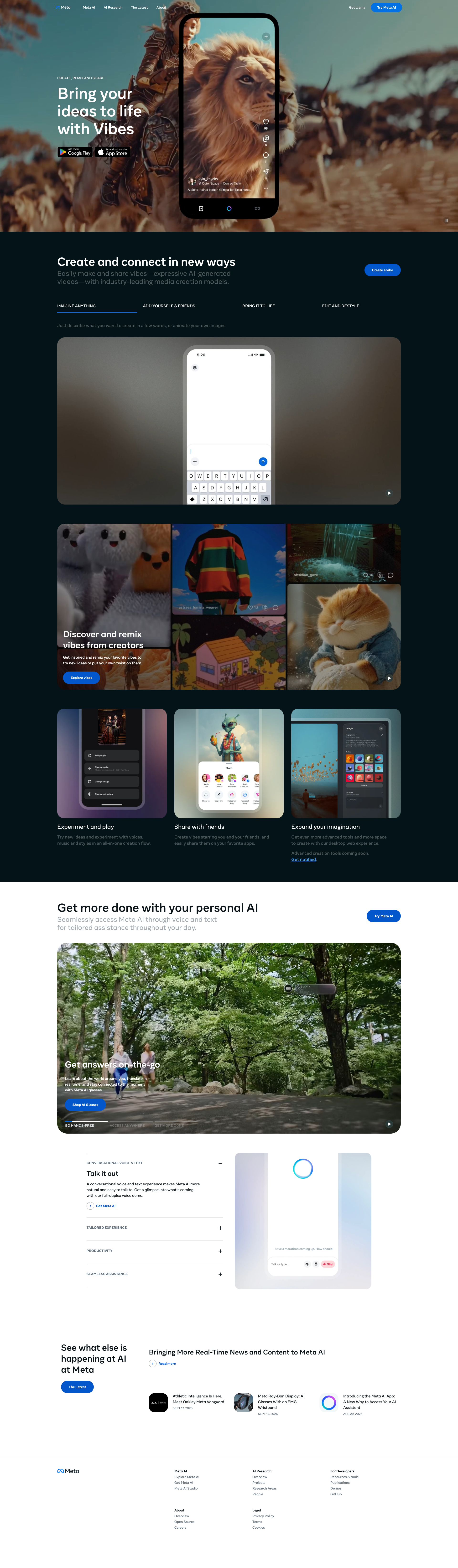
ai.meta.com
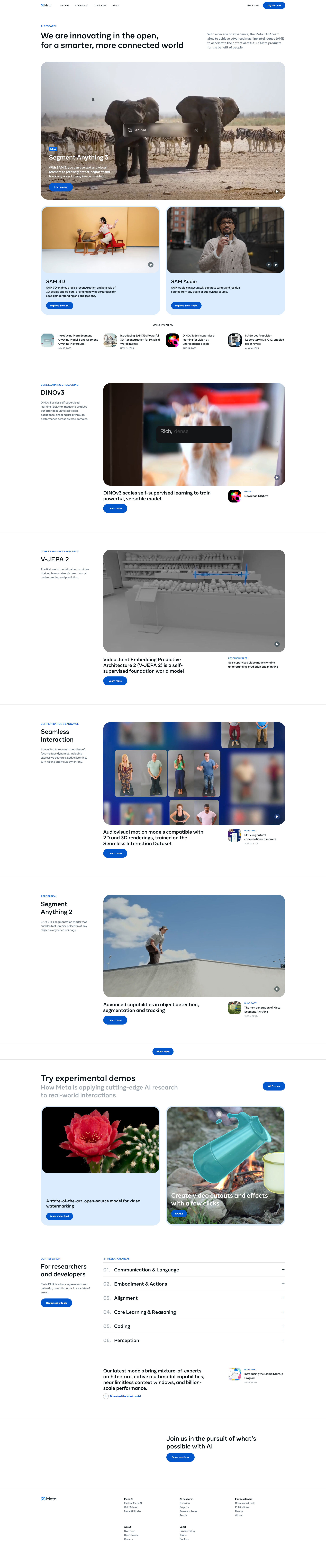
ai.meta.com

ai.meta.com

ai.meta.com
Detected Issues · 88 total
1
Non-descriptive alt text for informative image (1x1 placeholder)
CRIT P9
Prompt to Fix
In the img tag for the placeholder image that currently has alt='1x1 placeholder' and is not marked as decorative, replace the alt attribute with a descriptive text that conveys the image’s content or purpose (e.g., alt='Grid placeholder for future content'), or set alt='' and role='presentation' if it is strictly a decorative element. Ensure all informative images have meaningful alt text that communicates content to users who rely on screen readers. This aligns with WCAG 2.1 success criterion 1.1.1 (Non-text Content) and 4.1.2 (Name, Role, Value).
Why it's a bug
The image has alt text '1x1 placeholder' which does not describe its content or purpose. Screen readers will announce a meaningless label, confusing users relying on assistive tech.
Why it might not be a bug
If the image is purely decorative and intentionally non-informative, it should have an empty alt attribute (alt='') to be ignored by screen readers. In this case, the metadata indicates it is informative (not decorative), so this is a valid accessibility issue.
Suggested Fix
Replace the alt text with a concise, descriptive phrase about the image content or purpose (e.g., alt='Thumbnail grid placeholder for future content'), or mark as decorative with an empty alt attribute if it is only present for layout.
Why Fix
Descriptive alt text helps screen reader users understand content and layout, aligning with WCAG 1.1.1 (Non-text Content) and 4.1.2 (Name, Role, Value).
Route To
Frontend Developer / Accessibility Specialist
Page
Tester
 Alejandro · Accessibility Specialist
2
Non-descriptive alt text on informative images (placeholder-image)
CRIT P9
Prompt to Fix
Audit all informative images on the page. For each image, ensure the alt attribute is descriptive of the image content or empty if decorative. Replace non-descriptive alts like 'placeholder-image' or vague terms with precise descriptions reflecting the image's purpose. If an image conveys information, its alt should convey that information. If decorative, use alt="". Validate against WCAG 2.1 1.1.1 and 4.1.2; verify with a screen reader.
Why it's a bug
Several informative images have alt text values that are non-descriptive placeholders (e.g., 'placeholder-image', 'random 1') instead of describing the image content. Screen readers would announce non-meaningful text, hindering perceivable access. This violates WCAG 2.1 1.1.1 (Non-text Content) and accessibility best practices.
Why it might not be a bug
If an image is strictly decorative, it should have an empty alt attribute (alt=''). In this screenshot, some images are marked as decorative (isDecorative: true) or have descriptive alt text; only those with placeholder or non-descriptive alts should be flagged as a problem. Since not all placeholder-alt images are clearly decorative, they are potential accessibility issues.
Suggested Fix
For each informative image with non-descriptive alt text, replace the alt attribute with a meaningful description of the image content (e.g., 'SAM 3 tile thumbnail', 'Soccer player kicking ball with Segment Anything overlay'). If an image is purely decorative, set alt="" so screen readers skip it. Ensure all informative images have descriptive alt text aligned with their content.
Why Fix
Descriptive alt text enables screen reader users to understand the purpose and content of images, improving accessibility and user experience for visually impaired users.
Route To
Frontend Accessibility Engineer
Page
Tester
Alejandro · Accessibility SpecialistTechnical Evidence
Console:
No console logs available3
Informative thumbnails missing descriptive alt text
CRIT P9
Prompt to Fix
Context: News thumbnails across the page appear to convey information but lack descriptive alt text. Task: Add descriptive alt attributes for all non-decorative thumbnail images in the Latest News and related sections. Example fix: <img src="..." alt="Thumbnail for article: 'AI breakthroughs in 2024' showing a stylized brain graphic">. If an image is decorative, remove it as content-bearing imagery or set aria-hidden="true" and provide empty alt. Verify with a screen reader (JAWS/NVDA) and run automated checks for WCAG 1.1.1.
Why it's a bug
Several article/news thumbnail images appear in the Latest News and More from AI at Meta sections without descriptive alt text. Screen readers rely on alt text to convey image content; missing or empty alt text on informative images makes content inaccessible to users who are visually impaired.
Why it might not be a bug
If any of these images are strictly decorative or layout-only, empty alt text or aria-hidden would be appropriate. From the screenshot, many thumbnails appear to convey content, not decoration, so descriptive alt text is needed.
Suggested Fix
For each informative image in the news grid, provide a descriptive alt attribute (e.g., alt="Thumbnail for article: [title]"). If an image is strictly decorative, mark it as decorative with an empty alt or aria-hidden="true" to avoid redundant narration.
Why Fix
Descriptive alt text enables screen reader users to understand image content, improving accessibility and meeting WCAG 2.1 guideline 1.1.1 (Non-text Content) and 2.4.5 (Use of Headings) insofar as the content is conveyed through imagery.
Route To
Frontend/Accessibility Engineer
Page
Tester
Alejandro · Accessibility SpecialistTechnical Evidence
Console:
[ERROR] ErrorUtils caught an error:

Could not find element "u_0_e_2q" [Caught in: Module "__elem_072b8e64_0_1b_v3"]
Network:
Loading the image 'https://connect.facebook.net//log/error?p=pixel&sl=1&v=2.9.280&e=Fail%20to%20read%20from%20cookie%3A%20&ue=0&rs=stable&rqm=FGET' violates the following Content Security Policy directive: "img-src *.facebook.com *.fbcdn.net static.xx.fbcdn.net *.fbsbx.com 'self' data: blob: https://*.ai.meta.com ..."