B-82%
Quality Score
7
Pages
104
Issues
8.1
Avg Confidence
7.9
Avg Priority
50 Critical37 High17 Medium

>_ Testers.AI
AI Analysis
Insomnia was tested and 104 issues were detected across the site. The most critical finding was: Decorative header icons lack explicit accessibility labeling (missing alt attributes). Issues span A11y, Performance, Other, UX categories. Persona feedback rated Visual highest (8/10) and Accessibility lowest (6/10).
Qualitative Quality
Insomnia
Category Avg
Best in Category
Pages Tested · 7 screenshots
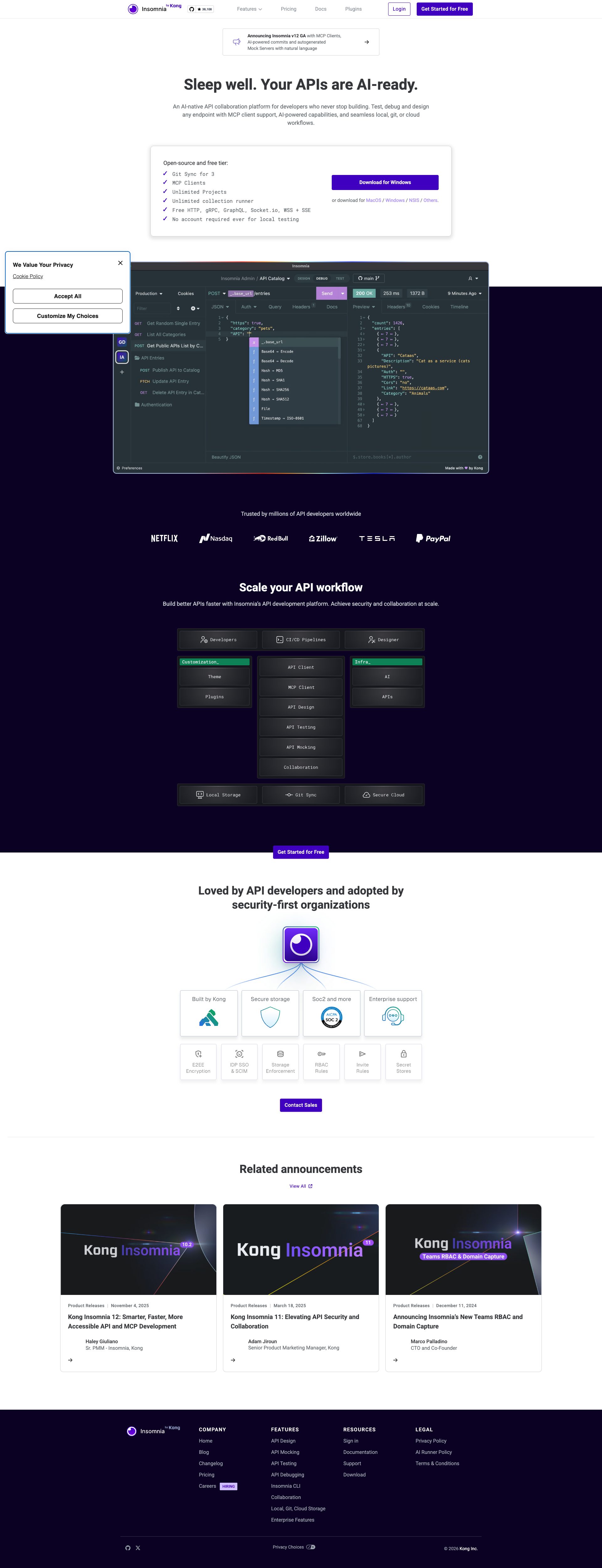
Homepage

insomnia.rest
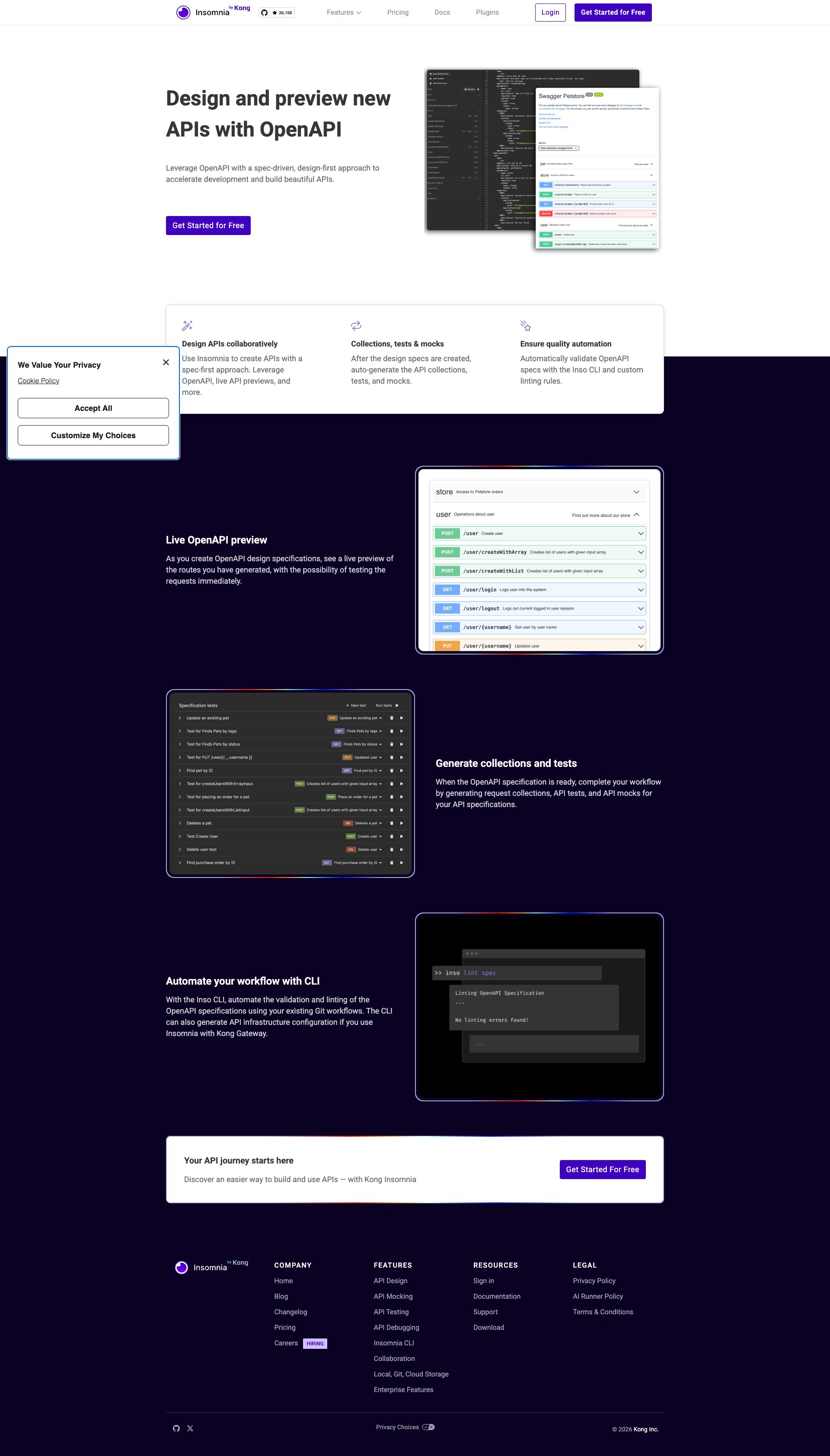
insomnia.rest
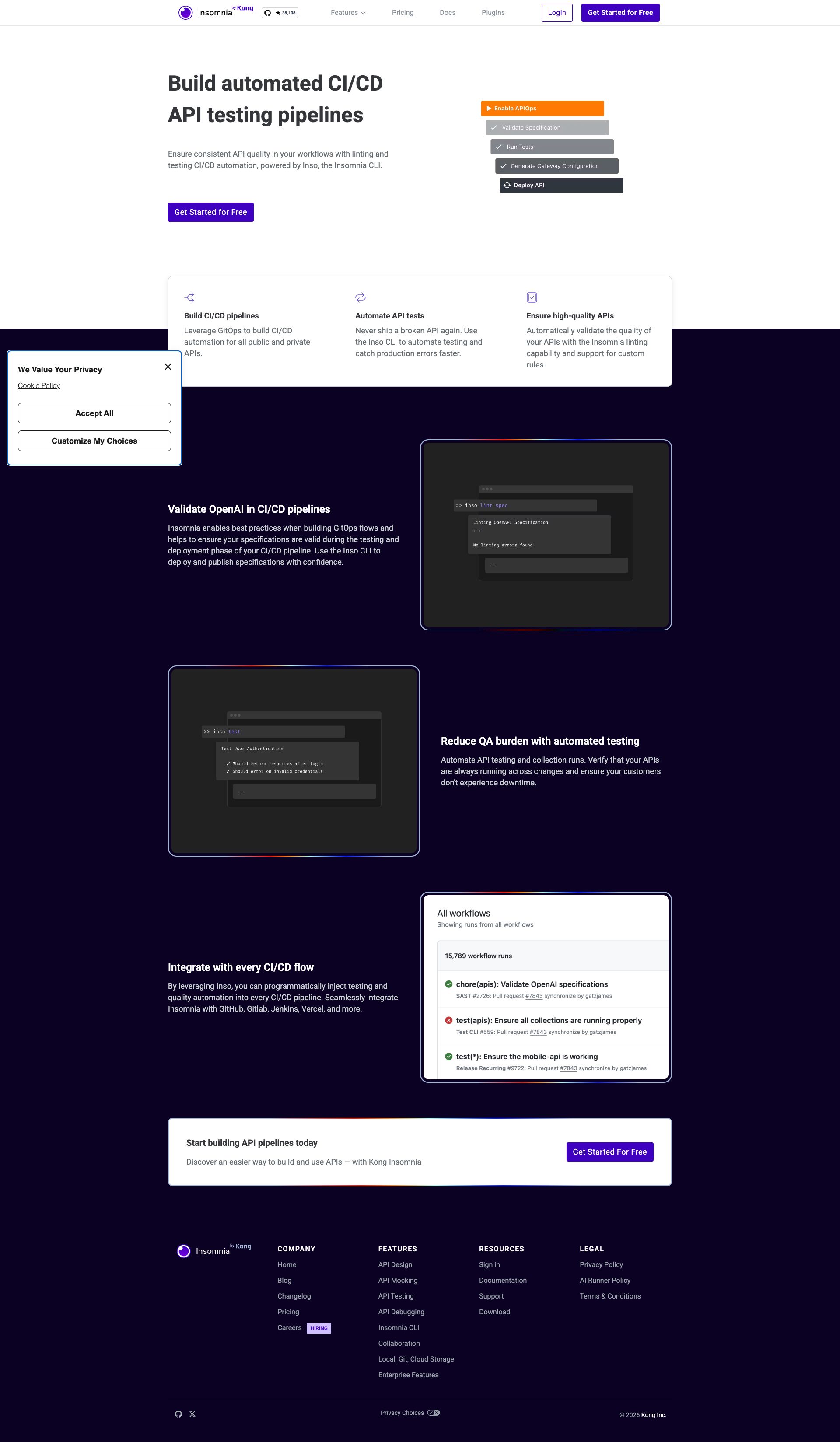
insomnia.rest
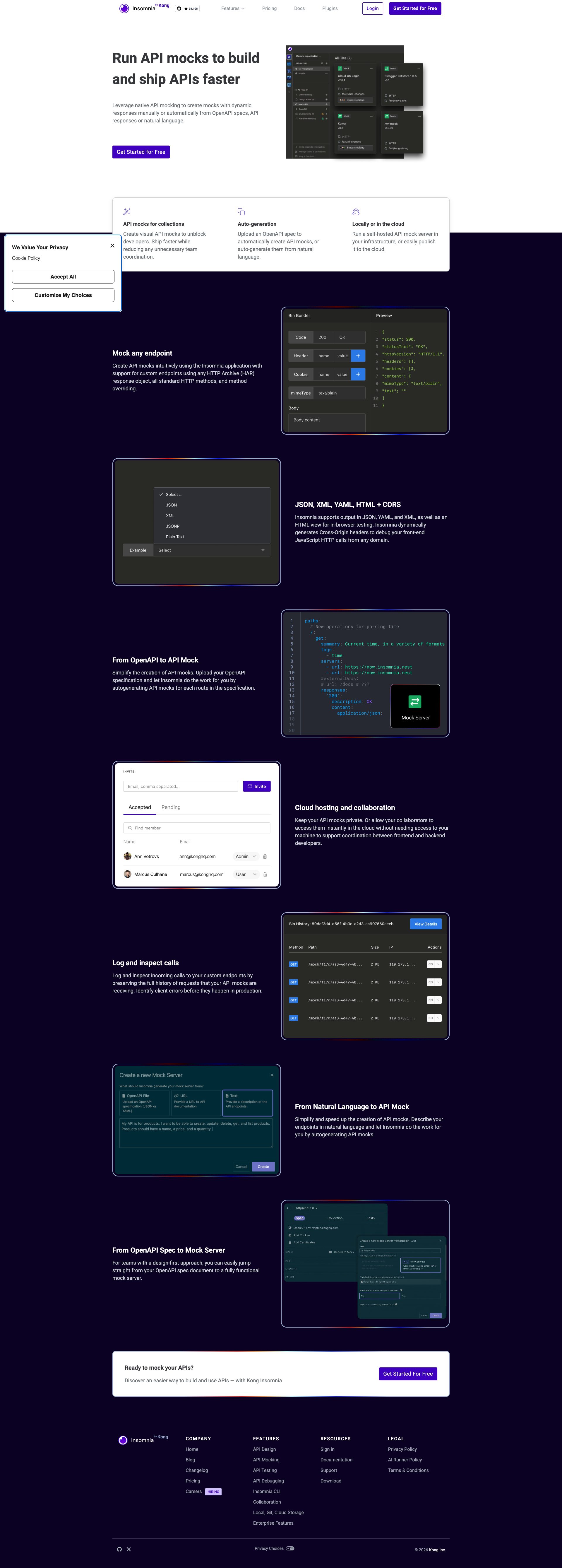
insomnia.rest

insomnia.rest
insomnia.rest
Detected Issues · 104 total
1
Decorative header icons lack explicit accessibility labeling (missing alt attributes)
CRIT P9
Prompt to Fix
In the header, identify all <img> icons that are decorative (isDecorative: true). Ensure each has alt=''. If an icon conveys a function, replace with a descriptive alt text or add an accessible label (aria-label). Update the HTML so decorative icons are not announced by screen readers (alt='' or aria-hidden='true') and informative icons have meaningful alt text. Validate with an accessibility checker to meet WCAG 2.1 AA requirements for text alternatives and ARIA labeling.
Why it's a bug
Several header icons are marked as decorative but their corresponding HTML appears to lack an explicit empty alt attribute or accessible name, which can cause screen readers to announce non-descriptive file names or read content that isn’t meaningful. This reduces clarity for users relying on assistive technologies.
Why it might not be a bug
If an icon is truly decorative, it should be hidden from accessibility APIs either with an empty alt attribute (alt='') or aria-hidden='true'. The provided data shows isDecorative: true for these icons, but some entries also indicate missing or empty alt attributes, which is inconsistent and can create confusion for screen reader users.
Suggested Fix
Mark all decorative header icons with alt='' or aria-hidden='true'. For icons that convey meaning or function, provide descriptive alt text (e.g., alt='API design icon' or aria-label). Ensure all <img> elements have an appropriate accessible name or are explicitly hidden from AT when decorative.
Why Fix
Correct handling of decorative vs. informative imagery ensures screen reader users aren’t exposed to meaningless file names and can focus on content that matters, aligning with WCAG 2.1 guidelines for non-text content and accessible labeling.
Route To
Frontend Developer / Accessibility Specialist
Page
Tester
 Alejandro · Accessibility Specialist
Technical Evidence
Console:
[ERROR] Failed to load resource: net::ERR_NAME_NOT_RESOLVEDNetwork:
https://insomnia.rest/images/header/icon-api-desig2
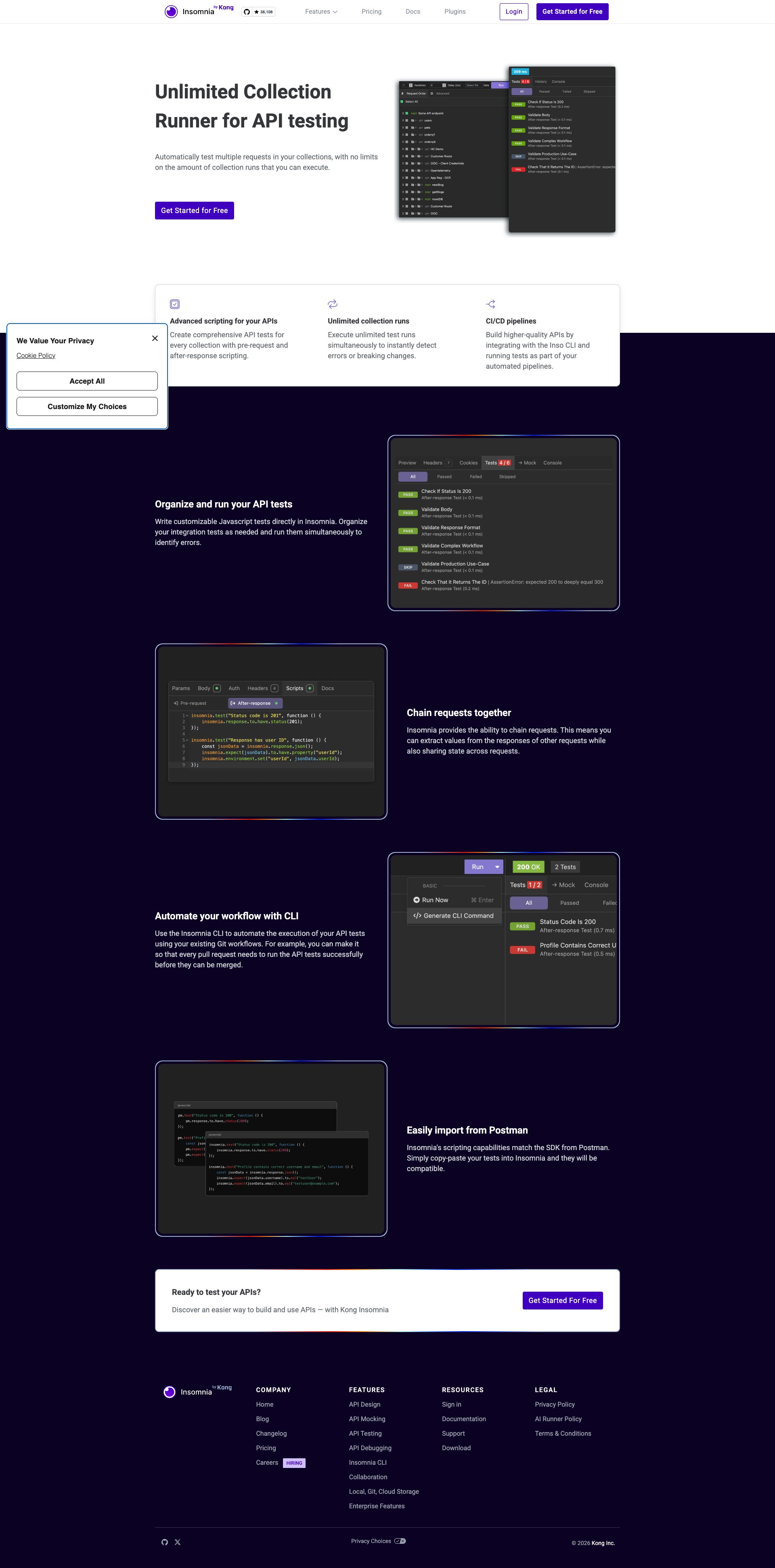
Cookie consent modal obstructs primary content
CRIT P9
Prompt to Fix
relocate the cookie consent modal from the bottom-left overlay to a non-blocking position (bottom-center or bottom-right). Ensure it is clearly dismissible with an accessible close button, and that the underlying content remains fully visible and accessible. Update CSS to prevent occlusion of navigation and headings, and implement proper focus trapping when the banner is open.
Why it's a bug
The cookie consent modal is anchored in the bottom-left and overlays important content, including navigation and section headers. This blocks the user from quickly scanning content and accessing controls beneath the banner.
Why it might not be a bug
Cookie notices are common and sometimes overlaid. However, in this screenshot the banner actively covers key UI areas, which is disruptive and not ideal for first-time users.
Suggested Fix
Move the cookie banner to a non-blocking area (e.g., bottom-center or bottom-right) or make it dismissible with a clearly accessible close button. Ensure it does not cover the left navigation or initial content. Increase hit-area for actions and ensure keyboard accessibility (Esc to dismiss, focus management).
Why Fix
Removing obstruction improves first-time user onboarding, allows users to quickly read headings and navigate, and reduces frustration from hidden content.
Route To
Frontend Engineer
Page
Tester
 Mia · Usability Tester
Technical Evidence
Elements:
cookie consent modal DOM overlay positioned bottom-left with Accept and Customize buttonsPage Text:
We Value Your Privacy3
Decorative header icons lack accessible attributes
CRIT P9
Prompt to Fix
Actionable prompt for a coding assistant: Find all header images flagged as decorative (isDecorative: true). Ensure each has either alt='' (empty alt) or aria-hidden='true'. Remove any non-empty alt text that would be read by screen readers. If any icon conveys information, replace it with an accessible SVG and provide a descriptive aria-label. Apply WCAG 1.1 Non-text Content checks and verify that screen readers do not announce these decorative icons. Example fix: <img src='icon-designer.png' alt='' aria-hidden='true'> or <svg role='img' aria-label='Design icon'>...</svg>.
Why it's a bug
The header includes several decorative icons marked as decorative (isDecorative: true) but the data shows hasAlt: false and alt attributes that are empty or missing. Decorative images should be conveyed to assistive technologies as non-informative (alt='') or hidden via aria-hidden. Without proper attributes, screen readers may announce non-descriptive content (or file names), violating WCAG 1.1 Non-text Content and creating a poor perceivable experience.
Why it might not be a bug
If these icons are truly decorative, they should be marked with an empty alt attribute or aria-hidden to avoid noise for screen readers. However, the current data shows inconsistent handling (some decorative items lacking proper empty alt), which could cause inconsistent accessibility behavior across the header. This is a likely bug rather than a deliberate design choice.
Suggested Fix
Audit all header decorative images. For every image with isDecorative: true, ensure either: a) alt="" is present and isReadOnly, or b) aria-hidden="true" is applied so screen readers ignore the element. If any icon conveys information, replace with a non-decorative element (e.g., inline SVG with a descriptive aria-label or title/desc) and provide descriptive alt text. Validate with a screen reader to confirm decorative content is not announced.
Why Fix
Removing noisy or meaningless announcements improves accessibility for screen reader users and aligns with WCAG 1.1 (Non-text Content) and overall perceivable content quality.
Route To
Frontend Developer / Accessibility Specialist
Page
Tester
Alejandro · Accessibility SpecialistTechnical Evidence
Console:
[ERROR] Failed to load resource: net::ERR_NAME_NOT_RESOLVED