Best Buy
App Quality Report
Powered by Testers.AI
B-80%
Quality Score
6
Pages
162
Issues
7.6
Avg Confidence
7.9
Avg Priority
52 Critical87 High23 Medium
Testers.AI
>_ Testers.AI AI Analysis

Best Buy scored B- (80%) with 162 issues across 6 tested pages, ranking #13 of 14 US retail sites. That's 57 more than the 105.1 category average (7th percentile).

Top issues to fix immediately: "Critical backend service failures preventing core functionality" โ€” Investigate and restore the failed backend services, particularly: (1) the managed content configuration endpoint ret...; "Critical Configuration Fetch Failure - UPA Logger Cannot Load Config" โ€” 1) Identify and investigate the UPA configuration endpoint (which is returning 500), 2) Check backend logs for the UP...; "Critical GraphQL Server Errors - 500 Internal Server Error" โ€” 1) Immediately investigate server logs for the 'GetLocationTooltipMessaging' and 'ConfigData_Init' GraphQL operations.

Weakest area โ€” accessibility (5/10): Text sizes appear small in some areas. No visible alt text for images.

Quick wins: Increase font sizes throughout the page to meet WCAG AA standards, especially for navigation and smaller text. Add descriptive alt text to all product images and promotional banners.

Qualitative Quality
Best Buy
Category Avg
Best in Category
Issue Count by Type
Content
31
A11y
30
Security
7
UX
6
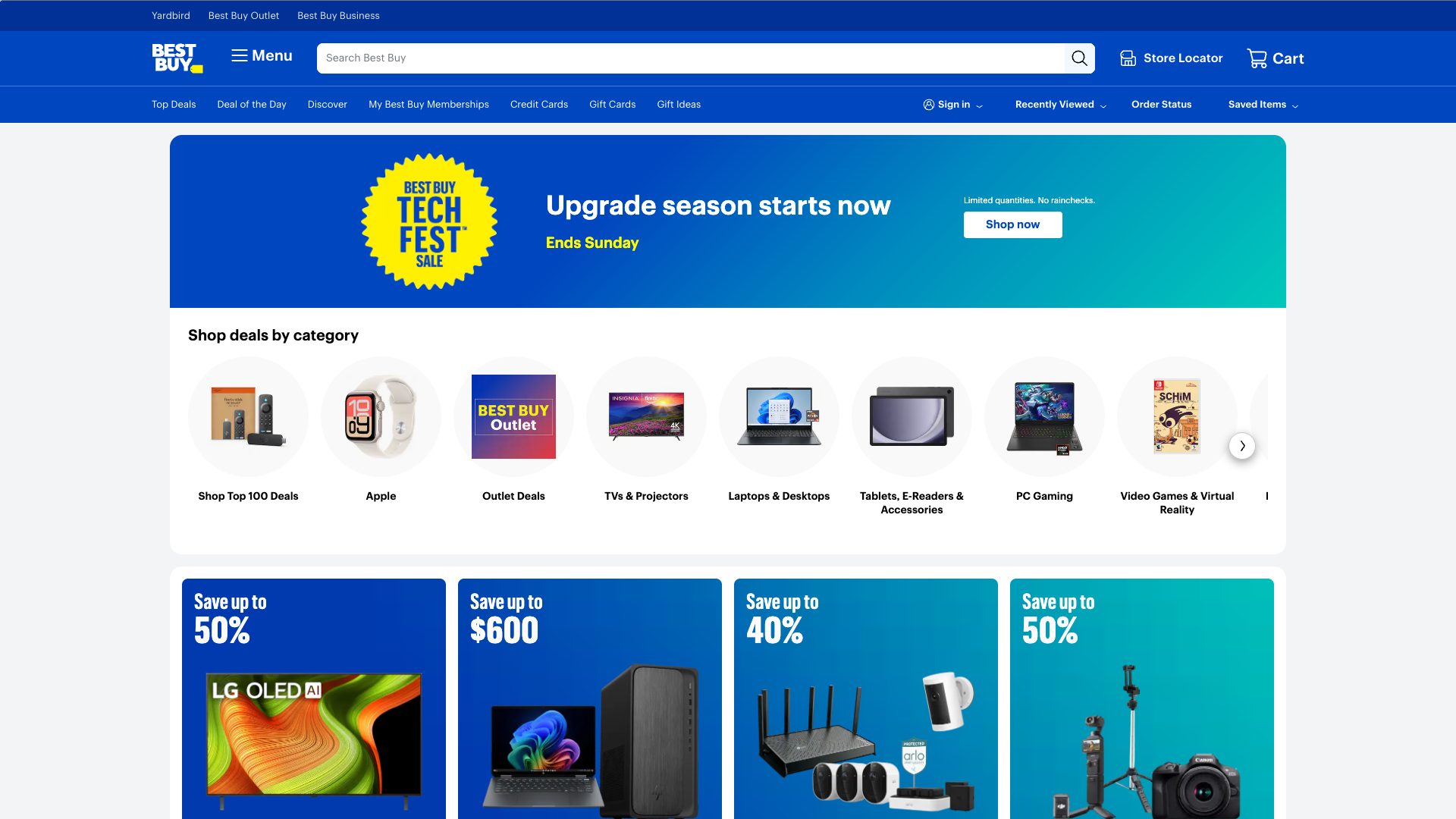
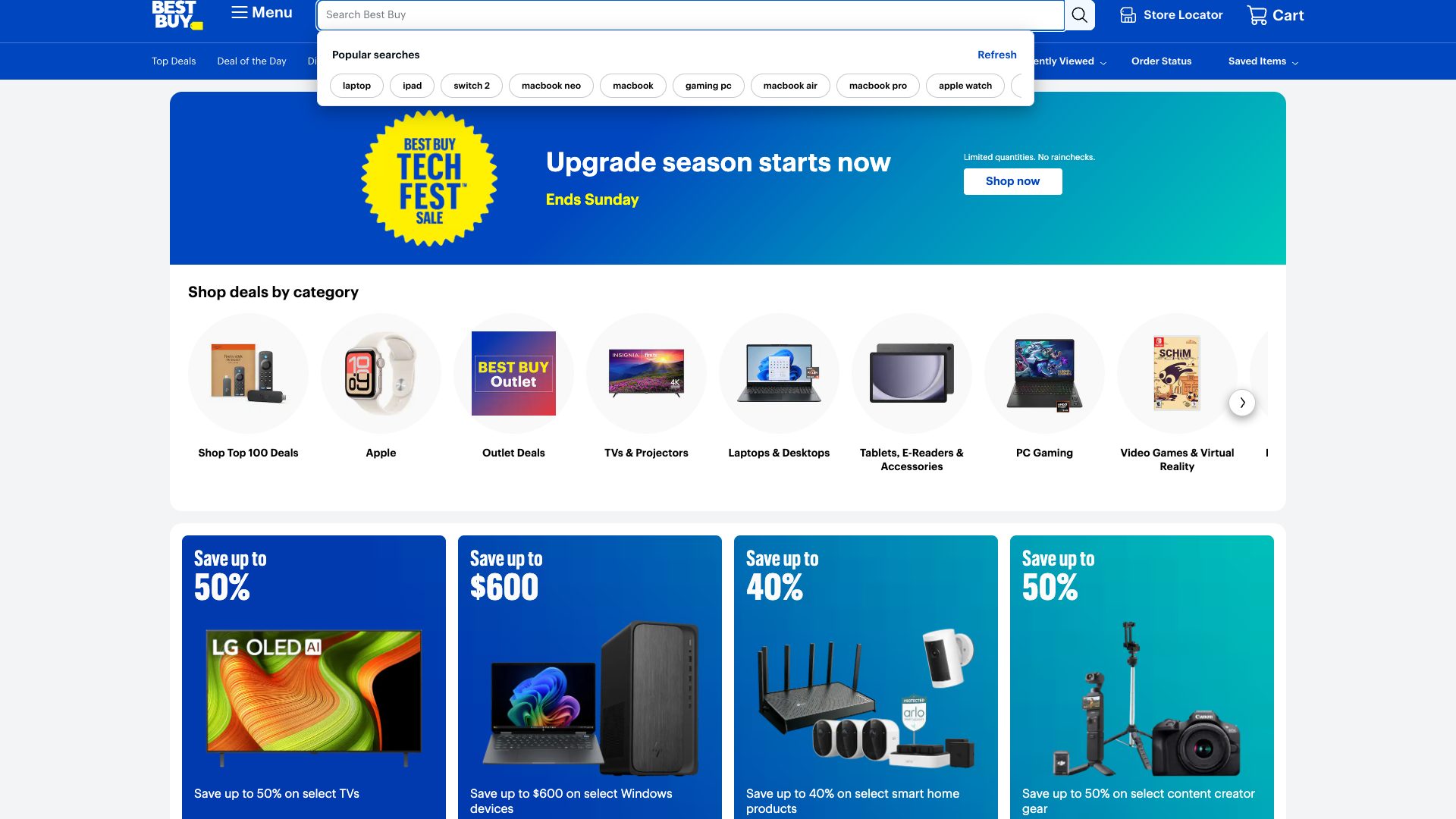
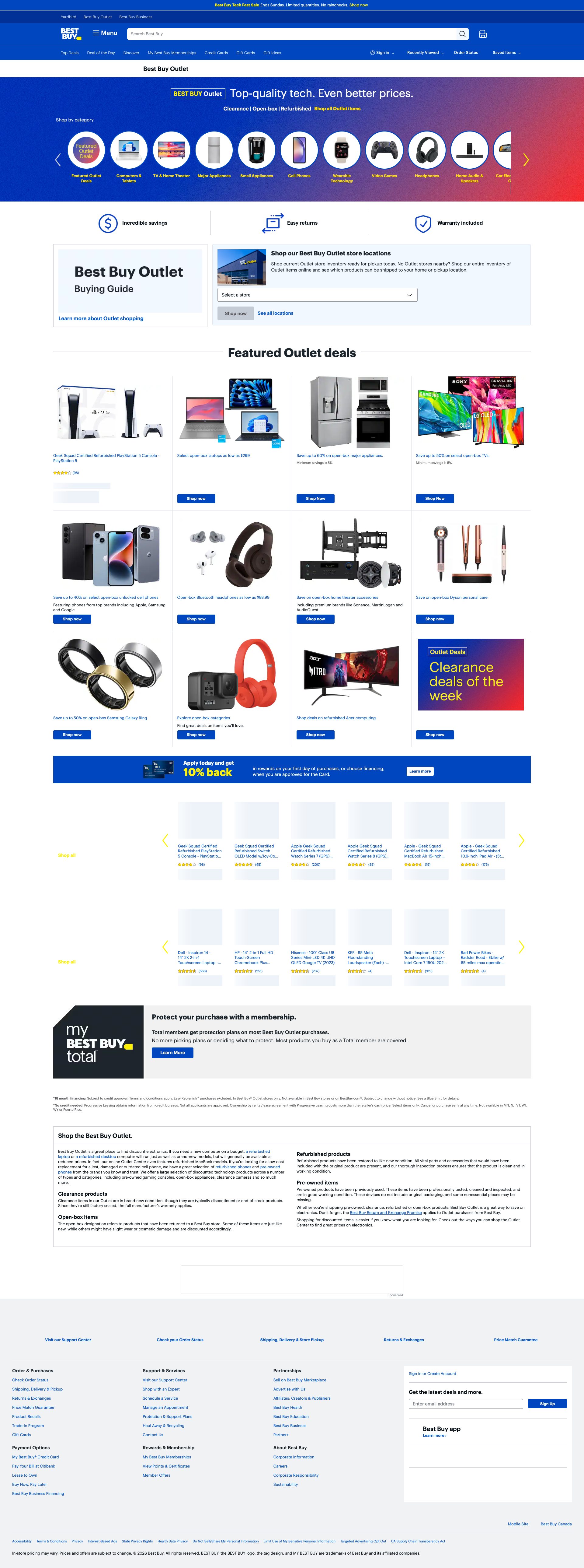
Pages Tested ยท 6 screenshots
Detected Issues ยท 162 total
1
Sandbox escape vulnerability in iframe configuration
CRIT P10
Conf 9/10 SecurityOther
Prompt to Fix
SECURITY ALERT: We have an iframe with both 'allow-scripts' and 'allow-same-origin' in its sandbox attribute. The browser is warning that this combination allows the iframe to escape sandboxing and access the parent page. This is a critical security vulnerability. (1) Find all iframes in the codebase with sandbox='allow-scripts allow-same-origin', (2) Determine if both permissions are actually necessary, (3) If scripts are needed but same-origin access isn't required, use a cross-origin iframe instead, (4) If same-origin access is needed but scripts aren't, remove allow-scripts, (5) If both are required, implement secure postMessage communication instead and validate origins strictly. Provide a fix that removes this dangerous iframe configuration pattern.
Why it's a bug
The warning explicitly states: 'An iframe which has both allow-scripts and allow-same-origin for its sandbox attribute can escape its sandboxing.' This is a critical security vulnerability that could allow malicious scripts to break out of the iframe sandbox and access the parent page's DOM and data. This is a serious security risk that must be fixed immediately.
Why it might not be a bug
This is a legitimate security concern that browser vendors specifically warn about.
Suggested Fix
Remove the iframe sandbox attribute combination that allows escape. Either: (1) Remove 'allow-same-origin' if scripts are needed, use a cross-origin iframe instead, (2) Remove 'allow-scripts' if same-origin access is required, load non-interactive content only, (3) If both are truly required, implement an alternative approach such as postMessage communication with proper origin validation, or use a different containment strategy. Review all iframes in the application for this vulnerable pattern.
Why Fix
This sandbox escape vulnerability could allow attackers to read sensitive user data, perform actions on behalf of users, or inject malicious code into the parent page. It's a critical security issue.
Route To
Security Engineer, Frontend Engineer
Page
Tester
Sharon ยท Security Tester
Technical Evidence
Console: [WARN] An iframe which has both allow-scripts and allow-same-origin for its sandbox attribute can escape its sandboxing.
2
Critical Configuration Fetch Failure - UPA Logger Cannot Load Config
CRIT P10
Conf 9/10 Other
Prompt to Fix
The UPA-LOGGER is failing to fetch configuration for managedcontent-web with HTTP 500 Internal Server Error. The system retries once then gives up. Please: 1) Check the UPA configuration service endpoint logs to identify why it's returning 500, 2) Verify the service has proper database/cache connectivity, 3) Check for recent deployments or configuration changes to the UPA service, 4) Verify backend resource limits and server capacity aren't exceeded, 5) Ensure the service has required environment variables and secrets configured, 6) Implement monitoring for configuration fetch failures.
Why it's a bug
The UPA-LOGGER is failing to fetch its required configuration with a 500 Internal Server Error. The logs show two attempts: initial failure and a retry that also fails, followed by 'Giving up' message. This is a critical infrastructure issue where a service dependency is completely unavailable. The error occurs on the managedcontent-web client, which directly impacts managed content functionality.
Why it might not be a bug
The system has graceful fallback ('Defaulting to off'), but this indicates a required service is down, which is a critical production issue regardless of fallback behavior.
Suggested Fix
1) Identify and investigate the UPA configuration endpoint (which is returning 500), 2) Check backend logs for the UPA service to identify the root cause of the 500 error, 3) Verify database/cache connectivity for the configuration service, 4) Check resource limits and capacity on the UPA service, 5) Implement better retry logic with exponential backoff, 6) Set up monitoring/alerting for configuration fetch failures.
Why Fix
Configuration fetch failures indicate a critical backend service is down or misconfigured. This directly impacts the managedcontent-web service and any features depending on UPA configuration. Users may experience degraded functionality.
Route To
Backend Engineer, Platform/Infrastructure Team
Page
Tester
Sharon ยท Security Tester
Technical Evidence
Console: [WARN] [1:1400] UPA-LOGGER | No internal config found and we already retried. Giving up. | {"clientId": "managedcontent-web", "response": {"errors": [{"message": "Failed to fetch", ... "status": 500, "statusText": "Internal Server Error"
Network: UPA configuration fetch returning HTTP 500 Internal Server Error
3
Critical GraphQL Server Errors - 500 Internal Server Error
CRIT P10
Conf 9/10 Other
Prompt to Fix
Fix critical GraphQL server errors returning HTTP 500. The console shows 'GetLocationTooltipMessaging' and 'ConfigData_Init' operations failing with 'statusCode: 500' and 'INTERNAL_SERVER_ERROR'. 1) Check server logs immediately for these specific GraphQL operations. 2) Verify backend services, databases, and external dependencies are operational. 3) Check for resource exhaustion or timeout issues. 4) Implement proper error handling that returns meaningful error codes. 5) Add health checks and monitoring for these critical operations. 6) Implement fallback configurations or graceful degradation when initialization fails.
Why it's a bug
Two critical GraphQL operations are failing with HTTP 500 errors: 'GetLocationTooltipMessaging' and 'ConfigData_Init'. The ConfigData_Init failure is especially critical as it appears to be a configuration initialization operation necessary for the app to function. These are server-side failures that prevent essential features from loading.
Why it might not be a bug
Could be temporary server issues, but 500 errors indicate actual server problems that need immediate backend investigation.
Suggested Fix
1) Immediately investigate server logs for the 'GetLocationTooltipMessaging' and 'ConfigData_Init' GraphQL operations. 2) Check for backend service failures, database connectivity issues, or resource exhaustion. 3) Implement health checks and alerting for these critical operations. 4) Add proper error handling and user-facing error messages when these operations fail. 5) Implement fallback mechanisms or graceful degradation.
Why Fix
ConfigData_Init failure prevents the app from initializing properly. This is a blocking issue that makes core functionality unavailable. Users cannot access essential features.
Route To
Backend/GraphQL API Engineer
Page
Tester
Sharon ยท Security Tester
Technical Evidence
Network: GraphQL operations returning HTTP 500 Internal Server Error
+159
159 more issues detected  View all →
Critical: Managed Content Configuration Fetch Failing with 5...
GraphQL Network Errors Blocking Homepage Content - getPlatma...
Managed Content Configuration Fetch Failing with 500 Interna...
and 156 more...
Unlock All 162 Issues
You're viewing the top 3 issues for Best Buy.
Sign up at Testers.AI to access the full report with all 162 detected issues, detailed fixes, and continuous monitoring.
Sign Up at Testers.AI or let us run the tests for you